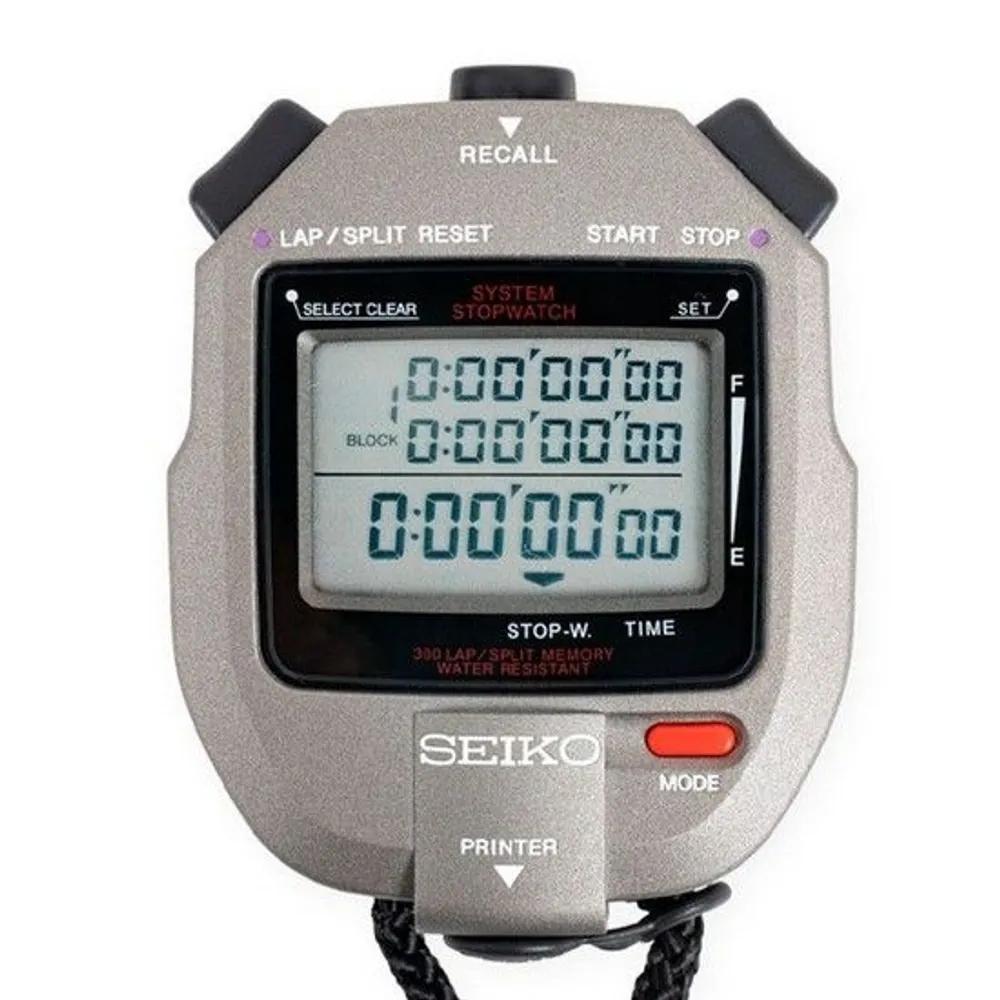
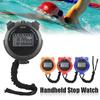
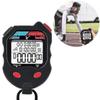
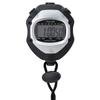
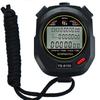
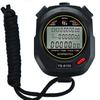
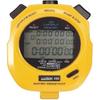
【1/100 Second High Precision】This chronograph stopwatch employs a 1/100 second stepped chronograph, allowing for highly accurate time measurement and precise chronograph timing for multiple events. It's an ideal choice for timing matches, games, tests, and more.
【Material】Made of high-strength plastic material, it is sturdy, durable, and will not deform. The product has a waterproof rubber ring inside to prevent sweat.
【Portable】This motion stopwatch timer is lightweight and convenient to carry, and comes with a band. It can be worn around the neck for easy portability.
【Multifunctional】: The stopwatch is equipped with a countdown timer, calendar clock, and alarm clock, allowing you to better manage your time during exercise or in your daily life.
[Usage Locations] Can be used for timing measurement in various sports learning settings such as running, cycling, and swimming. Suitable for athletes, coaches, and trial participants. Can also be used for various purposes such as time management for studying and working.
Multifunctional Sports Stopwatch Instruction Manual I. Stopwatch Measurement If the stopwatch display is not zero, press STOP to stop timing, and press REST to reset to zero. 1. Stopwatch Timing Press STOP to start the stopwatch, press STOP to stop the stopwatch (repeat pressing STOP to start/stop), and press REST to reset to zero. 2. Segment Timing Press STOR to stop the time, press REST to display the second time, and press REST to reset to zero. Seconds, Hour, Calendar, Alarm Display Pressing the STOP key displays the month, day, and week. Pressing the REST key displays the alarm time. Pressing and holding the REST and STOP keys simultaneously will cancel the alarm. Setting Time and Calendar Pressing the MODE key three times in normal timing mode will cause the seconds in normal timing to flash, and you will enter time setting mode. Press the STOP key to set the numbers (quickly set the numbers while holding down), and press the REST key to adjust the seconds, minutes, hours, day, month, week, A/P (12 o'clock).
For hourly time, select A for AM, P for PM, and H for 24-hour time. Once adjustment is complete, press the MODE key to return to the time display mode. Return to Alarm Setting In normal timekeeping mode, press the MODE key twice to enter alarm setting mode, and the time and day of the week will flash simultaneously. Press the REST key to select minutes and hours, press the STOP key to change the number of minutes and hours, and press the MODE key to return to the time display. In normal timekeeping mode, press the REST key and the STOP key simultaneously to show/hide the alarm symbol and maintain/cancel the alarm. Press the MODE key at the same time. The hourly notification symbol (7 characters from Sunday to Saturday) will show/hide, and the hourly notification will be maintained/canceled. V. Battery Replacement If the display becomes dim or disappears, open the back cover, insert a battery of the same size, and reattach the back cover.