Specifications:
Power supply: 1.5V -- A A No. 5 battery
Reset mode: panel/external
Counting range: 00000 --- 99999
Zero setting small pulse width: 0.1 seconds
Counting frequency: 20HZ
Operating ambient temperature: - 5-40 ℃
Small counting pulse width: 10mS
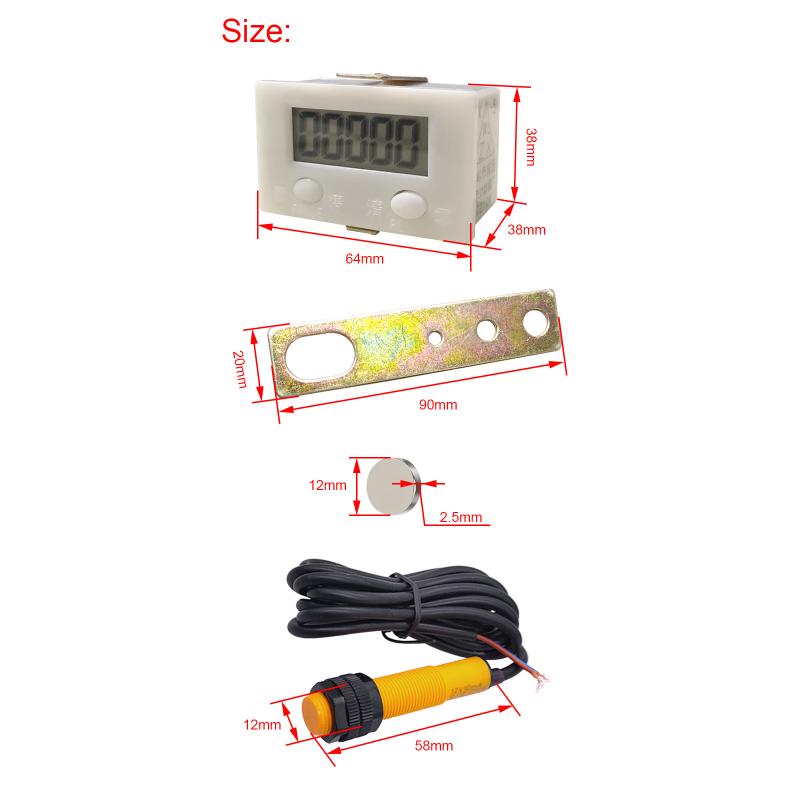
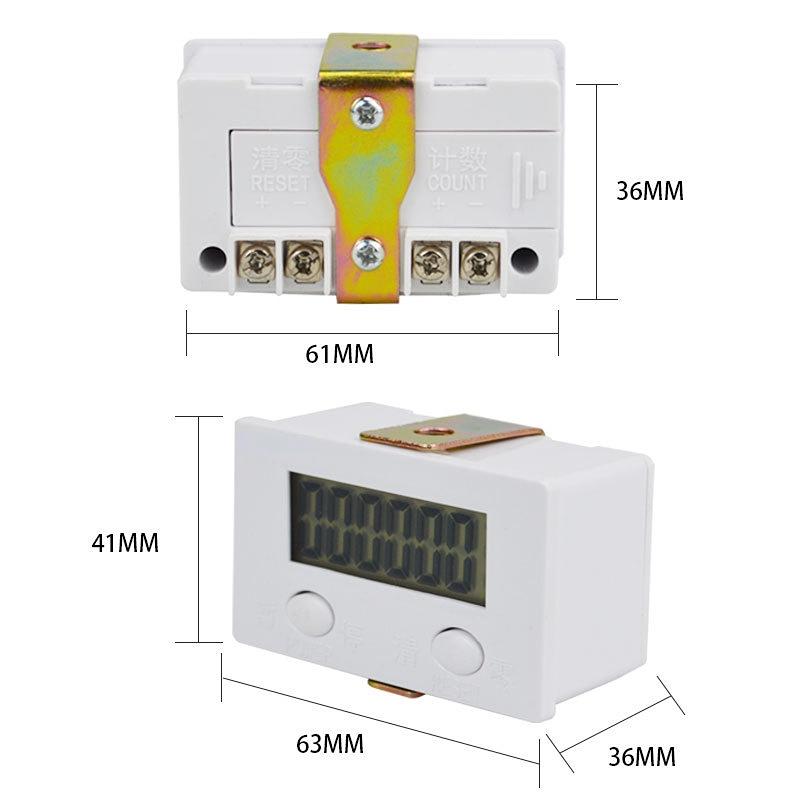
Boundary dimension: 64 * 38 * 38mm
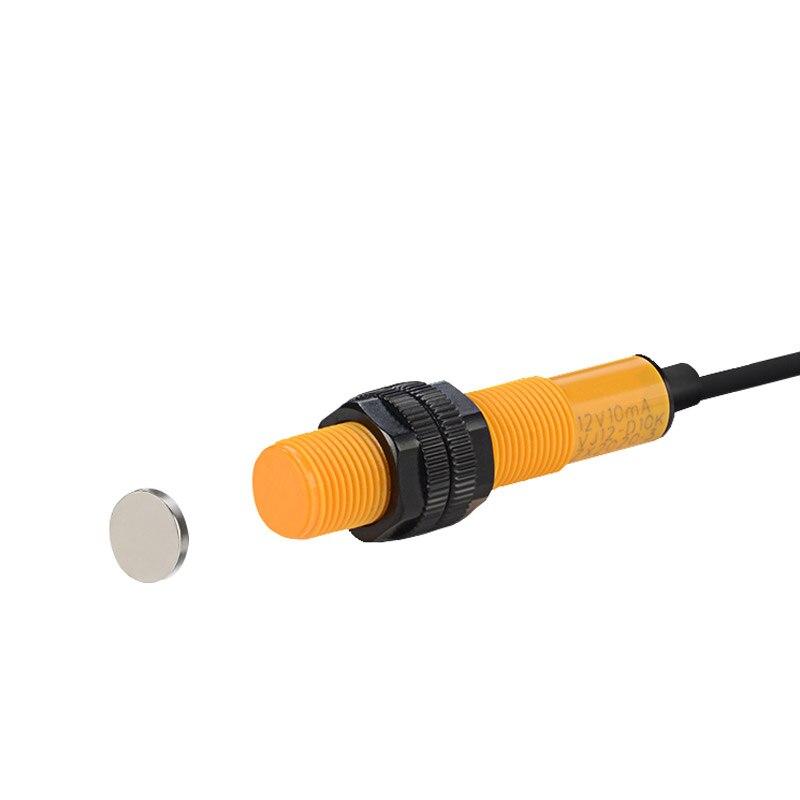
Proximity distance of magnet induction: about 10mm
Opening size: 61 * 36 mm
Magnet induced departure distance: ≥ 35mm
Total weight: about 120g
Description:
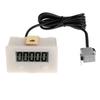
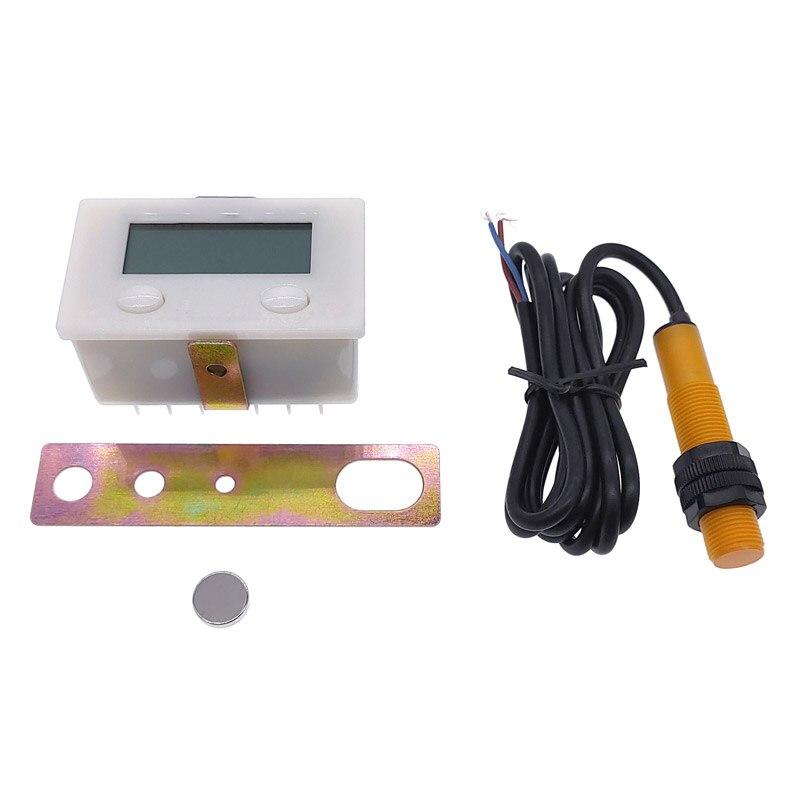
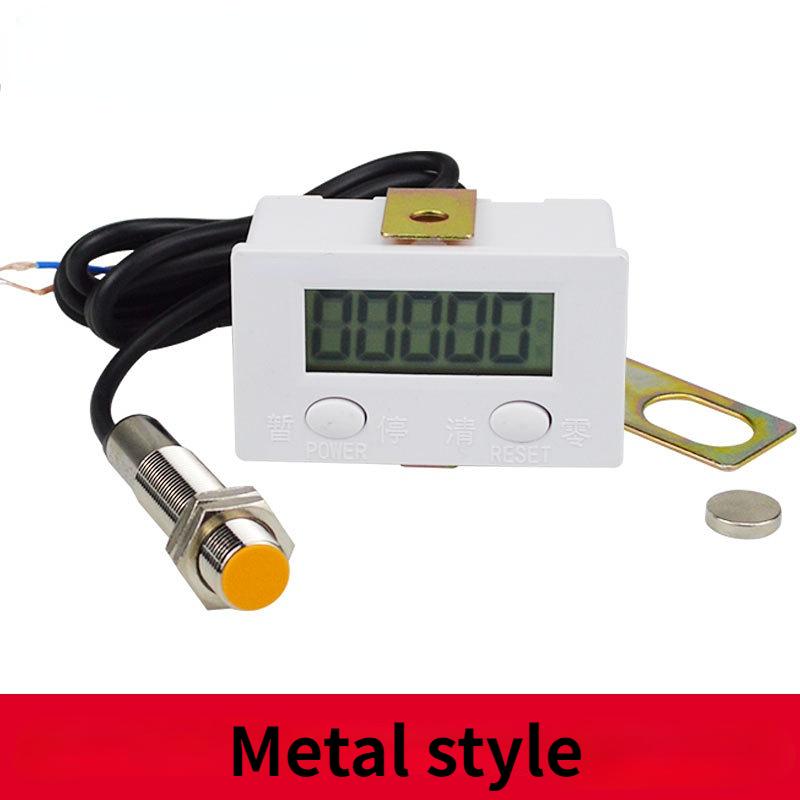
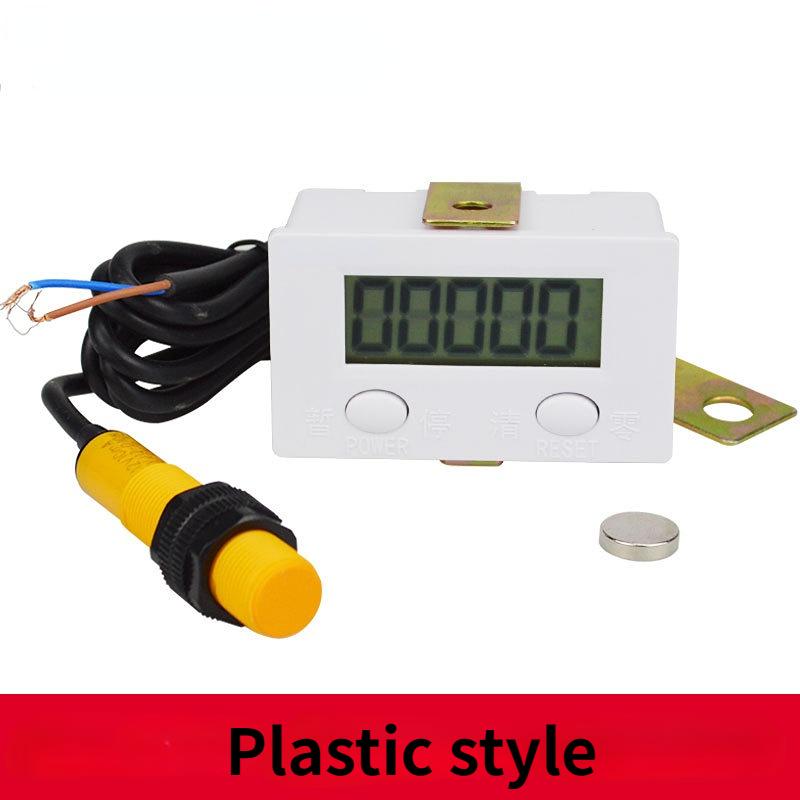
Configuration list: one ZX-5 electronic digital display counter, one strong magnet, one VJ12-D10K-J magnetron inductive switch, and one bracket.
The magnetic control inductive switch and magnet shall be flexibly installed on the corresponding position of the equipment according to the actual work needs, so that the equipment to be counted can complete a work process, and the magnet can also close to and leave the magnetic control inductive switch once again to complete a count; Note: Only magnets can be induced, other things can not be induced.
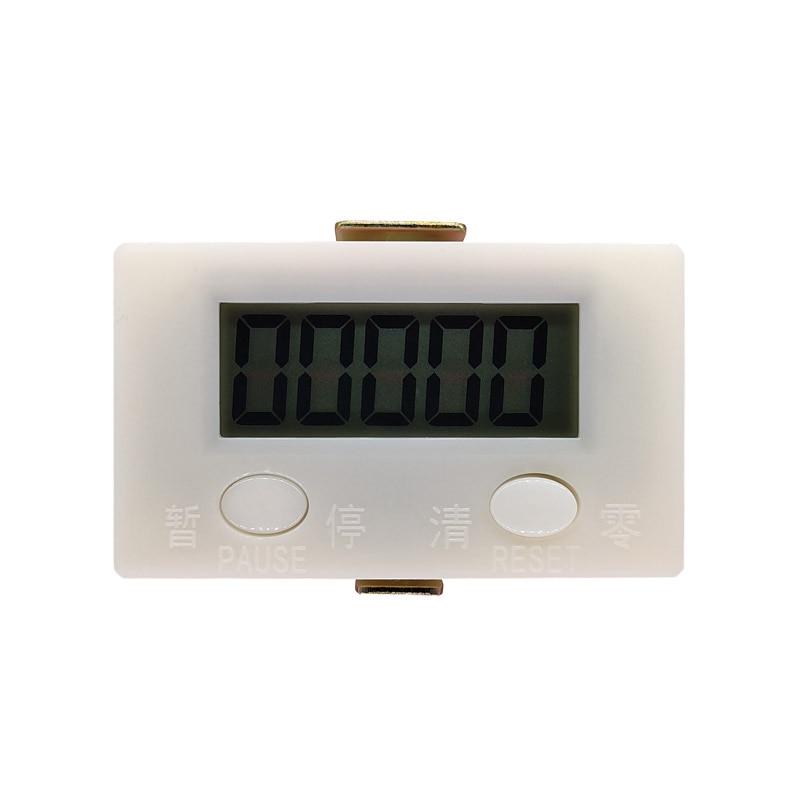
1. Five digit large screen LCD, power consumption, long battery life, large and clear display
2. Press the count/pause button (PAUSE) to pause counting, and then press the count/pause button again to resume counting
3. Magnet induction, simple and convenient installation, accurate counting
4. Counting speed: 20 times/second
5. Zero clearing: panel/external zero clearing terminal dual-use
6. Ordinary No. 5 battery is used without external power supply
7. Seismic design to effectively ensure the stability and reliability of the system
8. No mechanical wear, reliable operation and long service life
Install the battery:
Be sure to use it after installing the battery!!
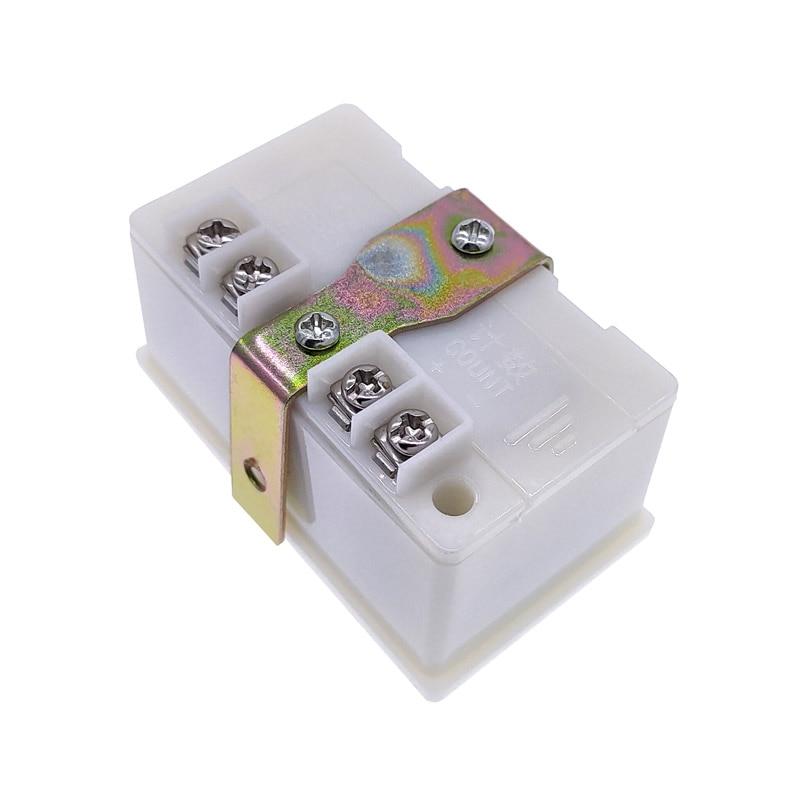
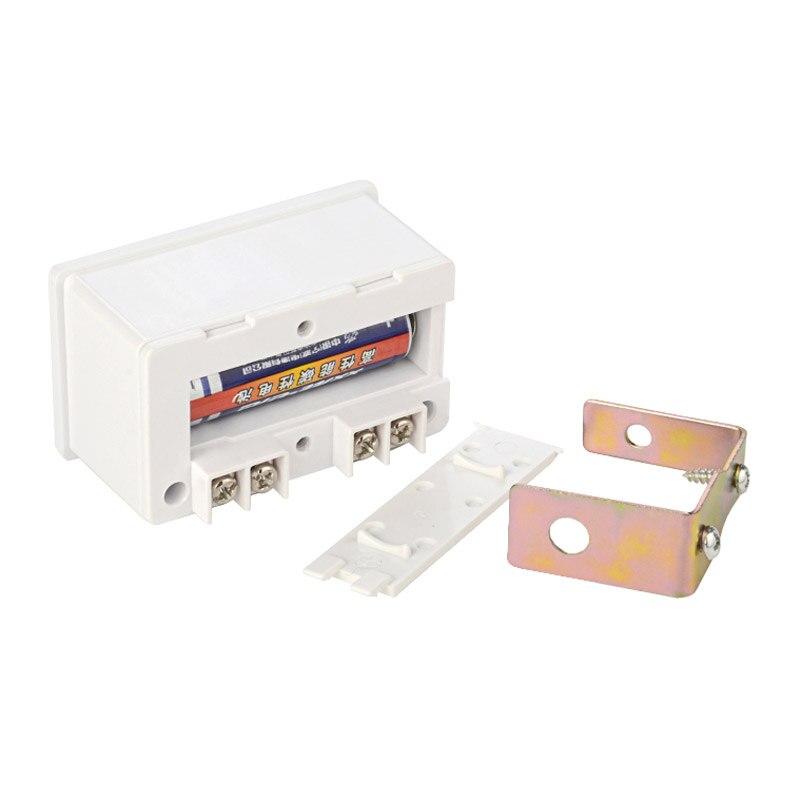
Unscrew two housing fixing screws, gently separate the back cover (be careful not to pull off the signal cable), install a No. 5 battery (the battery needs to be purchased separately), close the back cover, and screw back two housing fixing screws.
Start counting: connect the magnetic control inductive switch VJ12-D10K to the counting terminal, and then flexibly install the magnetic control inductive switch and magnet on the corresponding position of the equipment according to the actual work needs, so that the equipment to be counted can complete a working process, and the magnet is close to the magnetic control inductive switch again.
When working, let the magnet move along with the equipment, close to the magnetic induction switch about 1cm away, and then let the magnet leave the magnetic induction switch more than 3.5cm away. The counter+1 counts. Repeat the above process, and the counter will count: 0, 1, 2, 3, 4, 5, 6...... (Note: count when the magnet leaves). During installation, please adjust the position and distance of magnet and inductive switch.
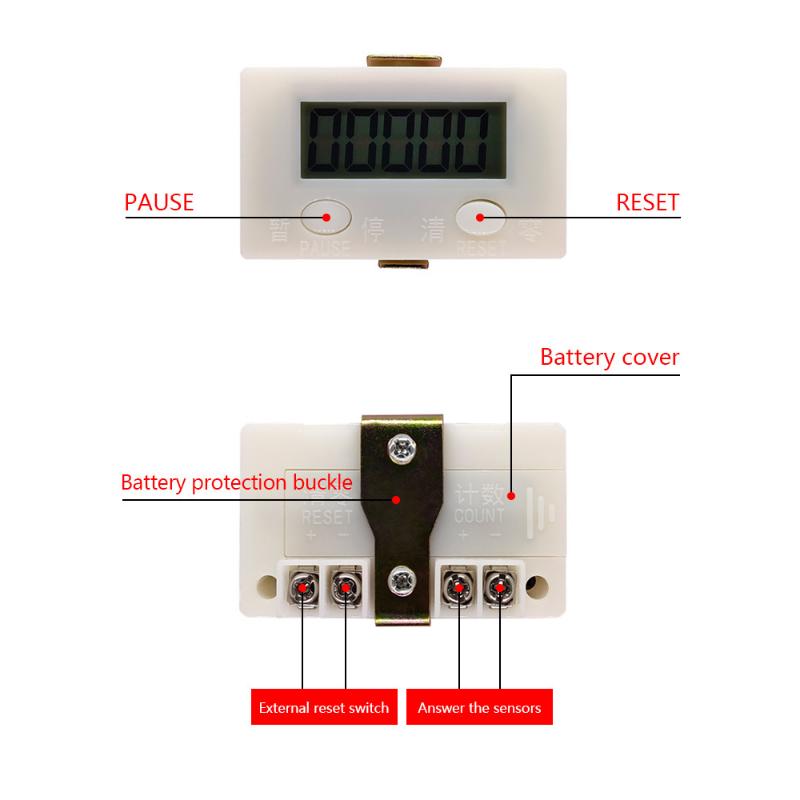
Pause counting: press the count/pause key (PAUSE) to pause counting, and then press the count/pause key (PAUSE) again to resume counting.
Reset: directly press the reset key (RESET) to reset the counter; Or: the reset terminal is externally connected with a button switch (to be purchased separately), the button switch is connected, and the counter is reset;
Configuration list: a digital display counter, a magnet, a magnetic induction switch, and a pair of brackets.
Precautions and special instructions:
1. The signal lines for counting and zero clearing input shall be as short as possible to avoid wiring together with strong current or power lines to avoid unnecessary interference; If necessary, use shielded wire, and the shielding layer is connected to the reset terminal -.
2. Only contact signal can be input for counting signal and zero clearing signal, and no other electrical signal can be input.
3. The induction distance is related to the magnetic size of the magnet. You can change the induction distance by changing different magnets.
4. The use temperature of the magnet should not exceed 70 ℃. If the temperature is too high, the magnetism will disappear and the induction will become invalid!!
5. When the LCD screen is blurry, please replace it with a new battery. When not in use for a long time, please take out the battery to damage the counter due to battery deterioration and leakage. After taking out the battery, press the count/pause key (PAUSE) to make the screen display disappear, so as to turn off the auxiliary battery inside the counter.
QT 1SET



 No-delivery refund