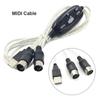
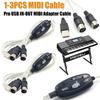
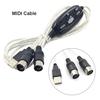
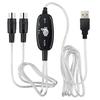
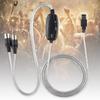
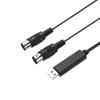
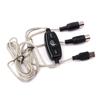
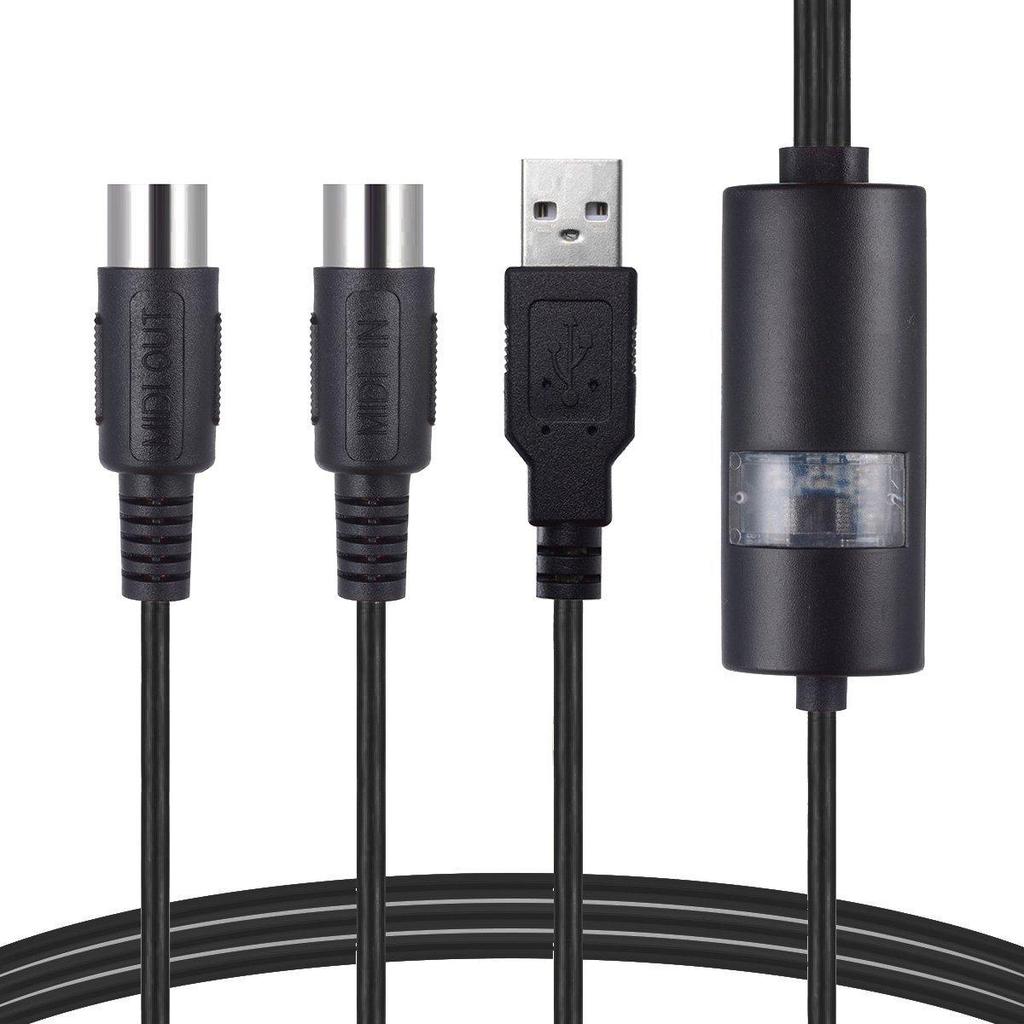
USB IN-OUT MIDI Cable Converter, Professional PC/ Laptop/ Mac to Music Keyboard Adapter Cord for Home Music Studio
Instructions for use:
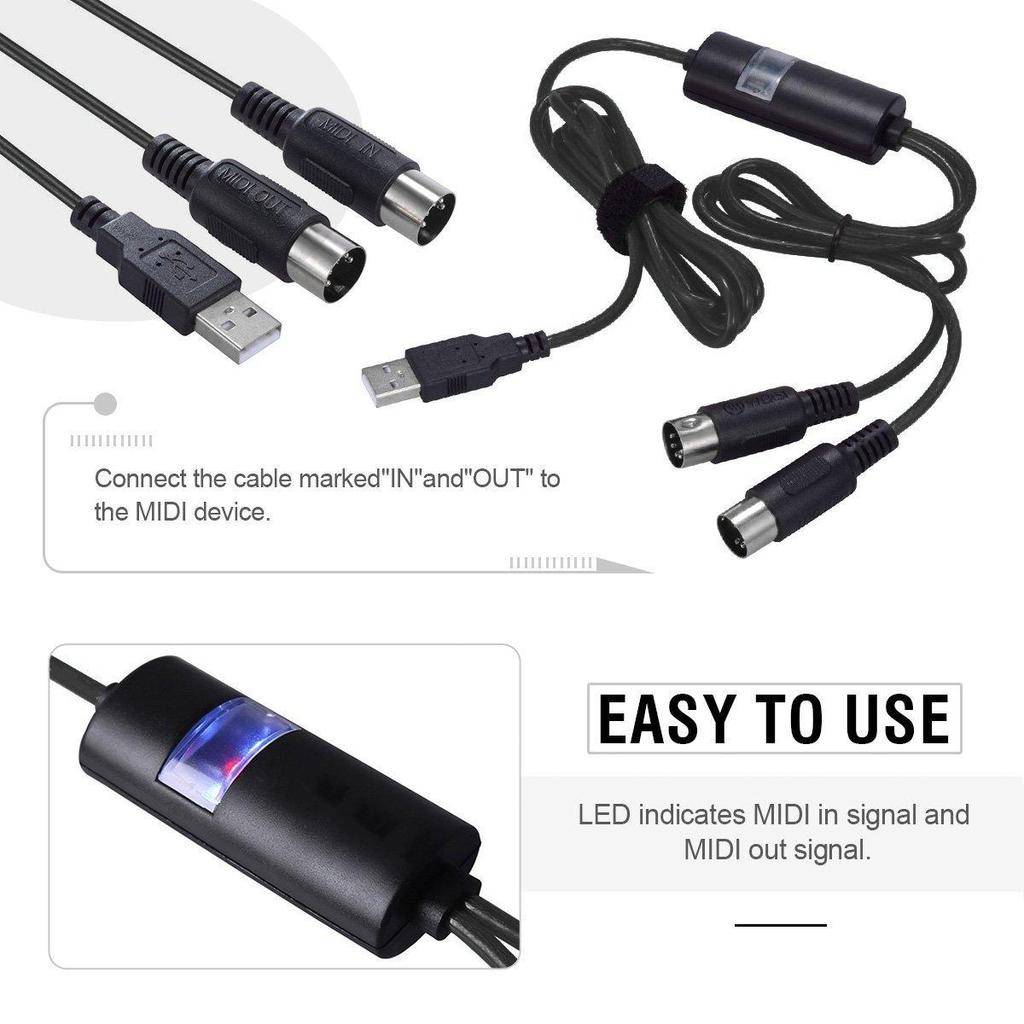
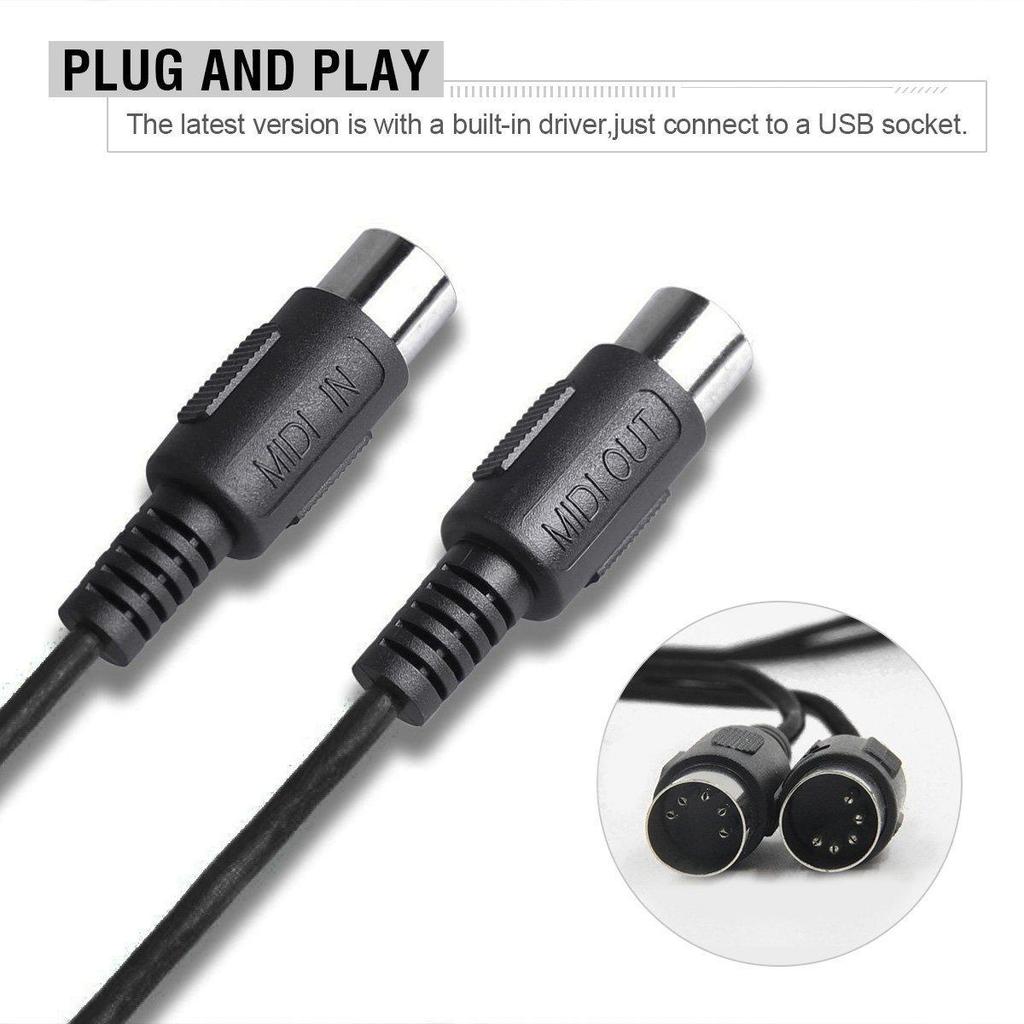
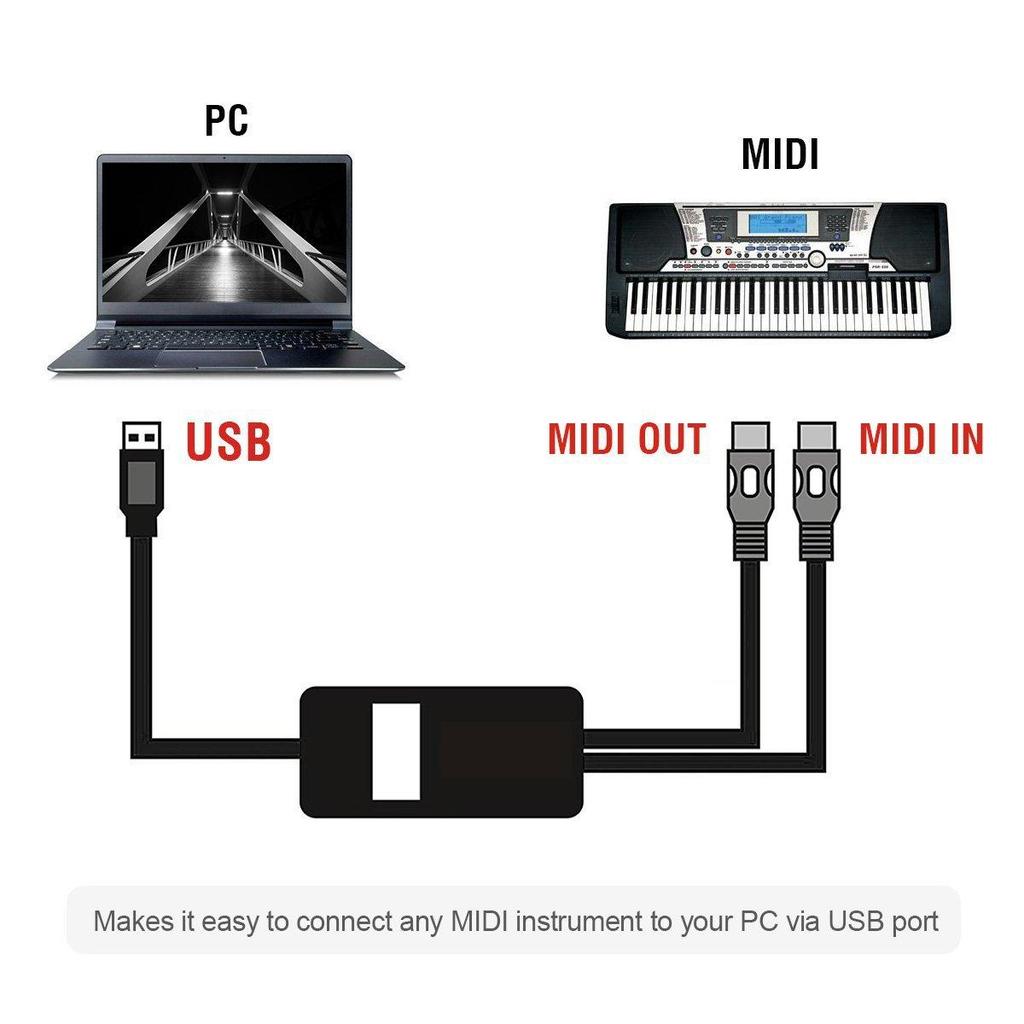
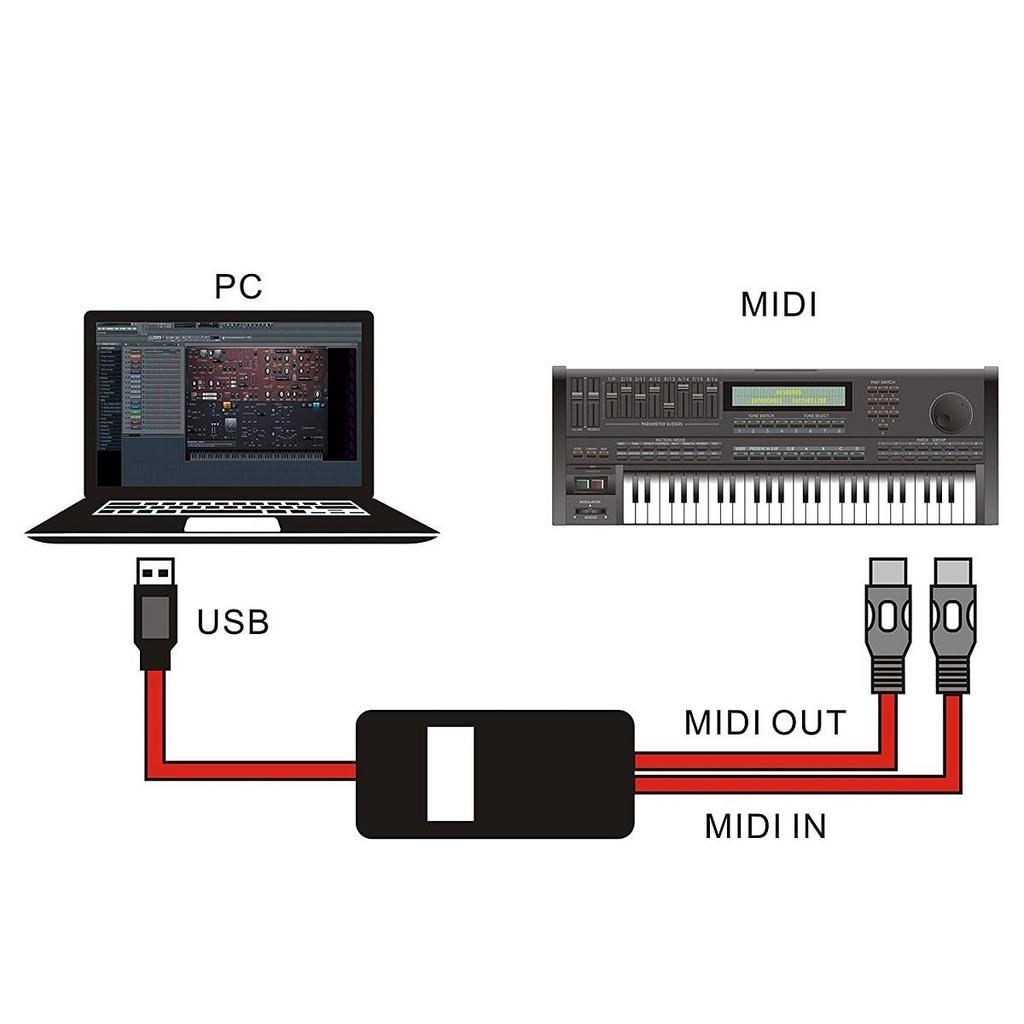
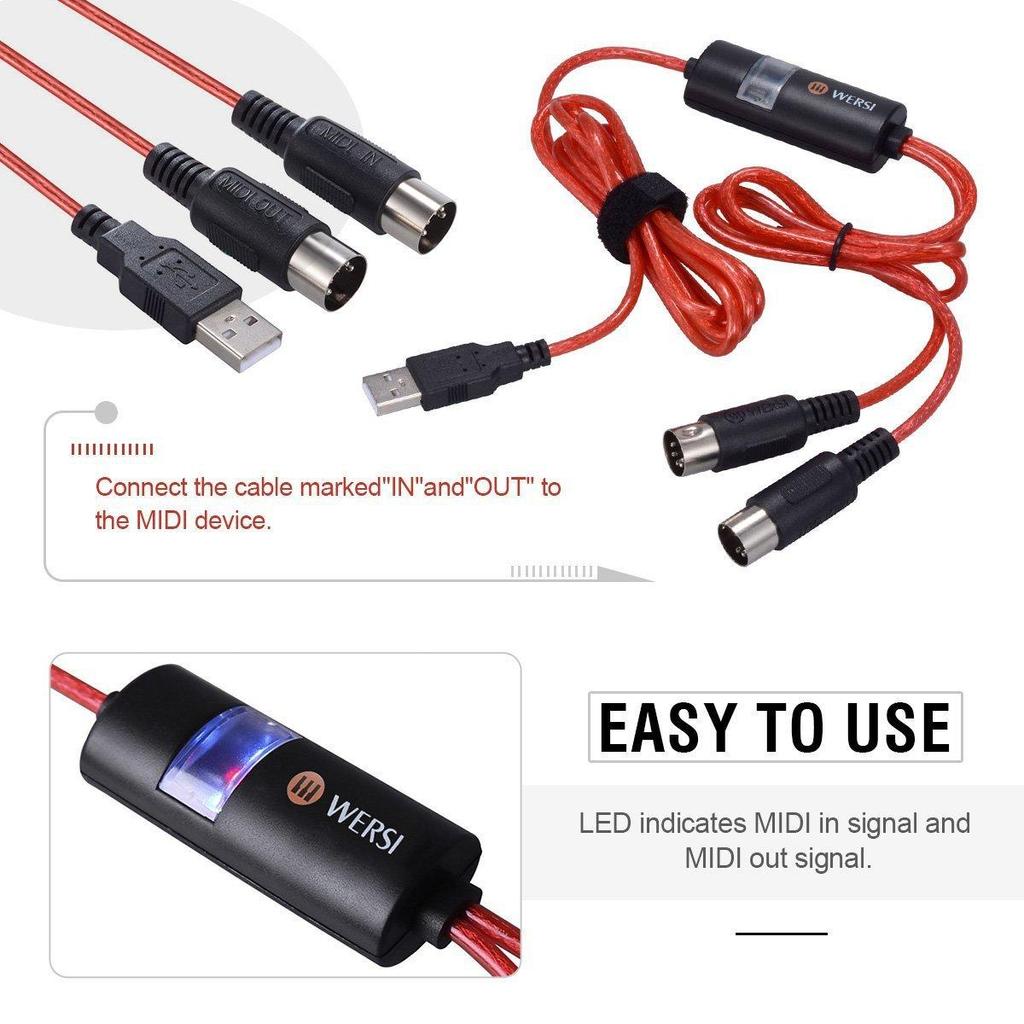
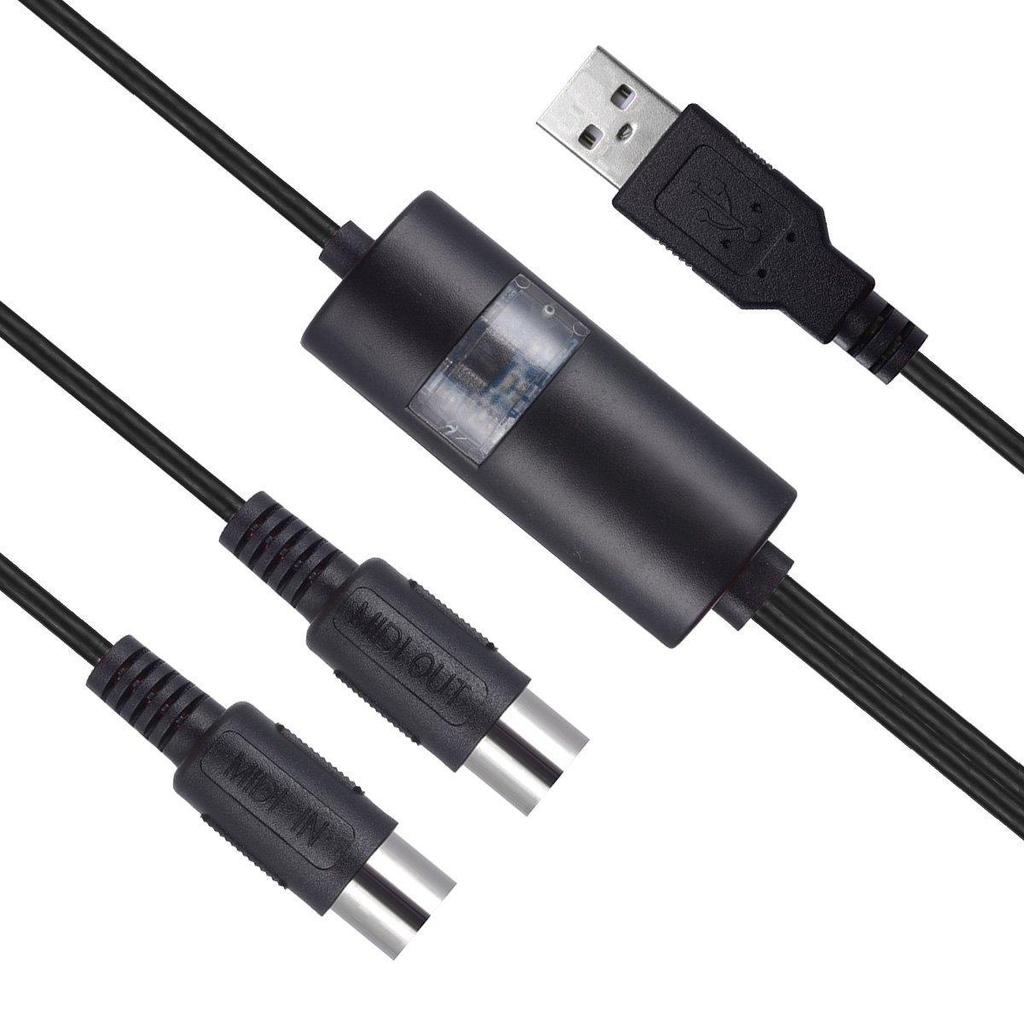
1. Connect the cable marked “IN” to the MIDI “OUT” socket of a MIDI keyboard (or MIDI device).
2. Connect the cable marked “OUT” to the MIDI “IN” socket of a MIDI keyboard (or MIDI device).
3. Plug the USB cable into any free USB socket on your computer.
4. Open your music software program, e.g. Cubase, Sonar, MIDI Connections, etc.
5. Set the music programs MIDI in and MIDI out devices to “USB Audio Device”.
6. Your USB to MIDI interface is now ready for use.
7. To save potential problems, it is recommended that this interface is always connected to the same SUB as it was originally installed on USB to prevent multiple installations of the driver.
Compatible with Windows XP, Vista, Win 7, Win 8, Win 10 and Mac OS X. | Attention: If your Mac USB Port is USB-C (Thunderbolt 3), please use original authentic USB-C to USB Adapter from the manufacturer or MIDI interface may not work.|
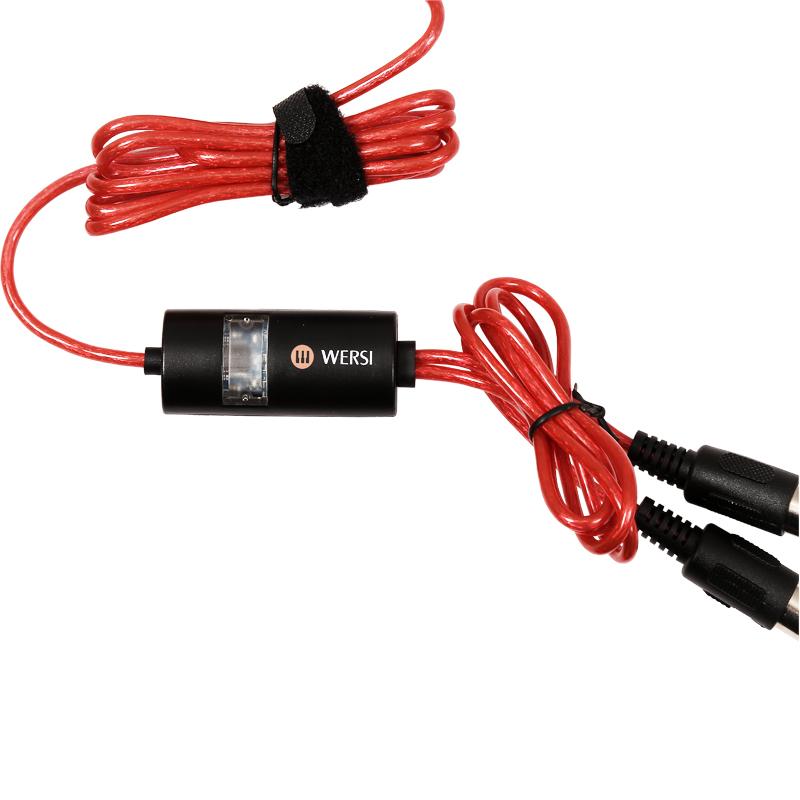
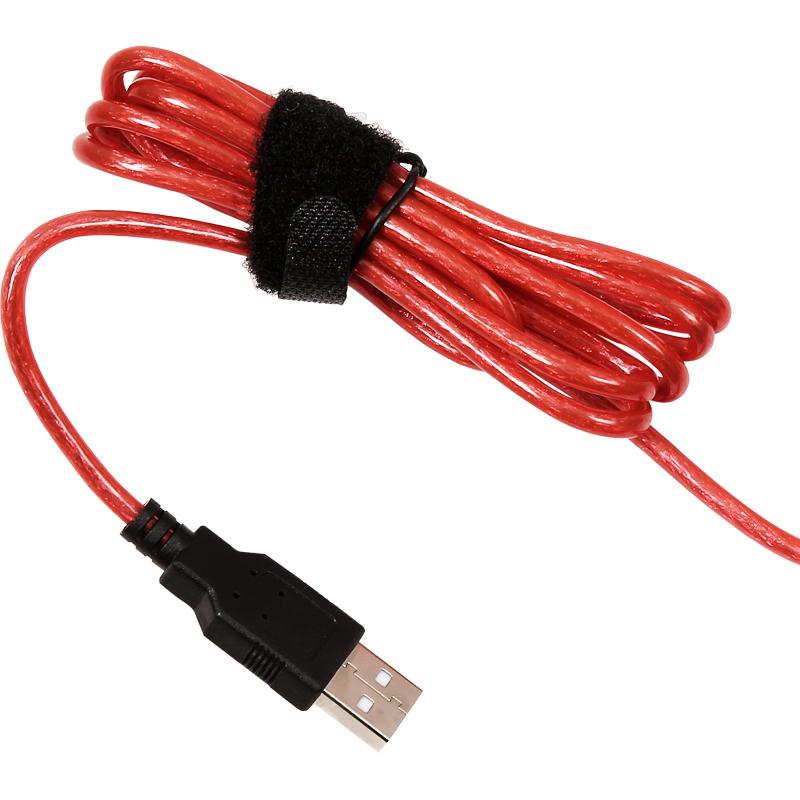
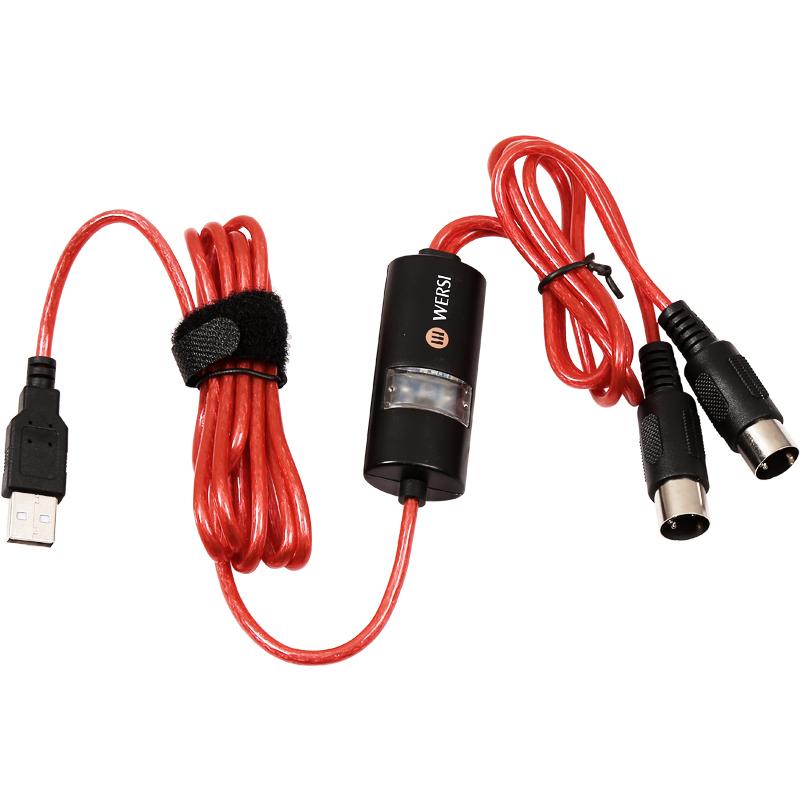
USB Cable 1.5M + MIDI Cable 0.5M = 2M
Package Included:
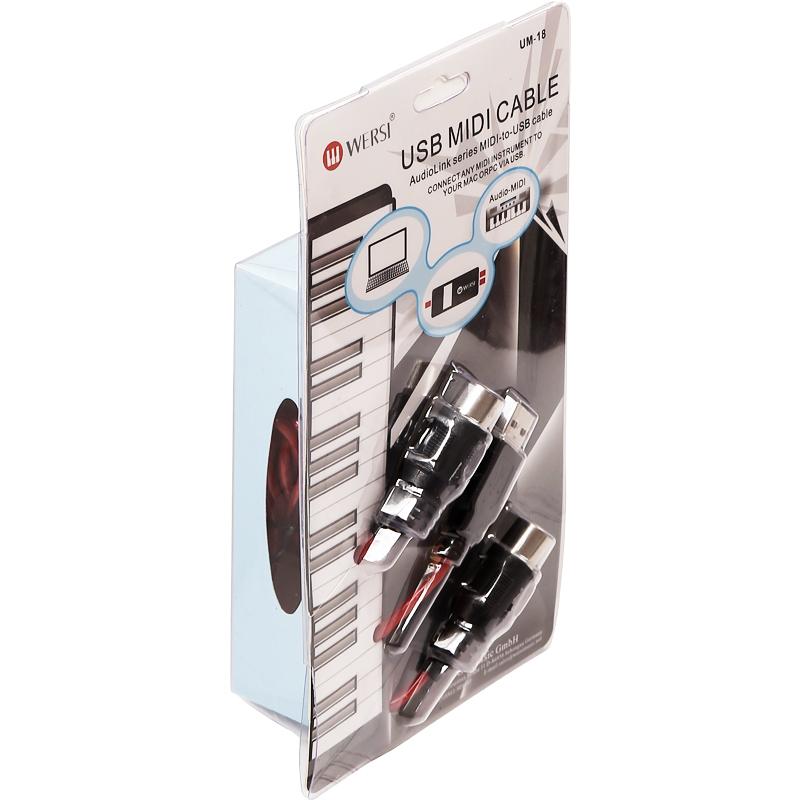
1 * MIDI Cable
1 * User Manual


 No-delivery refund