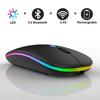
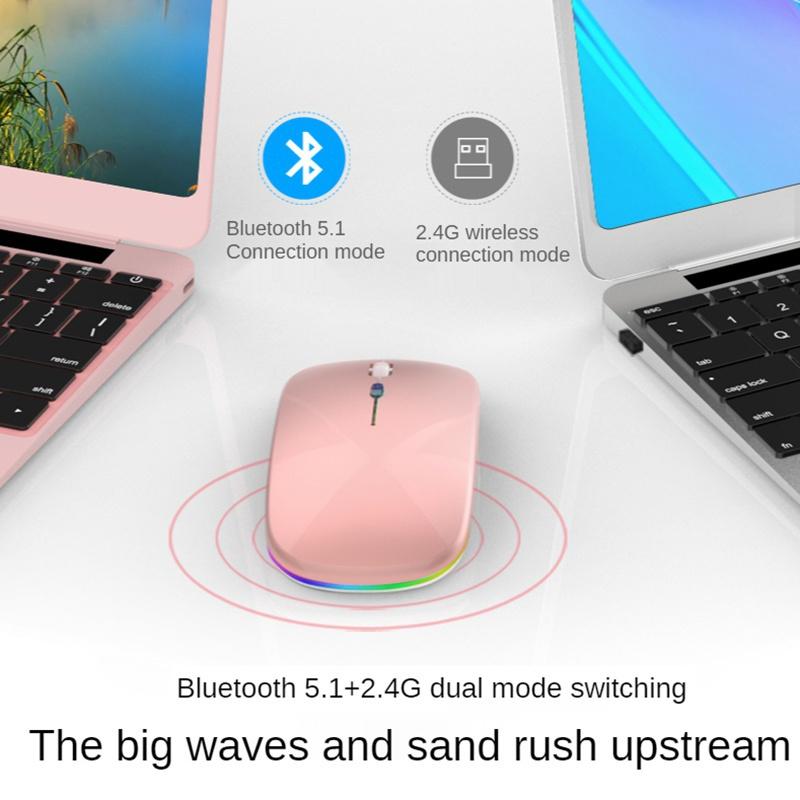
How to use 2 modes:
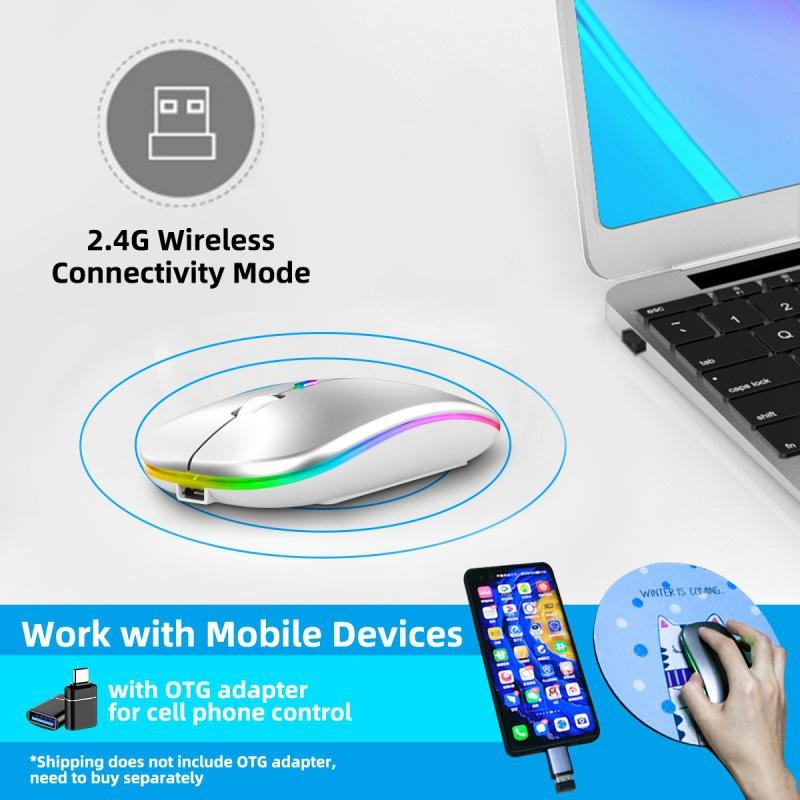
(1)For 2.4G wireless mode:
Turn the power switch to 2.4G mode
Mode indicator red light Plug receiver plugged into computer USB port Connected
(2)For Bluetooth mode:
BLUETOOTH MODE CONNECTION STEPS:
1. Turn on the Bluetooth icon on your computer.
2. Toggle the switch to Bluetooth mode,
3. Enter BT5.1 Bluetooth connection mode to select pairing.
Note:
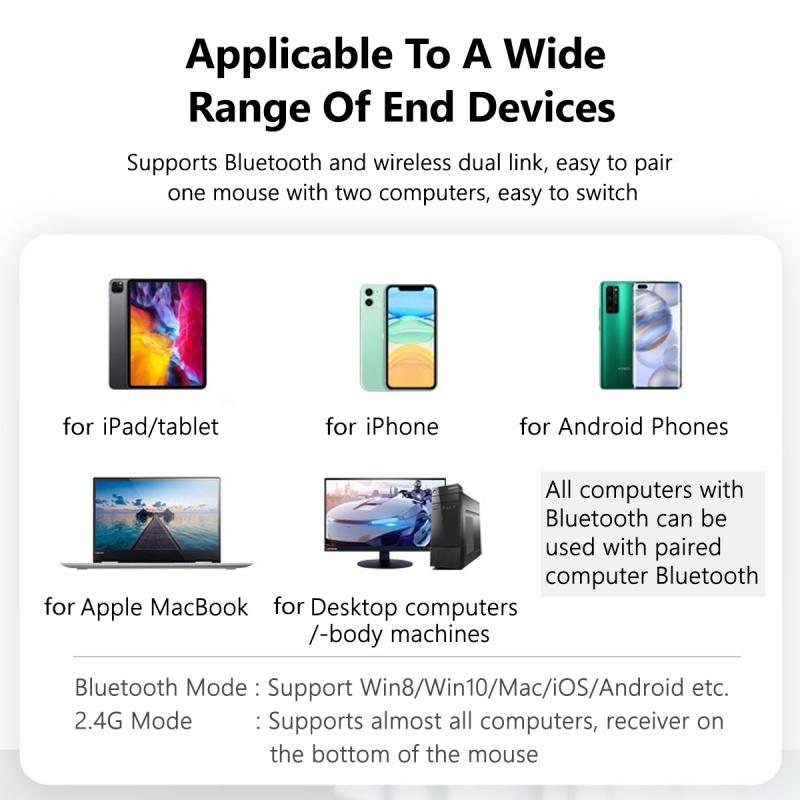
1:Apple mobile phones do not support Bluetooth mode, support 2.4G wireless mode, but need to purchase an OTG adapter
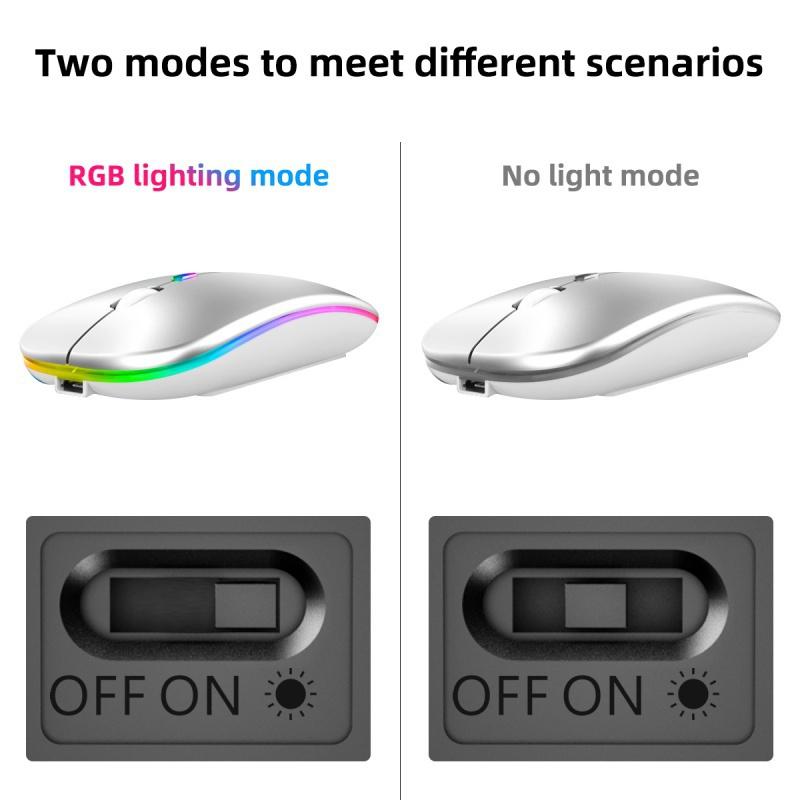
2:This product is a built-in lithium battery. You only need to set the bottom switch to the ON position.
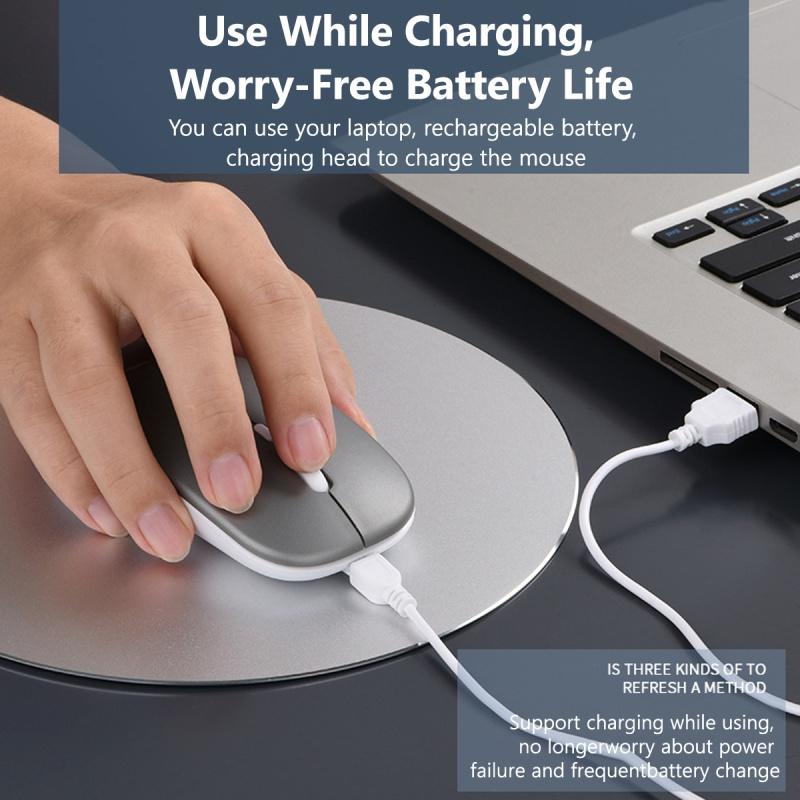
3:A charging cable is included in the package. When the cursor movement delay occurs, please insert the charging cable into the front end interface of the mouse to charge. When charging, the mouse can be used normally.
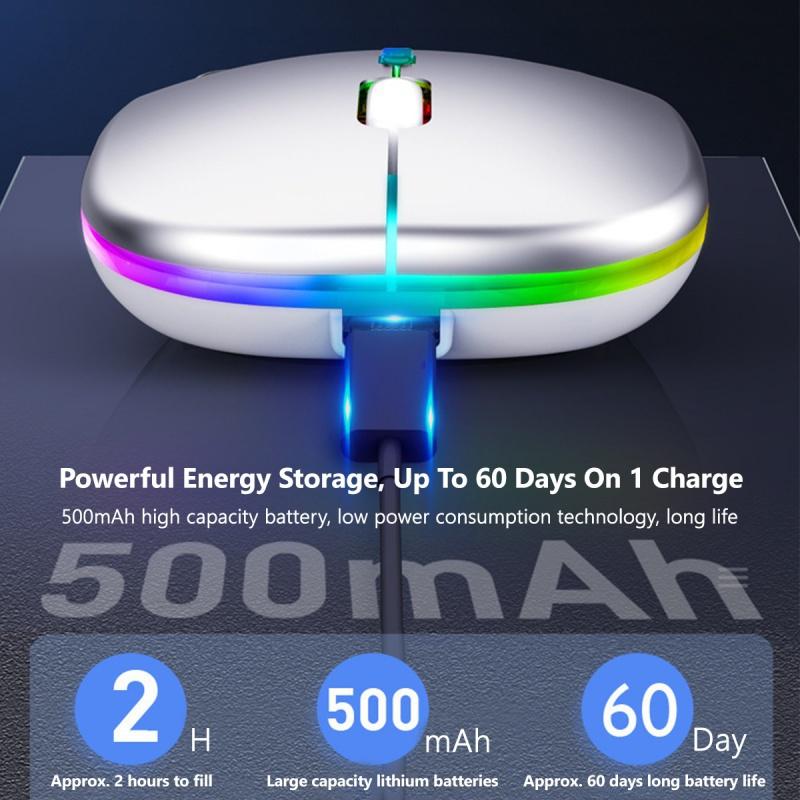
4:Micro USB charging port, you can use any smart phone charger, power bank or plug into the computer USB port to charge!
5: When charging, the charging light turns on blue, and when it is full, the charging light goes out, so you don't have to worry about charging for a long time.
Specification:
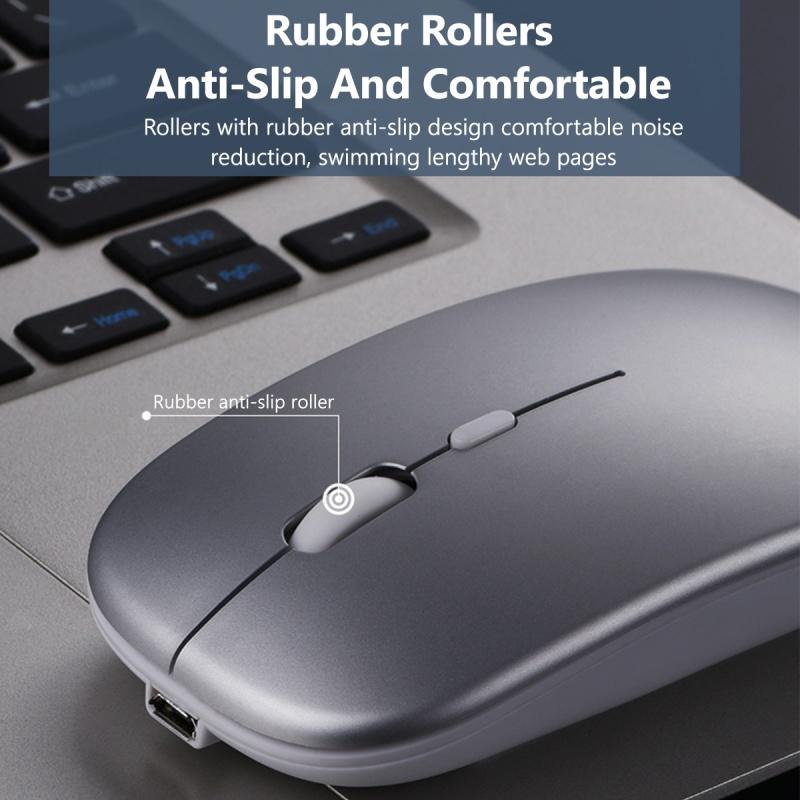
Item type: Wireless Mouse
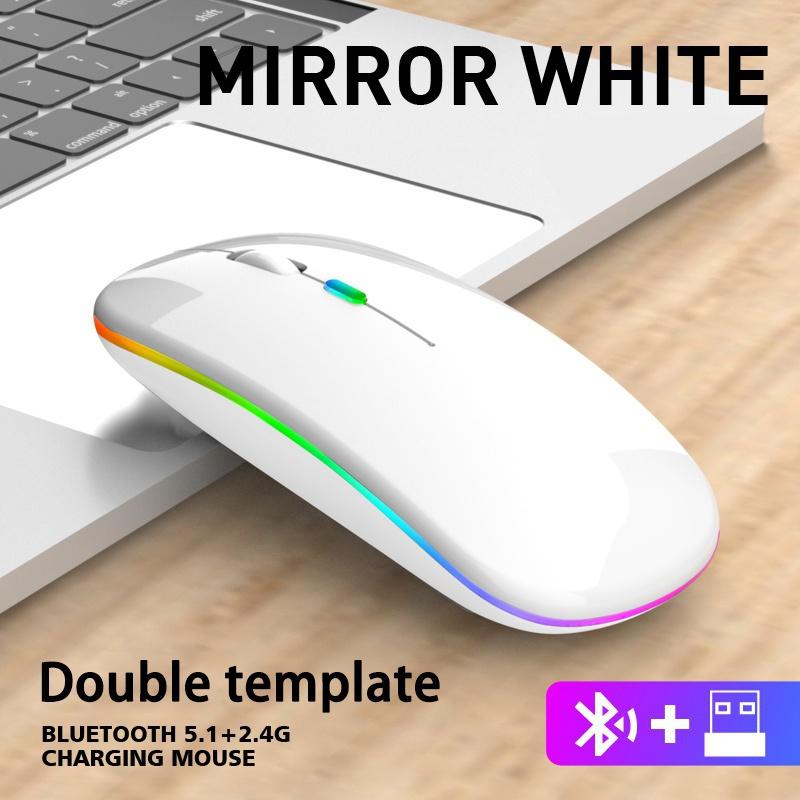
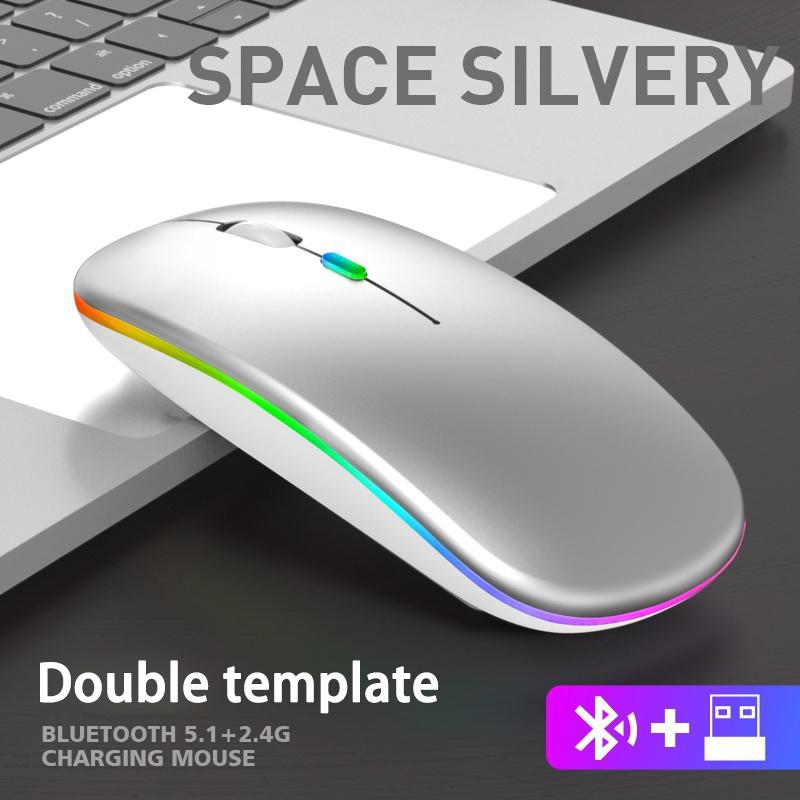
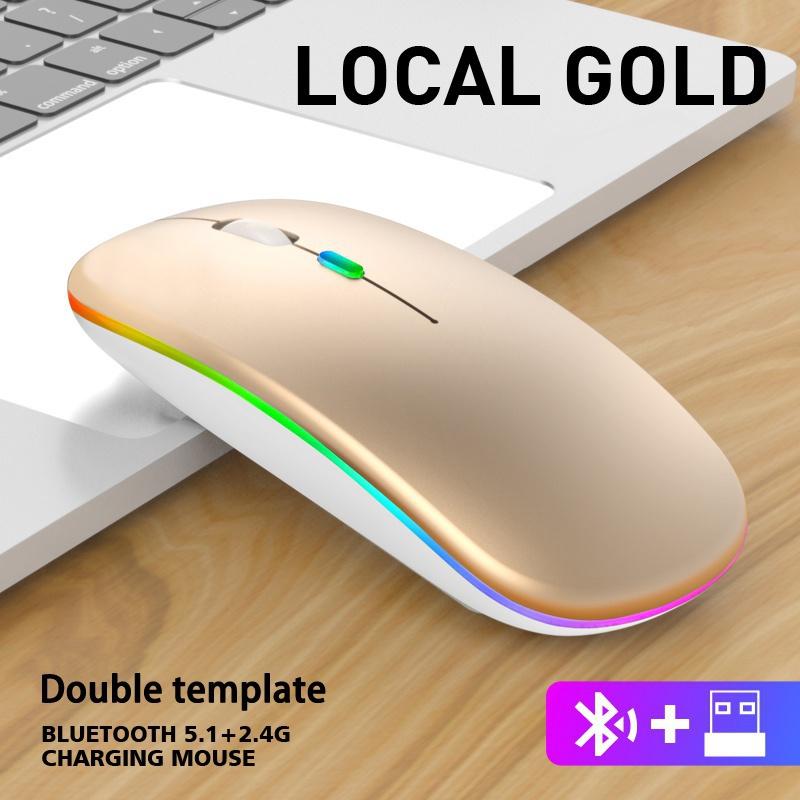
Connection mode: BT5.1+2.4GHz
Wireless distance: 10m
Battery capacity: 500mAh
DPI: 800-1200-1600
Applicable system: Windows98 / 2000 / XP / Vista / win 7 / win 8 / win 10 / Mac OS
Package Includes:
1 * Wireless Mouse (Dual Mode: Bluetooth + 2.4 G wireless)
1 * USB Charging Cable
The merchant warrants that their products comply with all applicable laws, and are offered only if they comply with Joom’s policies and EU Product Safety and Compliance laws.




 No-delivery refund