Model Number : S1
Item Type : DRIVER
Model No.: AAAAA521986711
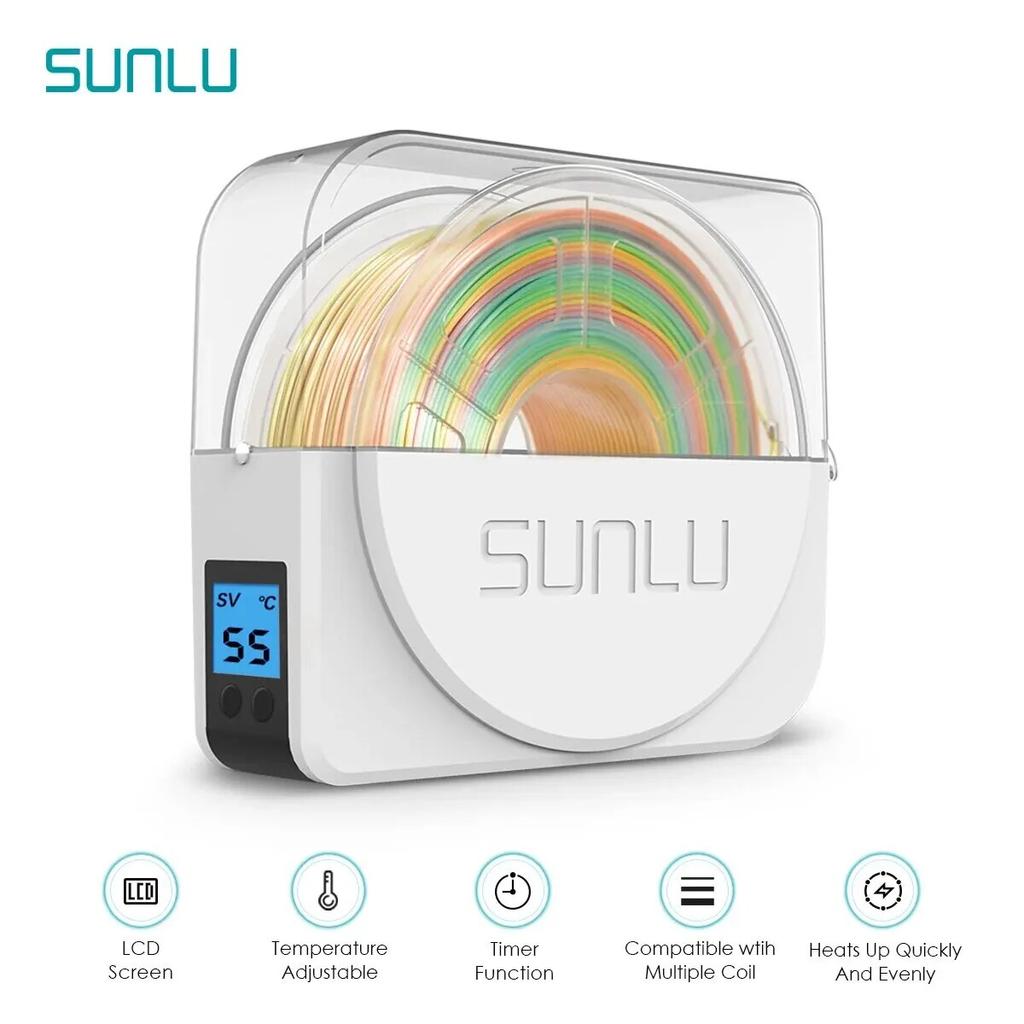
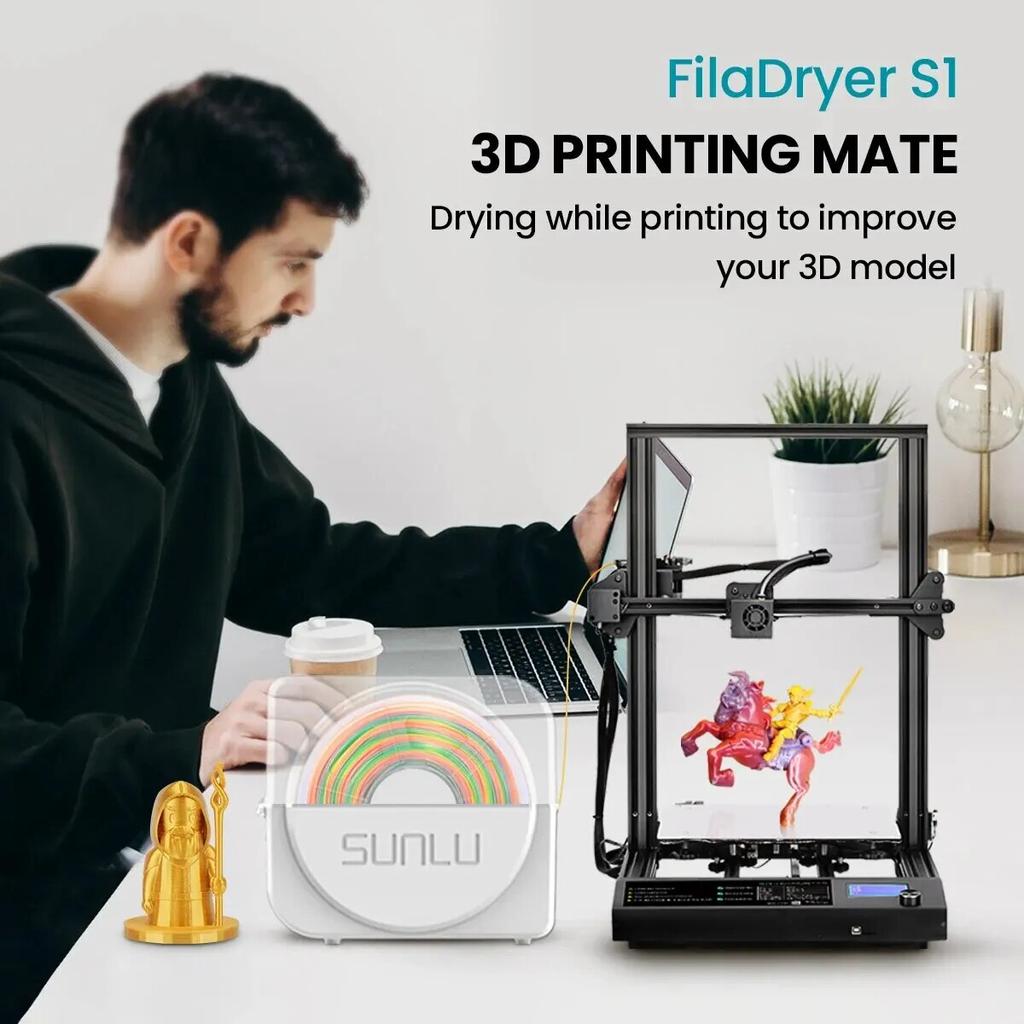
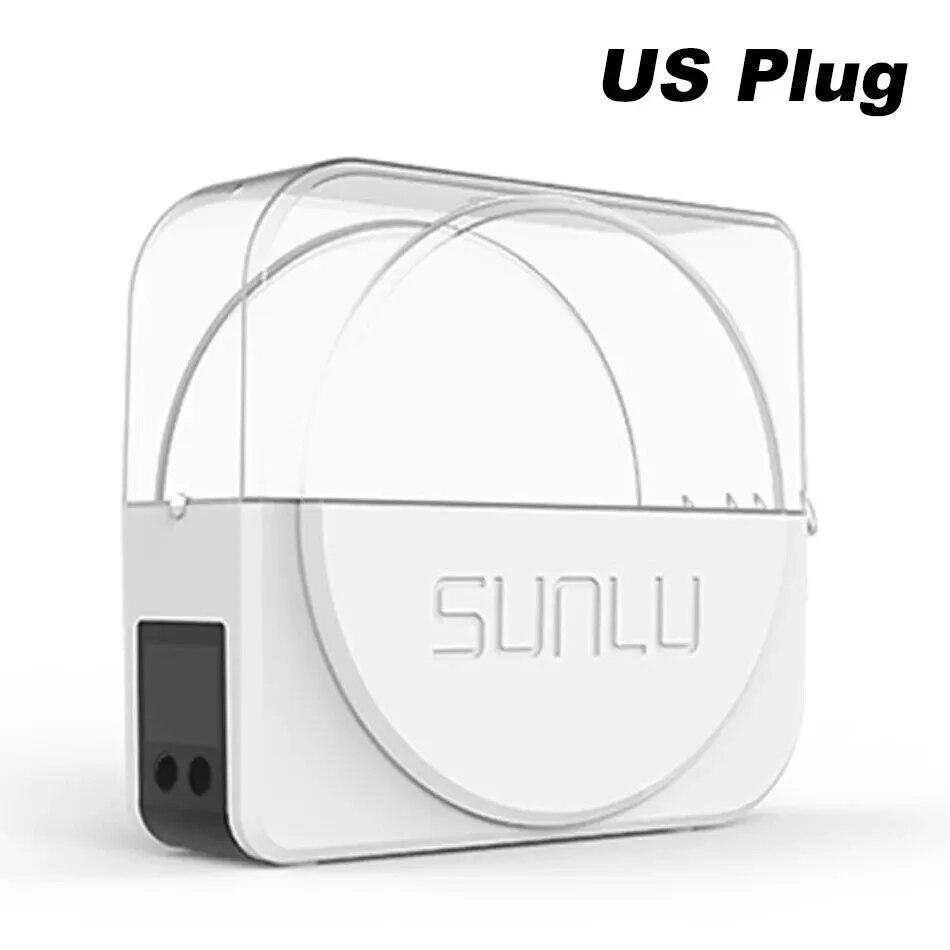
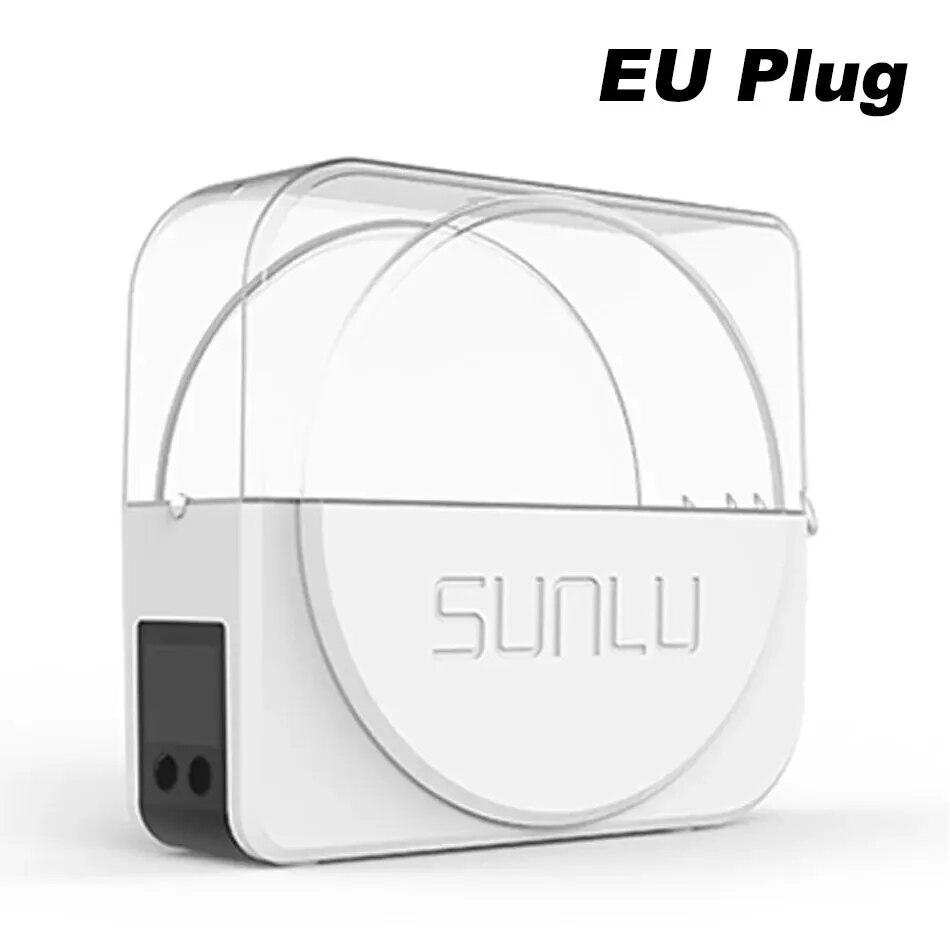
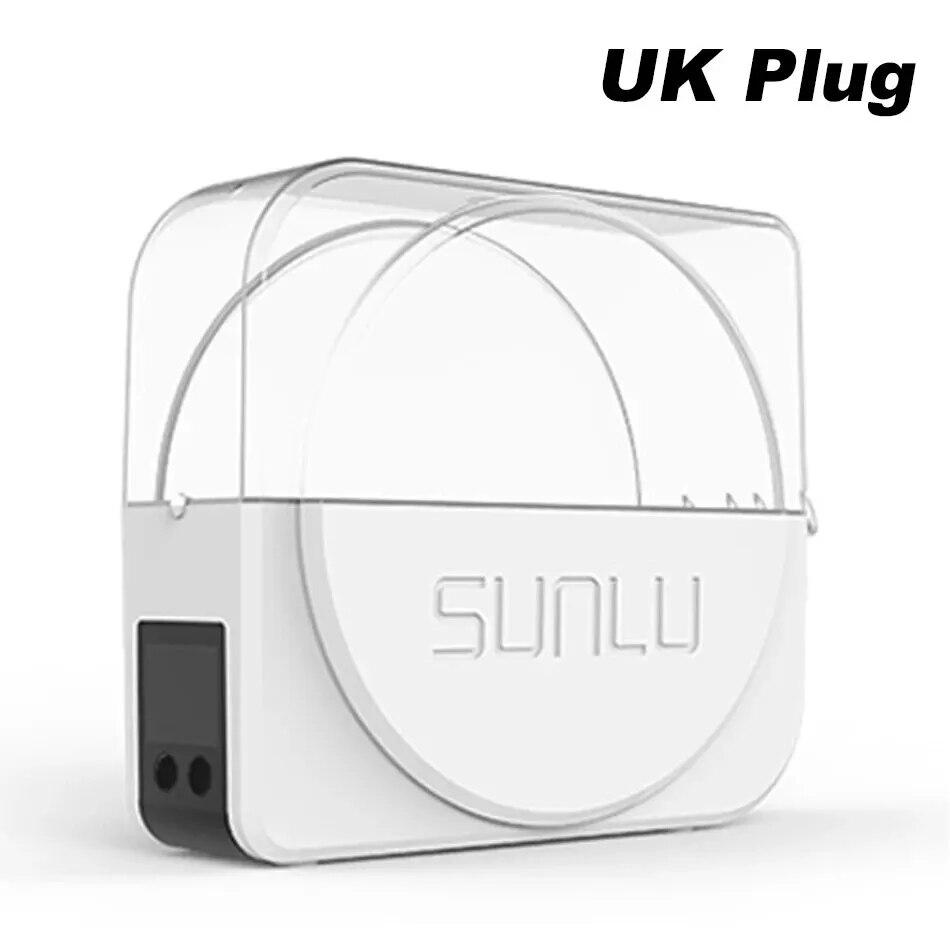
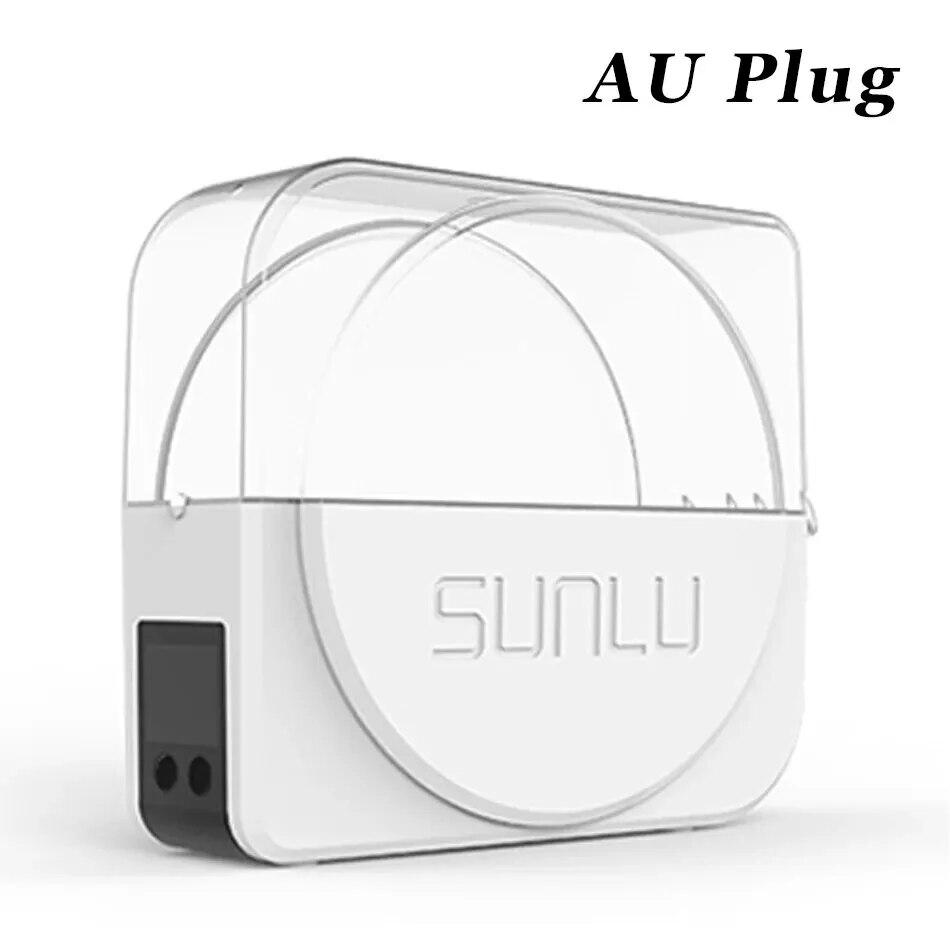
S1 3D Fialments Dryer Box
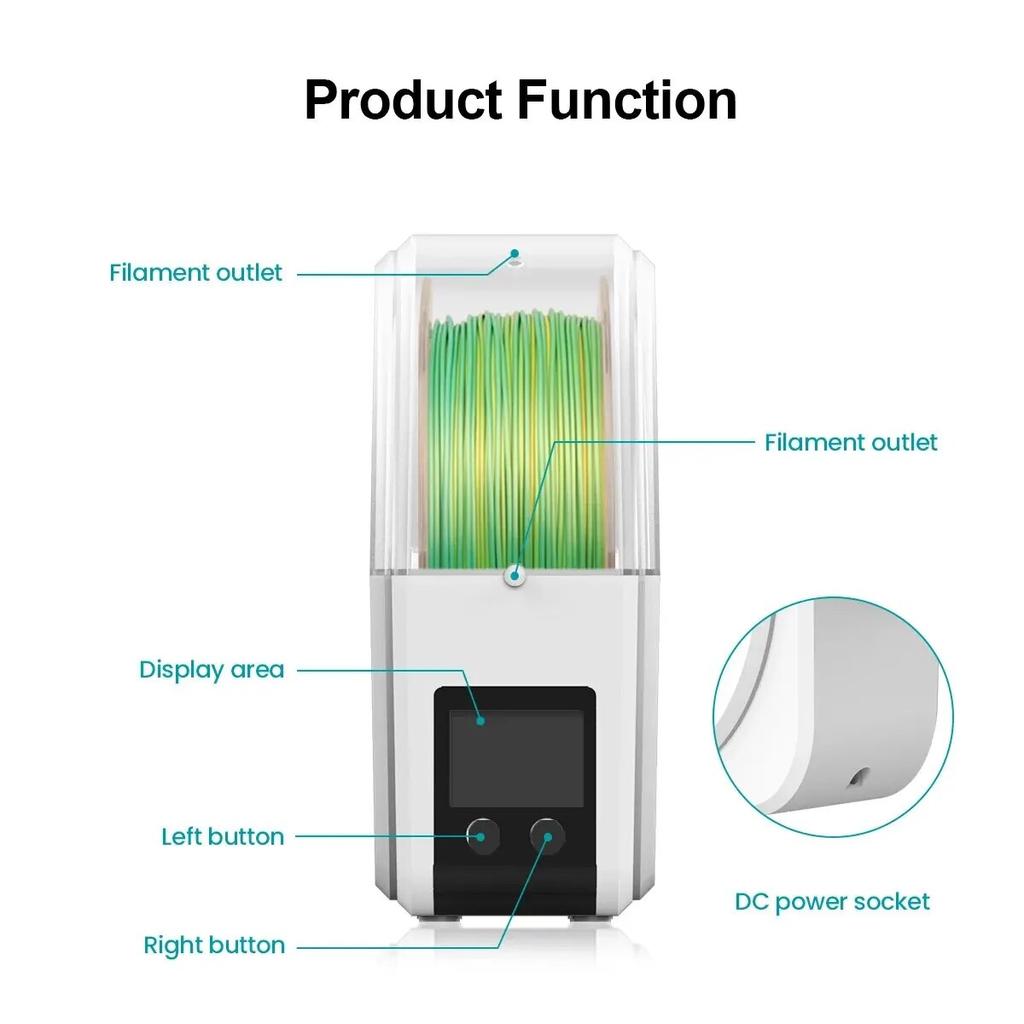
1.LCD Display :2-inch LCD display screen, displaying temperature and time.
2.Dual temperature :probes to measure the temperature of the cabinet and heating plate.
3.Wrapped baking :more uniform heating, better baking effect.
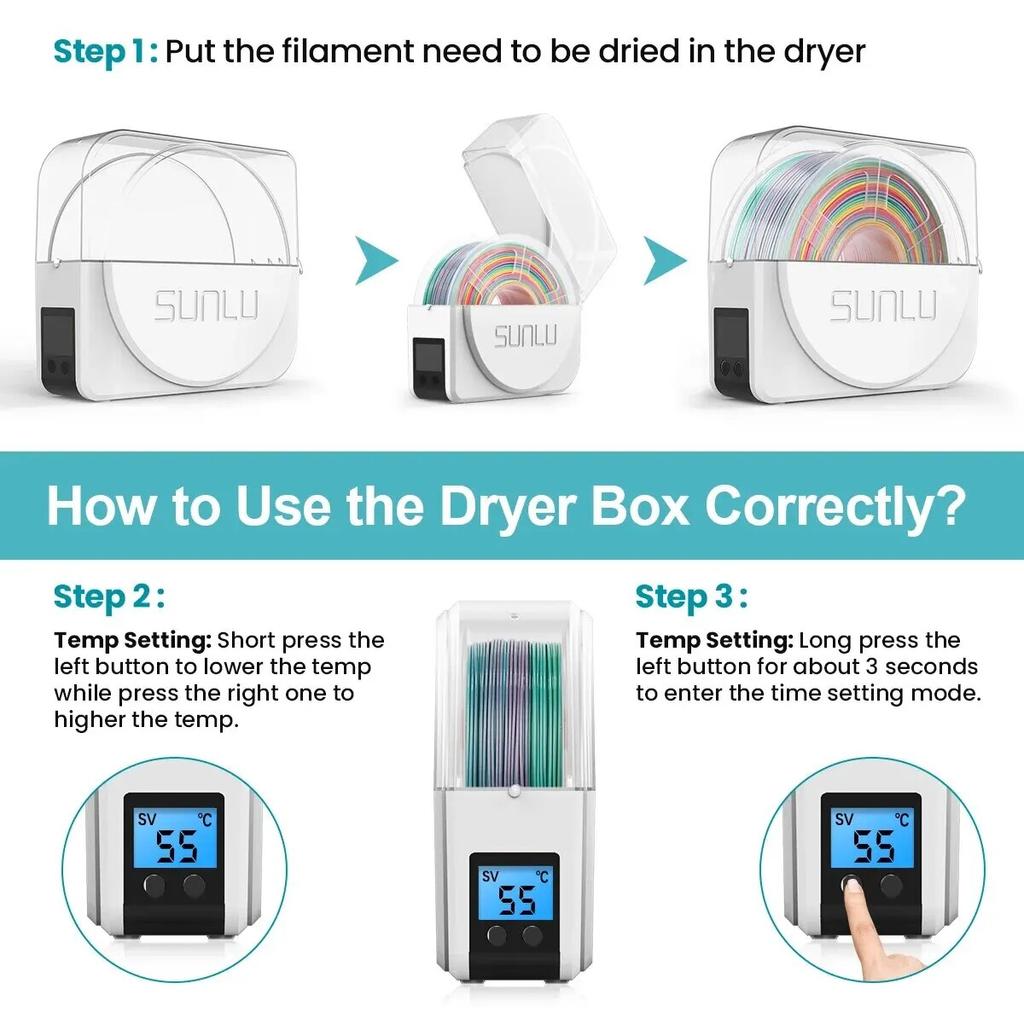
4.Heating temperature adjusted :which is convenient for customers to use at different temperatures (35℃~55℃ range).
5.Timing function :set heating timing, set time, enter the standby state, safe and secure.
S1 Dryer Features
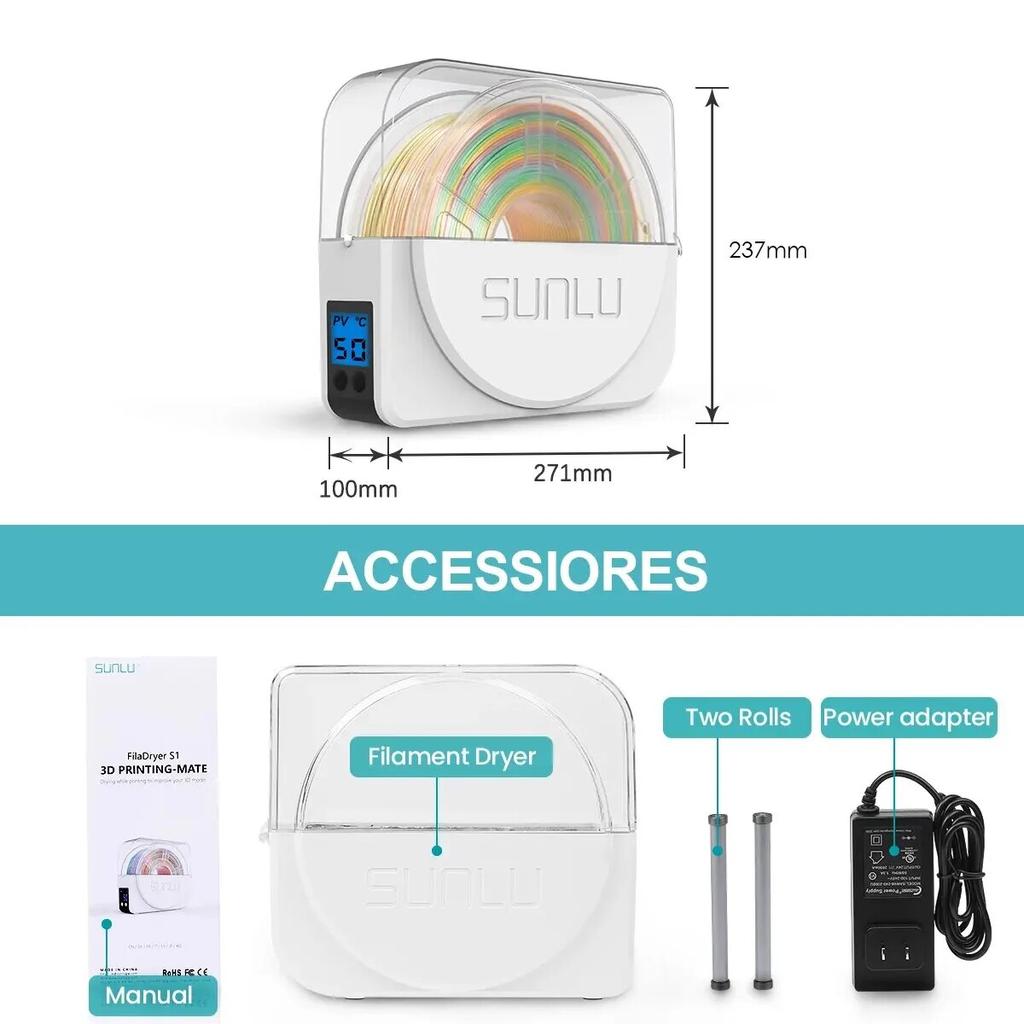
Size :271 (L) x 100 (W) x 237 (H) mm.
Suitable for filament diameters: 1.75mm / 2.85mm / 3.00mm.
S1 Dryer Packing Include
List :1 x Filament Box, 1 x Power adapter , 1 x Manual , 1 x 2 Fixed shaft (inside)
S1 Dryer Specifications
1.Maximum capacity: Φ210 (diameter) x 85 (H) mm.
2.Net weight :980g (including power adapter).
3.Working environment :
a)Environment temperature : 20 ℃ ~ 35 ℃.
b)Relative humidity : ≤ 90%.
4.Temperature setting range :35 ℃ ~ 55 ℃.
5.Power adapter specifications :
a)Input specifications : AC 100V ~ 240V, 50 / 60Hz.
b)Output specifications: DC : 24V ± 1.2V, 2A.
6.Standby power :0.05W.
7.Maximum working current :1.8A.
8.Maximum working power :48W.
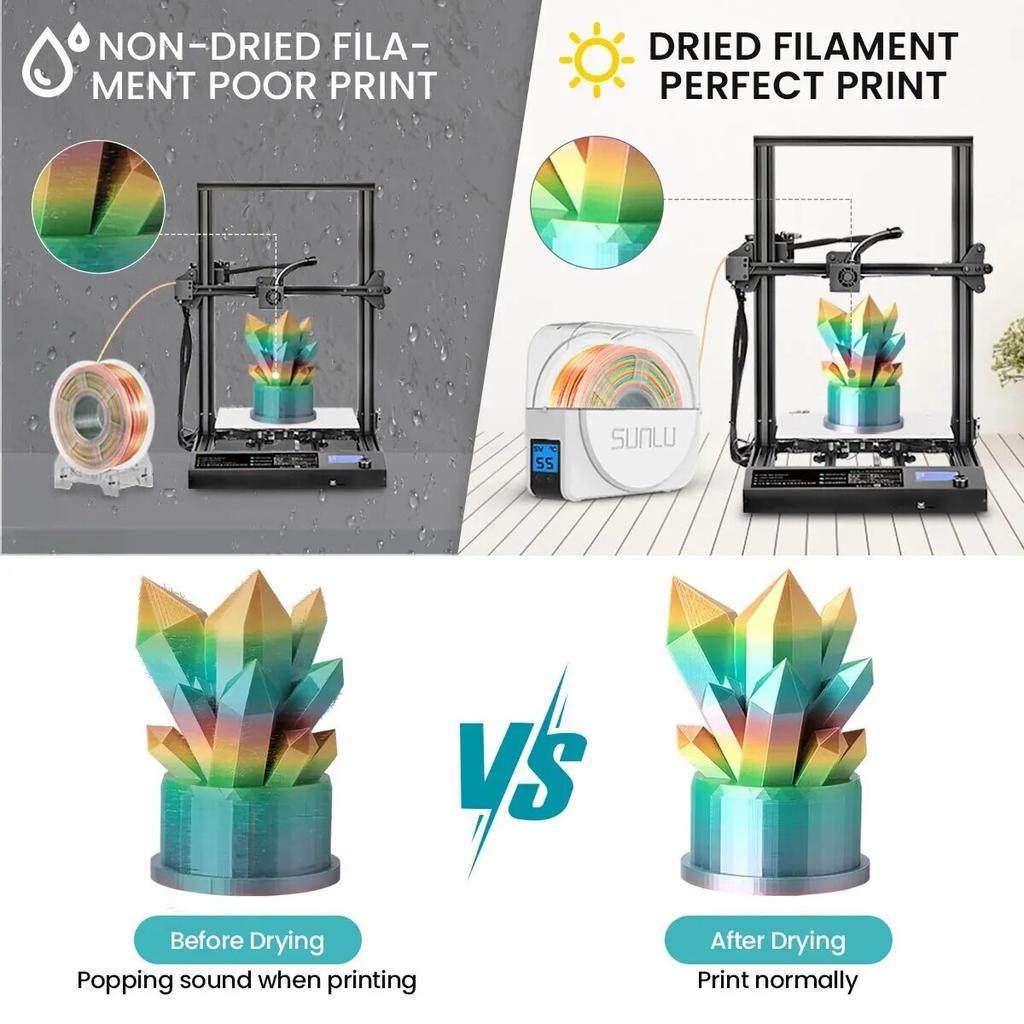
Compare the drying effect
Effectivelyreduce moisturein filaments andreduce printing bubbles.
Temperature Switchable
Temperature adjustment range:35℃~55℃.
FAQ:Q:What the maximum temperature of a S1 dryer box?A:The maximum temperature of the S1 dryer box is 55℃. It can increase or decrease the temperature according to personal settings (Temperature setting range: 35℃~55℃).Q:Can the drying box support printing while in use?A:When the drying is turned on, it can provide printing at the same time, which will make the printing effect better.Q:Is the noise of the drying oven loud when in use?A:The noise generated is very low when in use and can be ignoredQ:Are all filament applicable?A:Within the temperature range of the drying box (35℃-55℃), filament that meet the drying conditions are applicable.Tips:For best results dry your filament before and during printing.For long print operations drying during the printing process will produce more consistent print results. When the ambient temperature is low the dryer will take longer to reach the set temperature,extend the drying time by 1 hour.


 No-delivery refund