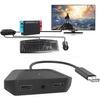
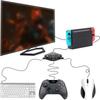
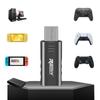
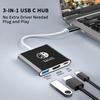
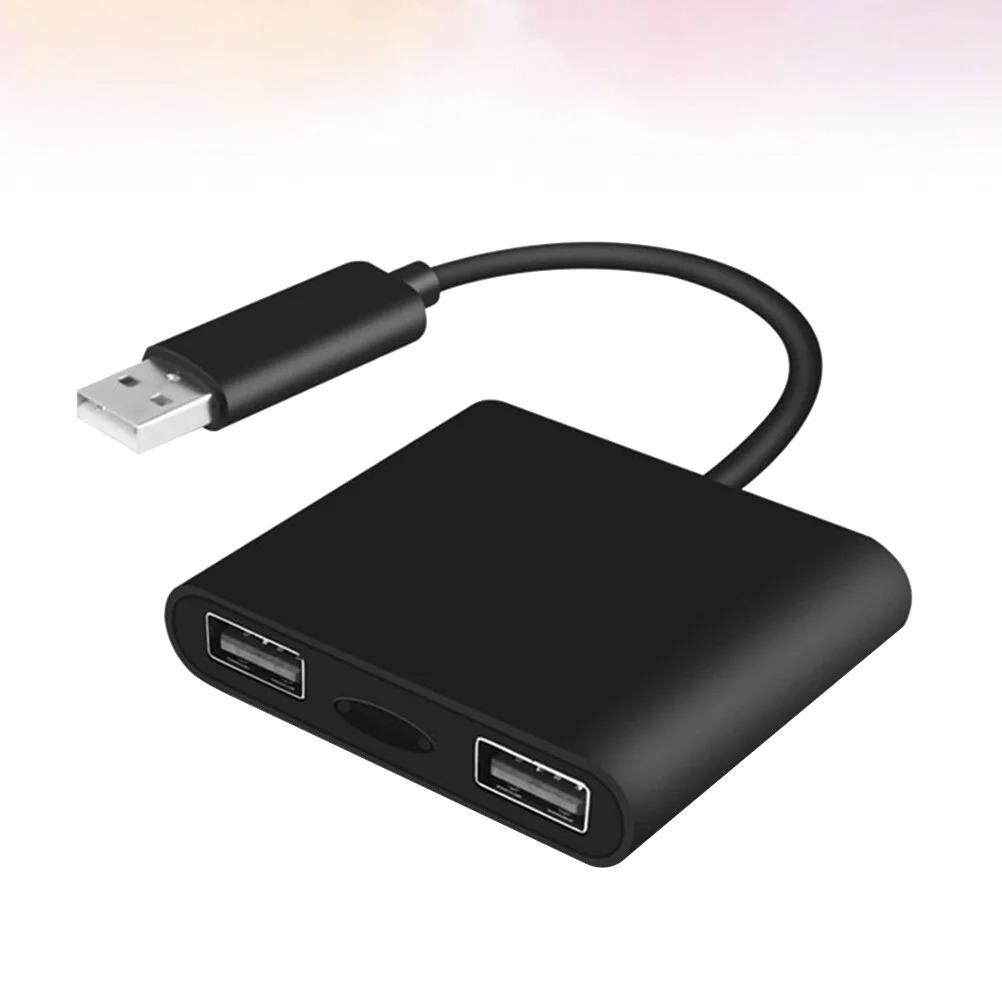
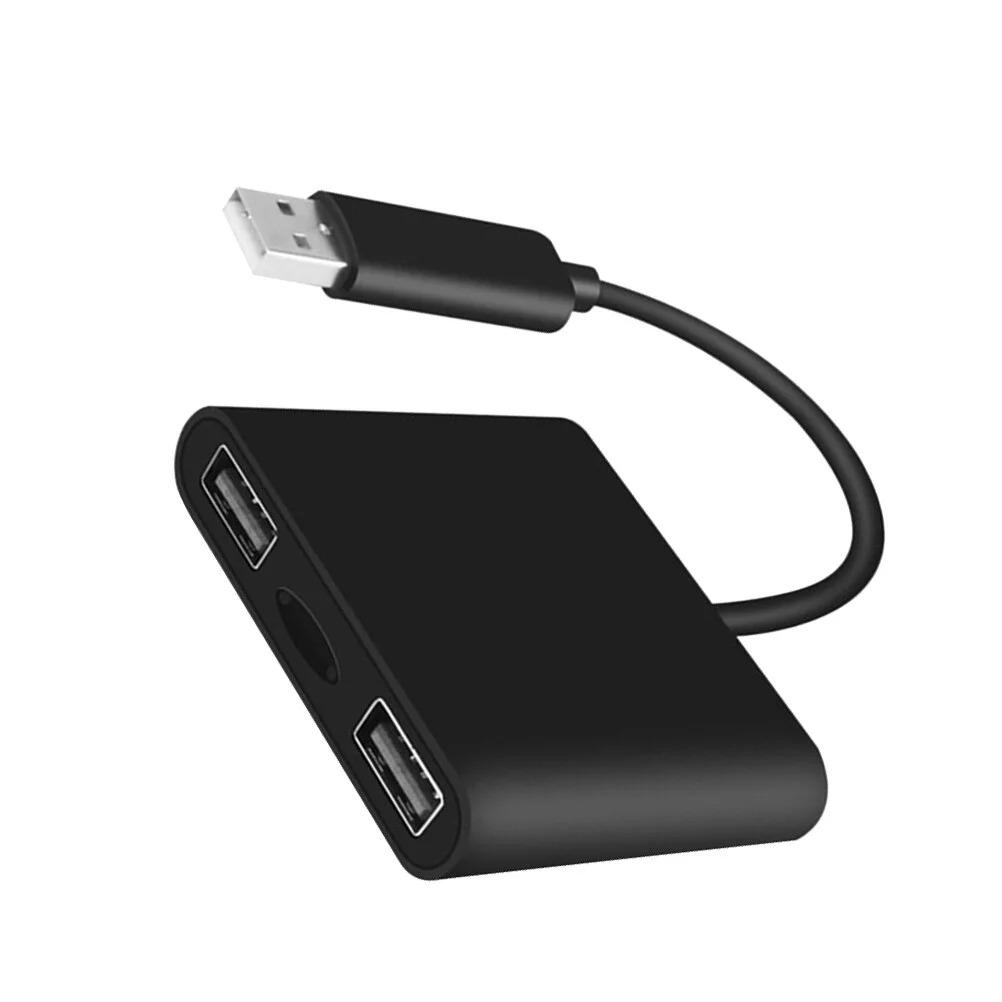
About this item:
1.Made of material for lasting use.
2.Plug and play, no lagging.
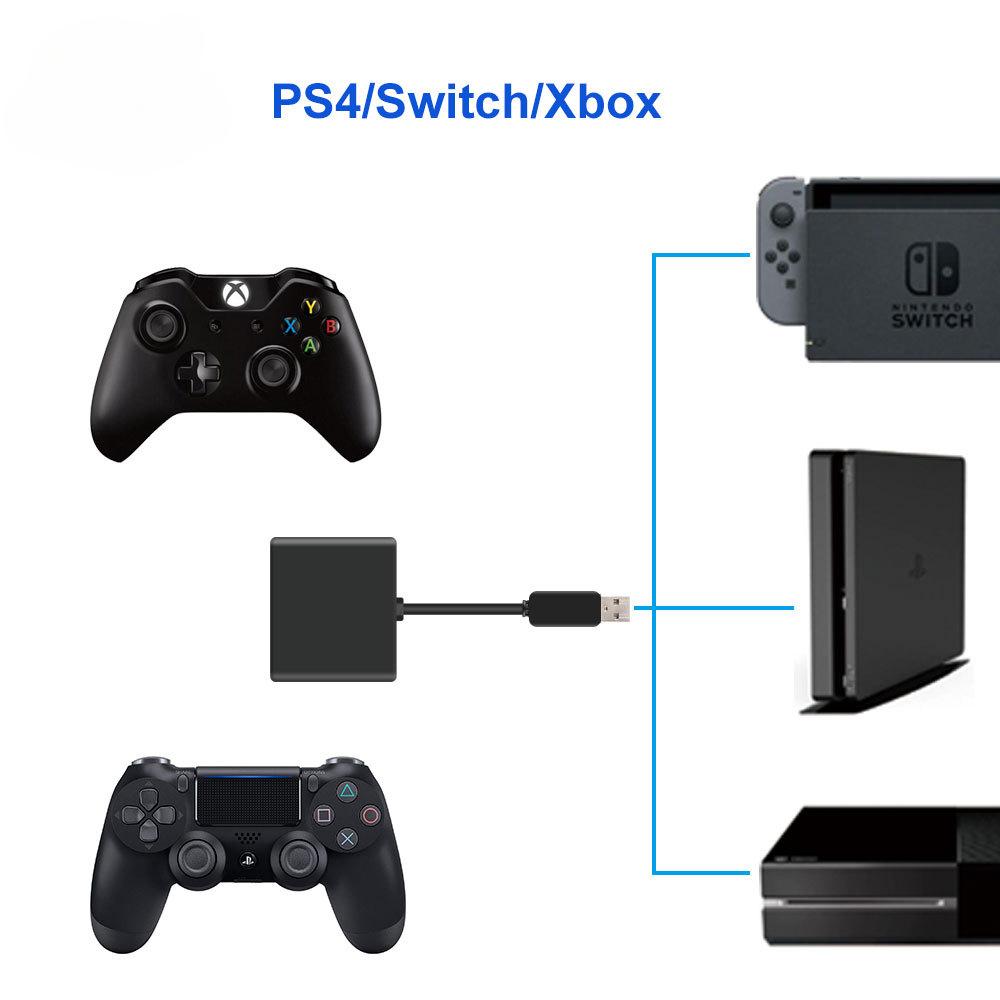
3.Compatible with PS4 Pro/Slim, One/One S/One X and Switch, PS4 and One needs original controller to boot.
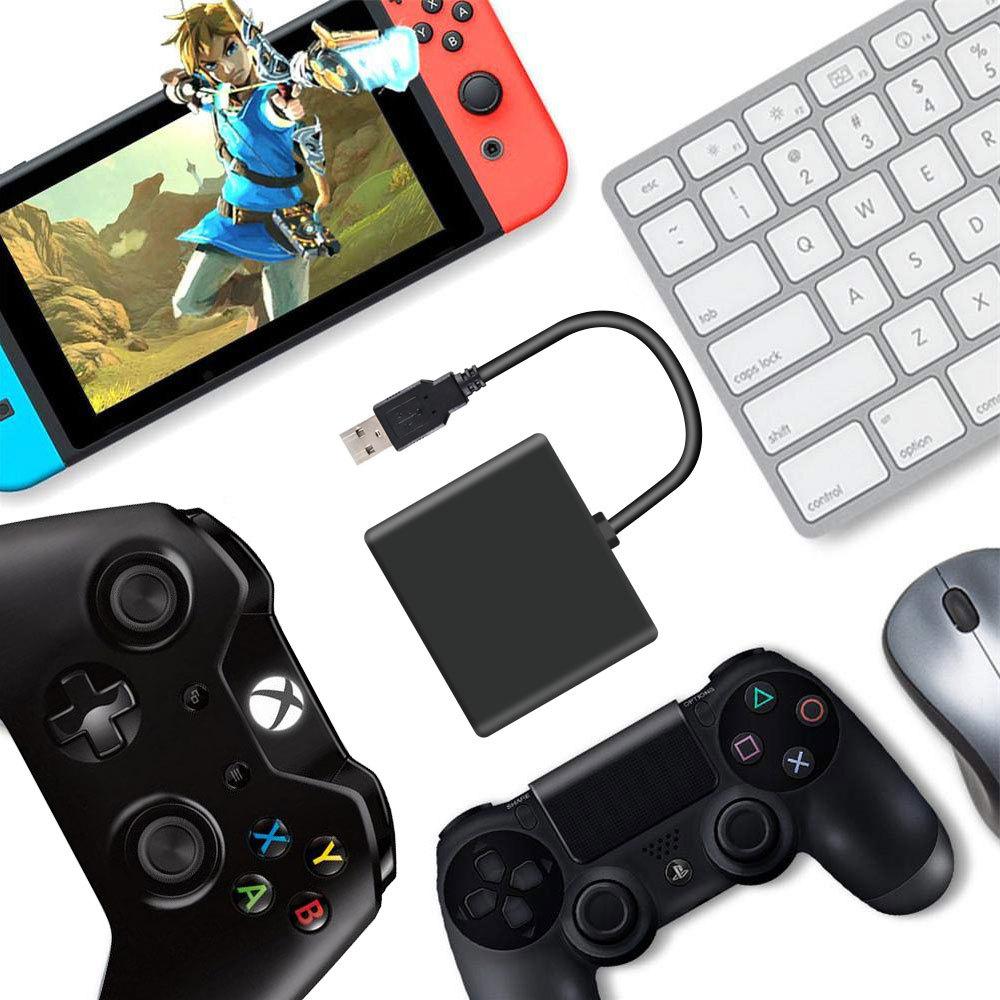
4.Use keyboard and mouse to control game console, very convenient.
5.You can adjust sensitivity of your mouse.
Product Description:
PS4/X Box One connection method:
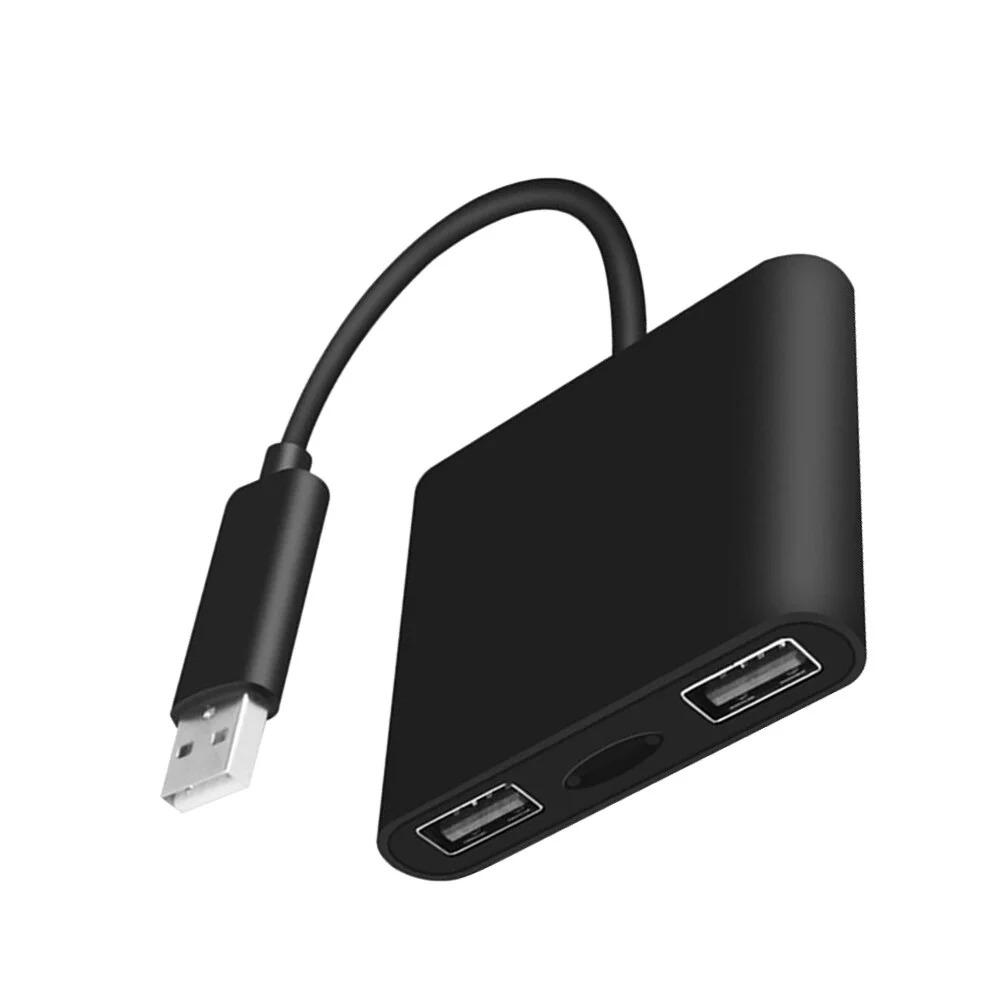
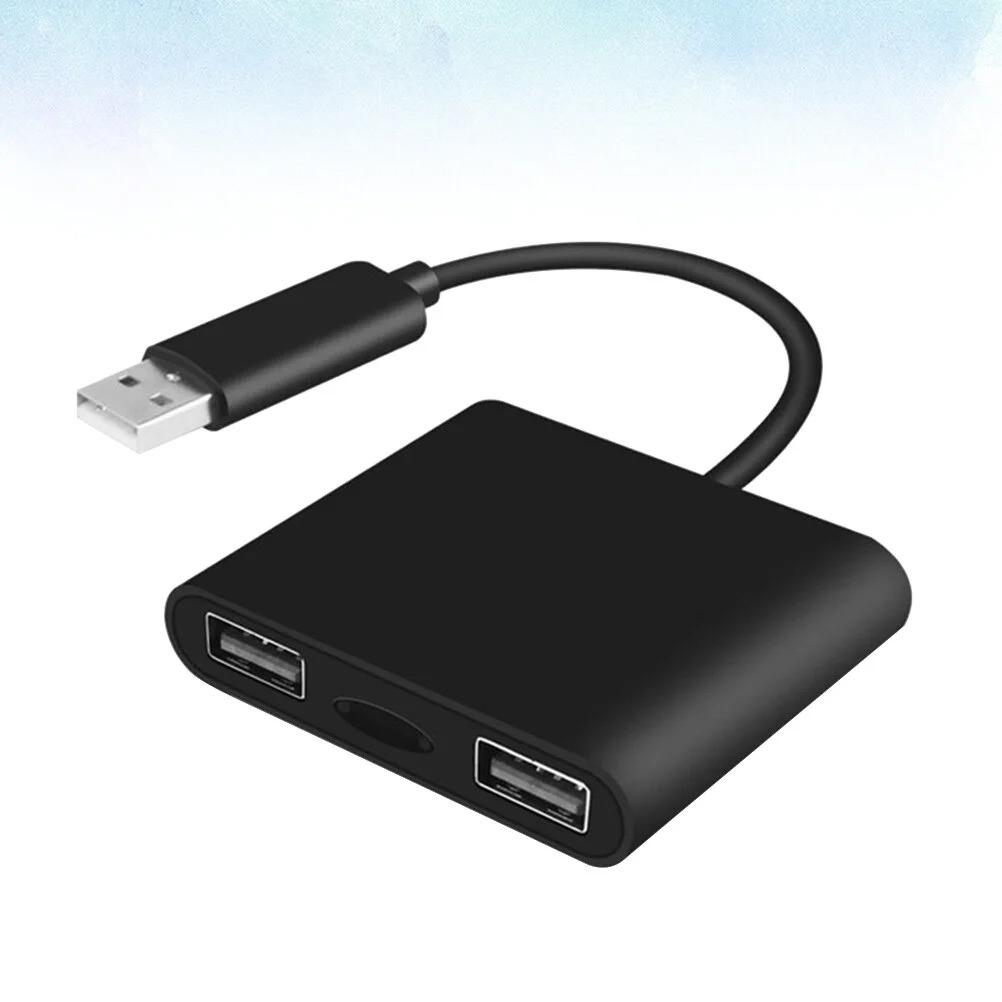
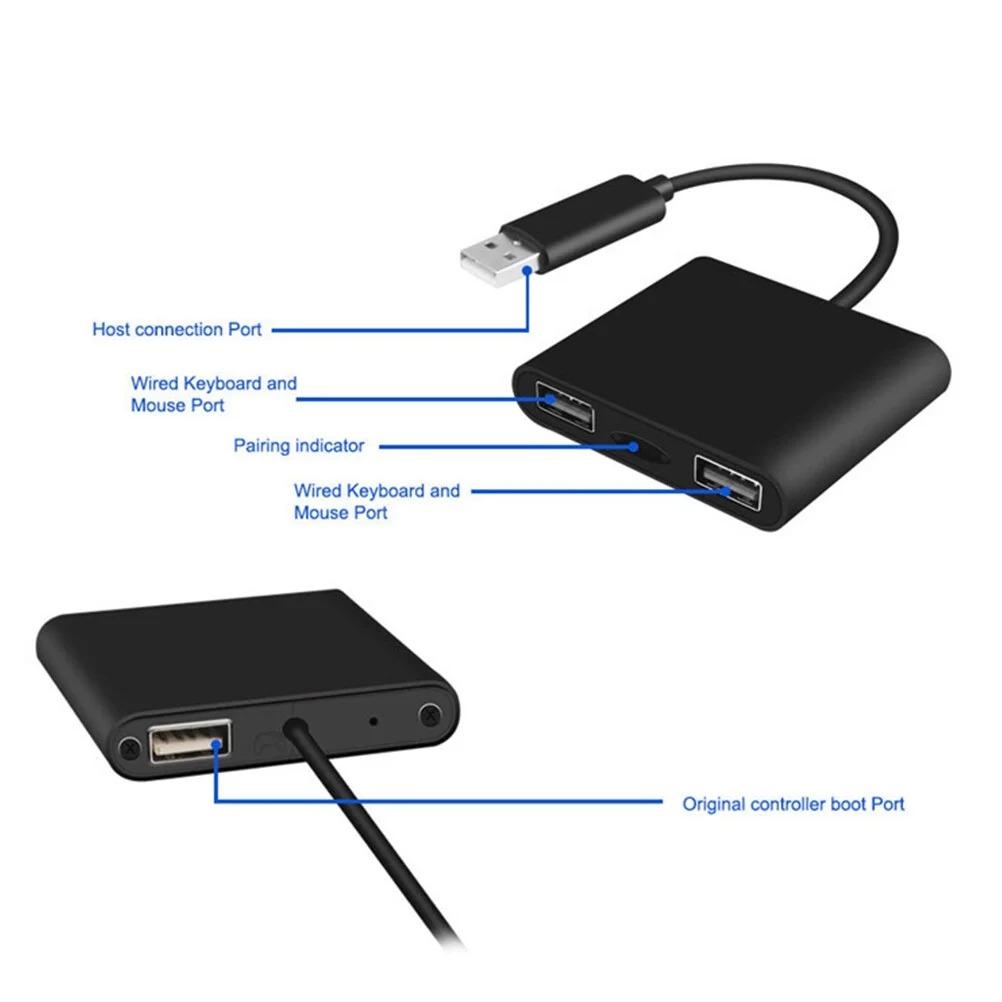
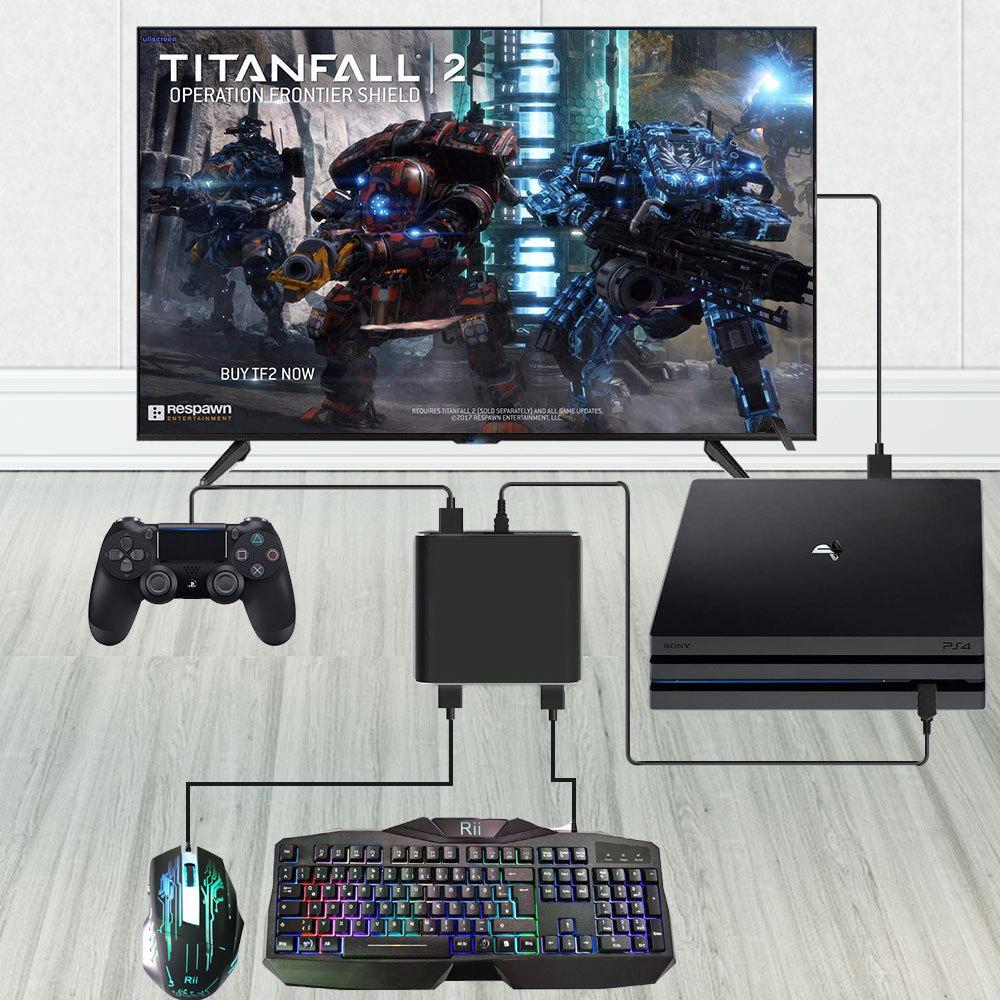
1. Insert the converter USB head into the corresponding USB port of the game console, and the two LED lights will continue to flash.
2. Connect the corresponding original handle to the converter with only one USB port via a data cable while it is turned off.
3. Insert the wired keyboard USB head into the converter and wait for a few seconds for the corresponding LED indicator to remain on, indicating successful keyboard connection; mouse
4.The same operation applies.
5.After the two LED indicator lights remain on, you can play games on the console through the keyboard and mouse.
6.If you need to adjust the sensitivity of the mouse, you can press F3 to decrease it and F4 to increase it.
Switch connection method
1. Insert the converter USB head into the USB port of the Switch game console base, and the two LED lights will continue to flash.
2. Insert the wired keyboard USB head into the converter and wait for a few seconds for the corresponding LED indicator to remain on, indicating successful keyboard connection; mouse
3.The same operation applies.
New feature: Supports custom buttons (operation method is as follows)
Enter button switching mode:
1. Press the keyboard combination key: (bottom left corner) Ctrl+ (top left corner) Tab to switch modes
2. After pressing the combination key, the keyboard and mouse indicator light will flash quickly to show that the button switch mode has been entered, and each time the switch mode is entered, it can only last for 4 seconds
The button switching operation needs to be completed within 4 seconds. After 4 seconds, the indicator light will return to normal and the switching mode will end
Taking the function of switching between key A and key B as an example, explain the switching operation of the following key:
1. Press the keyboard combination key: (bottom left corner) Ctrl+ (top left corner) Tab to switch modes
2. The indicator light of the converter flashes quickly to enter switching mode, release the button
Within 3-4 seconds, hold down the A key and any nonfunctional key on the keyboard to complete the operation of transferring the A key function
4. Press the keyboard combination key again: (bottom left corner) Ctrl+ (top left corner) Tab to switch modes, the indicator light flashes quickly, and release the button
Within 5 to 4 seconds, hold down the B key and A keyboard to complete the transfer of B key function to A key operation
6. Press the keyboard combination key again: (bottom left corner) Ctrl+ (top left corner) Tab to switch modes, the indicator light flashes quickly, and release the button
Within 7 to 4 seconds, press and hold the button that previously received function A to complete the operation of transferring function to key B
At this point, the function exchange between key A and key B is completed.
Restore default button settings
Press the combination key (bottom left corner) Ctrl+ (top left corner) Esc simultaneously to restore the default key layout, otherwise it will be saved continuously.
Tip:
1. After entering the switching mode, the indicator light will flash quickly and you need to release (bottom left corner) Ctrl+ (top left corner) Tab
2. Each time the switch mode is entered, it only lasts for 4 seconds; If the switch cannot be completed, you need to press again
(Lower left corner) Ctrl+ (Upper left corner) Tab
Features
1.Compatible with PS4 Pro/Slim, One/One S/One X and One needs original controller to boot controller.
2.Made of material for lasting use game Controller converter.
3.Use keyboard and mouse to control game console, very convenient USB adapters.
4.Plug and play, no lagging USB adaptor.
5.You can adjust sensitivity of your mouse USB converter.
Product Specification:
Color: Black.
Size: 5.5x5x1cm
Package size: 8.5x19x1.7cm
Material: ABS, PCB
USB Hub Adapter:5
Item weight: 62g
Package Include
1 x game controller adapter




 No-delivery refund