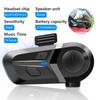
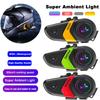
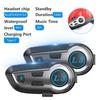
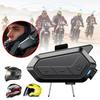
Selling point:
1. Bluetooth 5.0;
2. Noise Reduction;
3. Waterproof IP67;
4. Smart Tips;
5. Automatically answer calls (manually answer/reject);
6. 2-in-1 MIC, the package contains two types of microphones for different types of helmets, and almost all helmets are suitable.
Specification:
Item Type: Helmet Headset
BT version: 5.0 + EDR,
Frequency: 2.402GHz-2.480GHz
BT distance: 10m~15m (depending on the surrounding environment of the device such as obstacles)
Microphone transmission distance: <1m
Power Supply Mode: Built-in Battery
Li-ion battery: 3.7V/1000mA
Playing time: ≤30-40hours
Charging voltage: 5V
Charging time: 5 hours
Standby time: ≤300 hours
BT pairing name: BT31
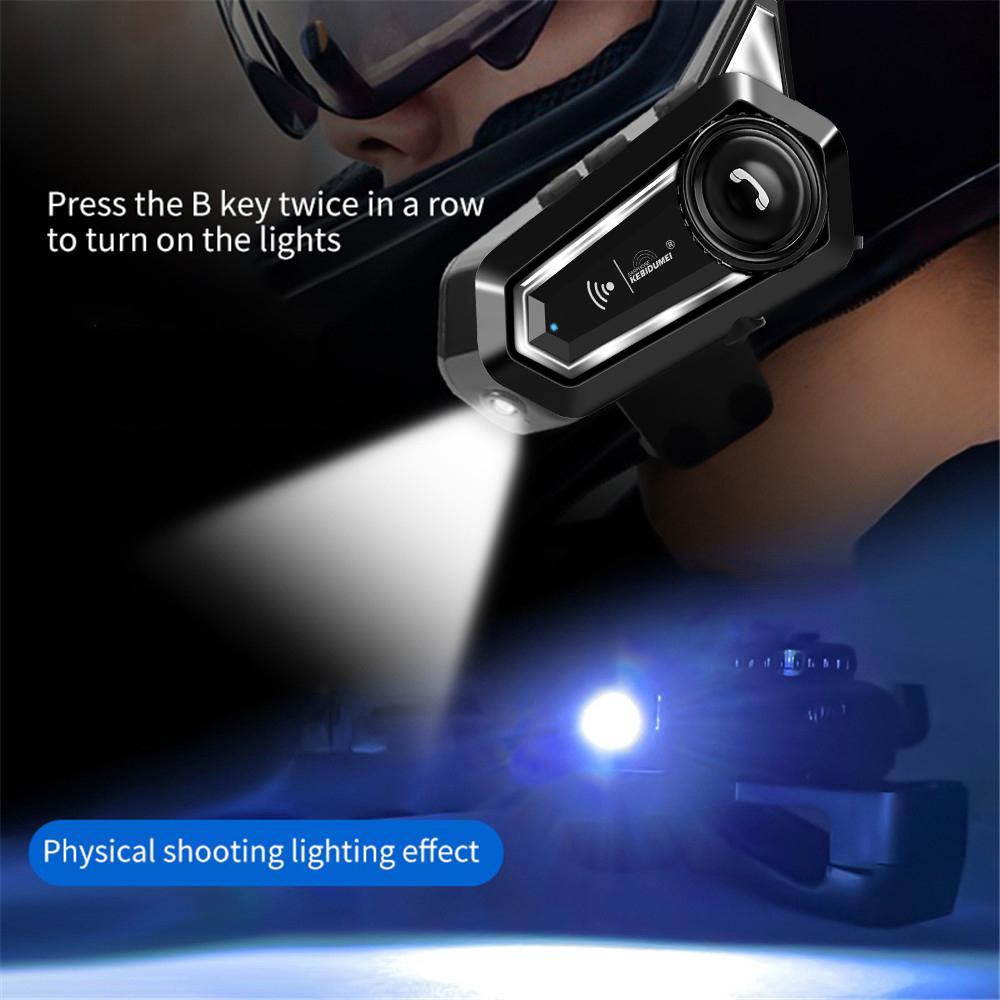
Special Features: With a flashlight function
Item Weight: 0.21kgkg
Applicable Helmet Types: Half Helmet, MODULAR, MOTOCROSS, Open face, Full Face, Flip Up Helmet, Universal
Special Function: waterproof, Noise Reduction
Connection Mode: Bluetooth
Maximum Number of Speakers: 2
Certification: CE
Origin: Mainland China
Item 1: Motorcycle headset
Item 2: Helmet headset
Item 3: Cycling Bluetooth headset
Use headphones:
Power on: Press and hold the power button for 3 seconds, and the device will turn on after Bluetooth pairing:
1. Press and hold the power button for 3 seconds, and you will hear the voice prompt ''Power on'' to turn on the mobile phone BT, search for the BT pairing name ''BT31'' and click to select pairing, you will hear the voice prompt ''Connected'', and the BT connection is successful.
2. Connect two mobile phones: After the mobile phone is paired with the headset, turn off the mobile phone BT. Then pair the second phone with the headset, then turn on the first phone BT and connect the two phones.
3. Automatic connection: If your mobile phone or BT device has a connection record with the headset, you can turn it on again to quickly and directly connect your BT and MT02 wireless headset without re-pairing.
4. Automatic search: When the mobile phone BT is disconnected from the headset (the voice prompt has been disconnected), it will enter the automatic search pairing mode.
5. Play/Pause: Press the power button to pause the song, and press the button again to resume the song.
6. Press the B key twice in a row to turn on the lights.
7. Automatic battery display.
8. Siri voice assistant: When connecting to the iPhone, press the B key the one click to activate the Siri voice assistant. Siri will automatically quit after a few seconds of stopping the conversation.
Call answer:
1) Answer the call: report the caller's phone number, then
Answer calls automatically or simply press the Multifunction knob to answer calls.
2) Hang up: press the power button to hang up
3) Reject the call: Long press the power button for 2 seconds to reject the call after an incoming call.
4) Redial function: Press the power button twice to redial the last phone number.
5) Power saving mode: If the device is in standby mode, pairing will automatically turn off after 5 minutes.
6) Low battery warning: The device will prompt.




 No-delivery refund