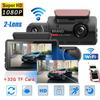
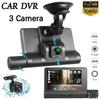
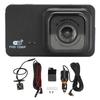
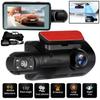
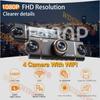
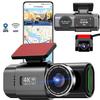
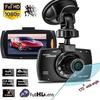
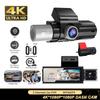
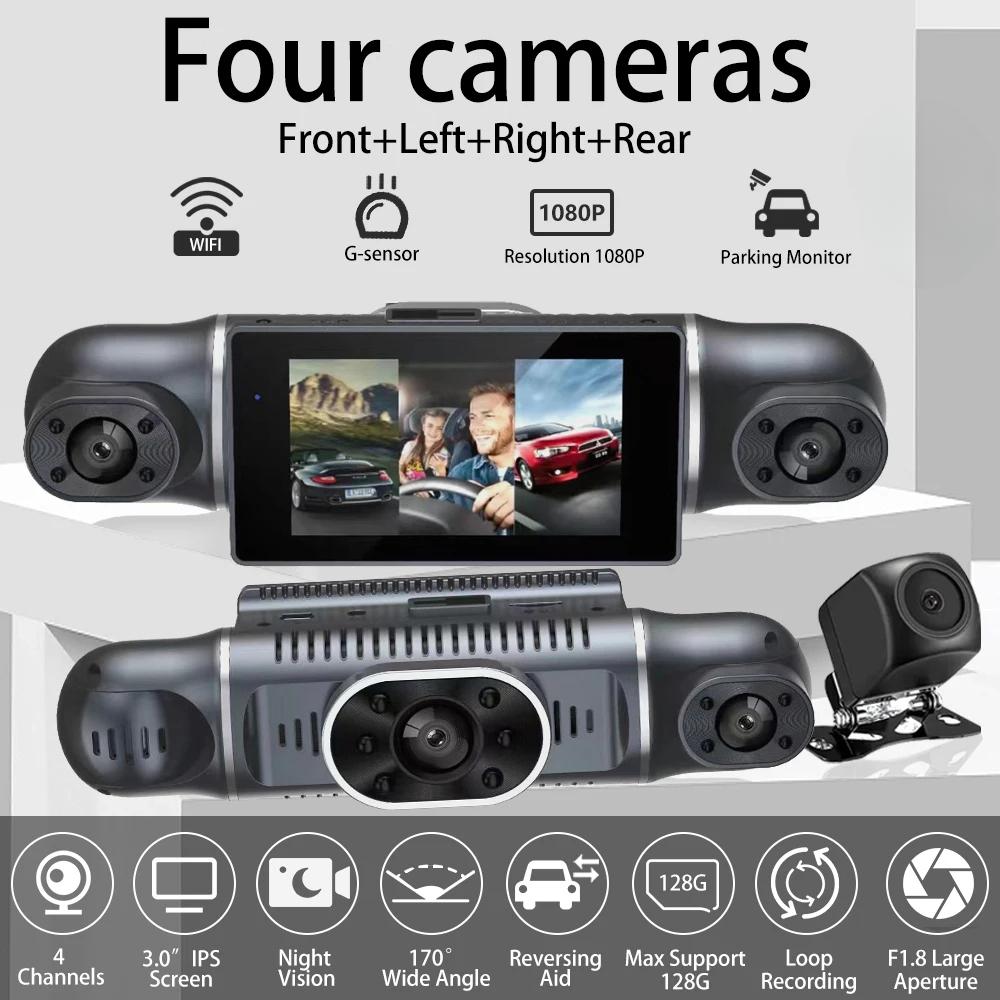
New square lens four channels HD 1080P cameras high-end recorder
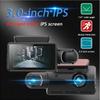
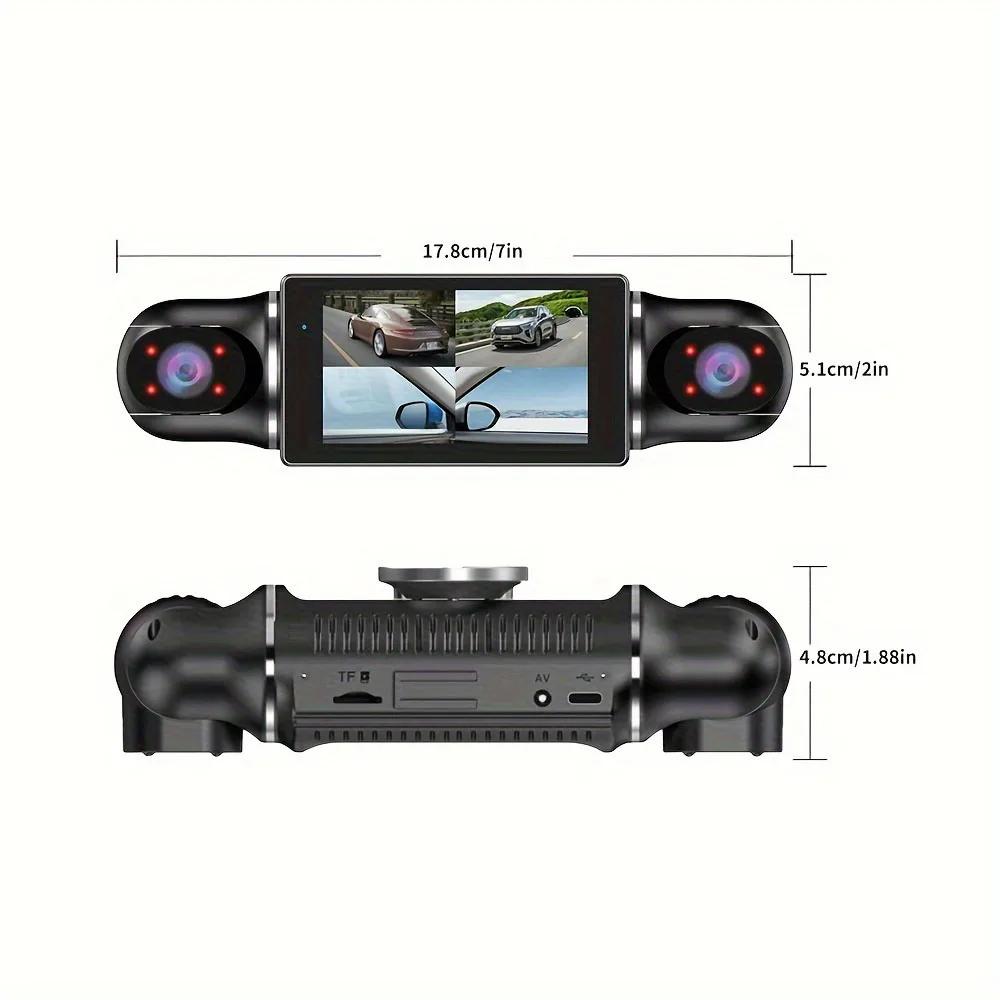
● Display size: 3.0 '' IPS screen
● Video compression format: MP4
● Resolution:FHD 1920*1080P @30fps
● 170 degree Ultra High-definition wide angle lens
● Image sensor: GC2093 1/2.9 "2 million pixel CMOS
● Loop recording: Supports seamless loop recording
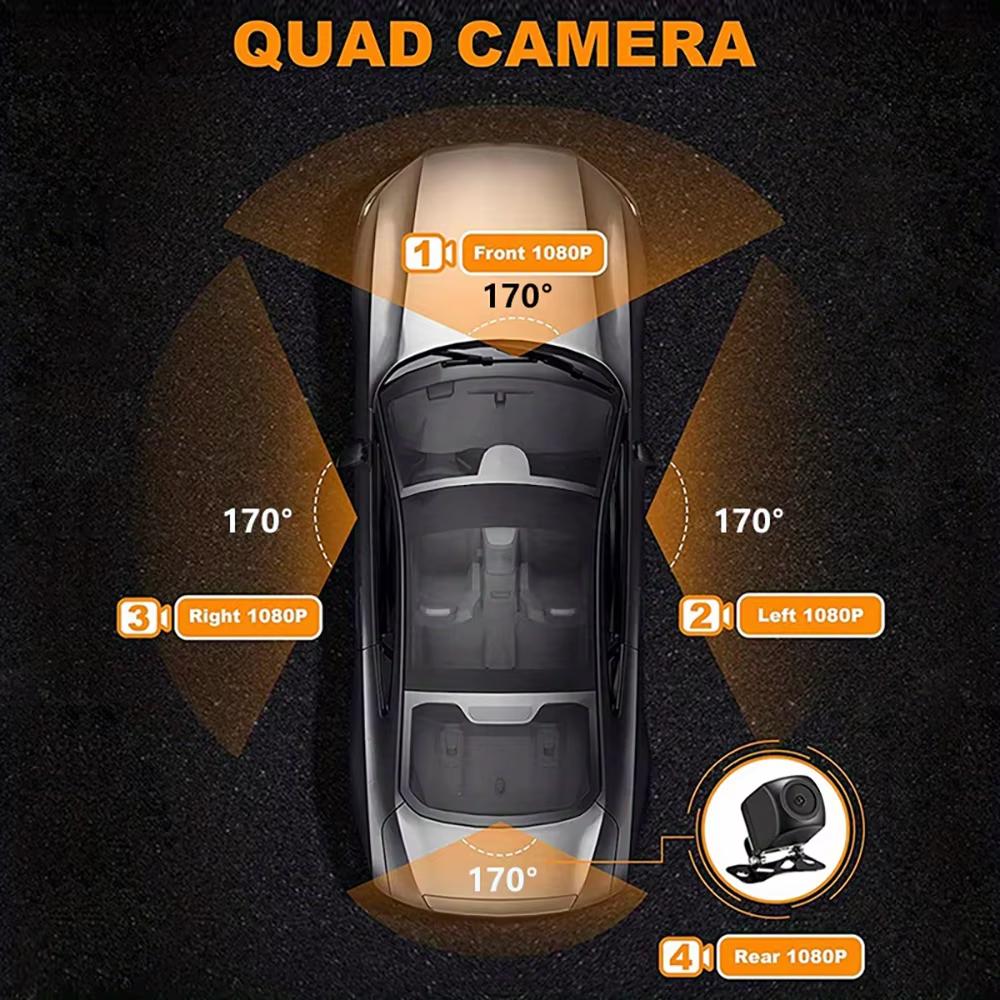
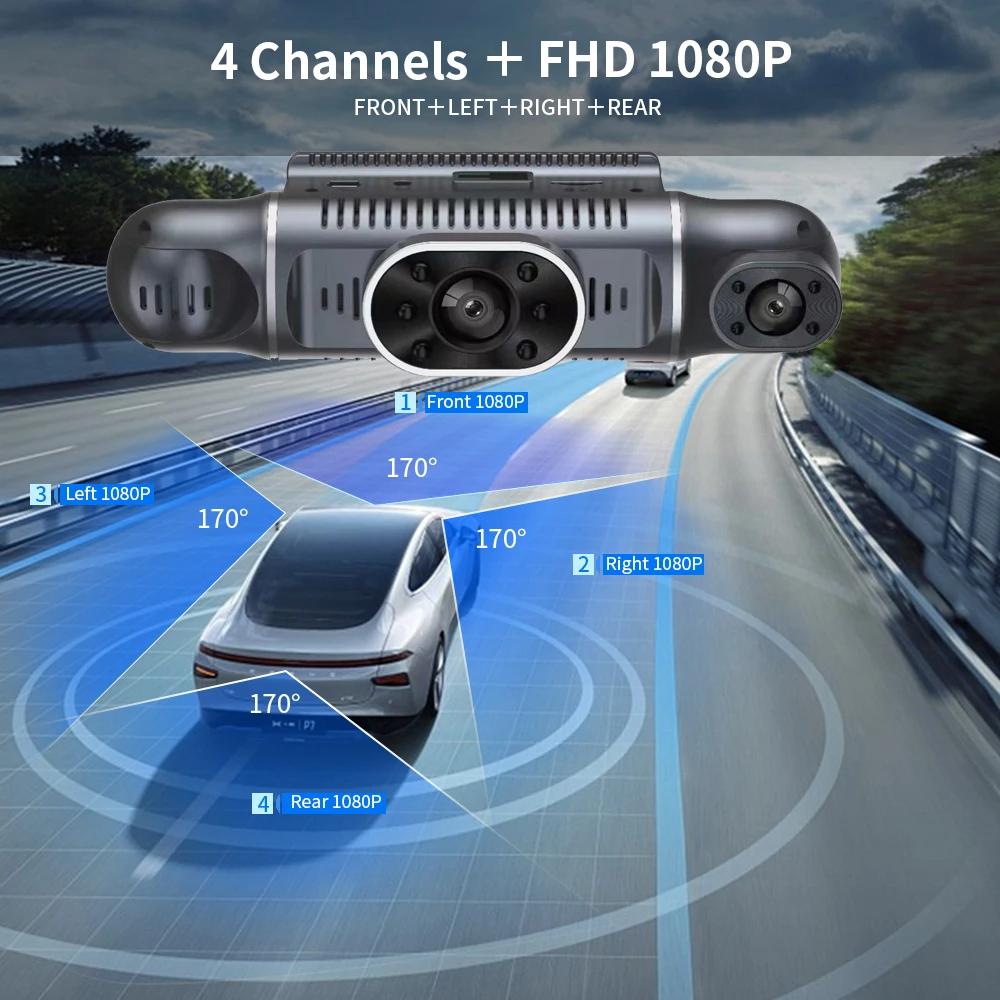
● Front camera 1080P,rear camera 1080P,right/left cam 1080P
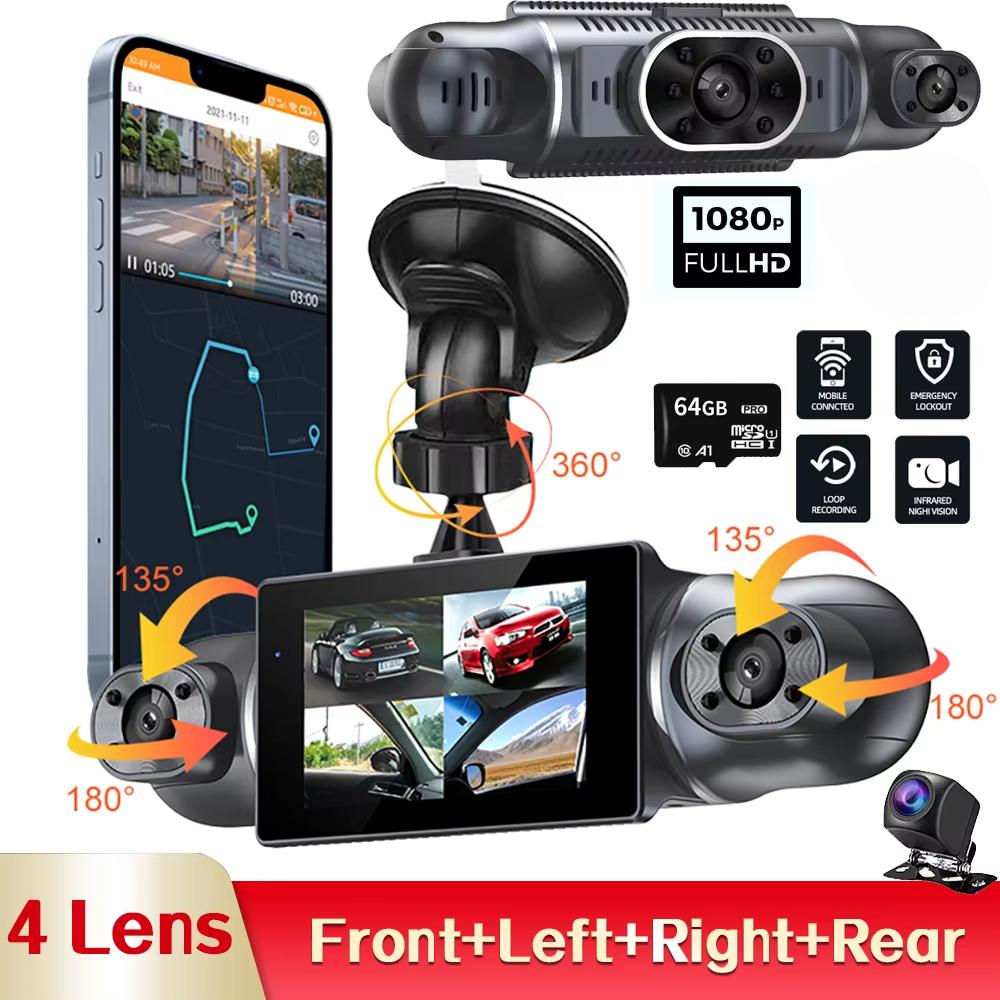
4Lens 1080P DashCam for Cars WIFI APP Video Recorder 360° Car Dvr Rear View Camera Parking Monitor Black Box Car Assecories
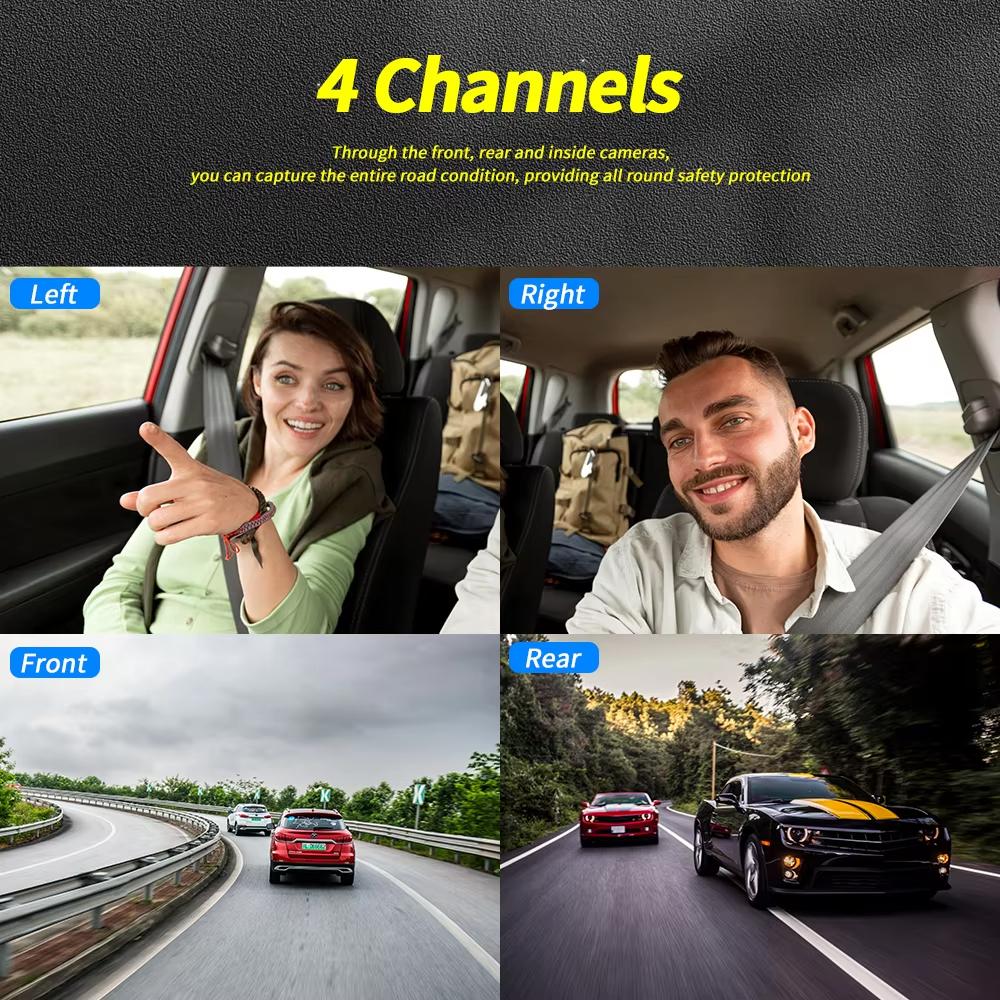
1080P*4 camera 360° panoramic recording
Only Front+Left+Right Cameras : 1080P+1080P+1080P
Front+Left+Right+Rear Cameras: 1080P+720P+720P+1080P
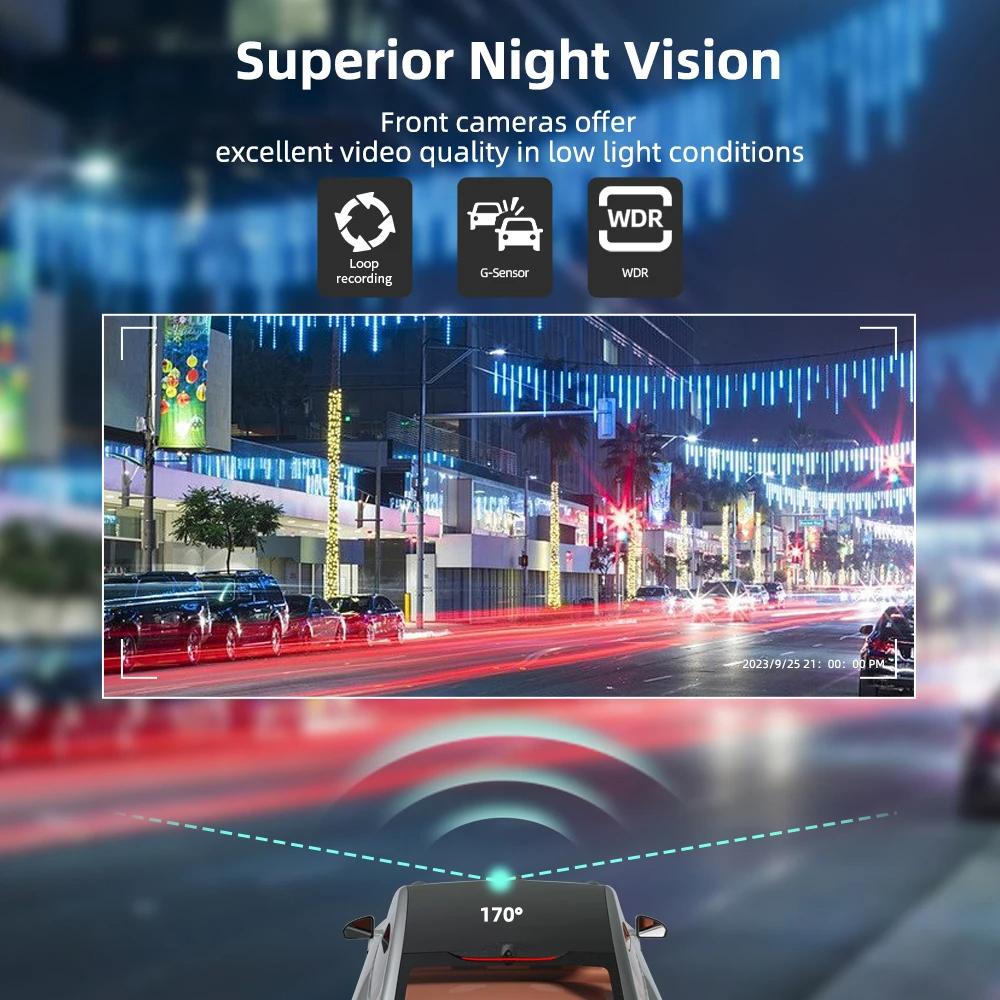
Superior Night Vision
The recorder offer the latest built-in highly sensitive night vision image sensor, which will automatically compensates for light/dark spots and balances exposure, makes all scene details are recorded vividly.
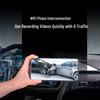
Built-in Wi-Fi
Allows you to control,view and download video on your smartphone APP
Connect WIFI:
1. Scan the manual to download APP.
2. Long press button " ▶ " to send WIFI signal.
3.Connect wifi password 12345678.
4. Finished, you can APP control this device, you can set up the device on your phone, download the video or share the video to social software.
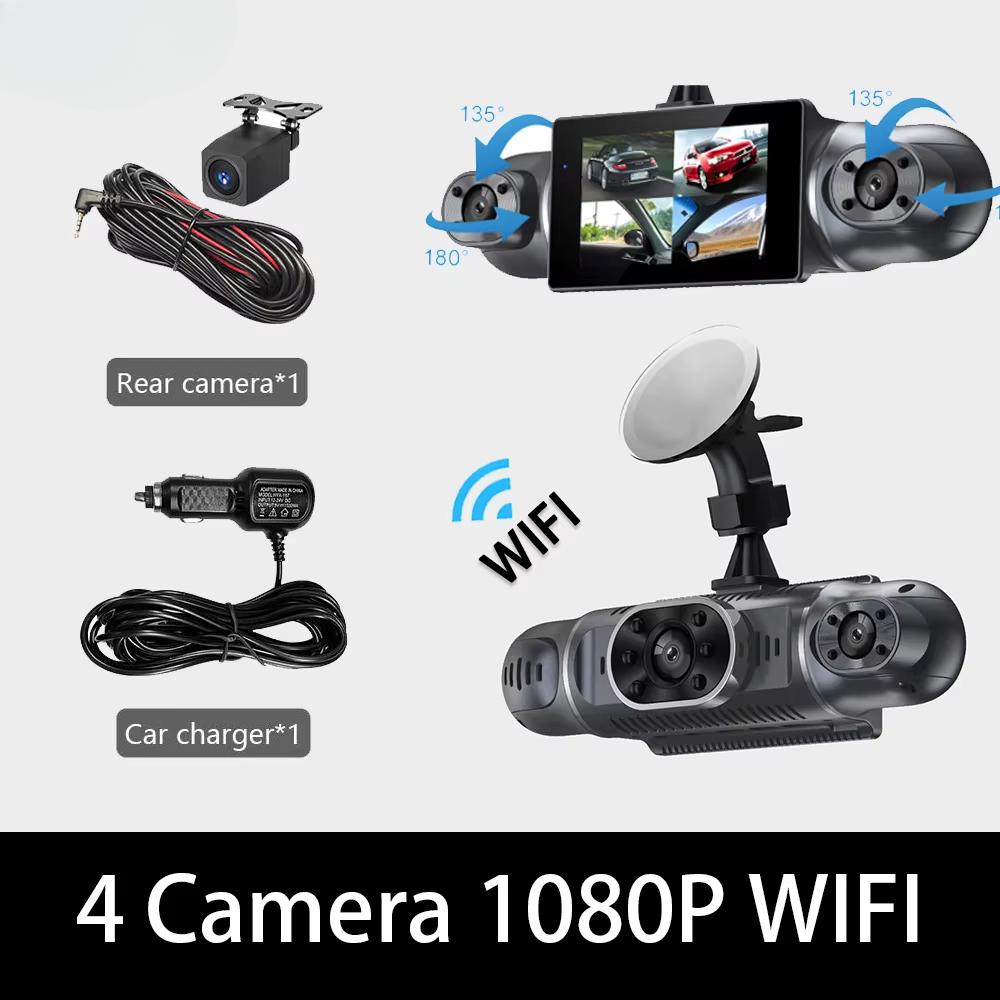
360 ° LENS ROTATION
3Inch Camera 360° interior rotatable lens, with no dead angles inside and outside the car, providing panoramic view.
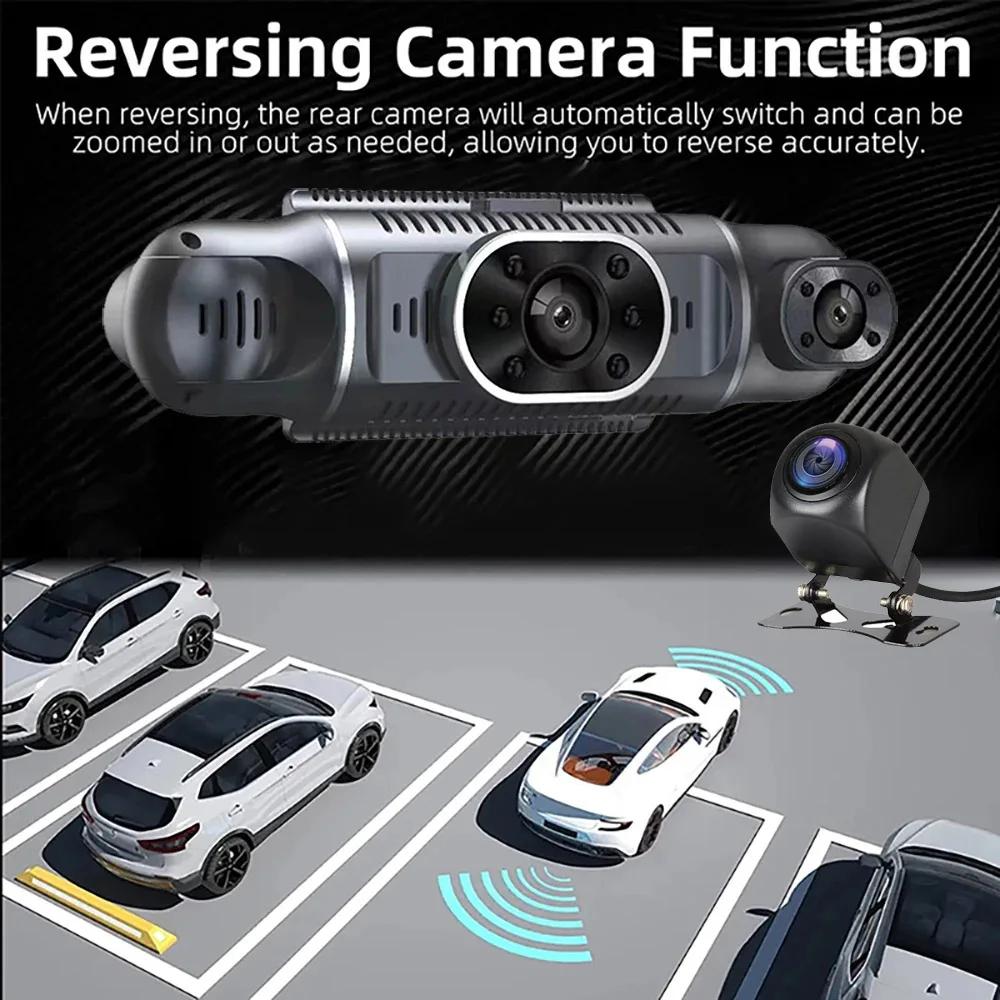
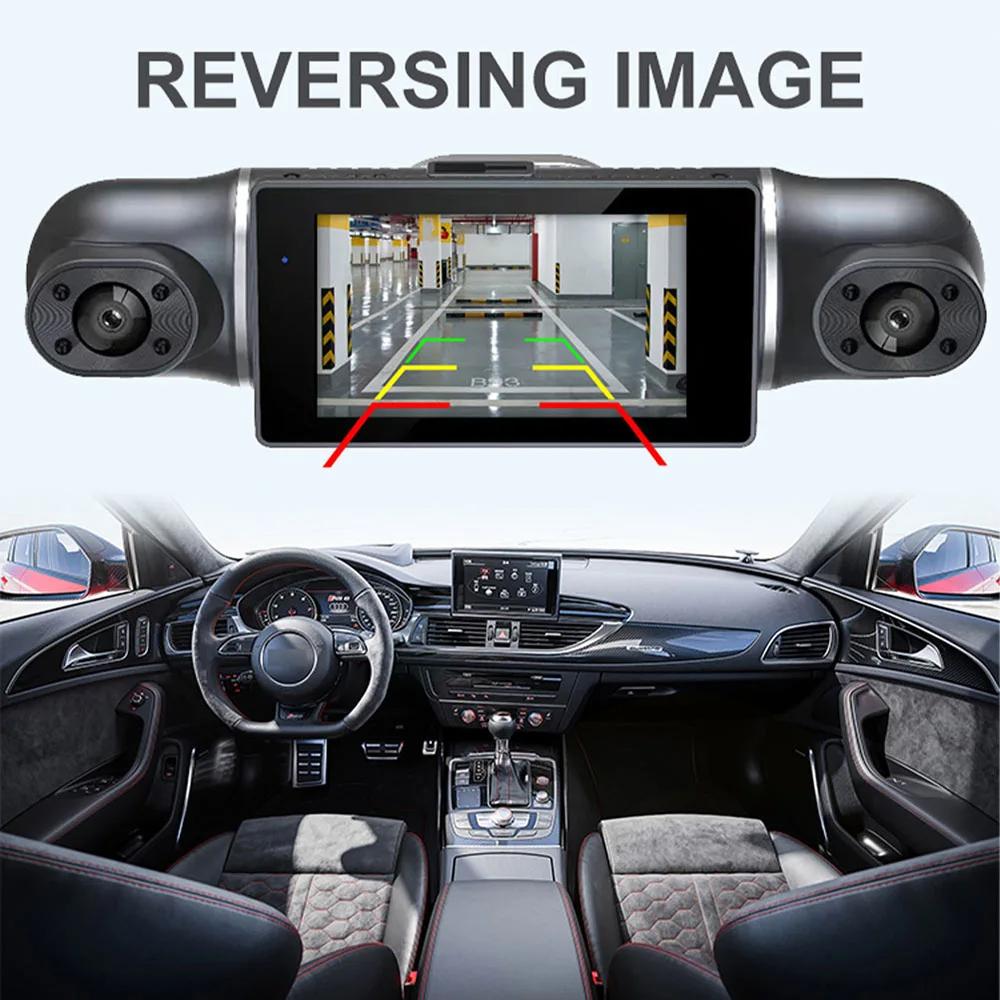
Reverse image
When hanging in the "R" gear, the screen will automatically switch Reverse image, and the accurate inverted auxiliary line provides you with better parking prediction.
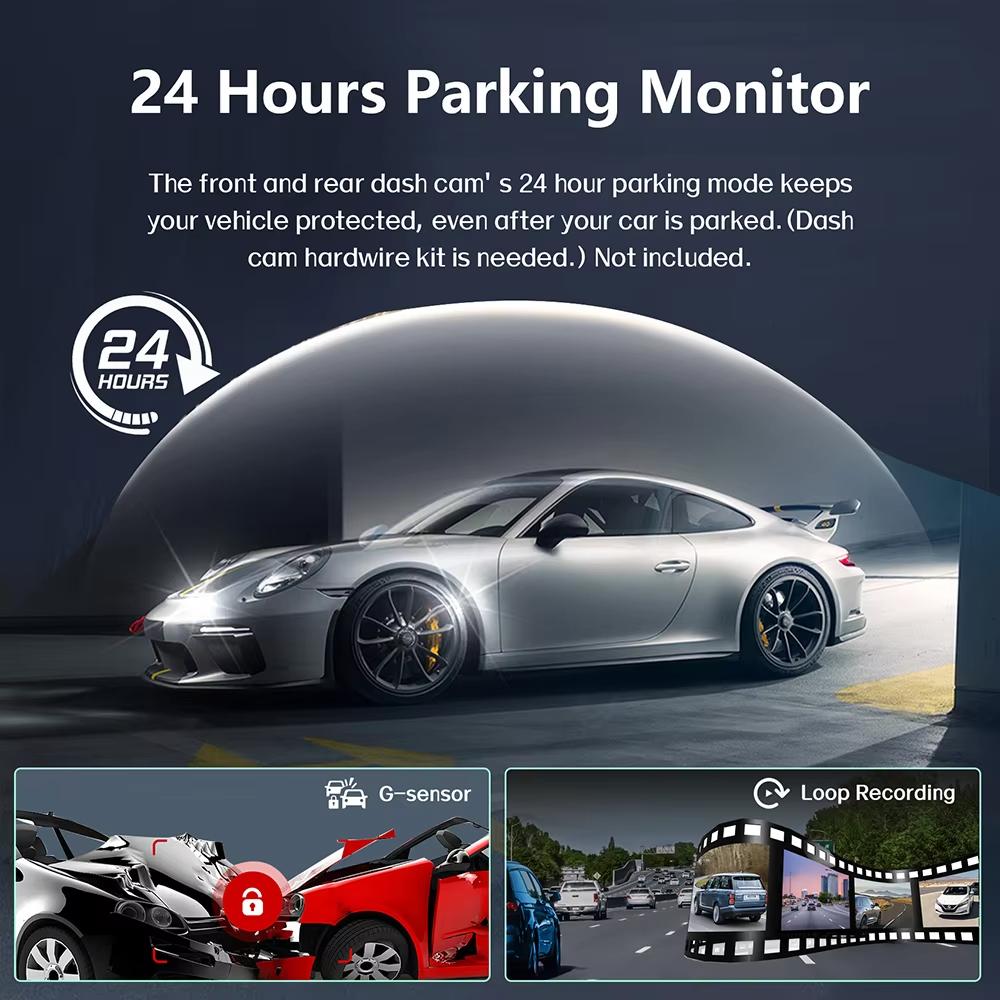
24-Hour Parking Monitoring
Built-in G-sensor activates automatic recording when a sudden shake or collision is detected. When emergency video is recorded, a voice will alert you when you return to the car. In addition,supports time-lapse recording, which maximizes storage usage and ensures that no moments of evidence are missed.
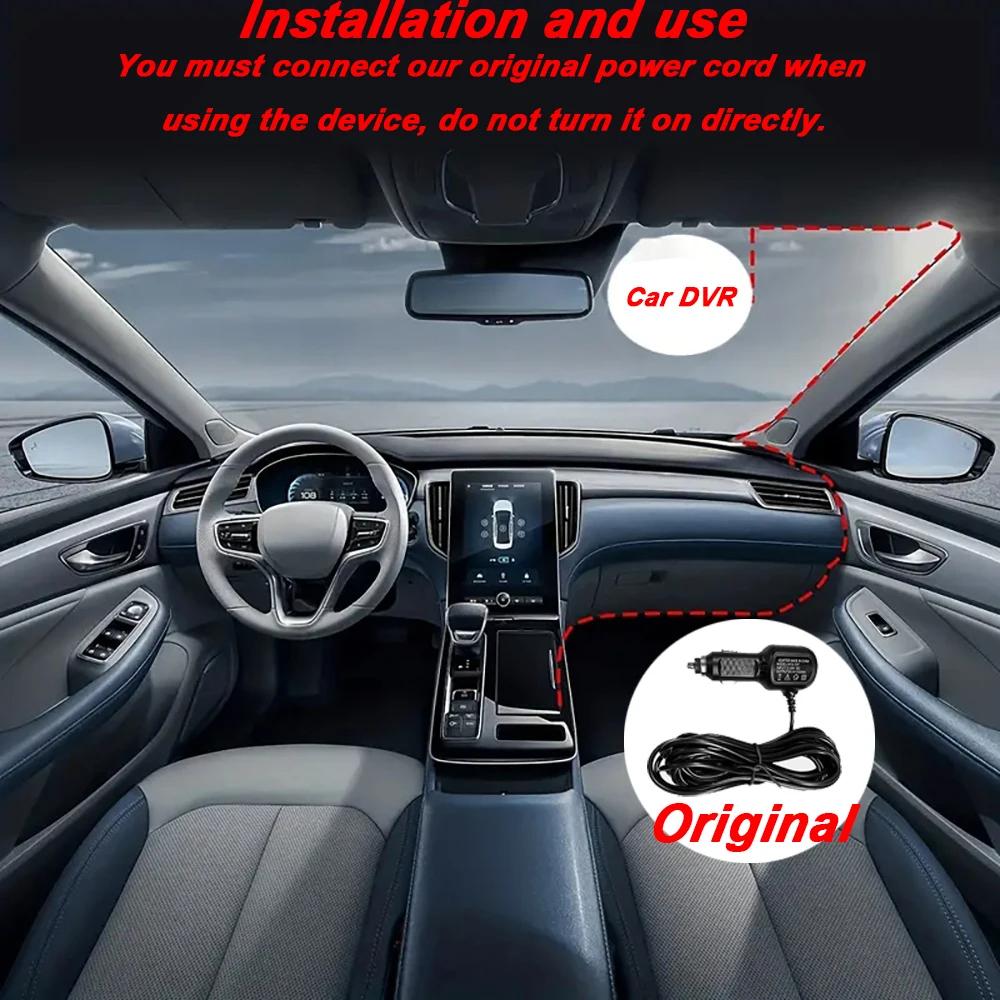
Friendly reminder: parking monitoring needs to be configured with a special buck cable for use, otherwise 24-hour monitoring is not possible
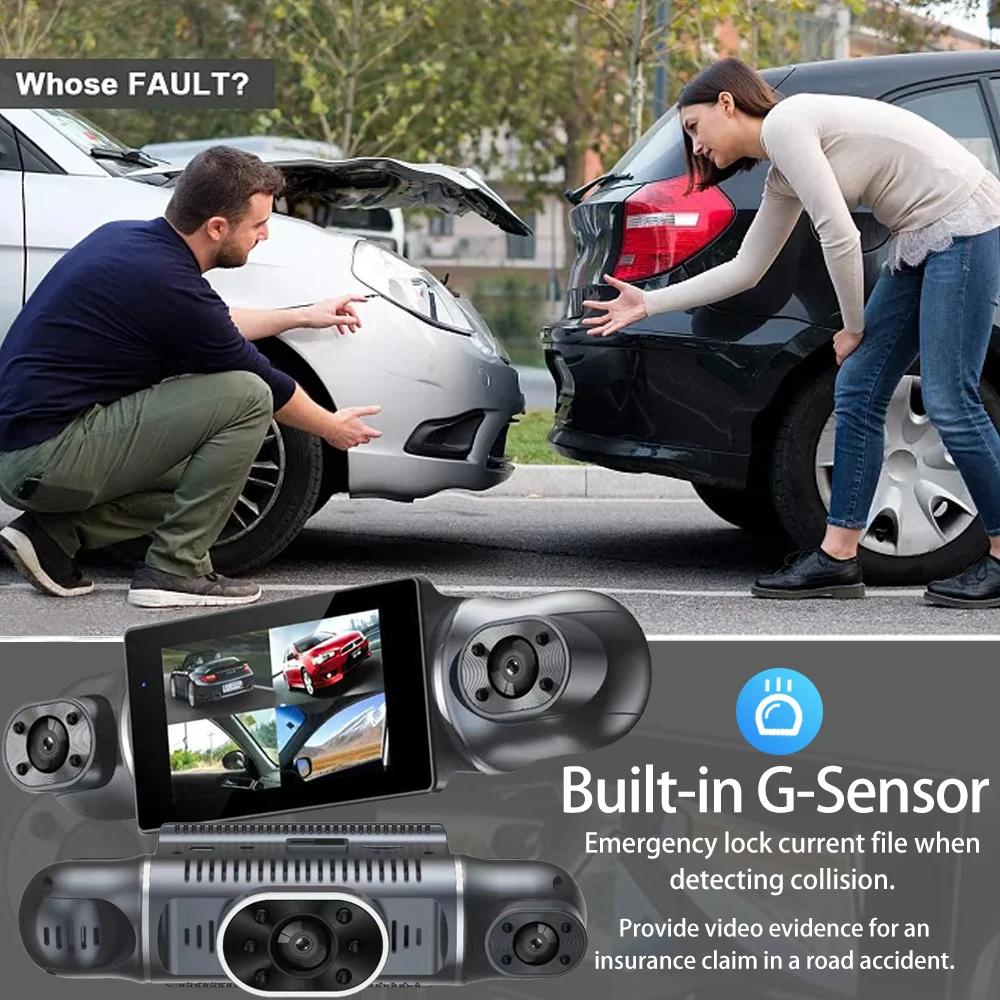
Built-in G-sensor
When your car is subjected to an impact or other emergency,the G sensor is triggered, so that the recorder immediately records and locks the video.
Loop- Cycle Recording
When the TF card is full,it will automatically delete former video and keep recording all the time
To protect your privacy, the TF card needs to be formatted for the first time. There are two solutions:
1. Insert the TF card correctly into the dash cam, open the camera settings, find the storage card format, confirm that the formatting is complete, and then restart the camera to use.
2.Connect to the mobile application, search for settings in the mobile application, format the memory card, confirm formatting is complete, and then restart the camera to use it. Sincere wishes to you and your family.
Attention:
The recorder needs to be equipped with a high-speed C10 or higher memory card for normal use. It is recommended to buy memory card packaging in this store to avoid adverse reactions to the product due to the purchase of irregular memory cards!


 No-delivery refund