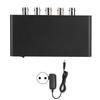
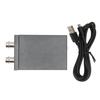
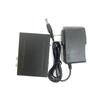
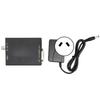
Feature:
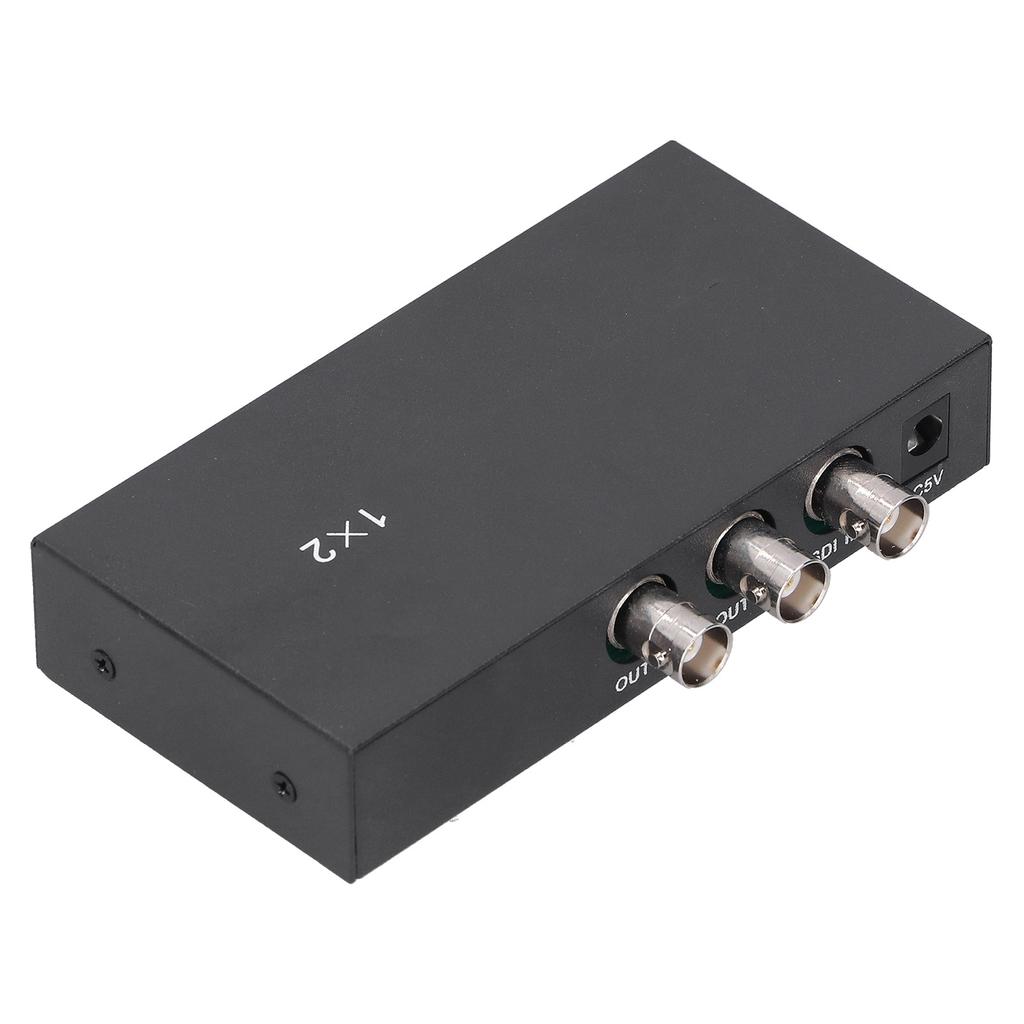
1. The SDI splitter supports Standard Definition‑SDI (270Mbps), HD‑SDI (1.485Gbps) and full HD 3G‑SDI (2.97Gbps) video formats to ensure 1 to 2 way of SDI video output.
2. Built‑in equalizer, clock recovery and cable driver, support the maximum cable length (Belden‑1694A). SDI cable input and output examples, Standard Definition supports 400m, HD supports 200m, 3G supports 100m (this is a theoretical value, the actual situation is related to the cable quality).
3. Built‑in wide voltage, support DC 5V‑36V input (maximum power 2W), very suitable for this project.
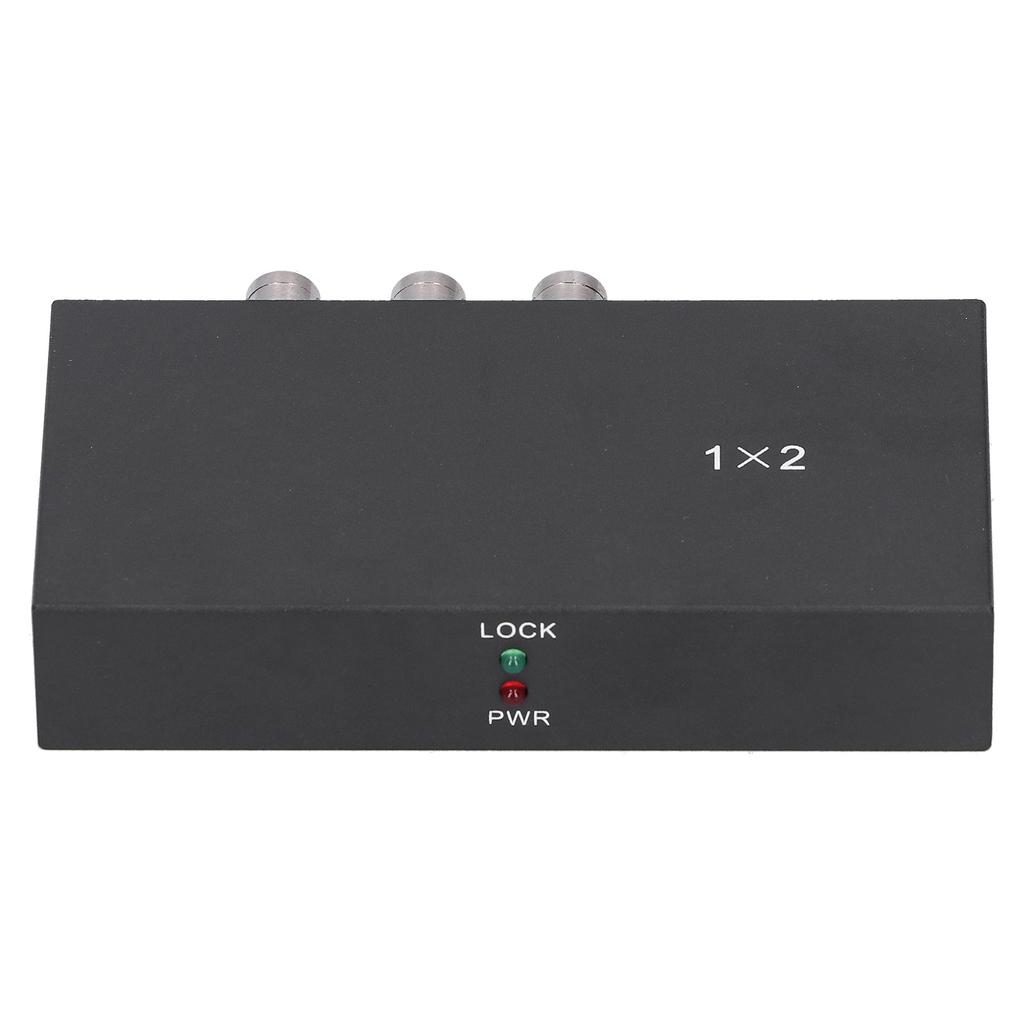
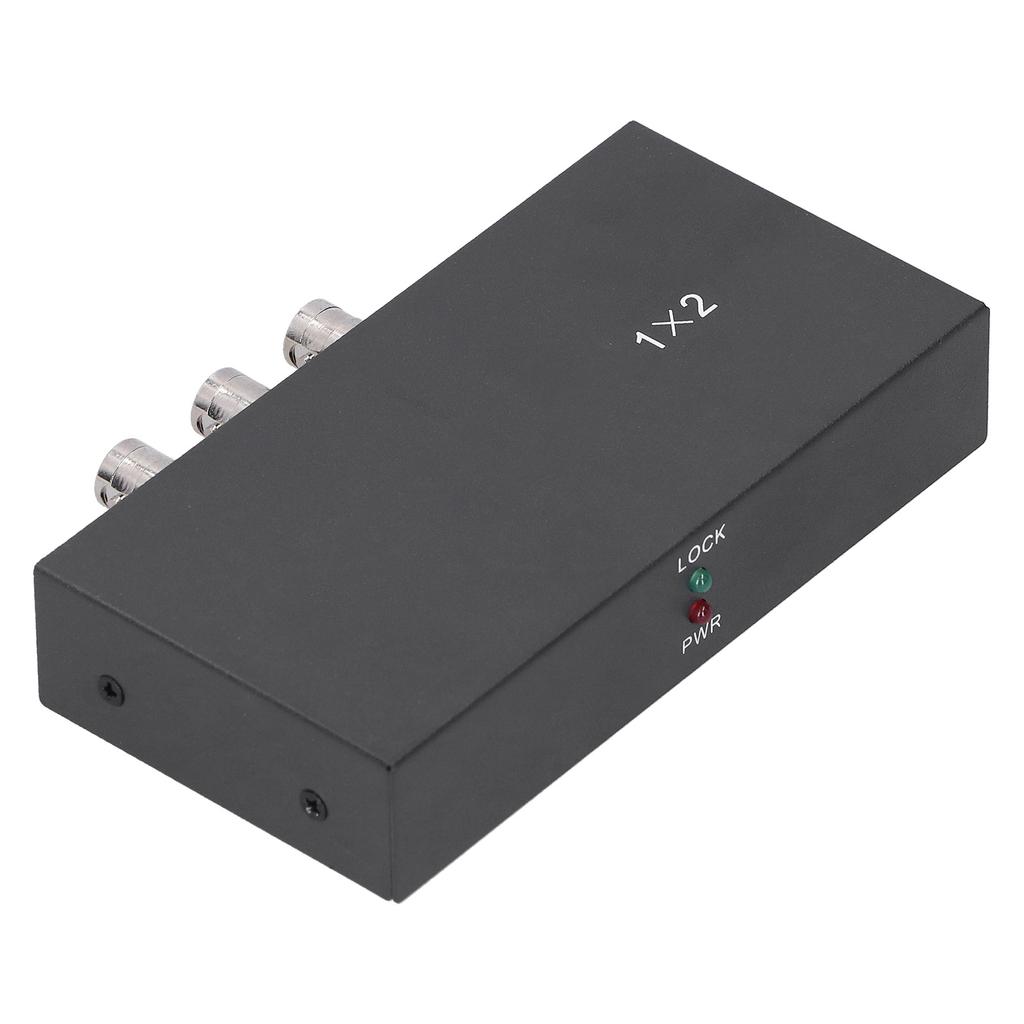
4. Plug and play, it can automatically detect different SDI signals. When a valid SDI signal input is detected, the LED will turn green, otherwise, the LED will not light up.
5. Processed with high‑quality materials of metal, wear‑resistant, high‑temperature resistant, and have a long service life.
Specification:
Item Type: SDI Splitter
Material: Metal
Color: Black
Scope of Application: DC 5V-12V
Whole Machine Power Consumption: <2W
Power Hole Diameter: Approx. 2.1mm0.1in
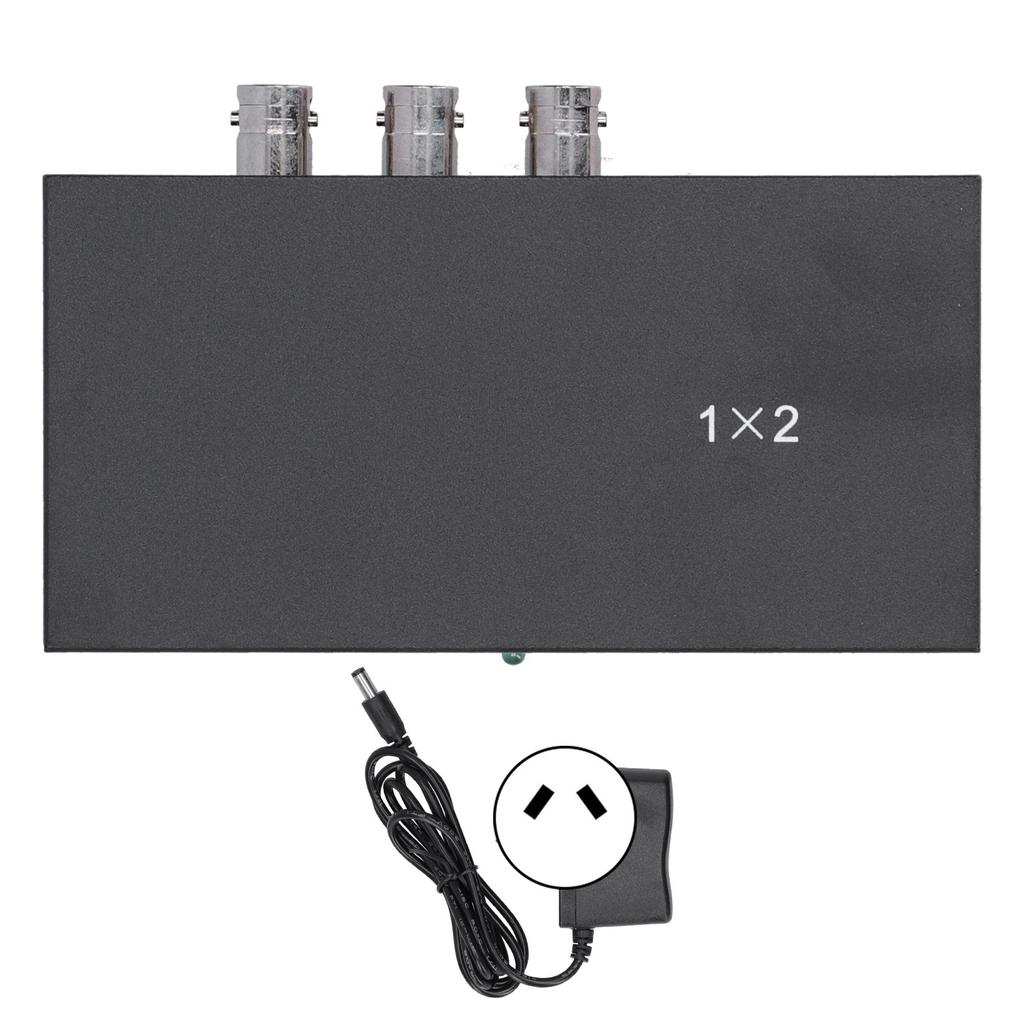
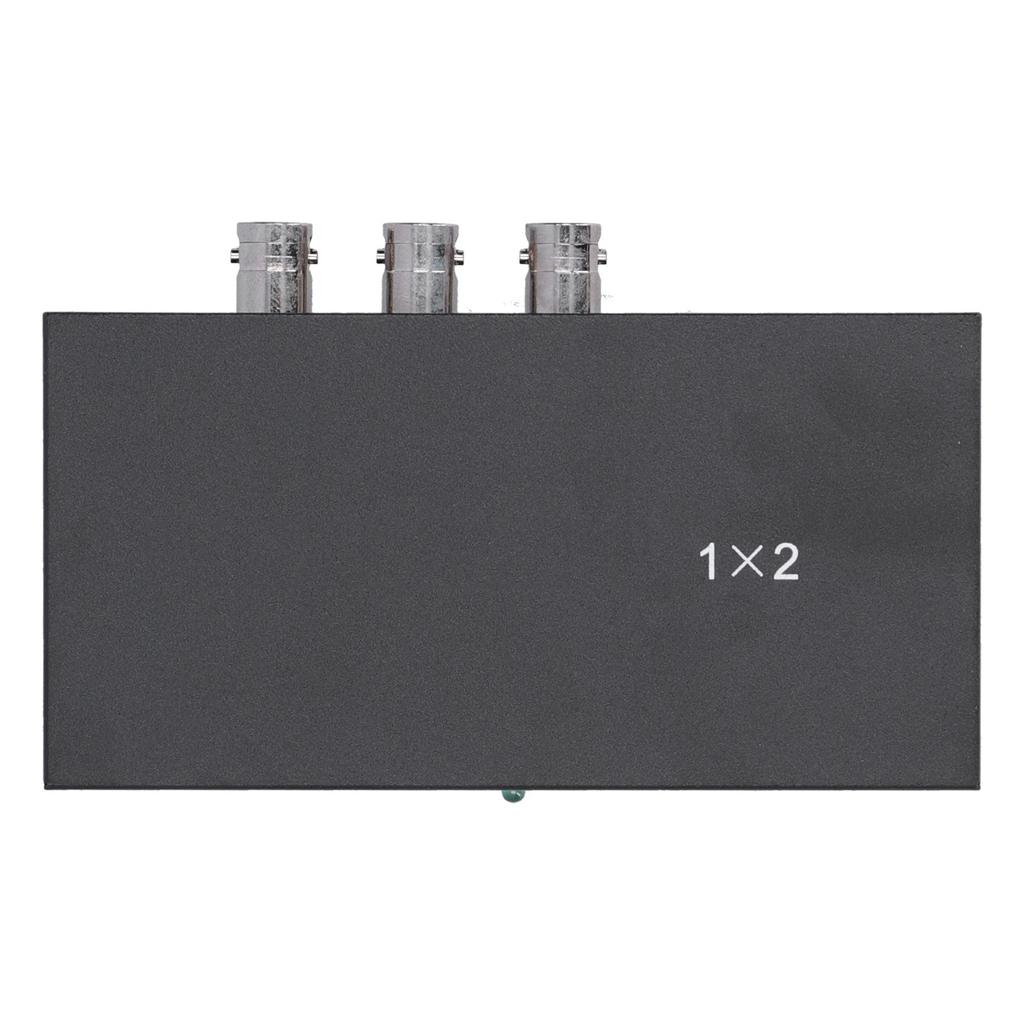
SDI Output Interface: BNC SDI x 2
SDI Standard Compatible: SMPTE 424M, SMPTE 292M and SMPTE 259M-C
SDI Signal Format: Standard Definition-SDI HD-SDI 3G-SDI
Support SDI Rate: 143-2970MBS
SDI Impedance: 75 Ohm
480i at 60Hz576i at 50Hz720 at 50Hz720P at 60Hz1080i at 50Hz1080i at 60HZ1080P at 24 at 25 at 30 at 50 at 60Hz
SDI Output Resolution:
480i at 60Hz576i at 50Hz720P at 50Hz720P at 60Hz1080i at 50Hz1080i at 60Hz1080p at 24 at 25 at 30 at 50 at 60Hz
SDI Signal Output Amplitude: 800mVp-p
How To Use:
Follow The Steps Below:
3. Turn on the power of the host and the machine starts to work.
SDI Signal Output Port (such As: Connecting SDI cameras, displays, etc.)
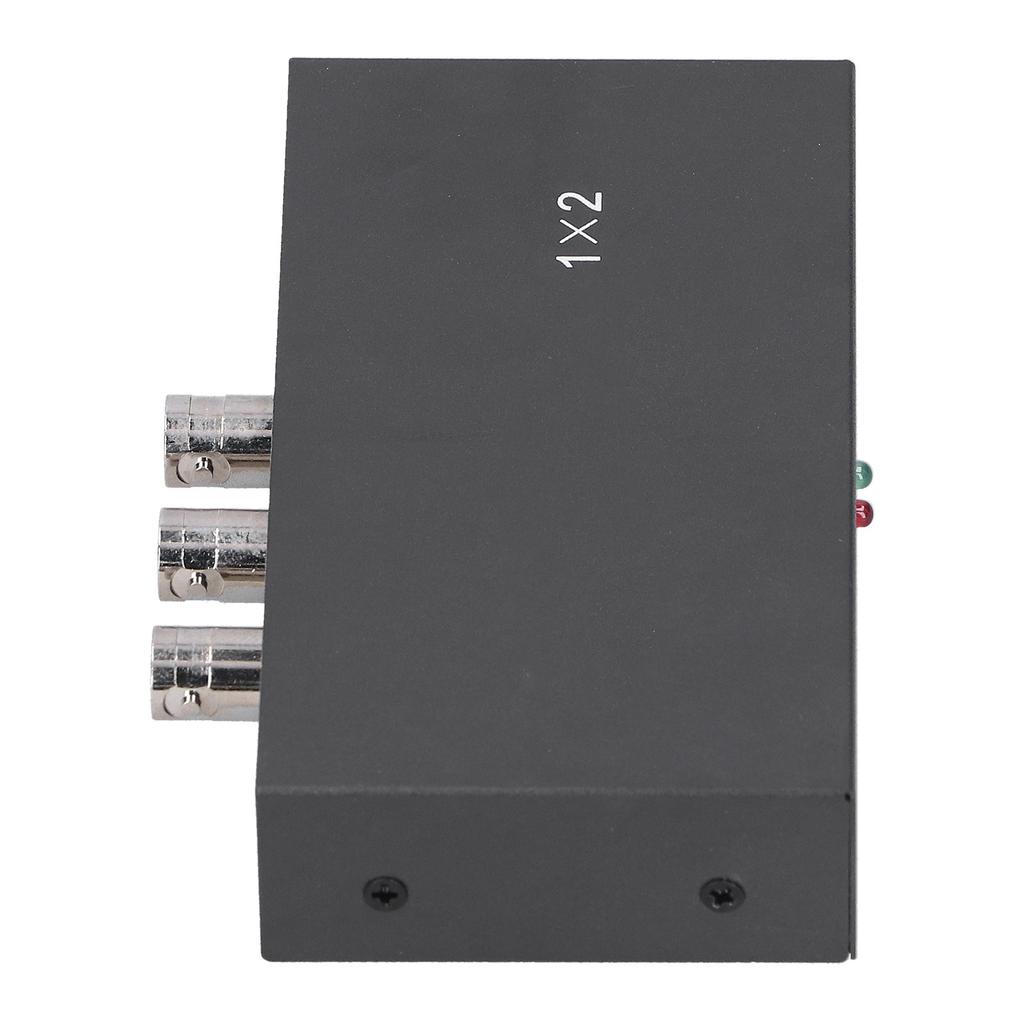
Red power indicator LED
Green SDI signal output indicator LED
Green SDI signal output indicator LED
Red power indicator LED.
Package List:
1 x SDI Splitter
1 x Power Adapter
1 x Manual
Note:
1. Please keep away from humidity, high temperature, dust, corrosive, oxidizing gas environment.
2. All parts should avoid strong vibration, please do not bump, knock or damage.
3. When unplugging the power adapter, please hold the head of the power adapter instead of pulling the power cord.
4. Turn off the power when the machine is not in use (unplug the power adapter when not in use for a long time).
5. Please do not open the product by yourself, and do not touch the parts inside.
6. You should use the original power adapter or reliable power adapter provided by the manufacturer.


 No-delivery refund