----------------------------------------------------------------------
【Voltage Compatibility】
When using electrical appliances, please note that they are designed for Japanese voltage specifications (90-110V), so if you use them with a different voltage, it may cause a malfunction.
【Plug Type】
Our products use Japanese plug types (A or B type).
Please use a conversion adapter if necessary.
【Important Note on Transformers and Adapters】
A transformer adjusts voltage to match your device’s requirements.
A conversion adapter only changes the plug shape and does not adjust voltage.
Using only a conversion adapter without a transformer may result in damage to the product.
【Liability】
We are not responsible for malfunctions or damages caused by improper use, such as operating the product without a transformer.
----------------------------------------------------------------------
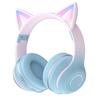
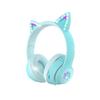
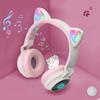
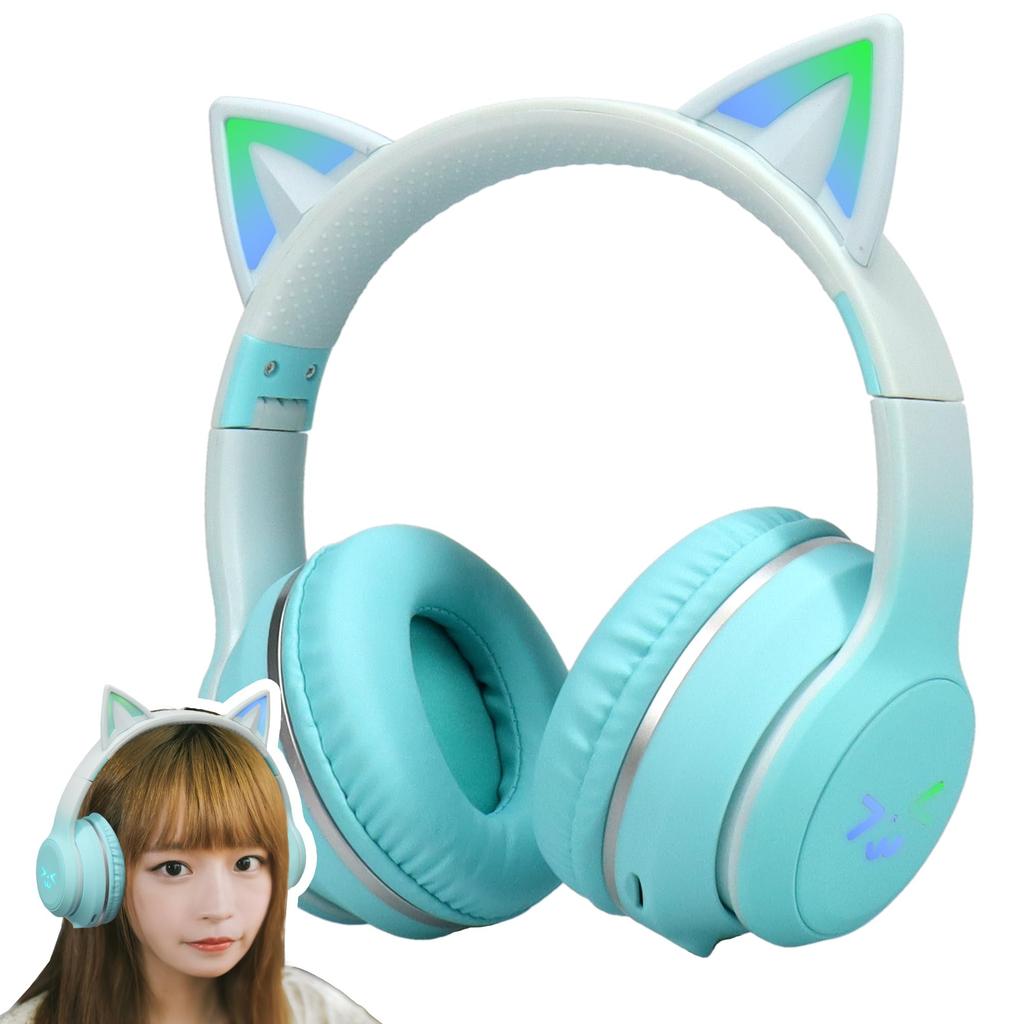
[Product] Wireless Cat Ear Headphones - Green <1-Year Warranty>
[Key Features] The cute cat ear design with LED lights! The LED lights change color in time with the rhythm, making them sparkle and look super cute. Just putting them on will lift your spirits! It's the perfect gift for cosplay, Christmas, Halloween, birthdays, school entrance ceremonies, New Year's, or any special occasion. The "Technical Conformity Mark" is a mark affixed to each radio device to certify that the device complies with the technical standards set forth in the Radio Law. Our products have been certified with this mark, so you can be assured of their safety and security.
[Easy to carry] The headband has 9 adjustable positions, allowing you to adjust the size to fit your head size. The foldable design makes it compact and easy to carry. Recommended for commuting to work or school, as well as traveling.
[Comfortable fit] The ear pads are made of soft leather, so you won't feel any pressure or stickiness even when wearing them for long periods of time. The elastic headband can be adjusted to nine different sizes to fit your head size. The lightweight design makes it comfortable to wear for long periods of time.
[How to Use] 1. Turn the "ON/OFF" key to "ON" to power on. 2. When the headset starts up, Bluetooth will automatically enter pairing mode. Turn on the Bluetooth function on your device and select "HZ-BT612" from the available devices. 3. After setting up the device, press and hold the play button until you hear "Connect" from the headset, indicating successful pairing.
[Frequently Asked Questions ①] Q: Can I use voice chat on the Nintendo Switch? A: The Nintendo Switch console does not support microphone input for any Bluetooth audio devices, including other products.
[Frequently Asked Questions ②] Q: Can I use the microphone on my computer or smartphone? A: Yes, you can use it with any device that can connect via Bluetooth.


 No-delivery refund