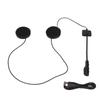
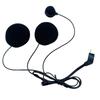
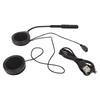
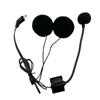
Feature:
1. DSP Noise Cancelling Technology: Windproof and more stable connection. DSP noise reduction technology, high volume, this helmet headphone transmits clear, high quality stereo music sound. Compatible with all smartphones.
2. Strong Signal Connection: One helmet BT headset can wirelessly connect two mobile phones at the same time, automatically connect to enjoy music, and the signal connection is strong. Provides efficient and convenient communication while riding.
3. Hands Free Calling: Automatically answer or answer manually after broadcasting the caller"s phone number, this is a very convenient feature when riding, allowing you to talk freely while protecting your driving safety. Hands free calling function for safe riding.
4. 720 Hours Standby: Built in 900mAh rechargeable lithium ion battery, long standby and working time. Support 720 hours standby time. Charging time is 3 hours. Support to display battery on mobile phone.
5. 20m Effective Distance: BT5V5.0 CSR BT chip, the effective distance is up to 20m, compatible with all smart devices that support BT, and the signal connection is strong. Application scenarios, motorcycles, rock climbing, skiing, cycling, takeaway, etc. Fits all helmets.
Specification:
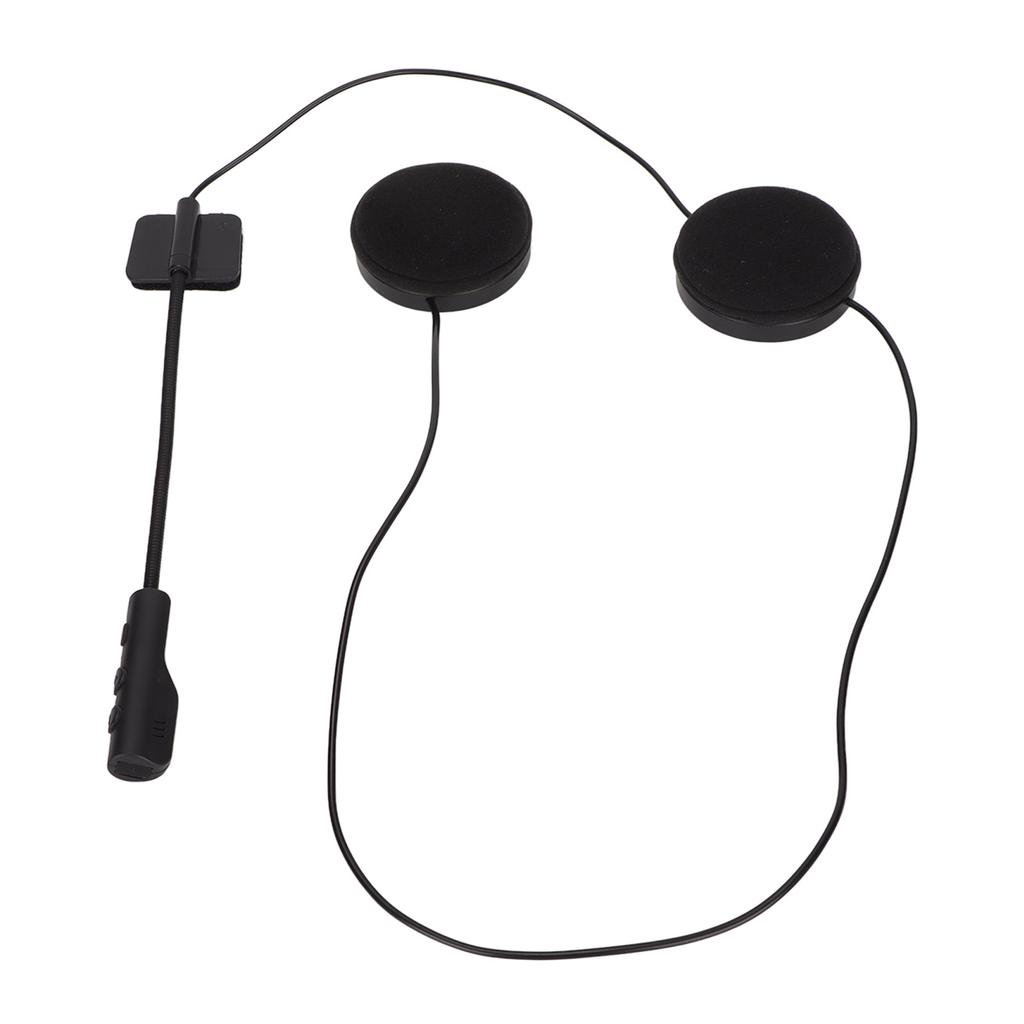
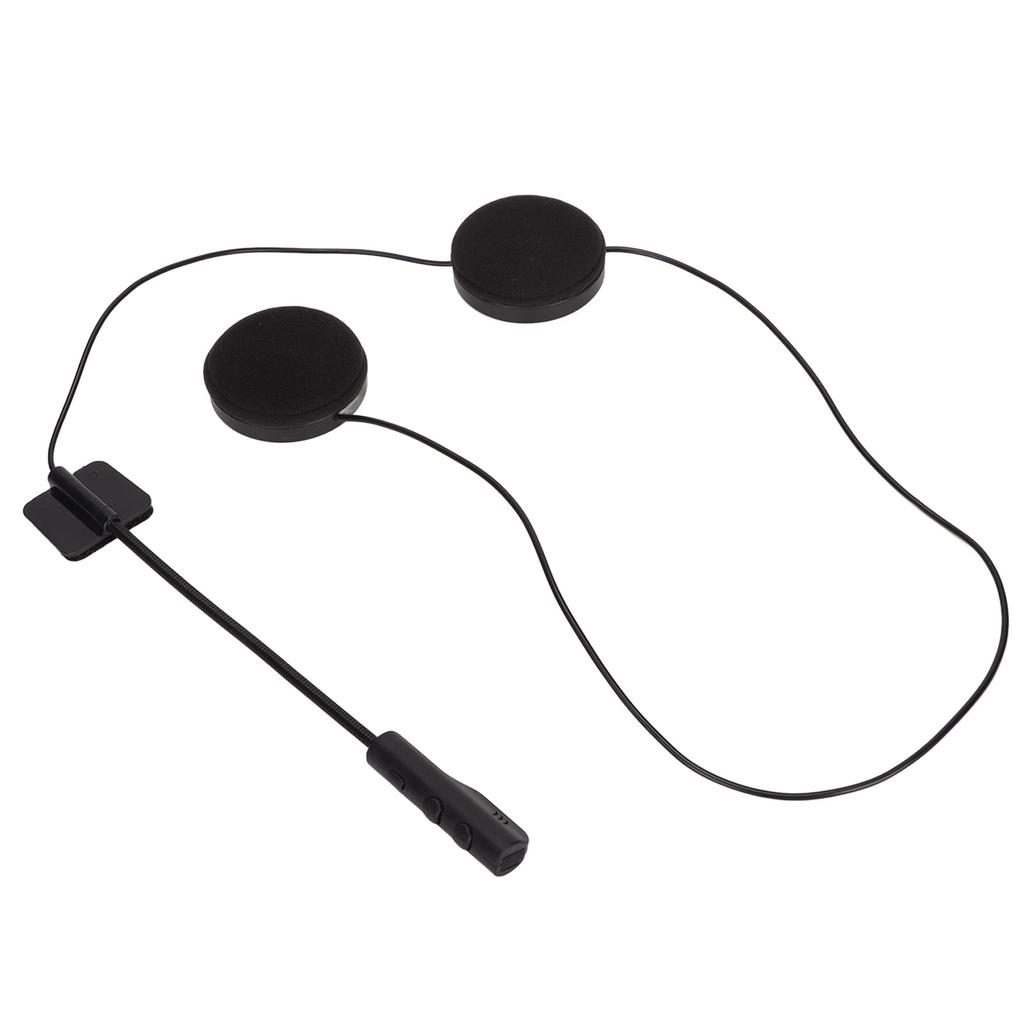
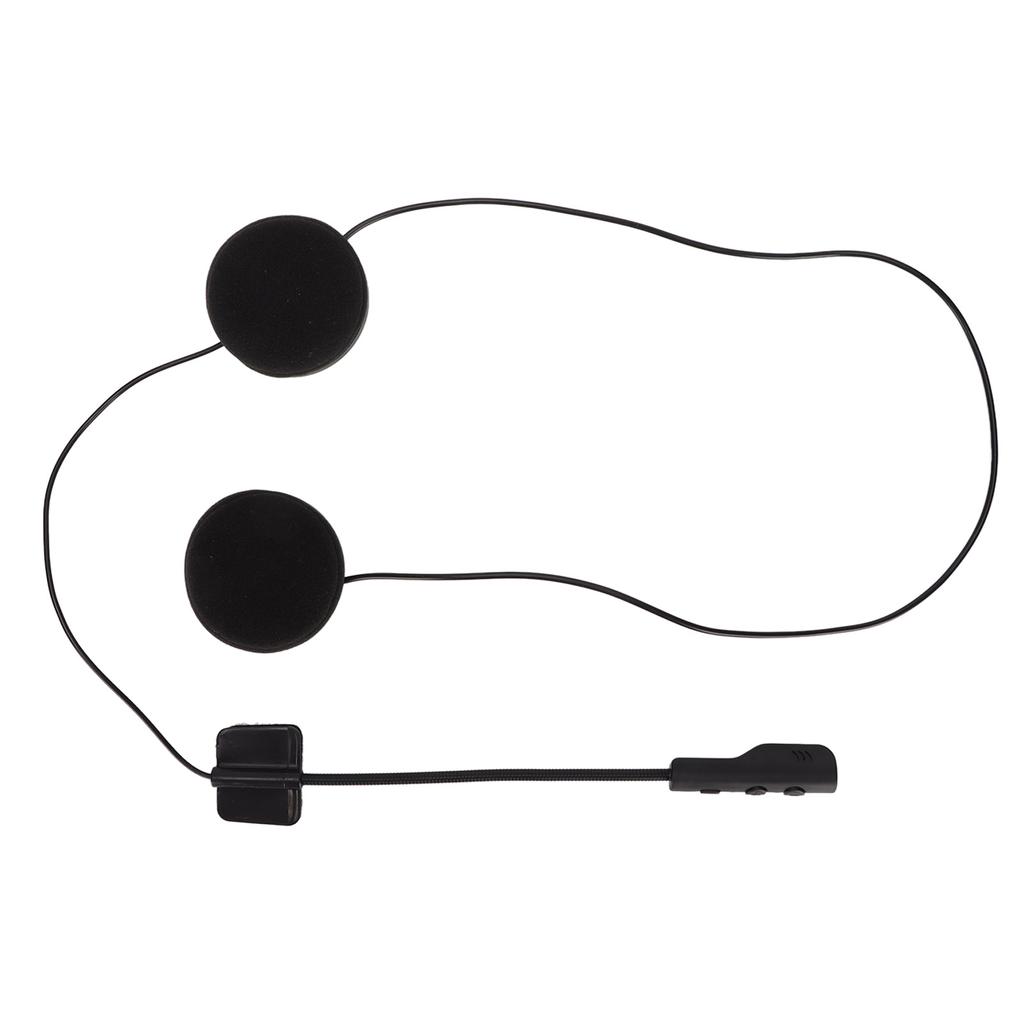
Item Type: Helmet Headphones
Material: ABS
BT Version: 5.0
Frequency: 2.402GHz-2.480GHz
BT Distance: 10m-20m 10.9-22.0yd (Depending on the Environment Around the Device Such As Obstacles)
Microphone Transmission Distance: less than 1m
Built in Battery: 3.7V 450mAh x 2 Li ion Batteries (Ship with Inbuilt Battery)
Playing Time: less than 16 Hours
Charging Voltage: 5V
Charging Time: About 3 Hours
Standby Time: less than 720 Hours
When you press the power button for 3 seconds, the device turns on with a"power on"tone.
BT pairing:
1. Press and hold the power button for 3s, you will hear the voice prompt"power on". Open the BT phone, search the pairing name
"You will hear the voice prompt"Connected"and the BT is successfully connected.
(If your cell phone or other BT device version is BT2.0, you need to input the pairing password"0000")
2. Connecting two cell phones
When one phone is paired with the headset, turn off the BT for that phone, then pair the second phone with the headset, and then turn on the BT for the first phone again.
Turn on the BT of the first phone to connect the two phones
3. Automatic connection
If your phone or BT device has a connection record with the headset, it will connect your BT and BT23 wireless headset directly and quickly again without re pairing.
4. Automatic search
When the phone BT is disconnected from the headset (voice prompt Disconnected), it will enter the automatic search pairing mode
5.Playpause
Press the power button to pause the song, then press this button again to resume the song.
6. Switch songssound increasedecrease
Short press"‑"to switch to the previous song. Press and hold to decrease the volume.
Press"+"briefly to switch to the the following song. Press and hold to make the sound louder, and there is a beep when the volume is maximum
7. Voice assistWhen connected to IOS phone, press and hold the power button for 2 seconds to enable Voice assist, and Voice assist will automatically exit after a few seconds of stopping the conversation..
Package List:
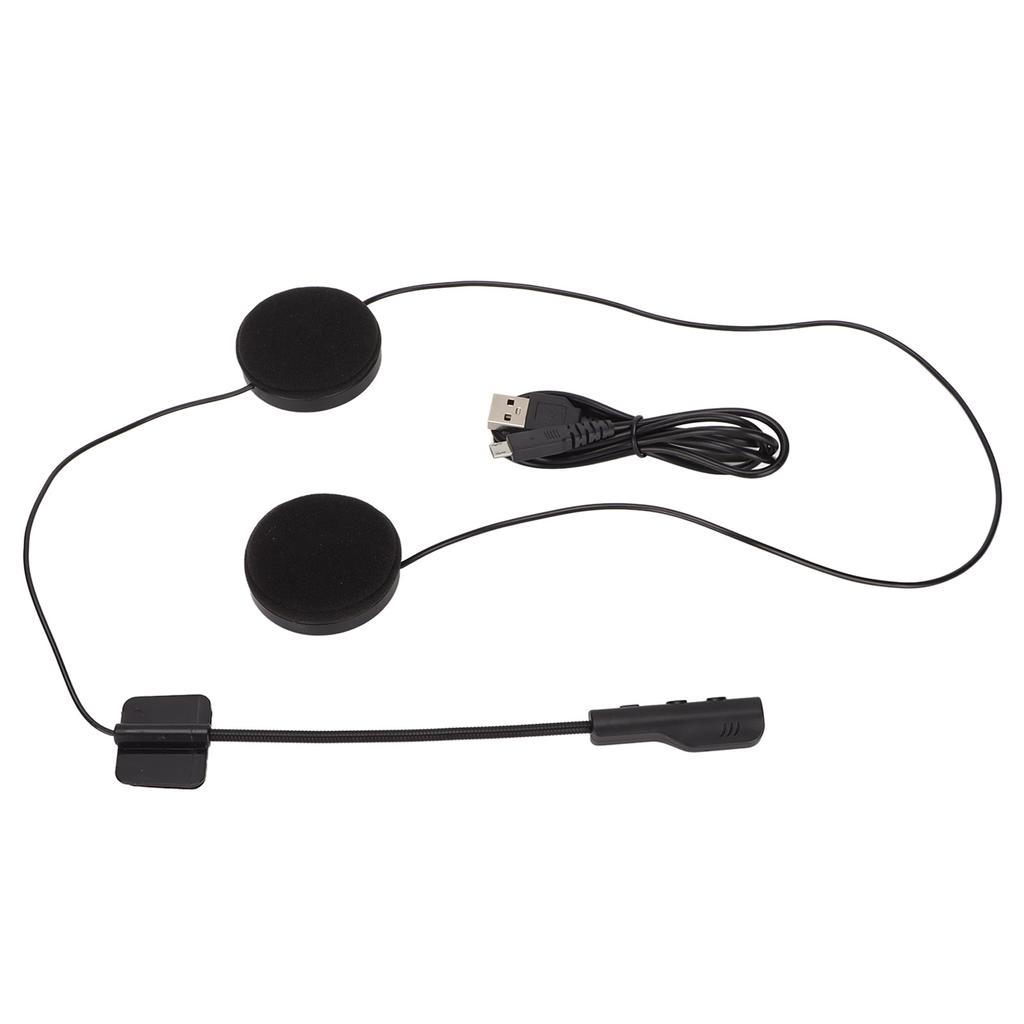
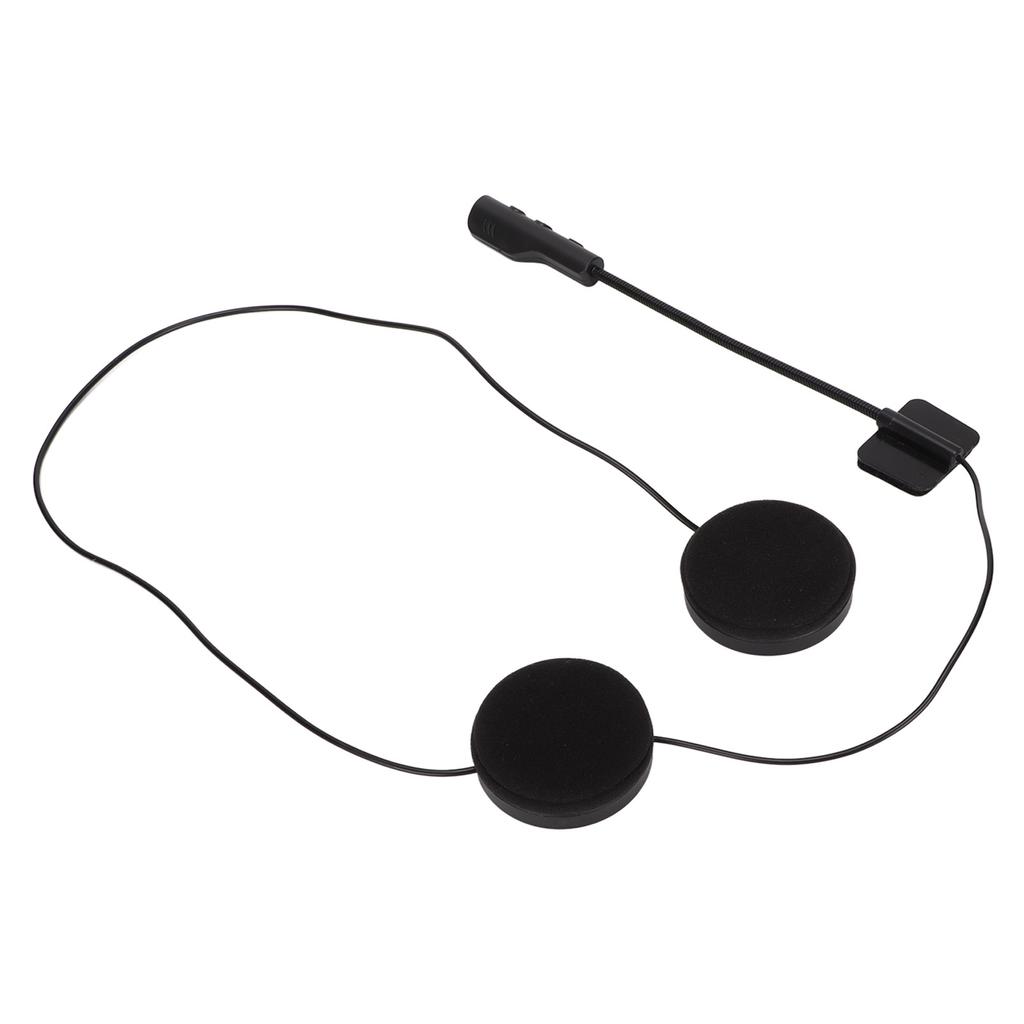
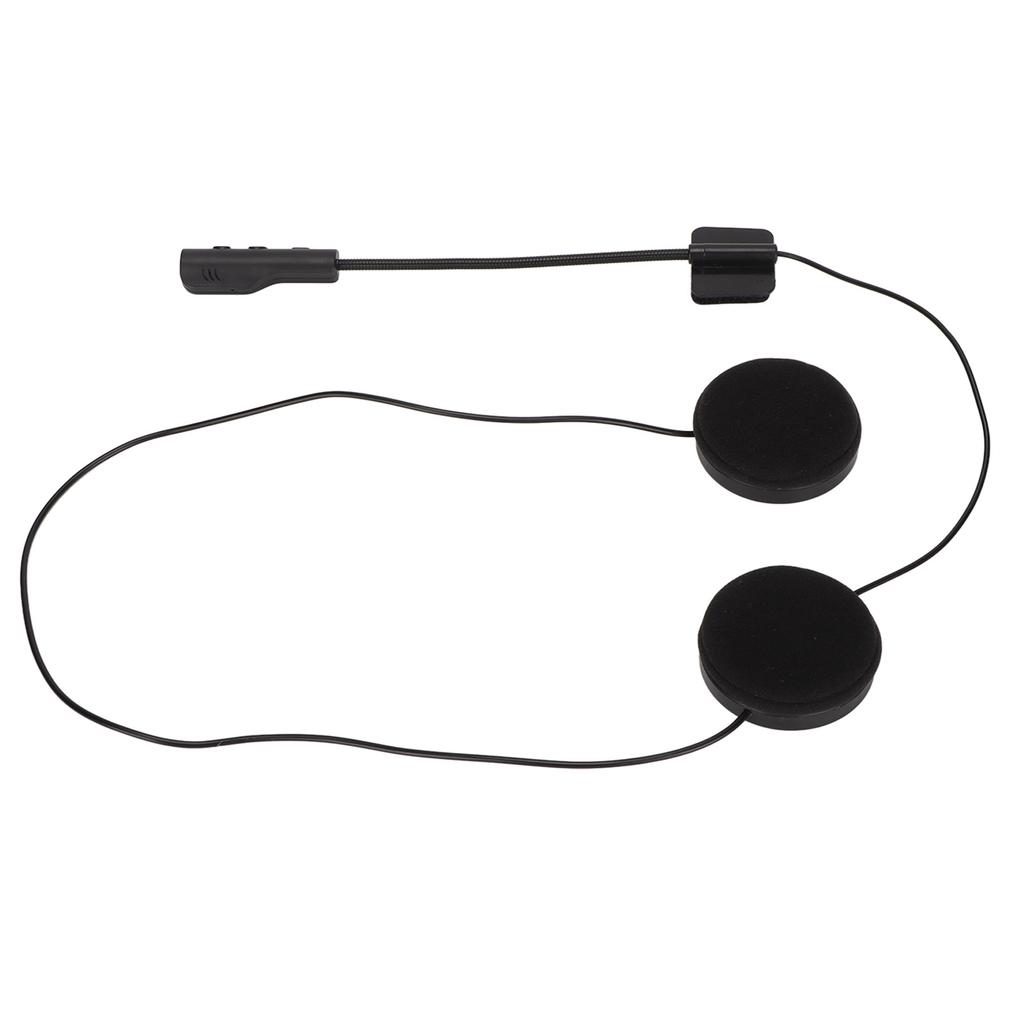
1 x Helmet Headphones1 x Micro USB Charging Cable1 x User Manual


 No-delivery refund