.description-dro {
max width: 1000px;
}
.description-dro h3 {
font-size: 24px;
font weight: bold;
text align: center;
}
.description-dro p {
font-size: 19px;
text align: center;
}
.description-dro table {
border collapse: collapse;
margin top: 40px;
width: 100%;
}
.description-dro td {
padding: 8px;
height: 20px;
}
.description-dro tr:nth-child(even) {
background color: #f1f1f1;
}
.description-dro td:nth-child(1) {
width: 50%;
text align: right;
font weight: bold;
}
.description-dro td:nth-child(1) {
width: 50%;
text align: right;
font weight: bold;
}
.description-dro td:nth-child(2) {
width: 50%;
text align: left;
}
.description-dro img {
display: block;
align-items: center;
margin: 0 car;
width: car;
max width: 100%;
max height: 300px;
}
#description-dro-top-image {
border-radius: 0px 0px 0 0;
max height: max content;
}
#description-dro-banner-image {
max height: max content;
width: 95%;
margin-left: 2.5%;
border-radius: 20px;
}
#description-dro-title {
font-size: 27px;
}
#description-dro-text-left-image-right {
display: flex;
align-items: center;
flex: 1;
margin-left: car;
}
#description-dro-text-right-image-left {
display: flex;
align-items: center;
flex: 1;
margin-left: car;
}
#opis-dro-text-right-image-left img {
margin-left: 30px;
margin bottom: 30px;
margin top: 30px;
}
#opis-dro-text-left-image-right img {
margin-right: 30px;
margin bottom: 30px;
margin top: 30px;
}
#description-dro-textbox {
margin-left: 20px;
margin-right: 20px;
}
#description-dro-textbox h3 {
font-size: 24px;
}
#description-dro-round-image {
border-radius: 20px;
}
.description-dro-blackbox {
background color: #ffffff;
color: #030303;
border-radius: 40px;
}
.dro-blackbox p, .dro-blackbox h3 {
margin-left: 25px;
margin-right: 25px;
font-family: "PT Sans", sans serif !important;
font: "PT Sans", sans serif !important;
}
.description-dro-blackbox p {
padding-bottom: 20px;
color: #050505;
}
.description-dro-blackbox hr {
margin-left: 30px;
margin-right: 30px;
}
.description-dro-blackbox #whitepart, #whitepart h3 {
background color: #1c7236;
margin: 0;
color: #070707;
}
.description-dro-blackbox #whitepart {
padding top: 30px;
width: 95%;
margin-left: 2.5%;
border-radius: 20px;
}
.description-dro-video {
display: flex;
justify-content: center;
}
.dro-video description .dro-video-wrapper {
position: relational;
width: 75%;
padding-bottom: 42.2%;
}
.description-dro-video video {
position: absolute;
top: 0;
left: 0;
width: 100%;
height: 100%;
}
.description-dro-filler {
width: car !important;
height: car !important;
max height: none !important;
}
.description-dro-filler2 {
width: 75% !important;
height: 75% !important;
max height: none !important;
}
}
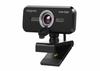
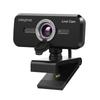
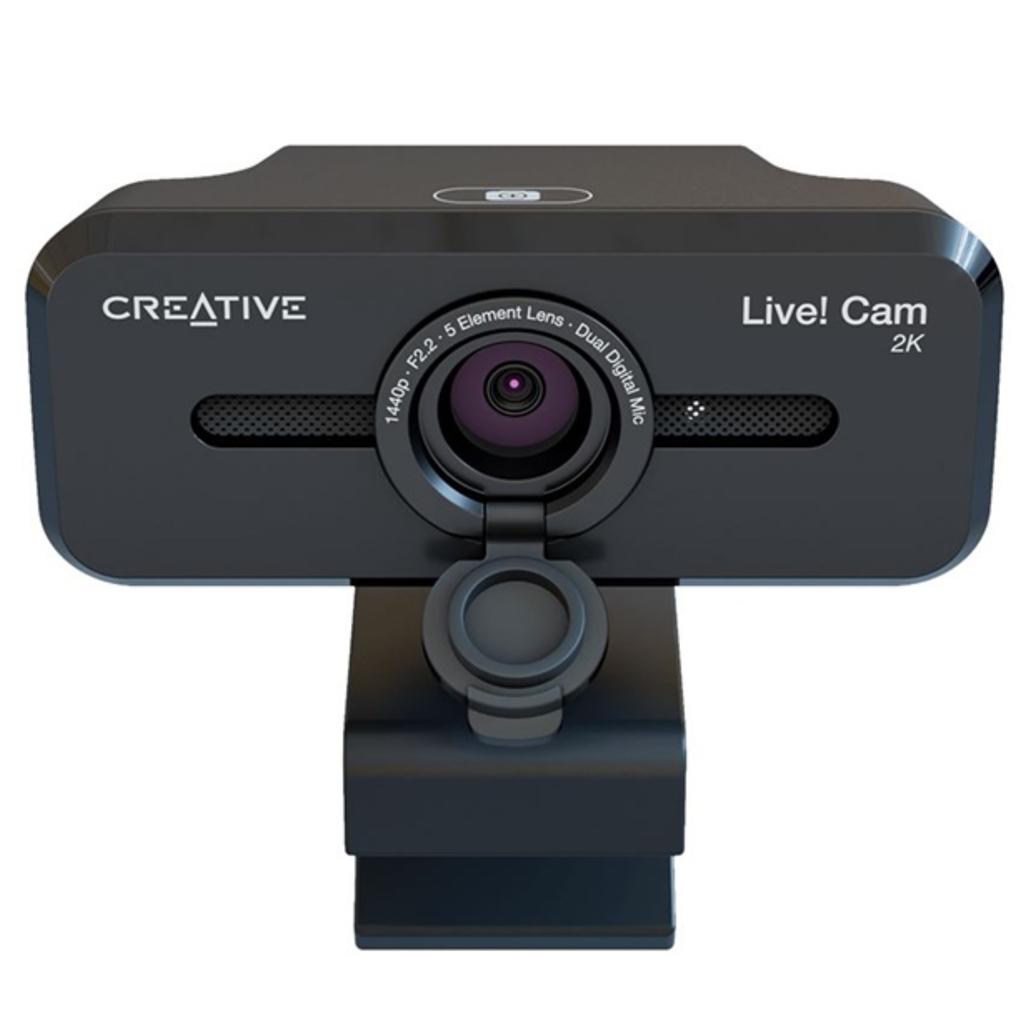
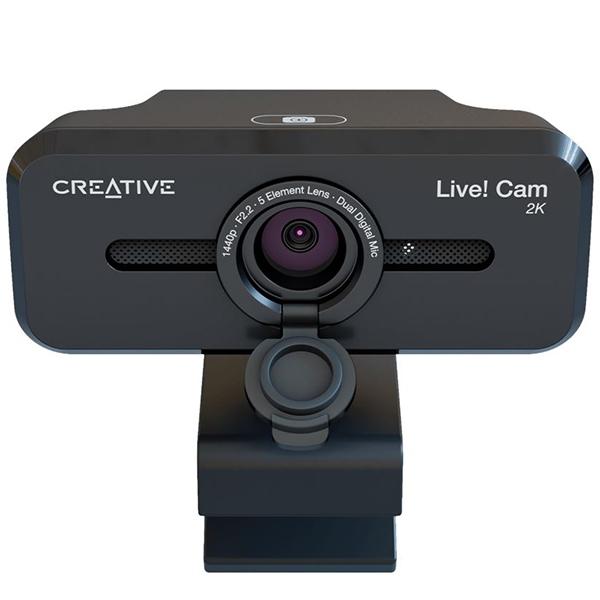
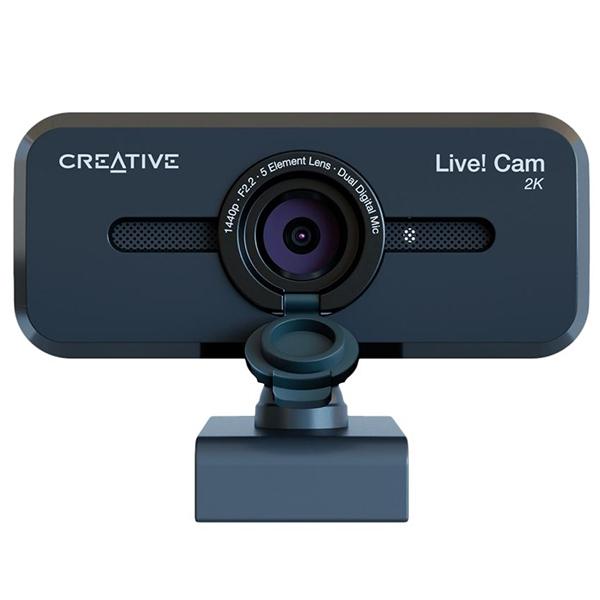
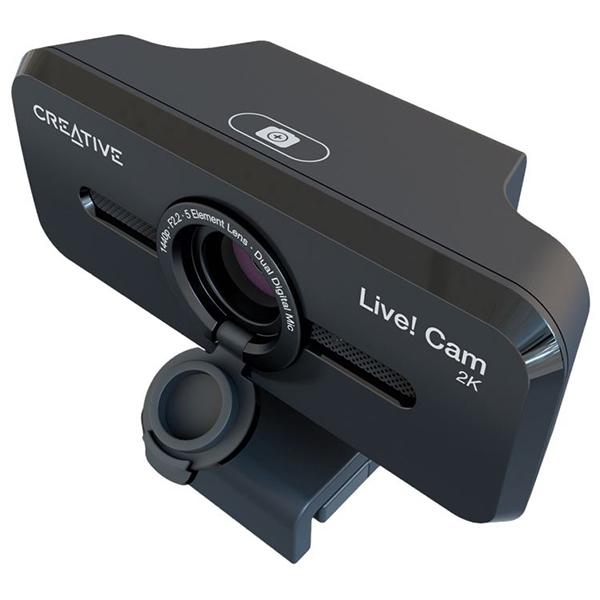
Be ready in the blink of an eye and let yourself be seen at your best in Full HD resolution! Creative Live! Cam Sync V3 is a plug-and-play 2K QHD webcam that delivers extremely detailed and smooth images. Thanks to the 4x digital zoom, you will be able to choose from many zoom ranges that are best cropped to your needs and environment.
Show the background by selecting an optimally positioned zoom range that fits a group of 4 people, or capture only yourself in a perfectly framed head-and-shoulders view during one-on-one conversations. This webcam is equipped with two omnidirectional microphones and is perfect for any setup — web conferences, online interviews, or simply meeting with loved ones.
Just plug in and be ready to go!
UVC compliance means that Creative Live! Cam Sync V3 does not require the installation of additional drivers and is compatible with laptops and computers running on Windows and macOS platforms.
Connect it to the computer and get to work right away. The webcam is compatible with most popular video conferencing applications, so you can easily join any meeting, even last-minute ones.
Incredible 2K QHD clarity
Impress others by displaying in 2K QHD* resolution at 2560 x 1440 at 30 fps — let them see every detail in full clarity.
*2K QHD output quality is available using supported third-party applications such as OBS. Learn more about how to switch to 2K video resolution in Creative Live! Cam Sync V3. For help with OBS, visit the software website.
Is it not a good time to be seen?
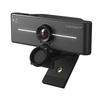
Lift the lens cover and close it to ensure privacy.
4x digital zoom
From group meetings to intimate conversations — Creative Live! Cam Sync V3 allows you to zoom in up to four times and display only what you want to show with a few taps.
Verified microphone
We make sure you are heard clearly. Thanks to the two omnidirectional digital microphones built into the webcam, your voice is picked up clearly and accurately, and you will sound more natural and realistic.. For example, talking to your grandparents will sound like you're talking to them in person!
Communicate smarter
Skip unnecessary microphone controls, focus on online conversations, whether at work or play, and listen clearly, without annoying background noise or requests to mute.. Our SmartComms Kit, available through the Creative app, includes a suite of smart communication features that make speaking and conversing easier.
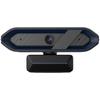
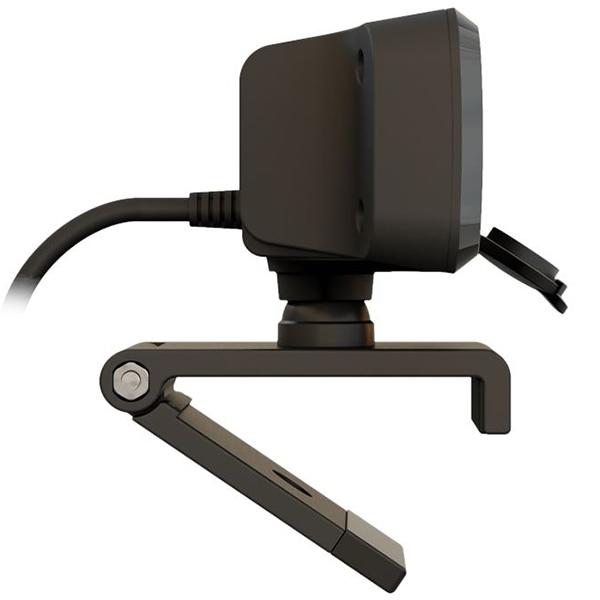
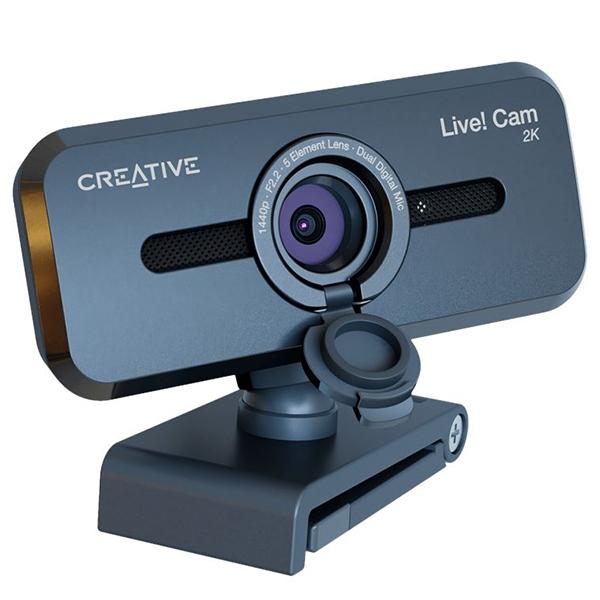
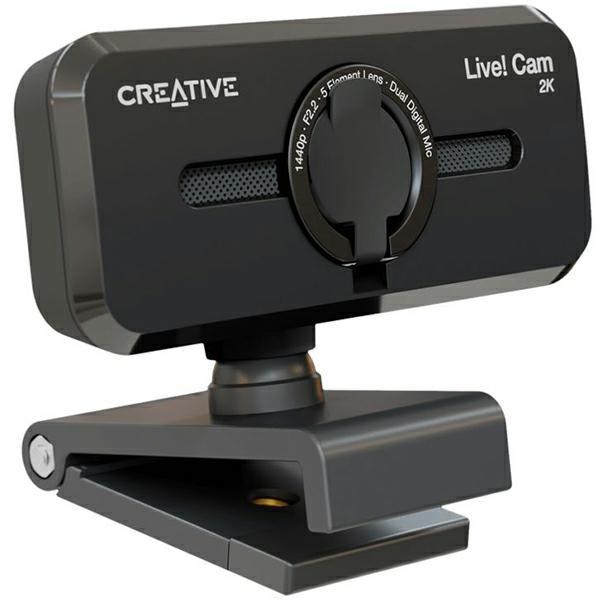
Install Creative Live! Cam Sync V3 stably on every laptop or desktop monitor thanks to the universal mounting clip. Do you want to place it further from the screen? You can also attach the webcam to any universal tripod* for greater versatility. The webcam cable is 1.8 m long, which is suitable for people who record from a long distance.
* The tripod is optional and is not included in the set
Whether you mount the webcam on your computer or on a tripod, it is fully adjustable with 360° horizontal rotation and 30° tilt.. Find the perfect angle according to your needs and always look your best.
Technical data
Product Type
Web camera
Microphone
Dual built-in multi-directional digital MEMS microphone arrays
Interface
USB 2.0
Button: touch control
Plug-and-play UVC standard compliance (USB video device class)
Cable length: 1.8m
USB-A connector
Mounting on a tripod: Yes
Image processing
Sensor technology: CMOS QHD Image Sensor (2560 x 1440) 5 MP
Video resolution and frames per second: MJPG-1440p 30 fps/ 1080p 30 fps / 1200p 30 fps / 720p 30 fps / 540p 30 fps
Output format: YUY2 / MJPG
Image capture resolution: 2560 x 1440 /1920 x 1080
Image capture format: BMP / JPG
Field of View: up to 95° (diagonal)
Flicker control: 50 Hz / 60 Hz
System requirements - Webcam
compatible with operating systems supporting UVC
Requires


 No-delivery refund