Voltage Compatibility】
When using electrical appliances, please note that they are designed for Japanese voltage specifications (90-110V), so if you use them with a different voltage, it may cause a malfunction.
【Plug Type】
Our products use Japanese plug types (A or B type).
Please use a conversion adapter if necessary.
【Important Note on Transformers and Adapters】
A transformer adjusts voltage to match your device’s requirements.
A conversion adapter only changes the plug shape and does not adjust voltage.
Using only a conversion adapter without a transformer may result in damage to the product.
【Liability】
We are not responsible for malfunctions or damages caused by improper use, such as operating the product without a transformer.
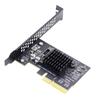
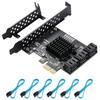
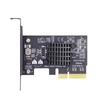
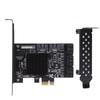
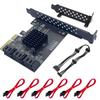
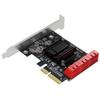
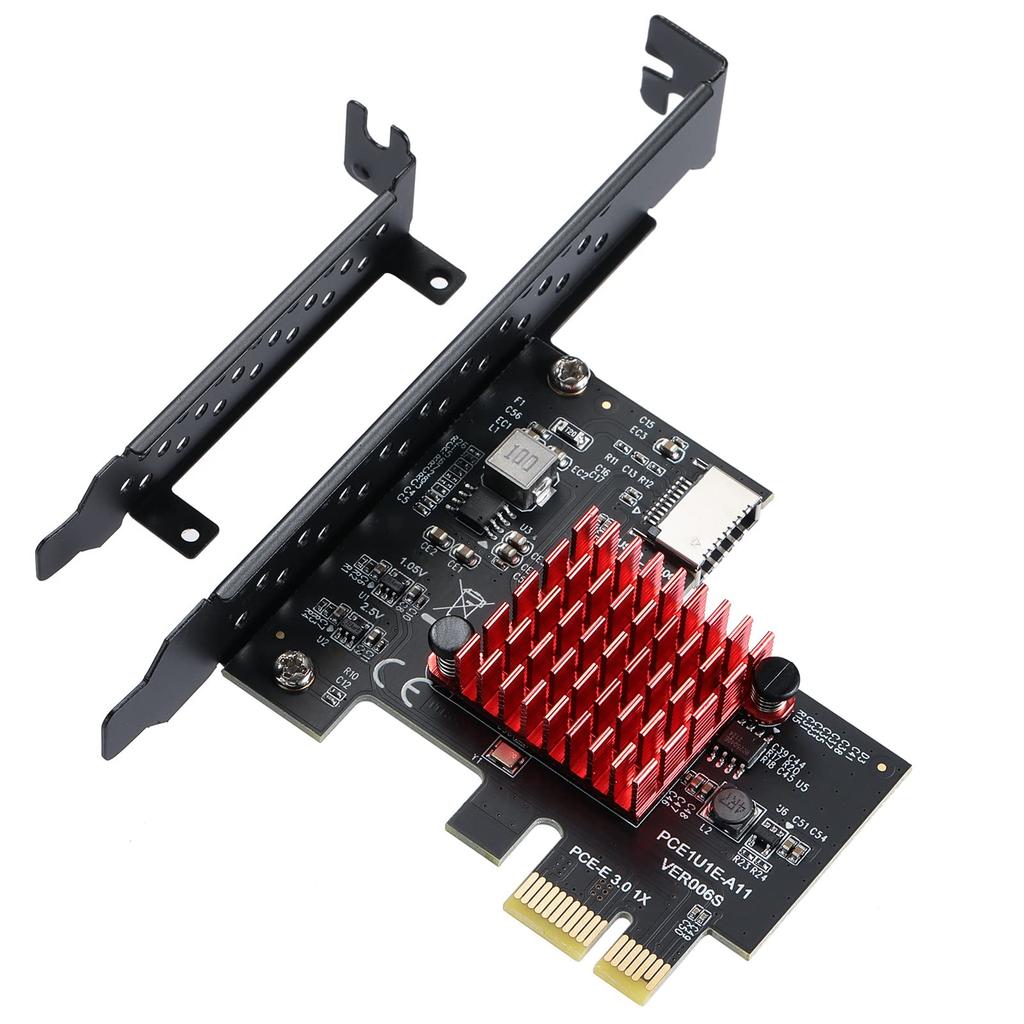
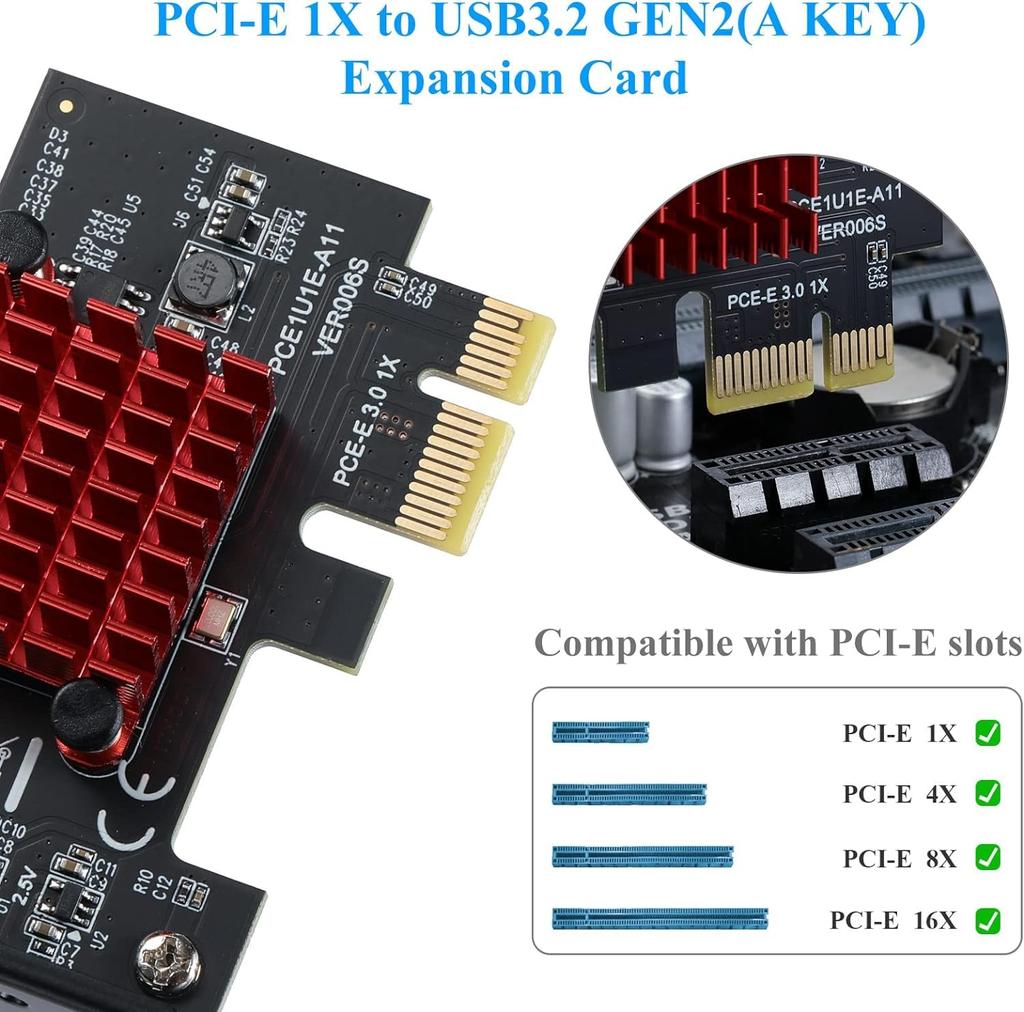
PCI-E Interface: The USB3.1 Gen2 adapter card is 1X PCI-E interface, suitable for all PCI-E slots on your motherboard. The heat sink reduces the heat dissipated by the expansion card during operation
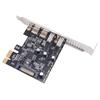
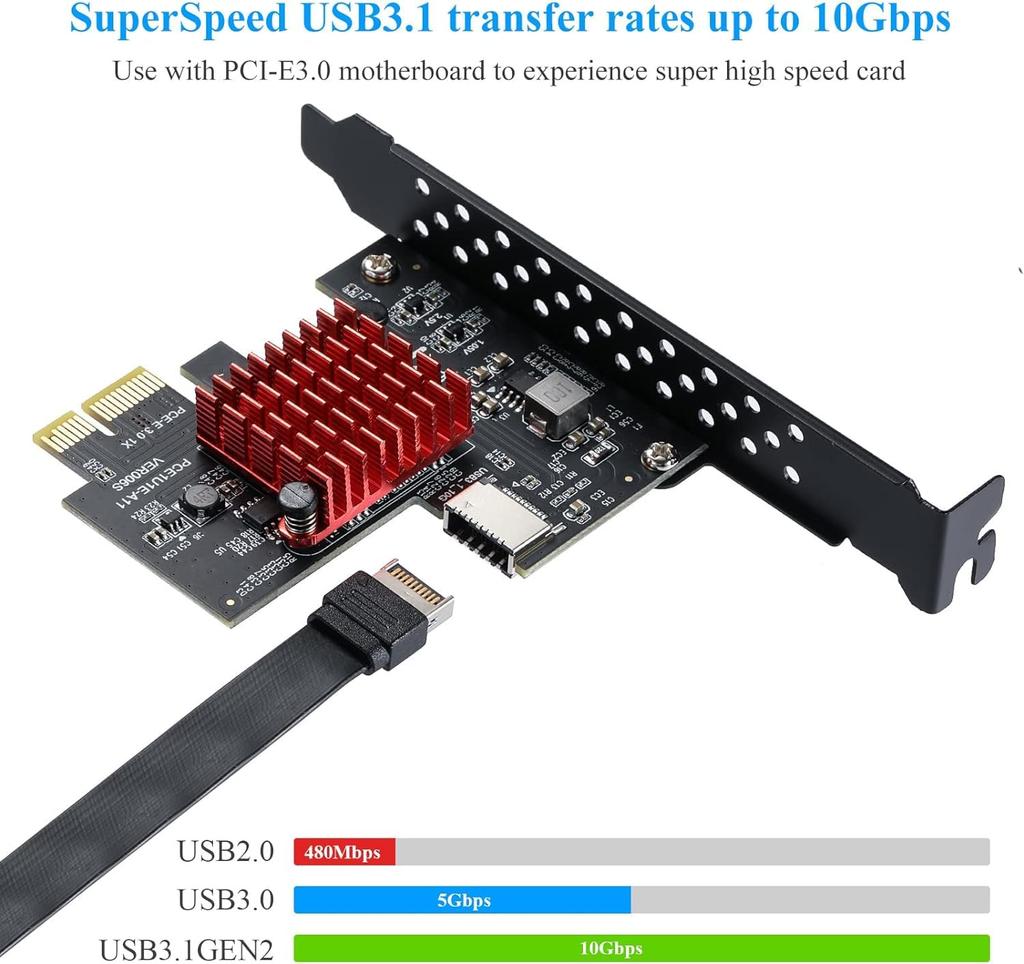
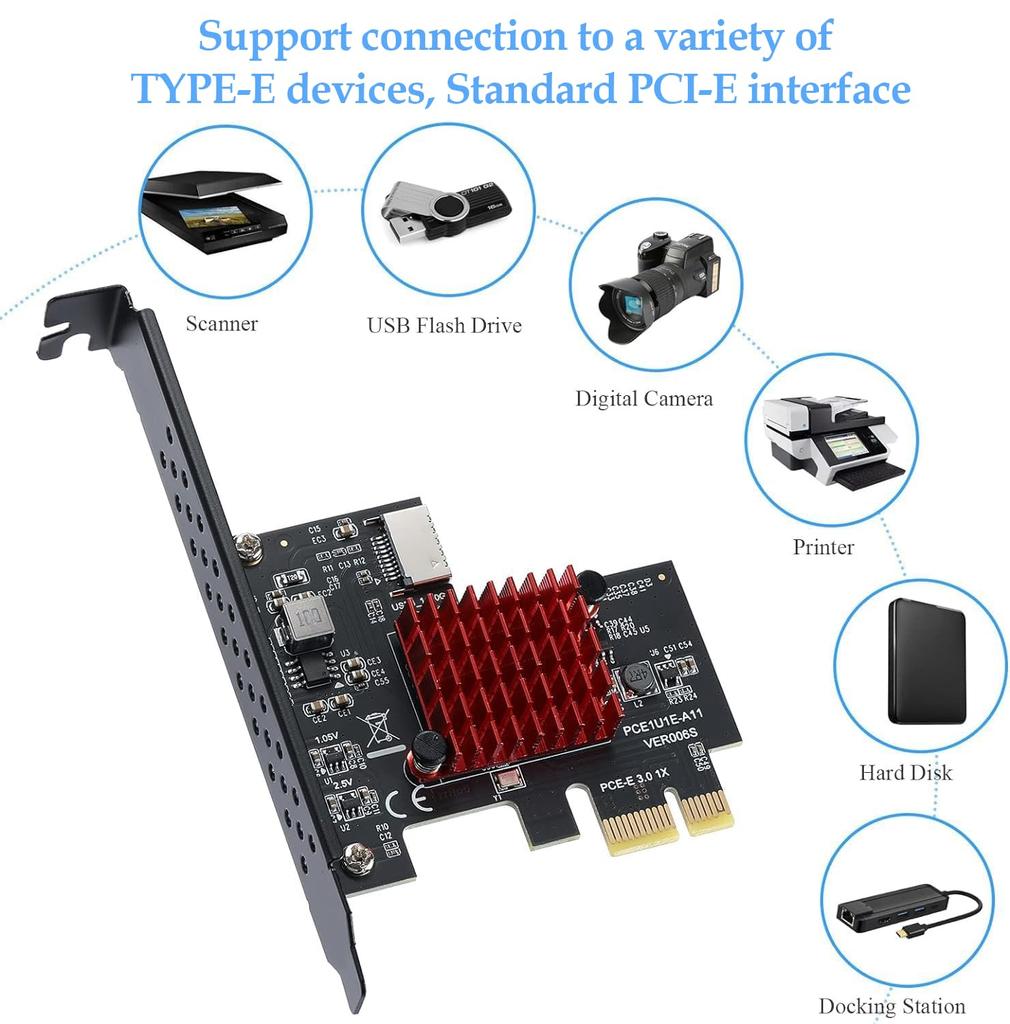
Type-E Interface: PCI-E 1X to USB3.1 Gen2(A Key) expansion card, super fast USB3.1 transfer speed up to 10Gbps, support connecting to various TYPE-E devices, standard PCI-E interface. The recently upgraded reverse interface allows for flexible wiring.
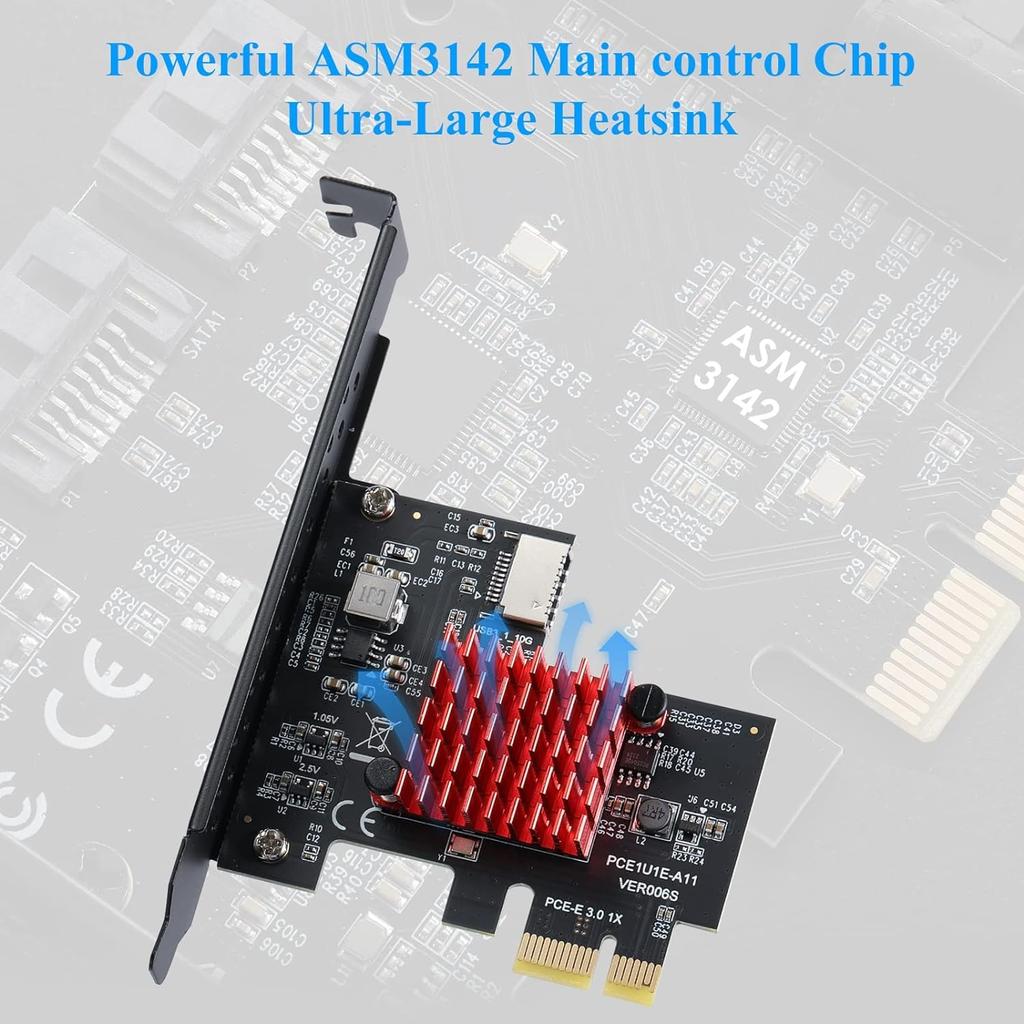
High-speed transfer: Powerful ASM3142 main control chip, super large heat sink, compliant with USB3.1 GEN2 standard (TYPE-E 10Gbps), the maximum speed is 700-800M/s
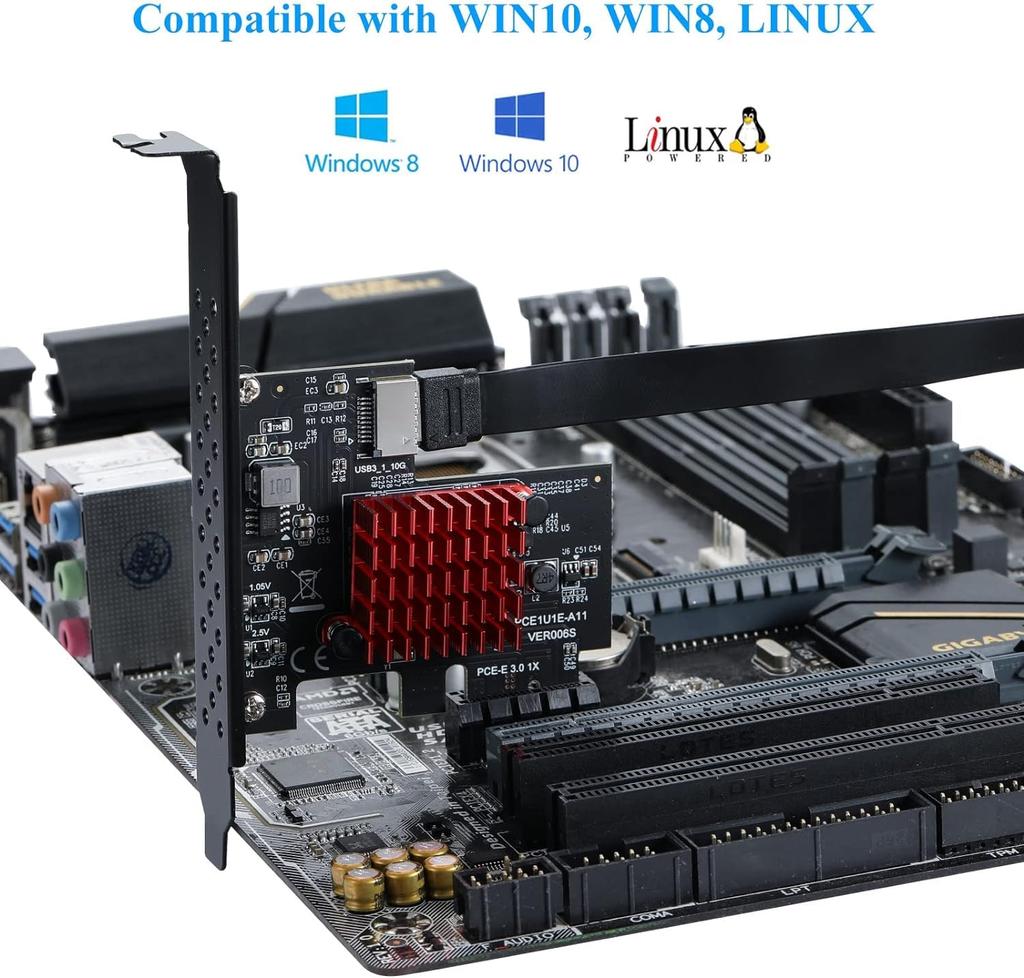
System Support: Supports PCI-E slot, PCI-E 1X, 4X, 8X, 16X, WIN10 32BIT/64BIT/WIN8 (Windows 7 needs driver installation). Compliant with the new high-speed PCI-E3.0 specification, backward compatible with PCI-E2.0
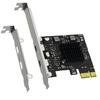
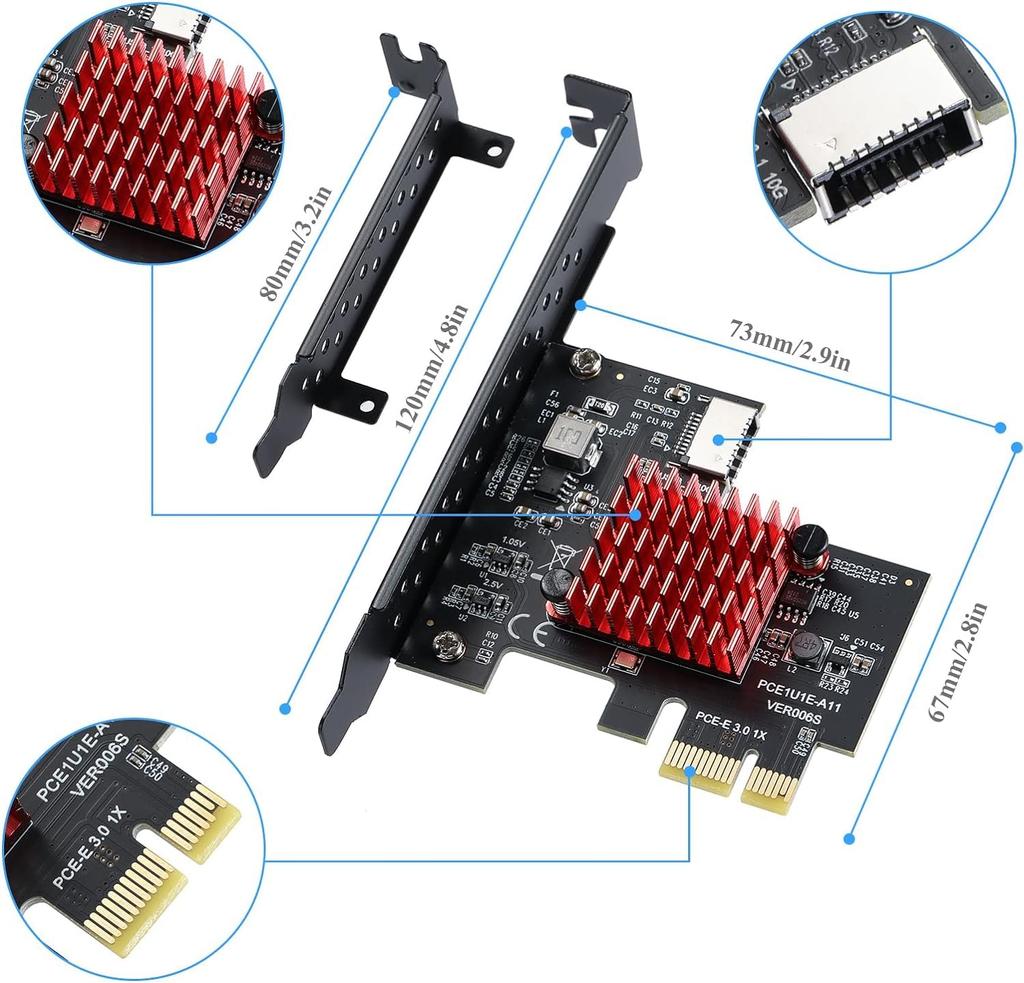
Accessories: 1 TYPE-E A-KEY expansion board, 1 half-height bracket. If you have any questions, please feel free to contact our customer service.
Specification Name USB3.1 Front Panel TYPE-E Expansion Card. PCIE I Interface: PCI-E 1X (Compatible with PCI-E 4X 8X 16X). Product Chip ASM3142. Baud Rate 10 Gbps. System Support: WIN7 WIN8 VISTA WIN10 32BIT/64BIT. Product Features: This product can convert the computer's PCIE high-speed data transfer interface to TYPE-C GEN2 10Gbps high-speed data transfer interface on the front panel (TYPE-E A button). Notes 1. Before installation, please make sure the power is off. 2. The motherboard requires PCIE3.0. 3. Make sure there is a free PCIE slot on the PC motherboard for the PCIE USB card. 4. WIN7 system needs to contact customer service to get the driver. WIN7 is not recommended, the speed can not keep up, users who do not need the speed can choose. Package Contents 1x USB 3.1 TYPE-E Expansion Card. 1x
Thin bracket


 No-delivery refund