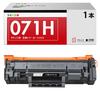
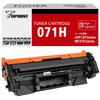
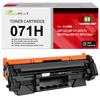
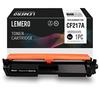
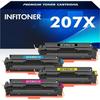
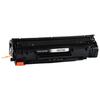
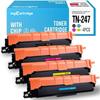
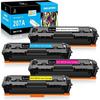
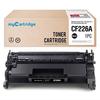
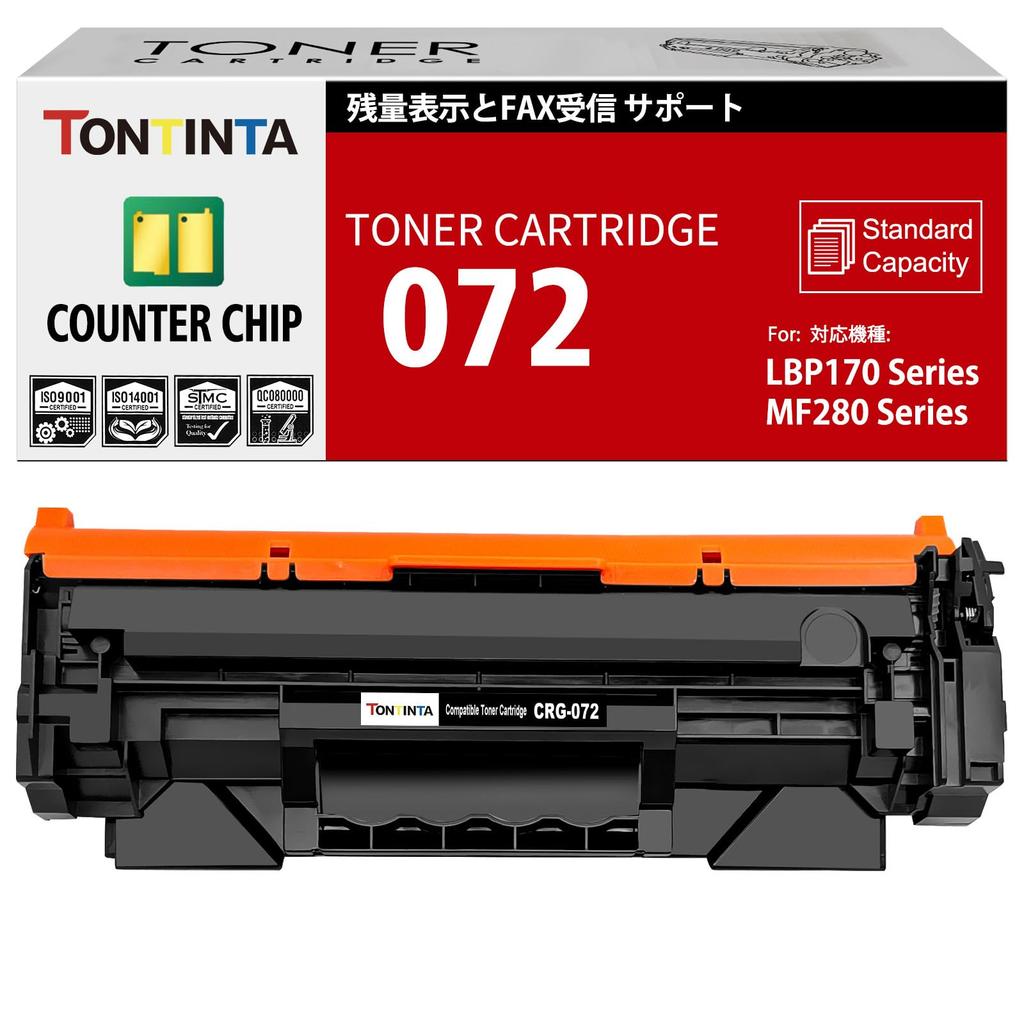
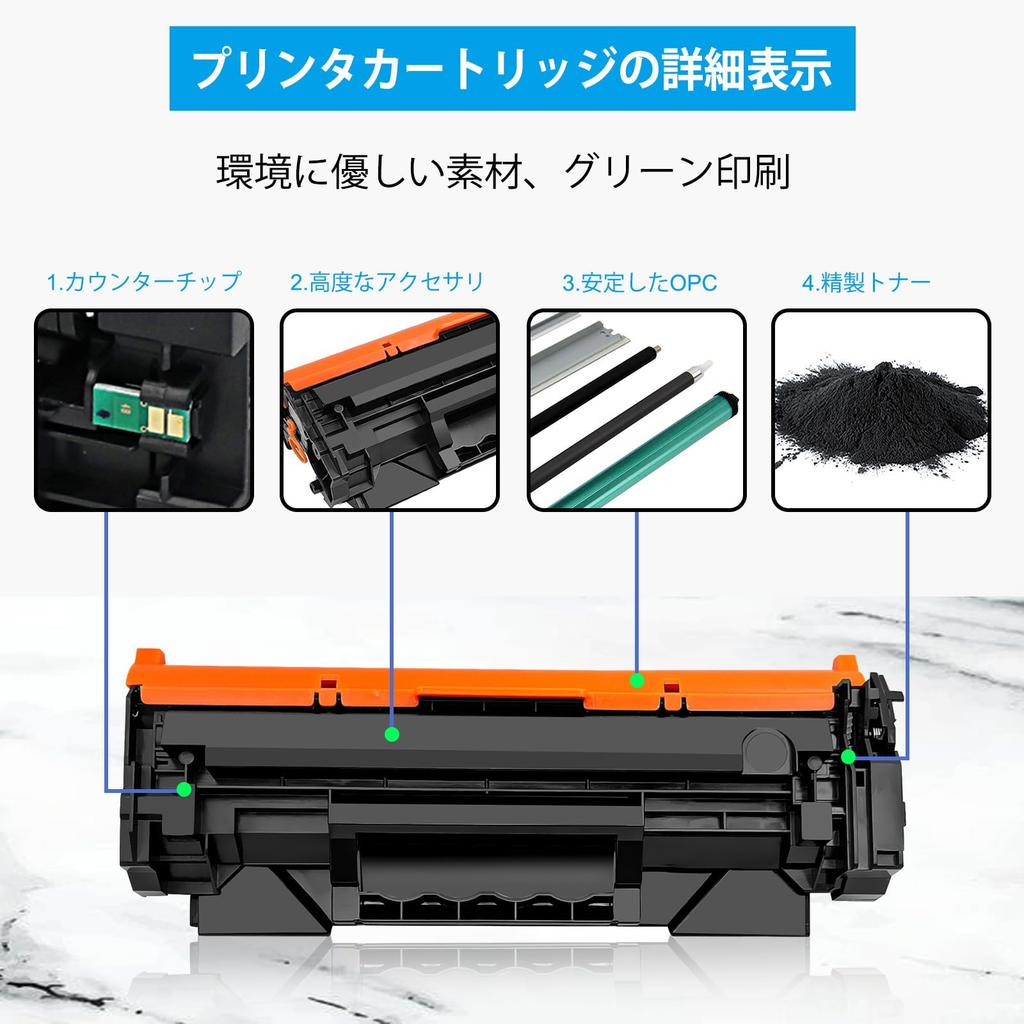
1. Counter Chip: Our compatible toner cartridge 072 is equipped with a counter chip to display the remaining toner level. This ensures sufficient page yield, consistent color printing, and prevents fading and fading over time. Other toner cartridges use decorative chips that cannot display the remaining toner level. While the initial print quality is good, the color may gradually fade over time.
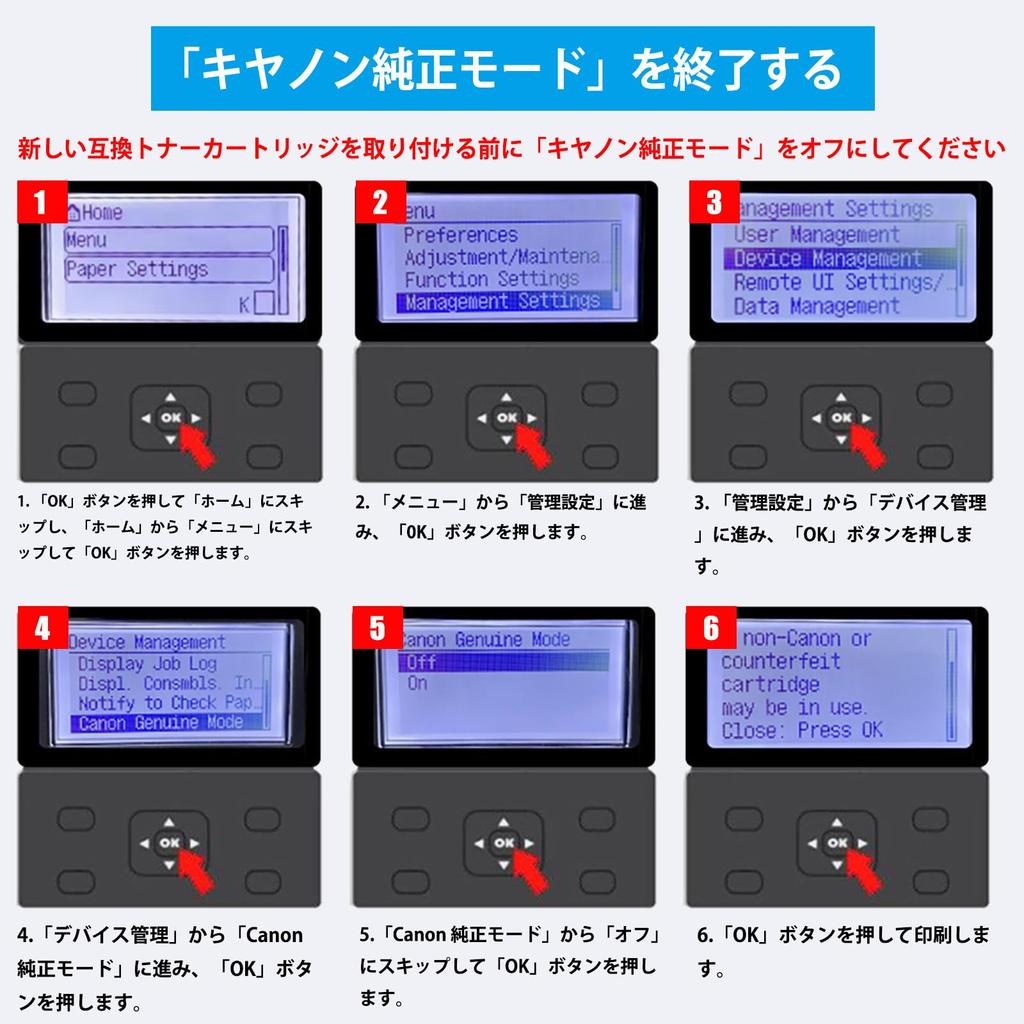
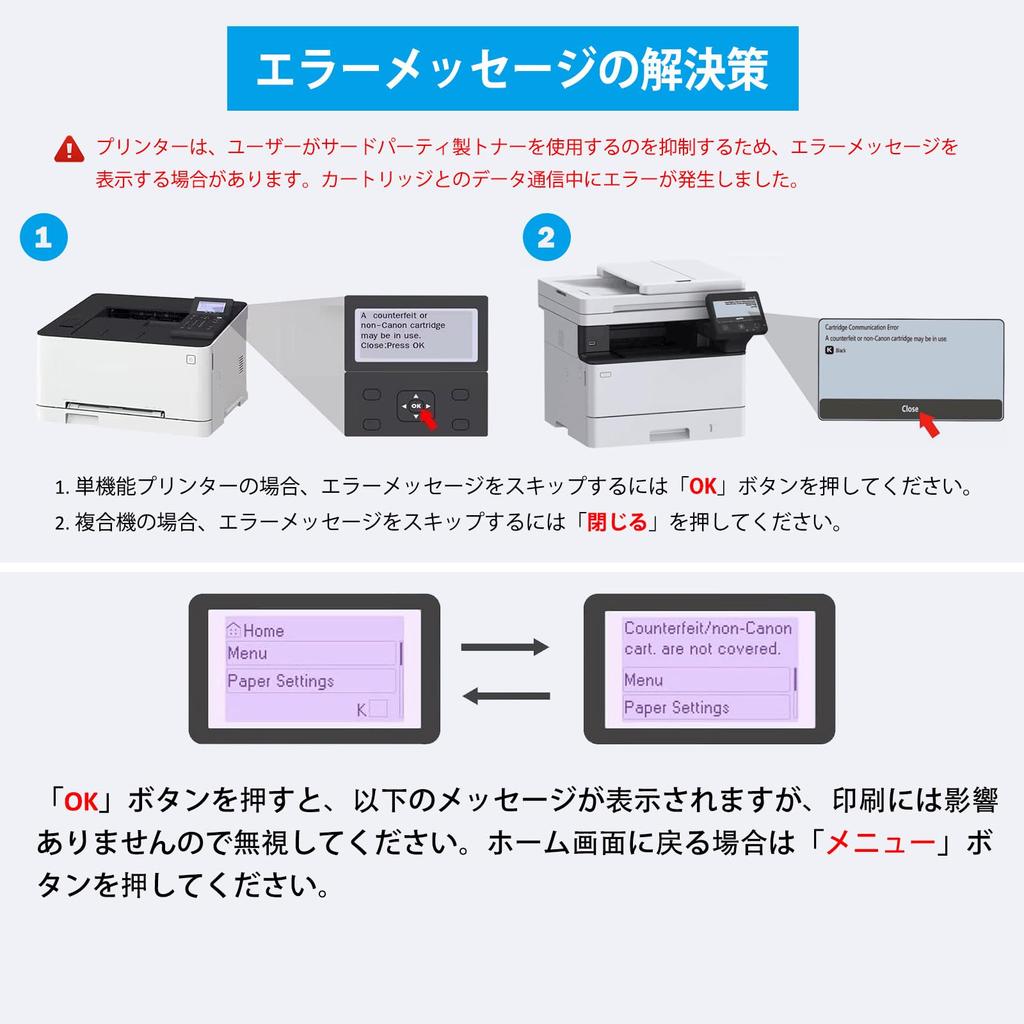
2. Note: If your printer has a "Canon Genuine Printer Mode," you must close this mode. Follow these steps to close Canon Genuine Printer Mode: [Administrative Settings] > [Device Management] > [Canon Genuine Printer Mode] > [Off]. After closing Canon Genuine Printer Mode, when you install compatible toner, the printer will display the message "An error occurred during data communication with the cartridge." If you are using a single-function printer, simply press the "OK" key; if you are using a multifunction printer, simply click "Close" on the screen, and the toner should work.
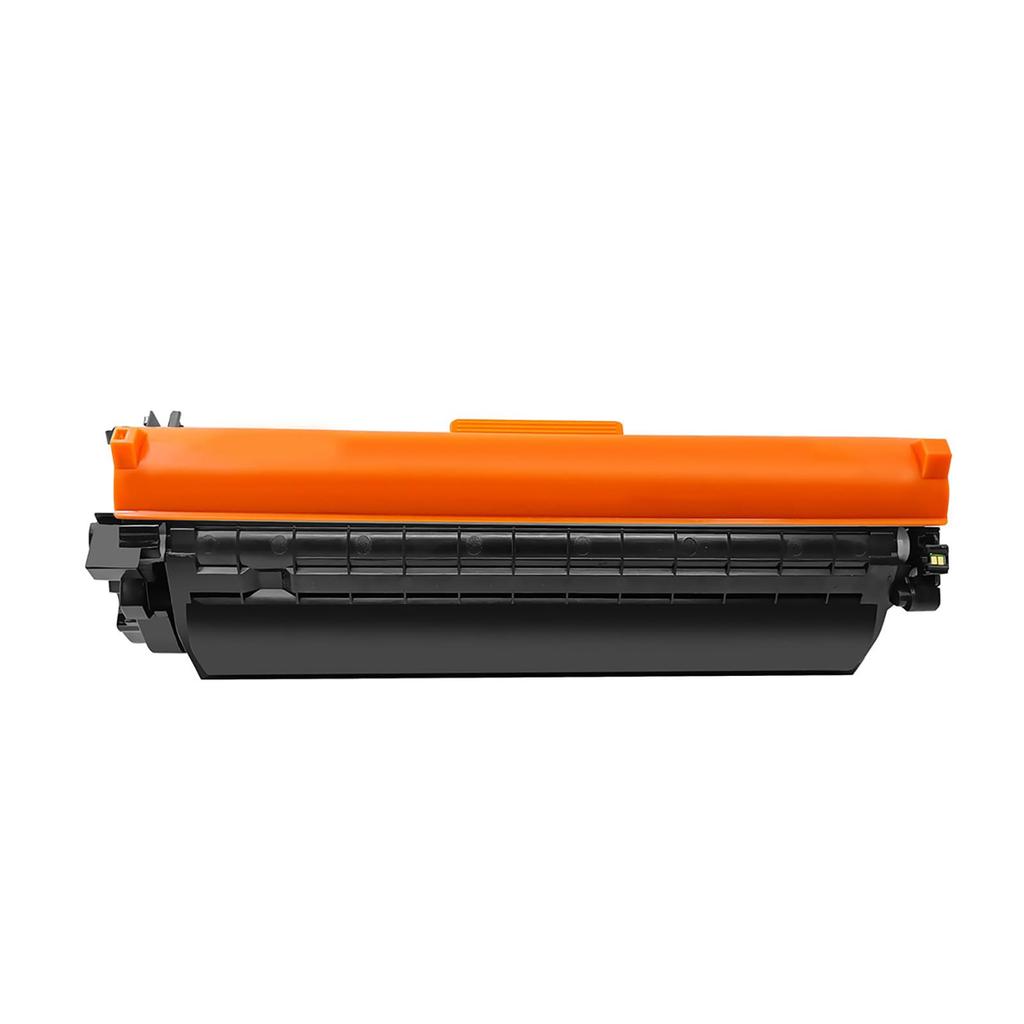
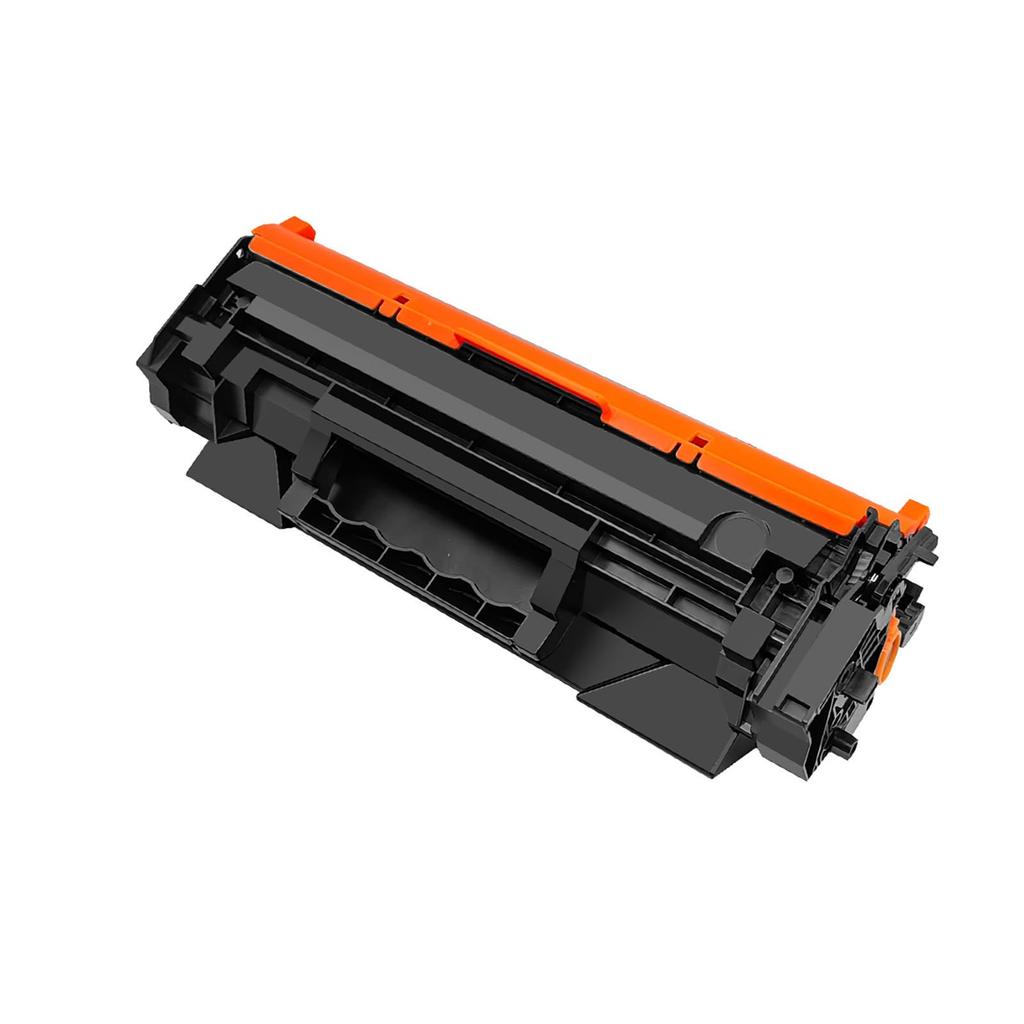
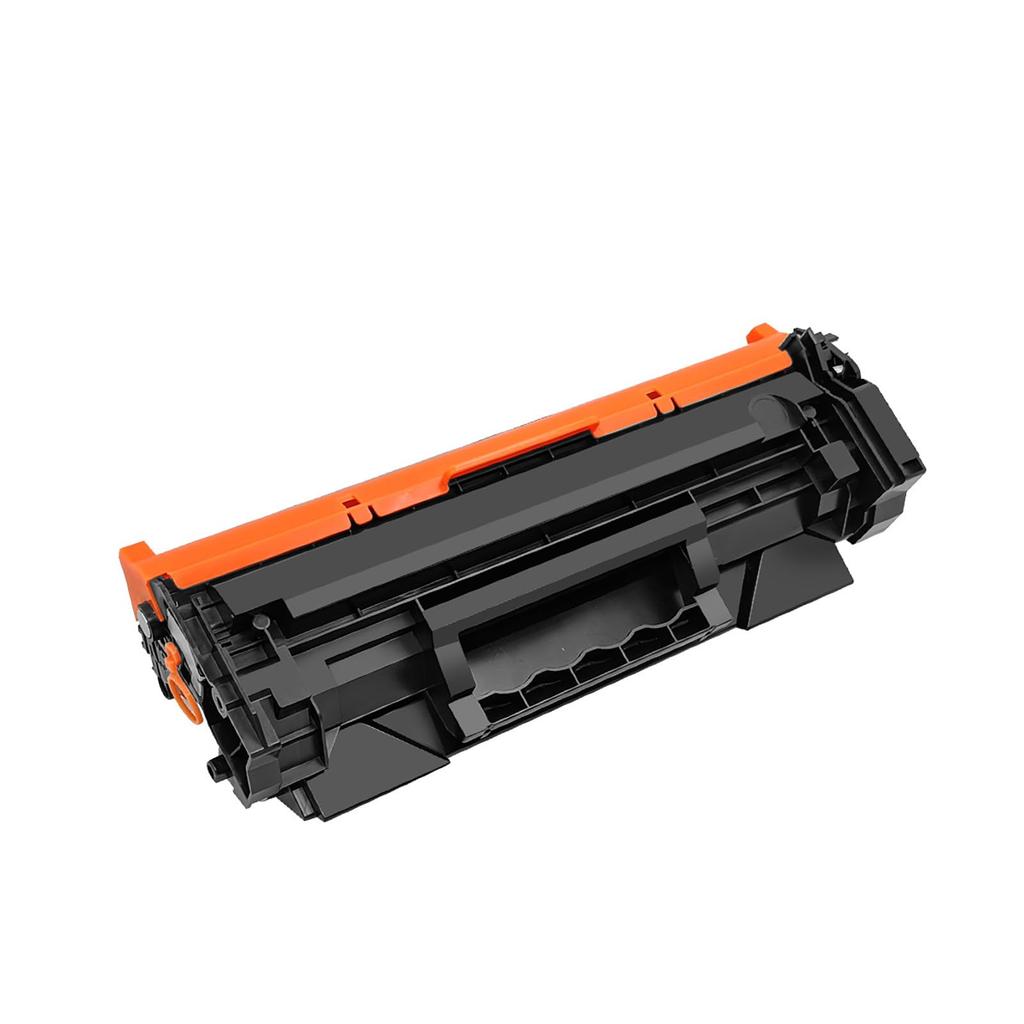
3. What's Included: Compatible 072 CRG-072 CRG072 toner cartridge. Includes a toner level counter chip. Our 072 CRG-072 CRG072 compatible toner cartridge is a replacement for genuine Canon 072H CRG-072H CRG072H, 072 CRG-072 CRG072 toner cartridges.
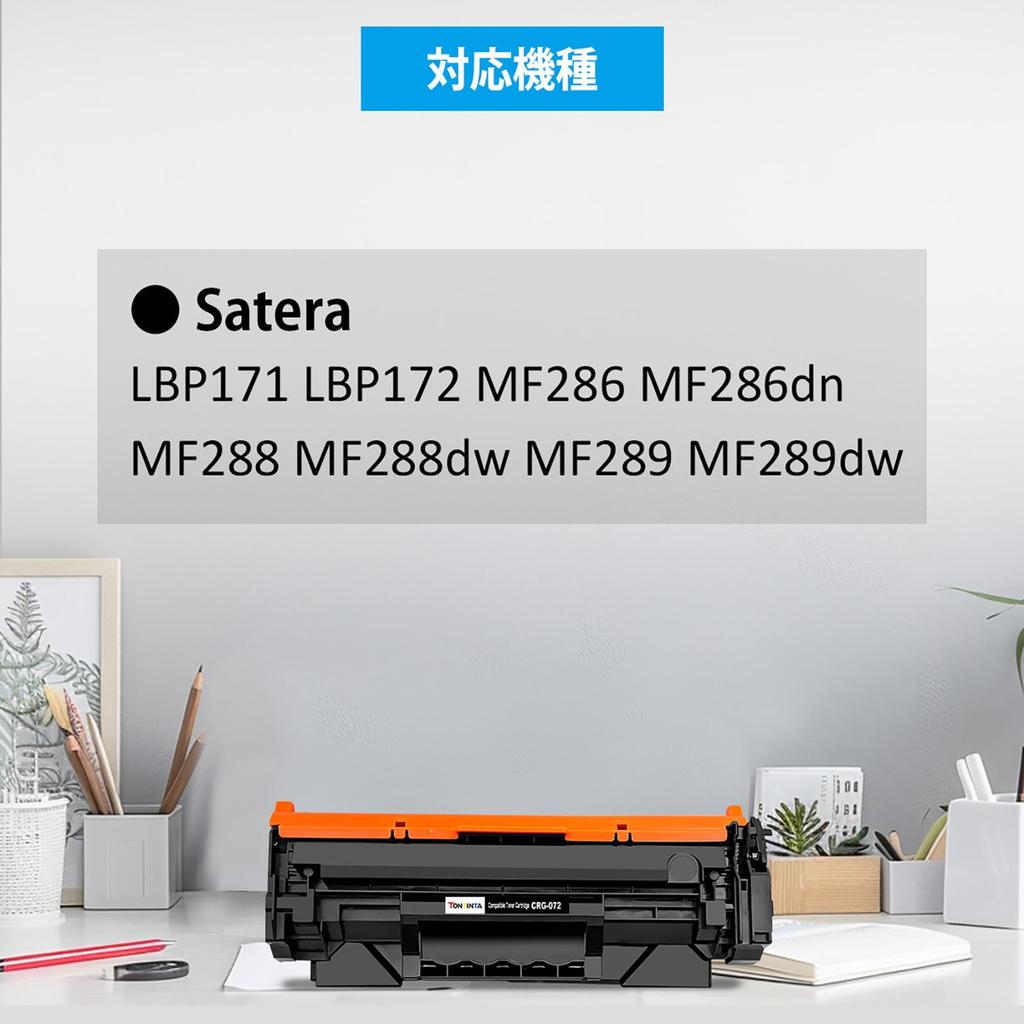
Compatible with Canon laser printers: Satera LBP171, LBP172, MF286, MF286dn, MF288, MF288dw, MF289, MF289dw. Page capacity: Standard capacity, 1400 pages, black, 5% coverage, A4 paper, letter. (ISO/IEC standard).
5. Equipped with a state-of-the-art counter chip, it easily measures and accurately displays remaining toner, reducing waste and maintaining consistent, vibrant colors throughout the printing process, preventing colors from fading or becoming lighter over time. Supports sending and receiving faxes.
specification
Compatible toner cartridges for 072 CRG072 CRG-072 with data chip for remaining toner capacity display.
With data tip:
Our compatible toner cartridge 072 is equipped with a data chip for remaining toner capacity display, which ensures sufficient page yield, and ensures printed colors remain consistently uniform and do not fade or become lighter over time. Other toner cartridges that use decorative chips cannot display toner capacity, and although they may print acceptable colors at first, as the number of printed pages increases, the printed colors will likely gradually fade.
072 CRG-072 CRG072 compatible toner cartridge is another choice for original Canon 072H CRG-072H CRG072H, 072 CRG-072 CRG072 toner cartridge.
Printer compatibility:
Canon laser printer Satera LBP171 LBP172 MF286 MF286dn MF288 MF288dw MF289 MF289dw.
Page Capacity: Standard capacity, 1400 pages black, 5% coverage, A4 paper, letter. (ISO/IEC standard).
Warranty period: 12 months
Storage method:
General requirements for temperature between 10 and 30 degrees Celsius and relative humidity between 20 and 80%.
packaging
Internal product packaging: black plastic bag
Packaging: Neutral box
Individual Boxes
Quantity: 1 x Black
Please note: If your printer has "Canon Genuine Mode," you must disable this mode and then disable Canon Genuine Mode as the next step. Go to Menu > Admin Settings > Device Management > Canon Genuine Mode > Off. After disabling Canon Genuine Mode and installing compatible toner, your printer will prompt you with "A non-Canon cartridge may be inserted." Simply press "OK" and the toner will work.


 No-delivery refund