We offer a wide variety of products, and the following precautions apply to some of them. Please note that they are listed for all products.
【Voltage Compatibility】Designed for Japanese voltage (90-110V). Using with a different voltage may cause malfunction.
【Plug Type】Japanese plugs (A or B type). Use a conversion adapter if needed.
【Transformers & Adapters】Transformers adjust voltage; adapters only change plug shape. Using an adapter without a transformer may damage the product.
【Liability】We are not responsible for damages caused by improper use, such as using the product without a transformer.
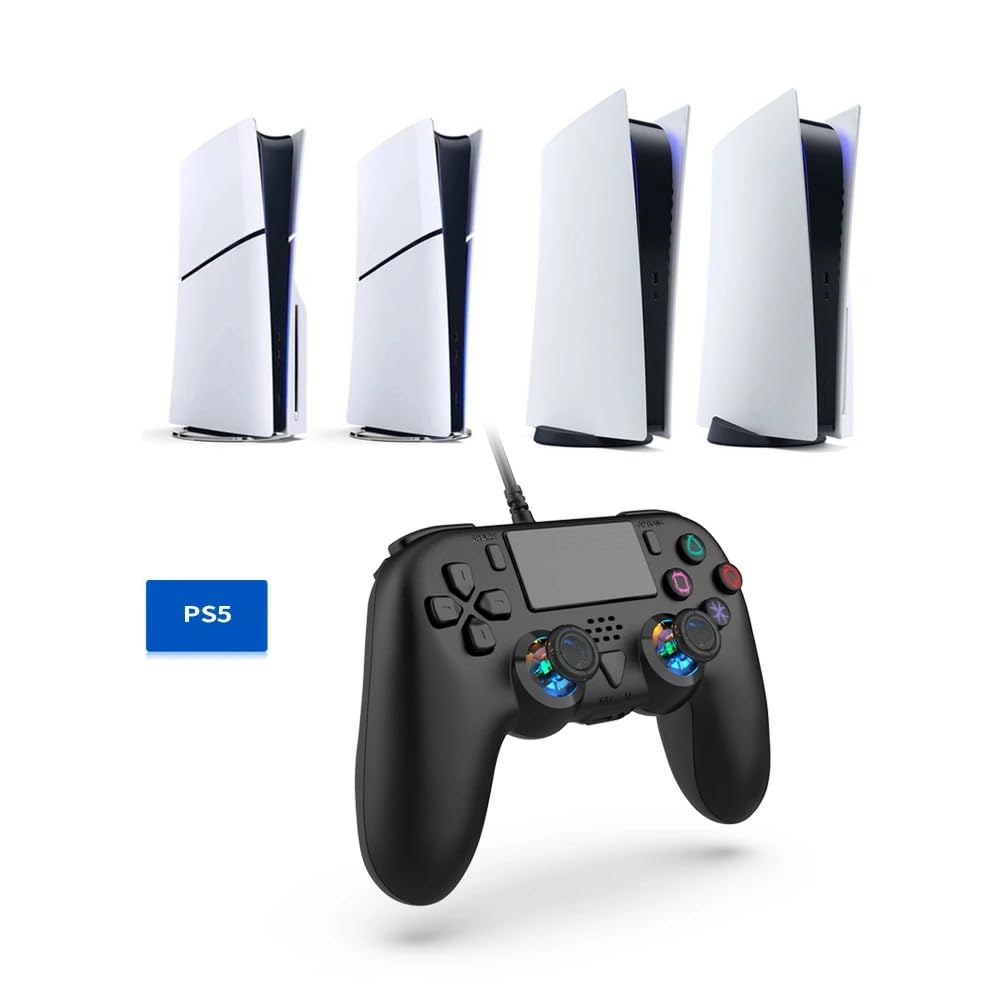
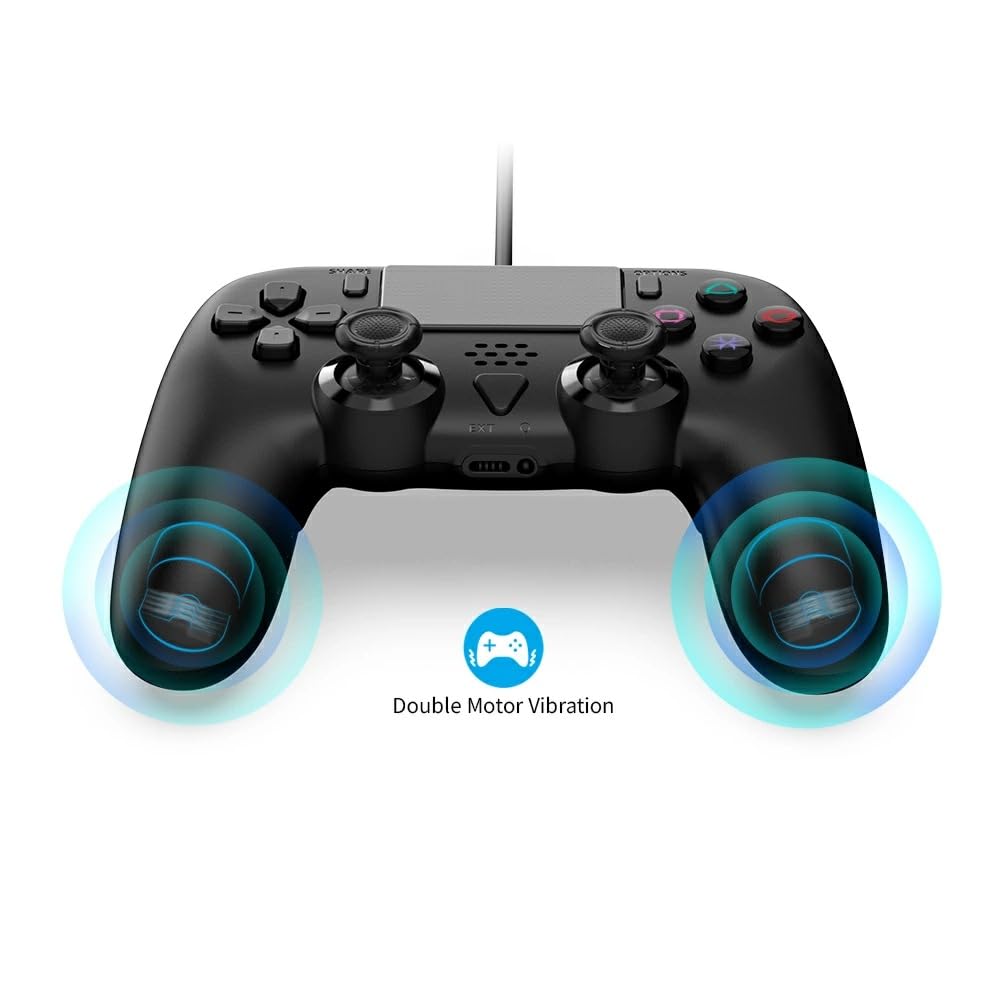
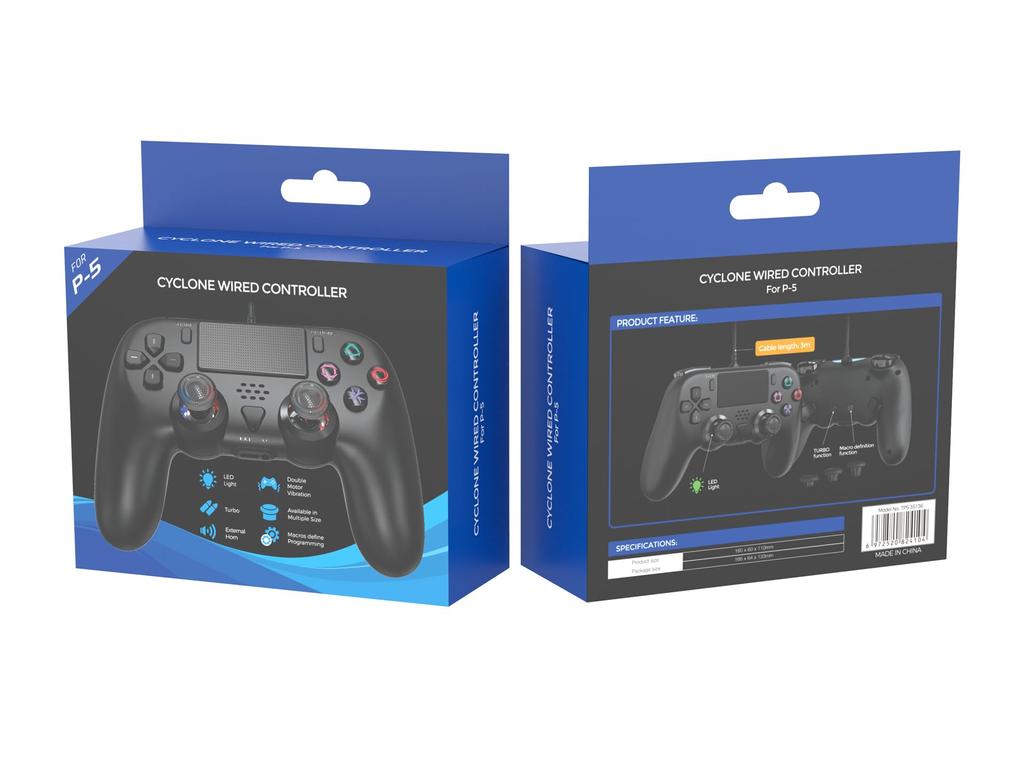
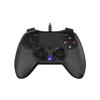
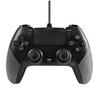
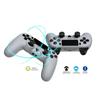
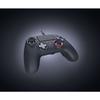
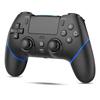
[2025 New Wired PS5 Controller - Compatible Models] This gamepad features a novel design and unique appearance. Compatible with PS 5, the new PS 5 Slim, PC, and Stream. Because it's a wired gamepad, you don't have to worry about running out of battery. It comes with a long 2.4m USB connection cable, so you can start gaming as soon as you connect it to your computer's USB port. It's plug-and-play; no software, drivers, or complicated installation process is required.
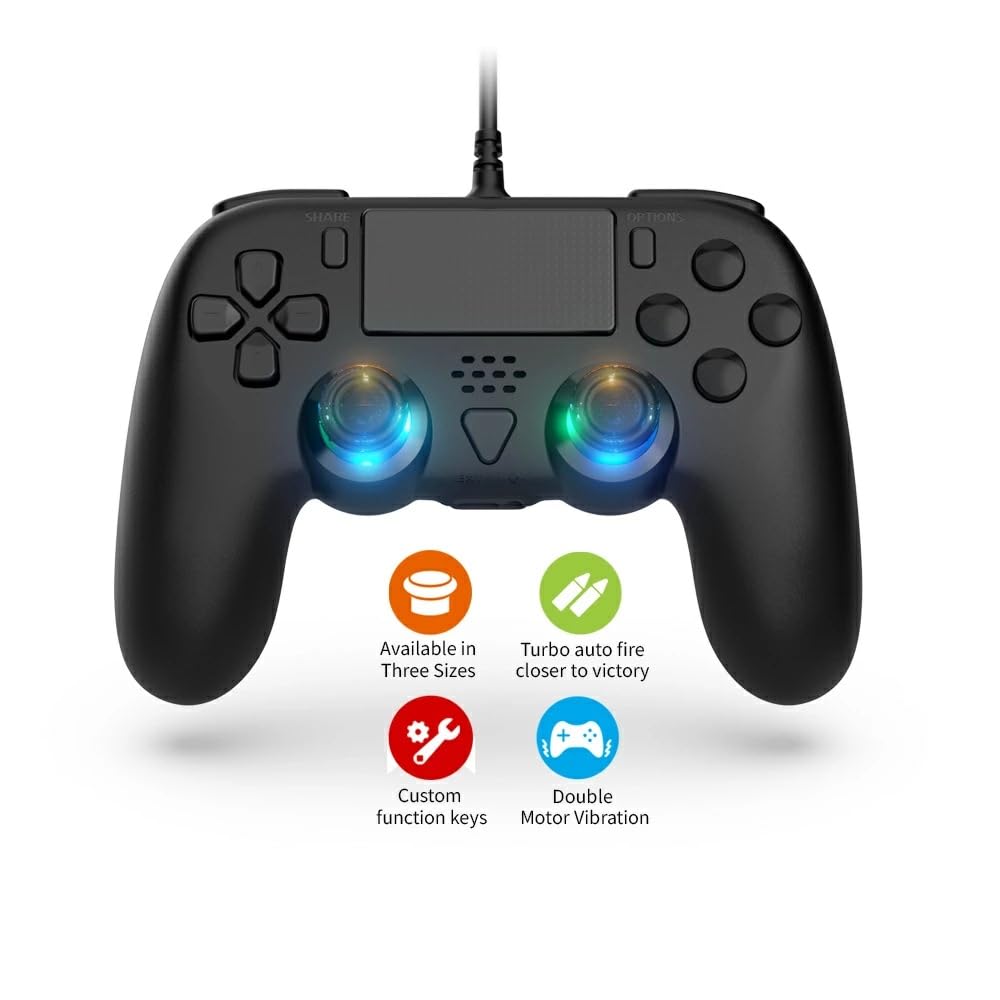
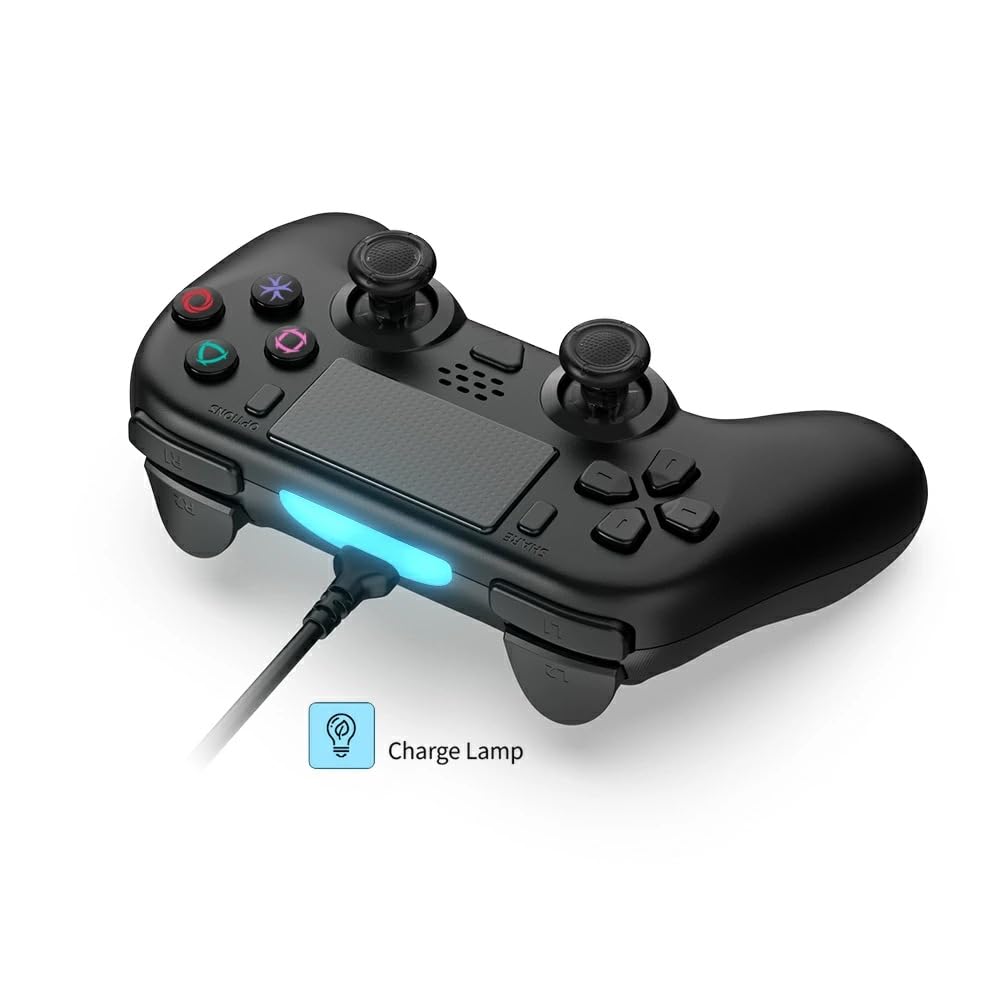
[More features than the original] The latest P5 controller supports a variety of functions, including rapid fire, macro, dual vibration, acceleration and gravity sensing, touch buttons, a touchpad, an LED light, and a 3.5mm headphone jack. The P5 controller's 6-axis sensor delivers a truly immersive experience, allowing you to plug in a headset and fully immerse yourself in the game. The highly sensitive touch control panel and shared buttons allow for versatile use by multiple people. The unique DualShock function delivers timely vibrations to players for a more dynamic experience. Enjoy authentic gaming.
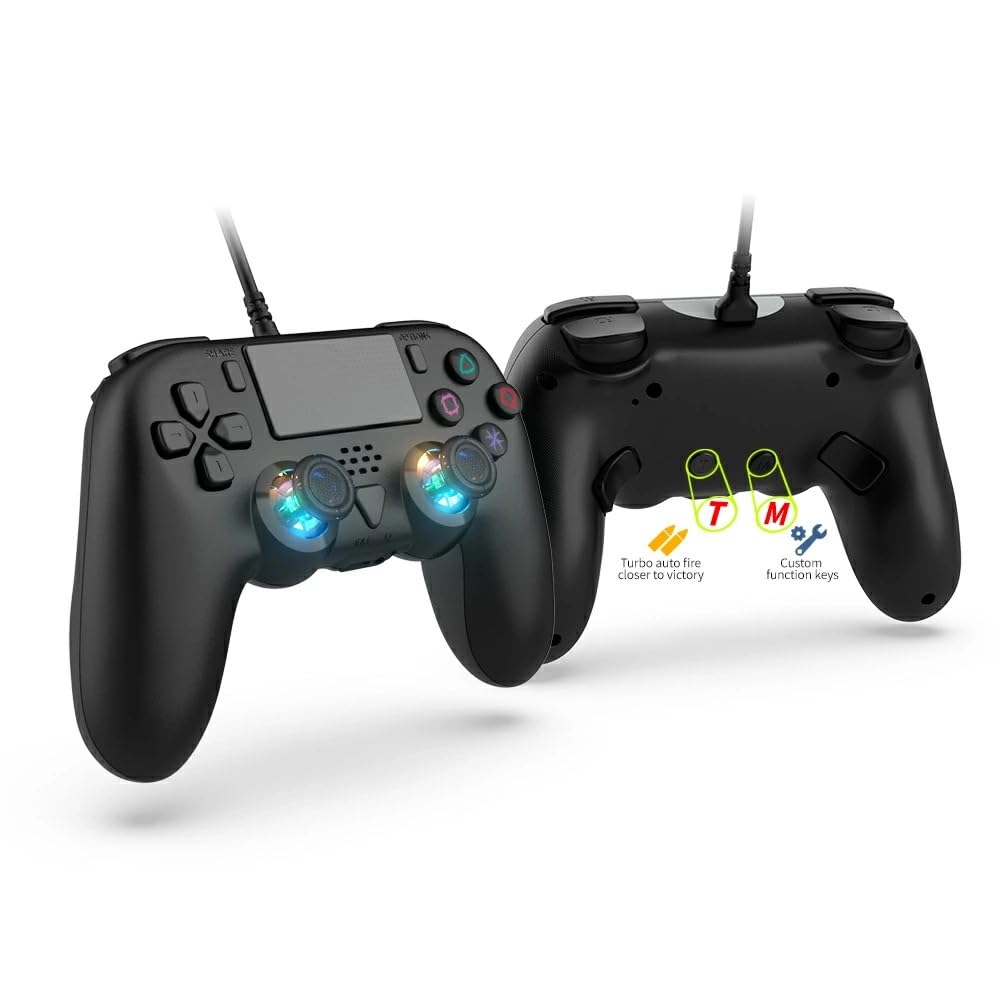
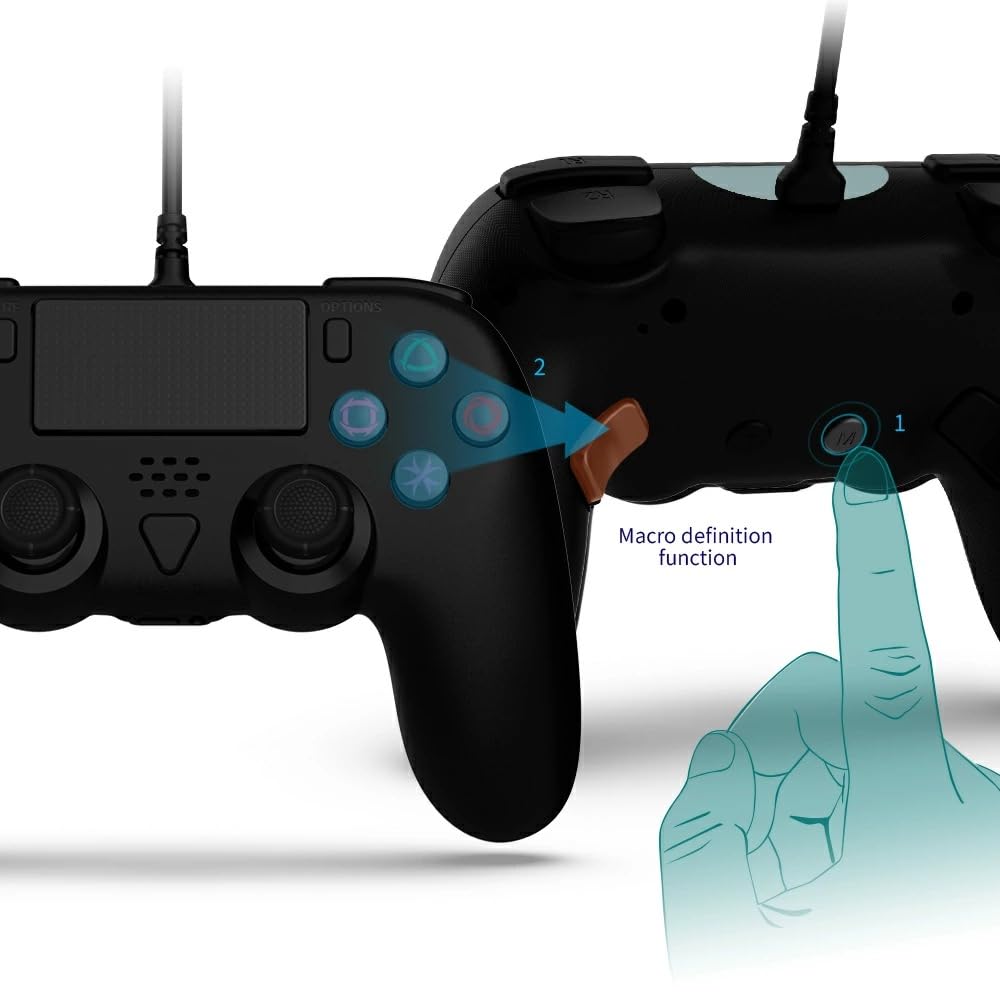
[Rear Macro Function Buttons for a Realistic Gaming Experience] The rear-mounted program editing function buttons (M1/M2) allow you to edit multiple actions in a single program. M1 and M2 Key Setup: Press and release the M key + M1 to enter macro definition setting mode, where the connection LED will turn orange. Next, press the key combinations you want to define in order (↑, ↓, ←, →, △, ○, □, X, L1, R1, L2, R2, L3, R3). (Note that up to 14 key combinations can be assigned to a single back key in macro definition mode.) Press the programming key, then press M1 to complete the setup. This controller allows you to effortlessly execute combo moves, essential in action games, mini-games, and a variety of other games, with ease and hassle-free.
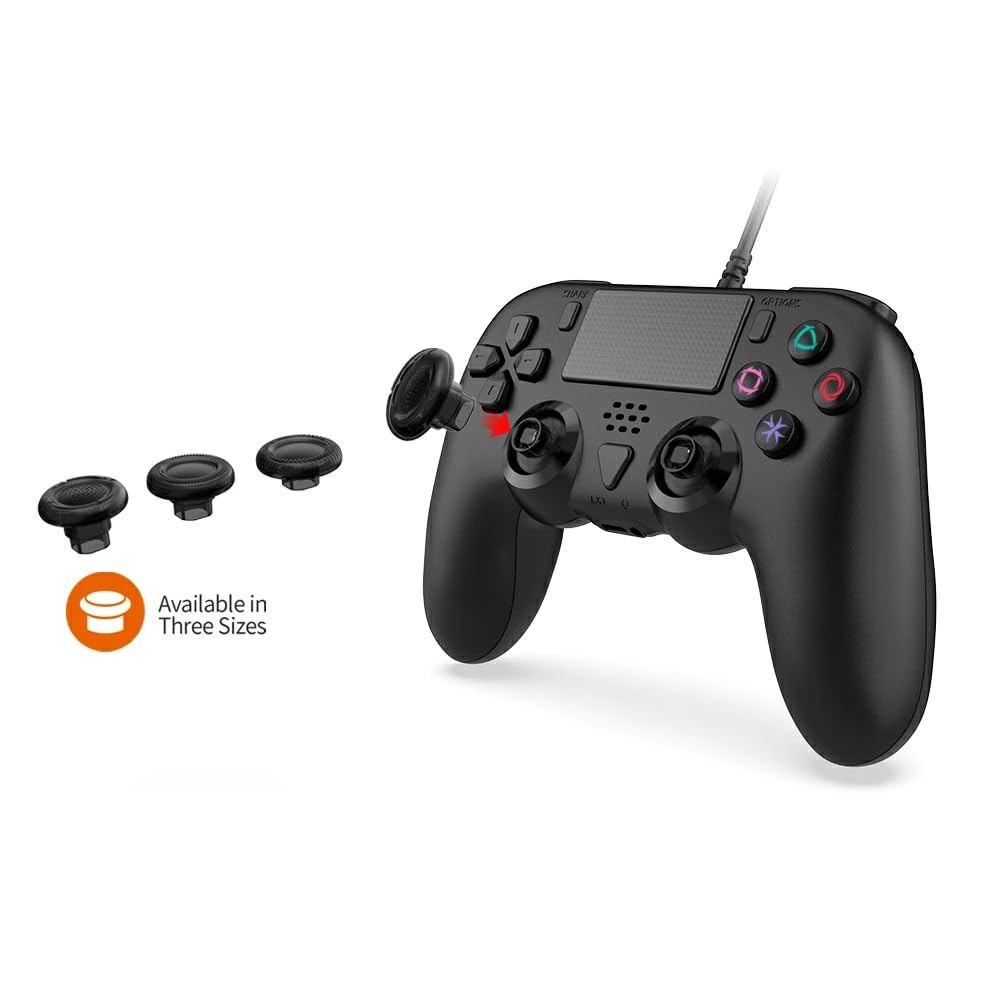
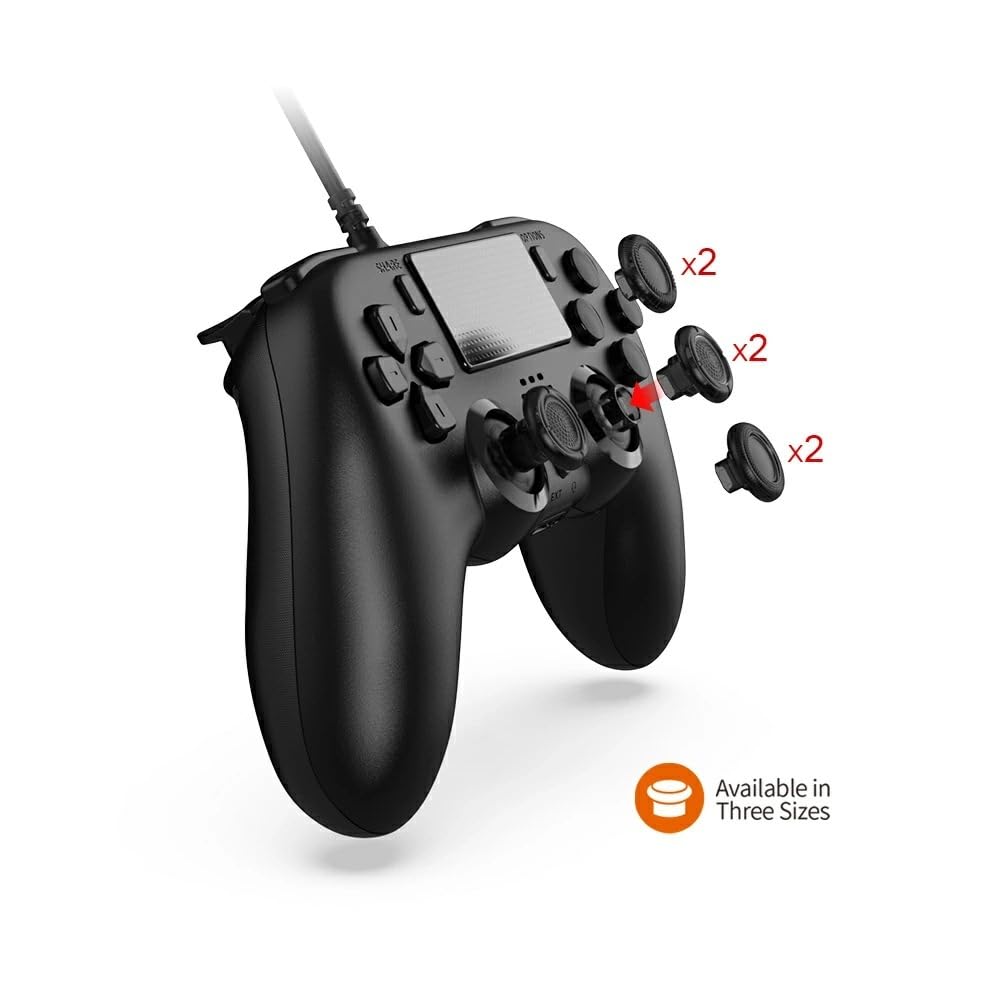
High-Performance, Durable Buttons & Ergonomic Design: Equipped with a 360° movable joystick. Touch sensitivity adjustment is optimized while maintaining the original touch panel design. The latest button layout pattern optimizes button distance operation. Wear-resistant technology ensures smooth, lag-free operation. The D-pad has also passed a 100,000-cycle durability test, featuring a design that reduces input errors, smoother movement and sensitivity, and shorter key response time. Furthermore, the highly sensitive and durable 3D movable joystick allows for smooth, precise operation, significantly improving durability. The ergonomic design fits comfortably in your hand, making it more comfortable to use than usual. Your hands won't tire even after extended play. It's especially recommended for gaming with family and friends.
[Usage and Function] 1. Power on the host and enter the normal standby interface. 2. Select "Settings" → "Accessories" → "Controller (Common)" → "Connection Method" → "Use USB Cable." 3. Plug the USB cable from the controller into the console and press the PS key (HOME) on the controller to connect to the PS5 console. A blue light will come on when the connection is successful. 4. The light bar on the end of the controller will light up, and you can control the game console by pressing the function keys on the controller, indicating that the controller is successfully connected. Both the M1 and M2 back keys can be programmed with single or multiple keys. A total of 14 key values on the controller, including A/B/X/Y/L/R/ZL/ZR/L3/R3/Up/Down/Left/Right, are supported for programming. The M2 key has the same settings. 5. Clearing the custom key function: Press the M key and the corresponding custom key ("M1/M2") until the connection light turns orange. Press ("M1/M2") to clear the custom key function.
PS5 controller


 No-delivery refund


![Thrustmaster Thrustmaster Game Controller ESWAP Pro Controller PS4 Compatible with PlayStation4 Rear Button Assignment Customization Supported []](https://img.joomcdn.net/43f2bad848d13d8d8be8187417eaa0dd43bf3268_100_100.jpeg)



![[SONY Licensed Product] HORI Fighting Commander OCTA for PlayStation®5, PlayStation®4, PC [Compatible with Both PS5 and PS4]](https://img.joomcdn.net/c9448c25c2b91835025bb780d841944eb825079c_100_100.jpeg)