---------------------------------------------------
【Voltage Compatibility】
Our products are selected to support international voltage ranges (e.g. 100–240V).
However, please make sure your local voltage is compatible before use, as incorrect voltage may still cause malfunction.
【Plug Type】
Our products use Japanese plug types (A or B type).
Please use a conversion adapter if necessary.
【Important Note on Transformers and Adapters】
A transformer adjusts voltage to match your device’s requirements.
A conversion adapter only changes the plug shape and does not adjust voltage.
Using only a conversion adapter without a transformer may result in damage to the product.
【Liability】
We are not responsible for malfunctions or damages caused by improper use, such as operating the product without appropriate voltage or equipment.
---------------------------------------------------
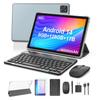
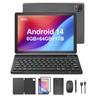
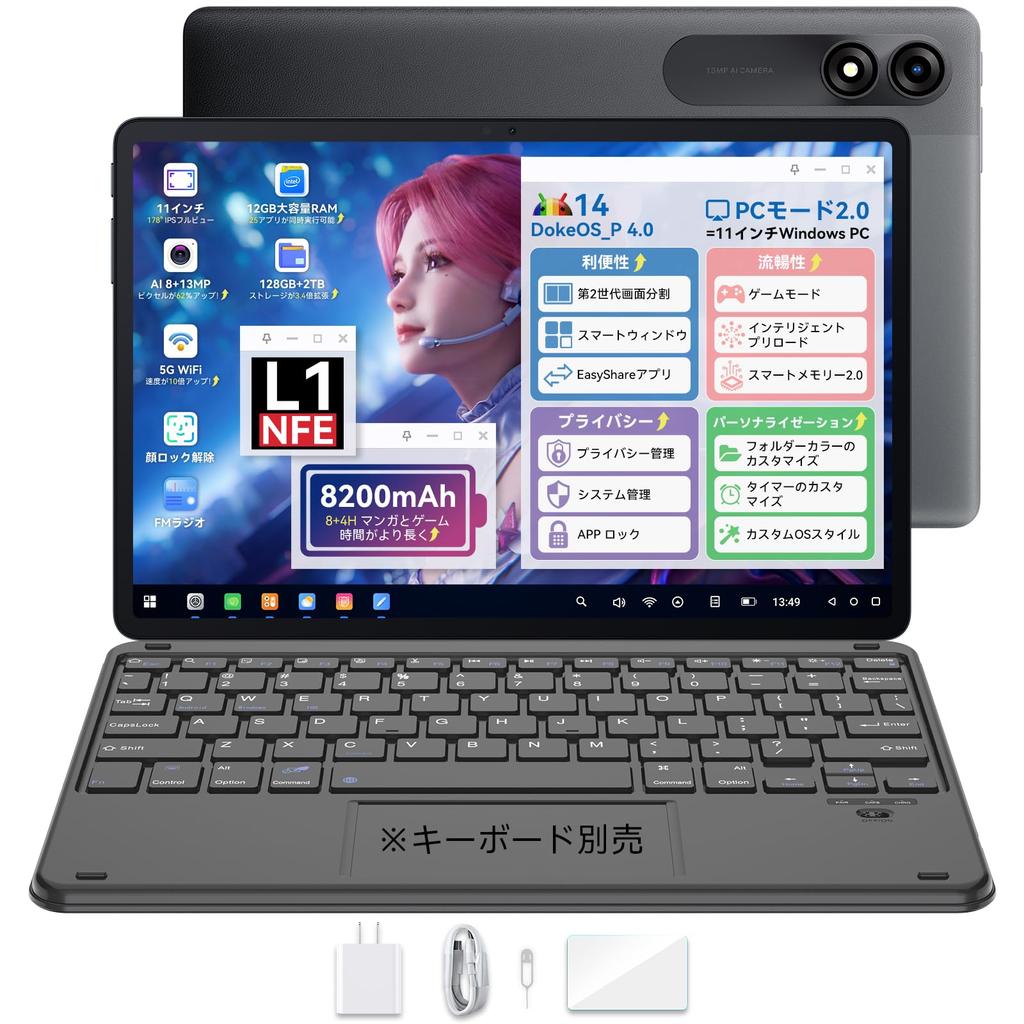
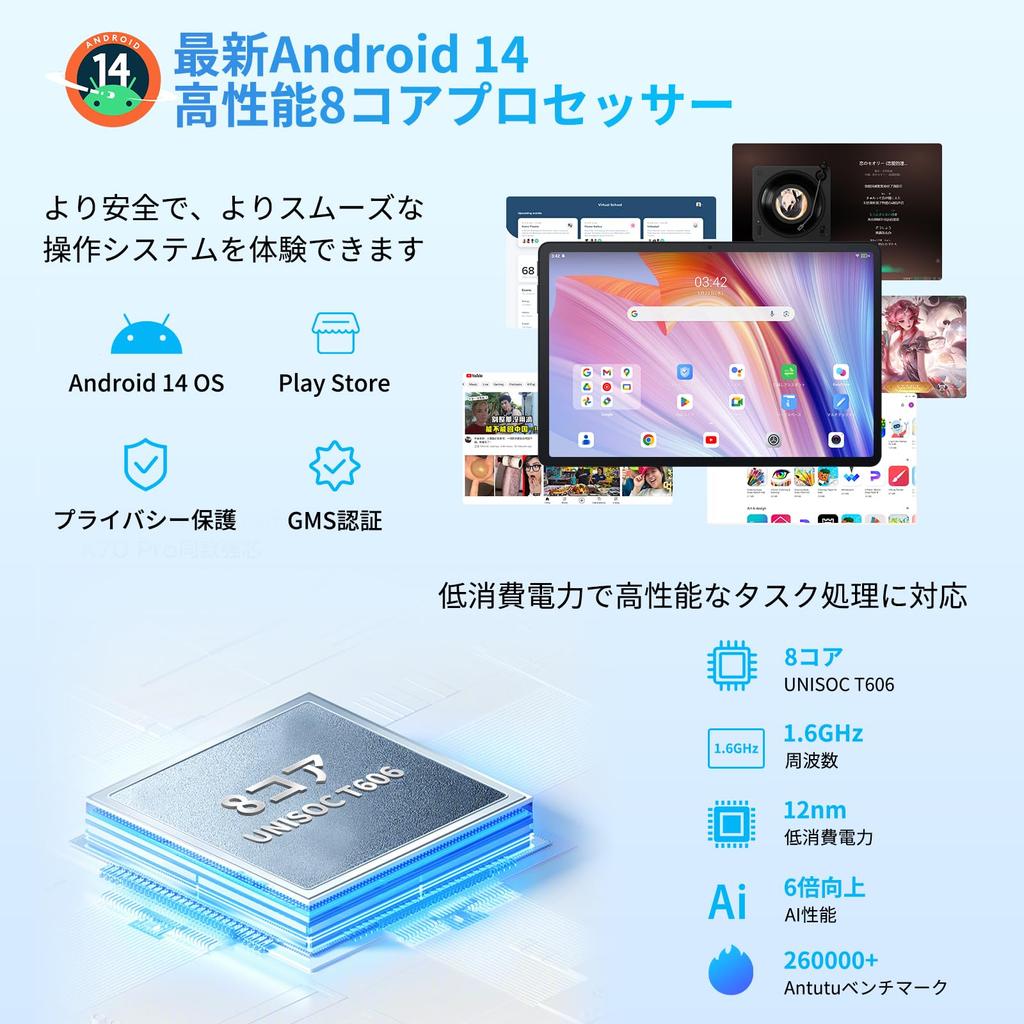
✨ [Android 14 Tablet with Doke OS_P 4.0] Based on Android 14, the Doke OS_P 4.0 tablet makes tablet operation even more convenient! 1. Equipped with F2FS, app launch speeds are 25% faster than the previous model! 2. Smart Android Tablet: Workspace: Work and life separated into a single page, sidebar, and floating button. 3. Use the "Easy Share" app to browse, receive, and send files even without Wi-Fi. 4. "Finger Magic" function makes operation even more convenient: Open a small window and change home settings with one finger, split screen with two fingers, and screenshots and open the AI camera with three fingers. 5. Customize home screen icon and wallpaper styles. 6. Focus Mode: Includes No Play Mode, Meditation Mode, Work Mode, Sports Mode, and Reading Mode. No Play Mode limits app usage and helps you limit tablet usage time for children.
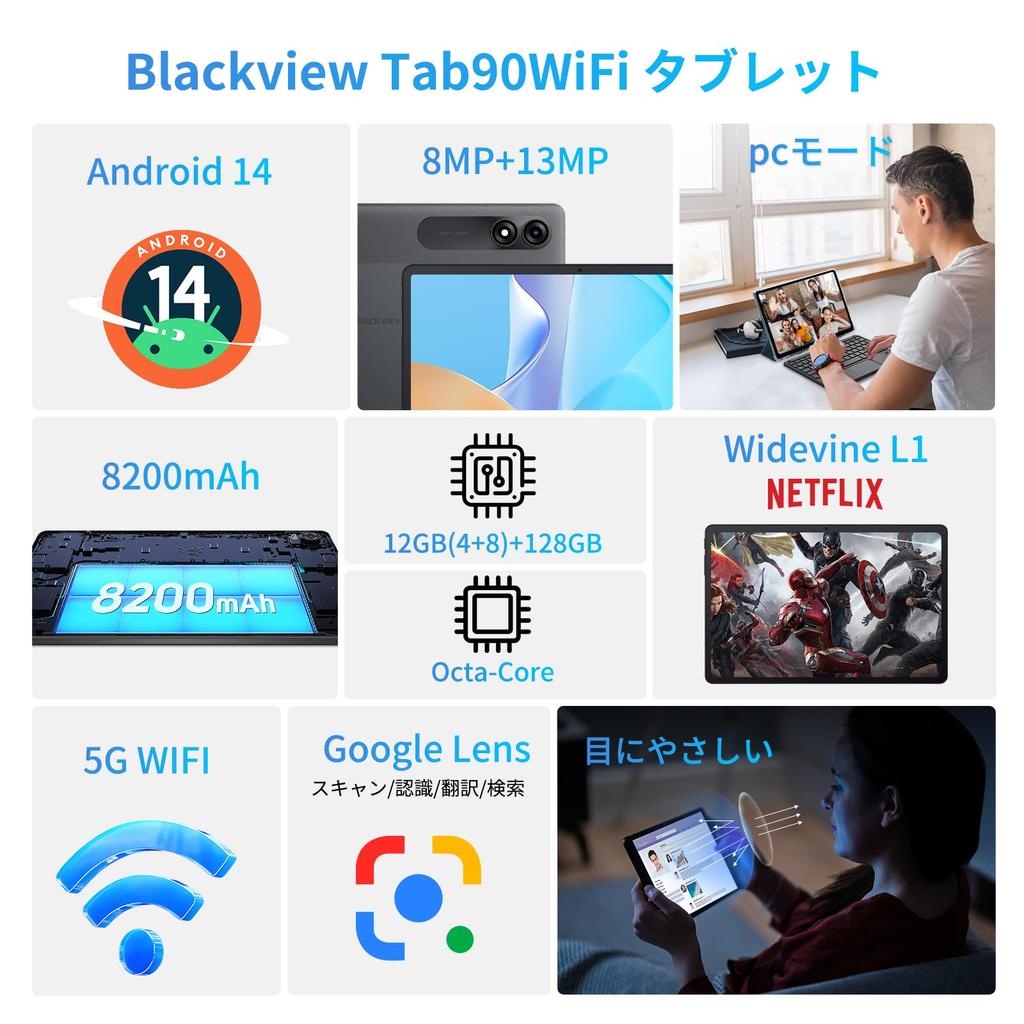
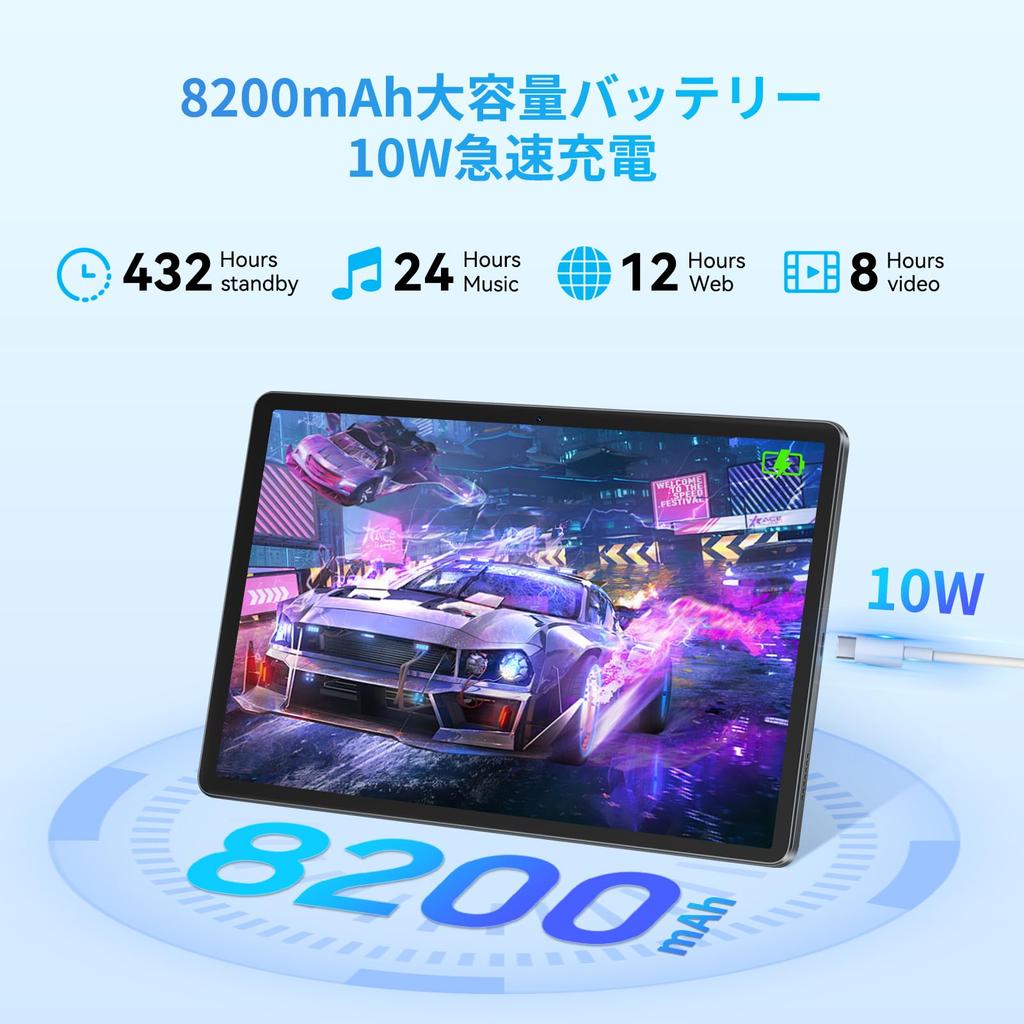
✨【8200mAh Large Capacity, 10W Fast Charging】The Blackview Tab70 WiFi 11-inch tablet features a large 8200mAh battery, allowing you to enjoy a full day of play without worrying about running out of battery. Enjoy movies, e-books, music, and more on the go without stress. 10W fast charging significantly reduces charging time. This 11-inch Android tablet weighs just 540g and measures 9.5mm, making it thin and lightweight for easy portability.
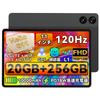
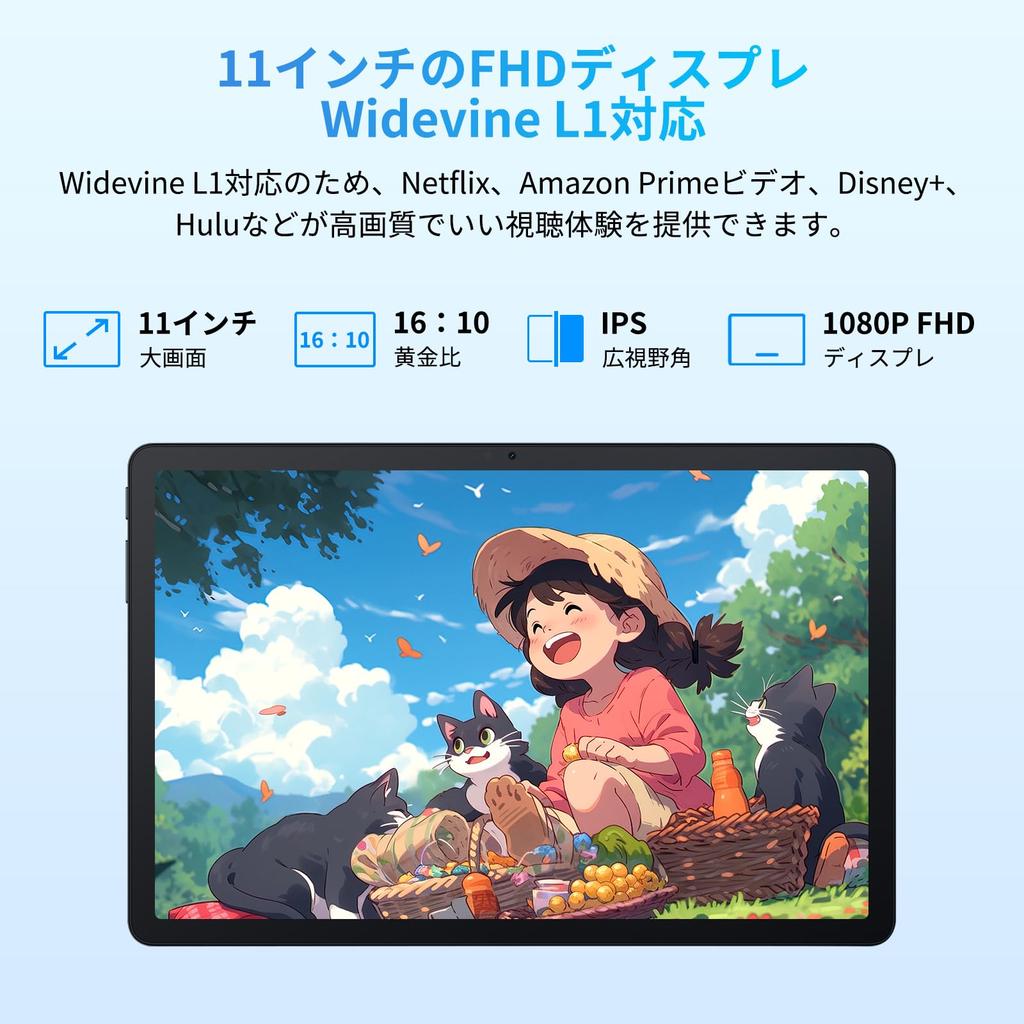
✨【Large 11-inch Screen + 1080P IPS Display, Widevine L1 Support】The Blackview Android tablet uses a 10.92-inch FHD IPS LCD display with a resolution of 1920*1200, providing crisp, clear images and text. Dual speakers provide high-quality sound for an immersive viewing experience. The Tab90WiFi tablet is Widevine L1 compatible, supporting 1080P HD video playback on major platforms such as Netflix, Amazon Prime Video, Disney+, and Hulu. The display has three modes, making it gentle on the eyes, so you can play for long periods of time without straining your eyes, making it a fun experience for both children and adults.
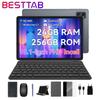
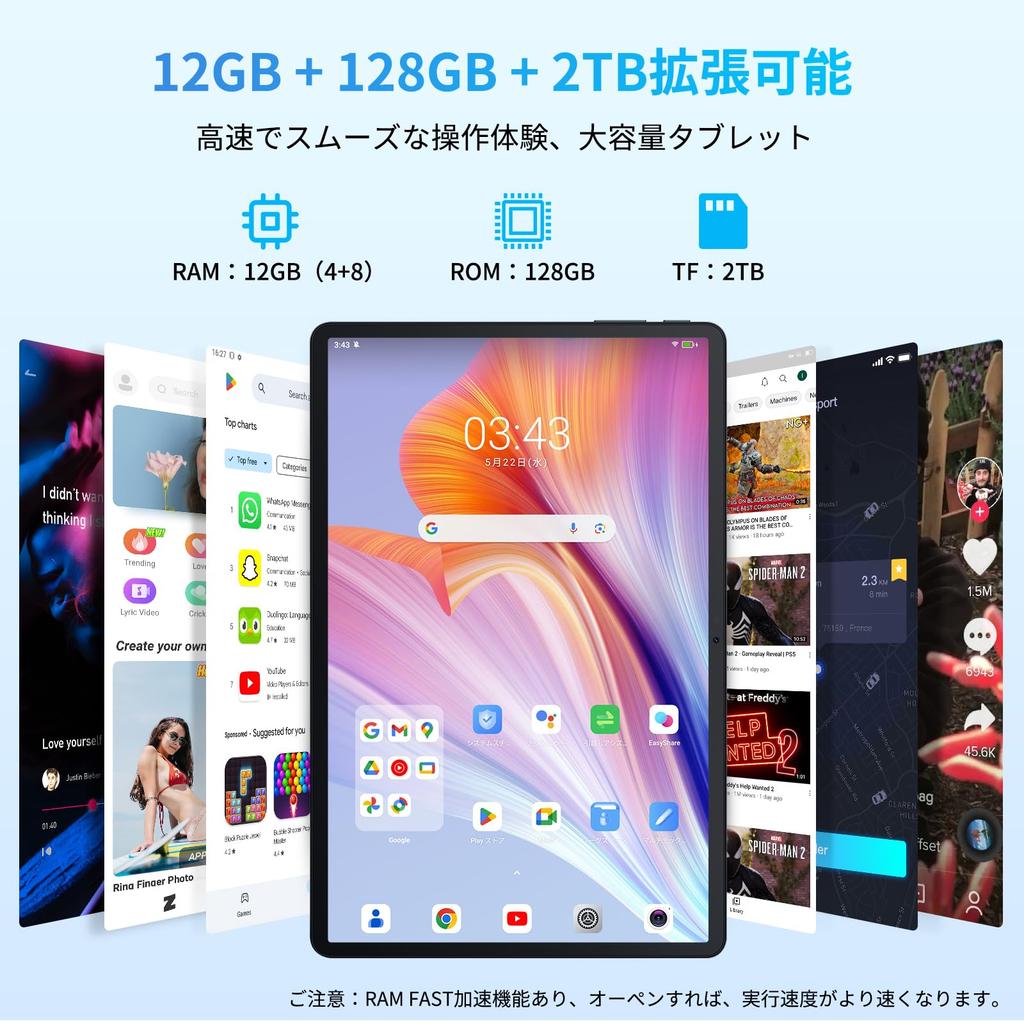
✨【12GB+128GB+2TB Expandable + UFS2.1, 5G WiFi Connectivity】The Blackview 11-inch tablet comes with 4GB of RAM, and when fully loaded, up to 8GB is automatically allocated from storage, providing 30% faster performance than before. In addition to the 128GB of storage, it supports TF cards up to 2TB. You can enjoy e-books, music, videos, online classes, virtual learning, video conferencing, and more without worrying about running out of storage. It also has ample storage for photos, videos, and work documents. Equipped with UFS 2.1 storage technology, it supports higher bandwidth, allowing for faster data transfer between storage and other system components. Equipped with 5G WiFi and Bluetooth 5.0, you can stay connected wherever you go.
✨[Various Features Available, 2-Year Warranty] The Android 14 tablet is equipped with features such as GMS authentication, face recognition, screen splitting, wireless projection, and child protection, allowing you to fully enjoy your tablet. The Blackview 10-inch tablet comes with a one-year quality guarantee. If you contact the official Blackview email address, you can extend the warranty to two years. If you experience any problems with the product, please feel free to contact us by email and we will respond as soon as possible within 24 hours. Purchase with confidence. How to set up in Japanese: [Settings] → [System] → [Languages] → [Add a language] → [Japanese] → [Japanese]



 No-delivery refund


![For MoSpace Android MT6750 Resolution 8000mAh Widevine L1 Split Protective and Japanese Instruction Manual Included [New 2025] 10-inch Tablet, 15,](https://img.joomcdn.net/7acfc1a06929d35828f78be868714b04146419d1_100_100.jpeg)

![New Android 15 MT6750 IPS 8000mAh Split Gravity Wireless Wireless Protective and Japanese Instruction Manual Included [2025 10-inch Tablet]](https://img.joomcdn.net/21d58ebee693755caa1ac95dd6695989cbbc072c_100_100.jpeg)