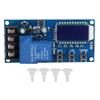
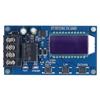
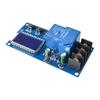
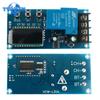
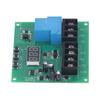
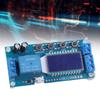
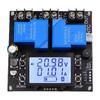
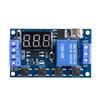
Features:
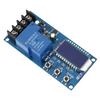
1. This Charge Control Module can automatically control battery charging and discharging to protect batter.
2. LCD display, battery voltage, charge percentage and charging time at a glance.
3. Suitable for 6 60V battery, lithium battery, etc.
4. Adjustable charging time, with working status indicator.
5. Support UART serial port set.
Specification:
Model: XY L30A, XY L10A (Optional)
Max Control Current: 30A, 10A
Control Voltage: DC 6V 60V
Suction Cup Diameter: 60mm
Control Precision:0.1V
Output Type:Direct output
Voltage Error:0.1V
Dimension: 92*45*2.2mm 3.62*1.77*0.09in, 79*42*18mm 3.11*1.65*0.71in
Function Description:
1)
Automatic Charge control function
By setting the
Upper limit voltage
volt HI: UP ;
Lower limit voltage
volt LI: dn ;
The relay turns
ON
and the charger starts charging
for
the battery
when Current battery voltage is less than
Lower limit voltage
dn
.
The relay turns
OFF
and
c
omplete an automatic charge
when Current battery voltage is more than Upper limit voltage
UP
.
2)
Charge Time Control Function
How to
e
nable the time control function?
It will enable time control function by s
etting parameter OP is not 0
after
entering the parameter set
menu.
OP
default parameter is: : h , the default does not turn on time control function;
After enable
Time Control Function
(
OP
is not equal to
0
):
Relay will turn ON and the charger starts charging the battery and the system starts timing when Current battery voltage is less than
Lower limit voltage
dn
.
Relay will turn OFF and end charging if Current battery voltage is more than Upper limit voltage
UP
during timing.
Relay will turn OFF and end charging if Current battery voltage is less than Upper limit voltage
UP
but the time(
OP
) has ended.
Relay will keep ON and charging if Current battery voltage is less than
Lower limit voltage
dn
even though the time(
OP
) has ended. Module will automatically turn off the charging time control function. And flashing
H:ER
on screen to remind users that time parameter settings are unreasonable. Press any key to stop flashing.
Note: Time format: 00:59 (00
is
hours, 59
is
minutes) The maximum time is 99:59
which is
about
100 hours.
3) UART c
ommunication and parameter settings
The system supports UART data upload and parameter setting functions (TTL level);
UART: 115200, 8, 1
NO.
Command
Function
1
ON
Relays Enable
2
OFF
Relays Disable
3
Start
Start data upload
4
Stop
Stop data upload
5
Read
Read the parameter setting
6
dw10.0
Set volt LI: dn
7
up20.0
Set volt HI: UP
8
xx:xx
Set the charge time OP . 00:00 is used to stop charge time control function
Data upload message format:
Battery voltage + battery percentage + charging time + charging status
12.0V, 020percent , 00:10, OP
Set Parameter:
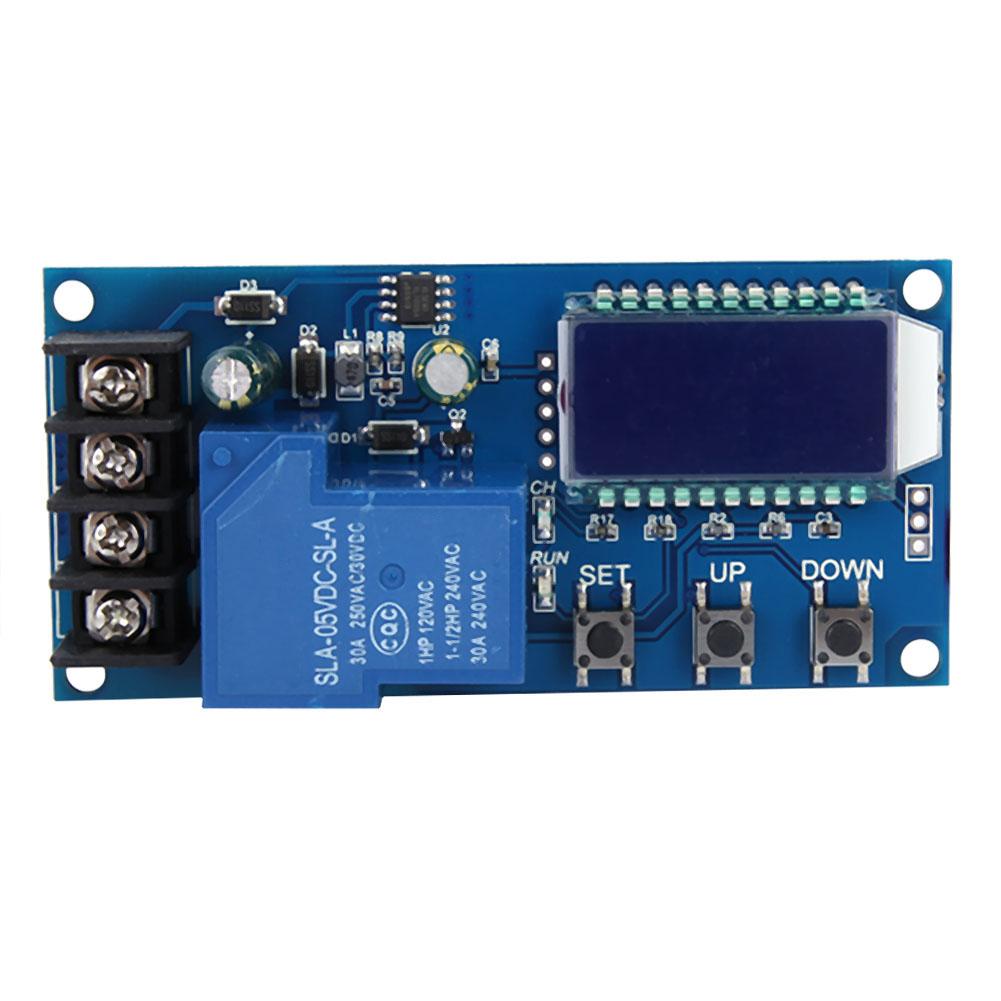
1) LCD will display SET after enter set parameter menu by long press button SET .
2) Switch the set parameters by short pressing button
SET
.
3) Set parameter value by long or short pressing button
UP
and
DOWN
.
4) Repeat step 2 and step 3 if need to set other parameters.
5) Automatically save and exit the setup menu by long press button SET after set all parameters.
Button Description:
In the normal display interface:
1) Display the currently set parameters when short press button
SET
;
2) Switch display charging percentage and charging time when short press button
UP
;
3) Enable Relay ON or OFF when short press button
DOWN
. Relay will OFF and display OFF if disable relay.
4) Set the status of the LCD backlight(L P) when long press button
UP
.
OFF: The backlight will keep bright.
ON: Backlight will be automatically turned OFF after 5 10second.
5)
Long press SET
button
to
enter the parameter settings
menu.
Calculation Voltage Percentage:
voltage percentage = battery voltage (volt HI minus volt LI)
Additional Features:
1) Charging time recording function: The product will record a full charge time when the charging time control is not turned on. Flashing shows the charging time when entering the time display interface. The data will be emptied when exit the time display interface or the next charge is turned on (the relay is turned on)
2) Automatic parameter detection: The system will flash
ERR
to indicate the reminder when the parameter is set and exiting but
Lower limit voltage
dn
more than Upper limit voltage
UP
.
3) Battery connection detection: This product is attached to the battery. If the battery is not connected, the system will display
nbE
on the lower line to remind you;
FAQ:
1) What is the control voltage range? What is the applicable battery range?
Control voltage range is DC 6V 60V. But battery voltage max is 48V. Because the voltage of 48V battery is 60V after fully charged.
2) The relay is automatically turned on and off continuously after power on and flashing light?
This is because your charging current is too large or the battery capacity is too small that cause the battery voltage to immediately exceed the Lower limit voltage
dn
value and then relay will OFF. But the voltage drops quickly to the Lower limit voltage
dn
after Relay OFF and then start to charging. Cycle and cycle.
At this point you have to reduce the charging current. Usually the charging current is 10 15percent of the battery capacity. For example, if the battery capacity is 20AH, the charging current is 2 3A.
Note that high current charging can cause the battery to heat up, aging, bulging or even exploding.
3) What control method?
This is the voltage control. For example:Lower limit voltage
dn
is set to 12.0V. Upper limit voltage
UP
is set to 14.5V. It will close output when the voltage is charged to 14.5V. Relay will ON and begins to charge when the voltage is reduced to 12.0V.
4) Can it be automatically cycled?
Yes, it can. Voltage control mode only controls turn off and turn on.
5) Can it limit the current?
It can t limit current, the charging current is completely dependent on your charger.
6) Can I charge a 24V battery by inputting 12V? Or charge a 12V battery by inputting 48V?
This is a simple voltage controller just for ON OFF. It can not change output voltage.
Package List:
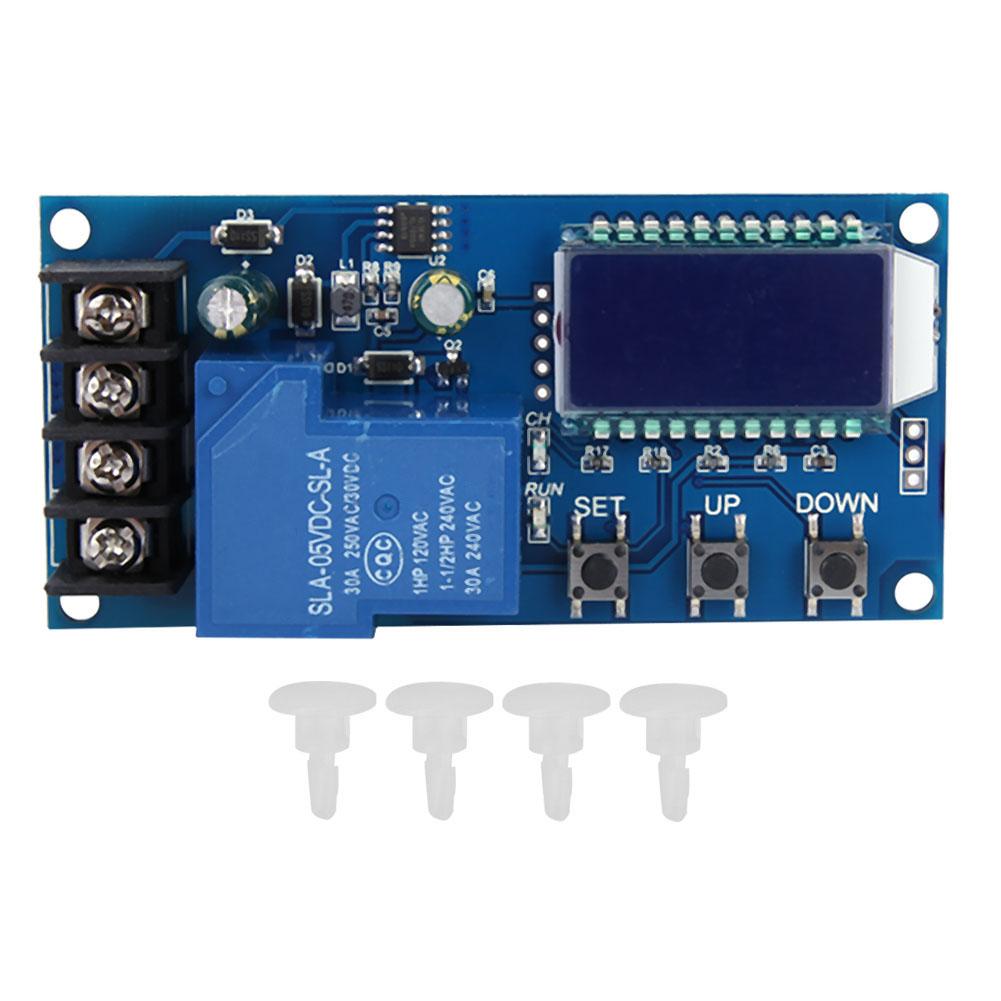
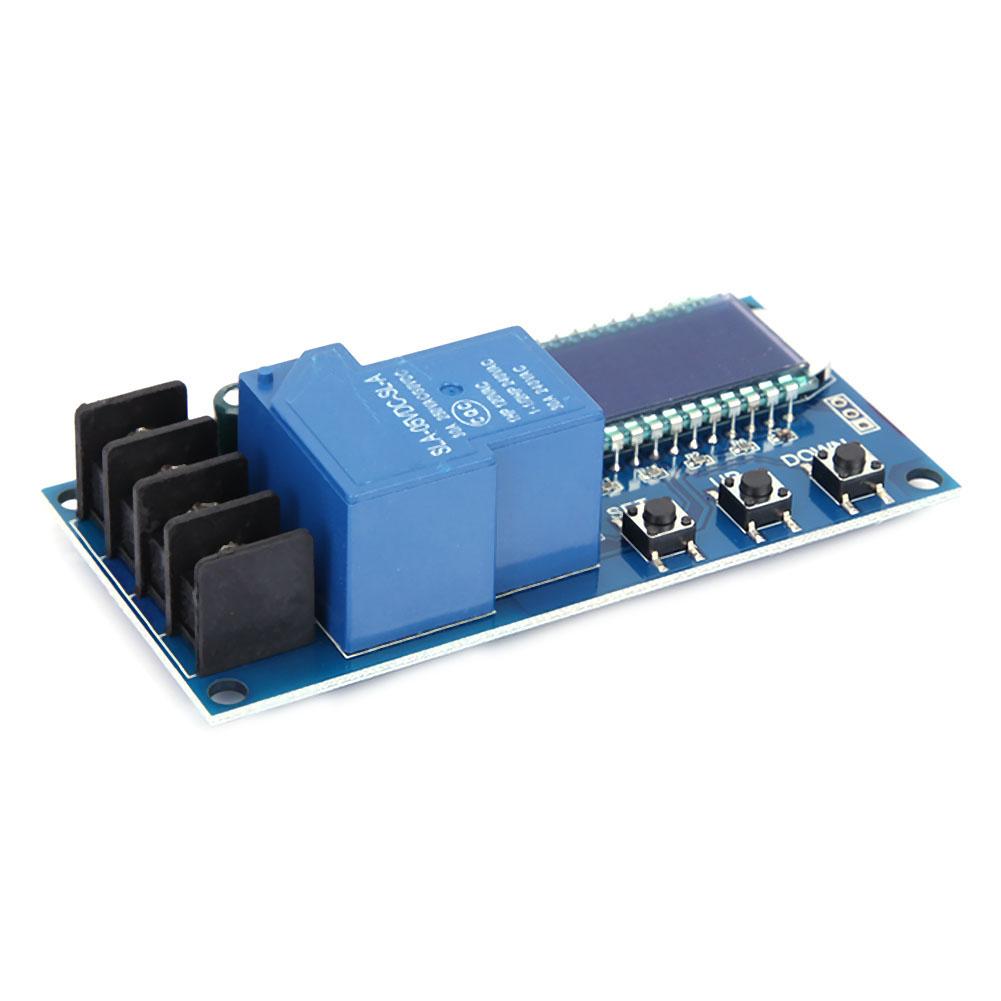
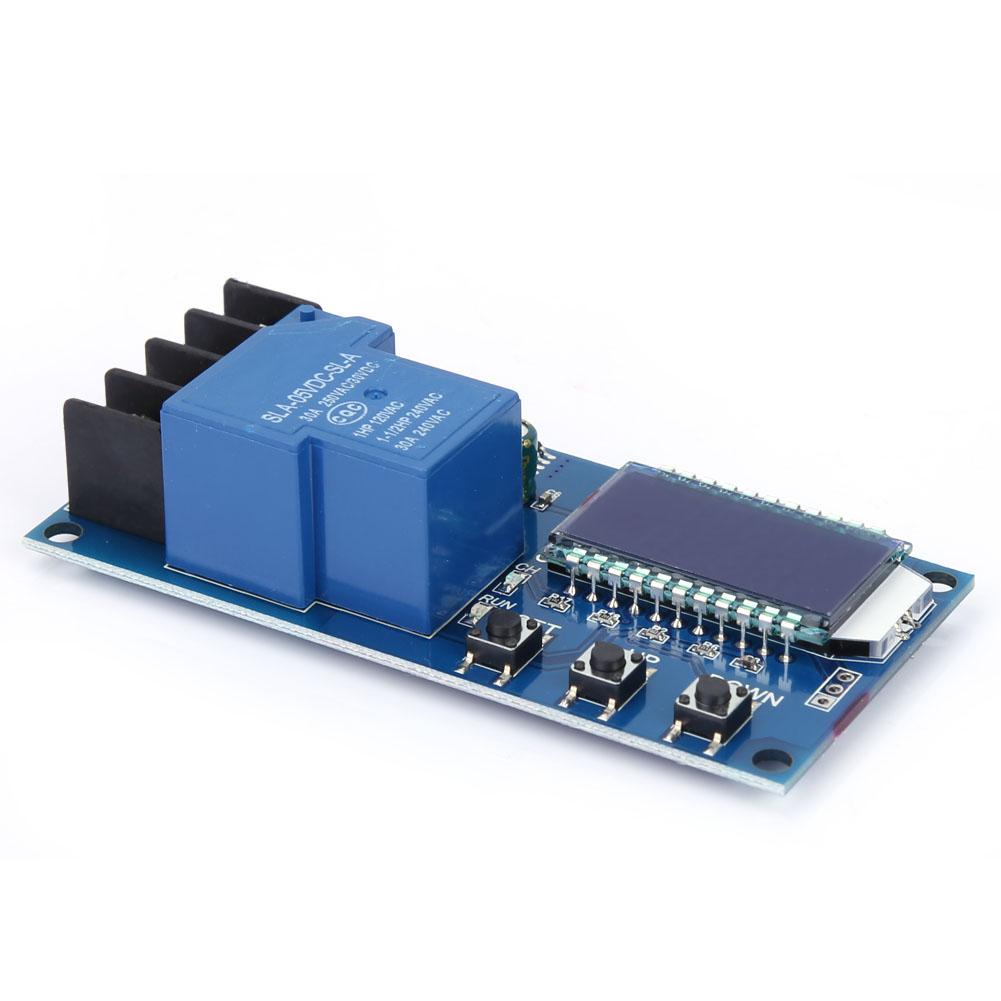
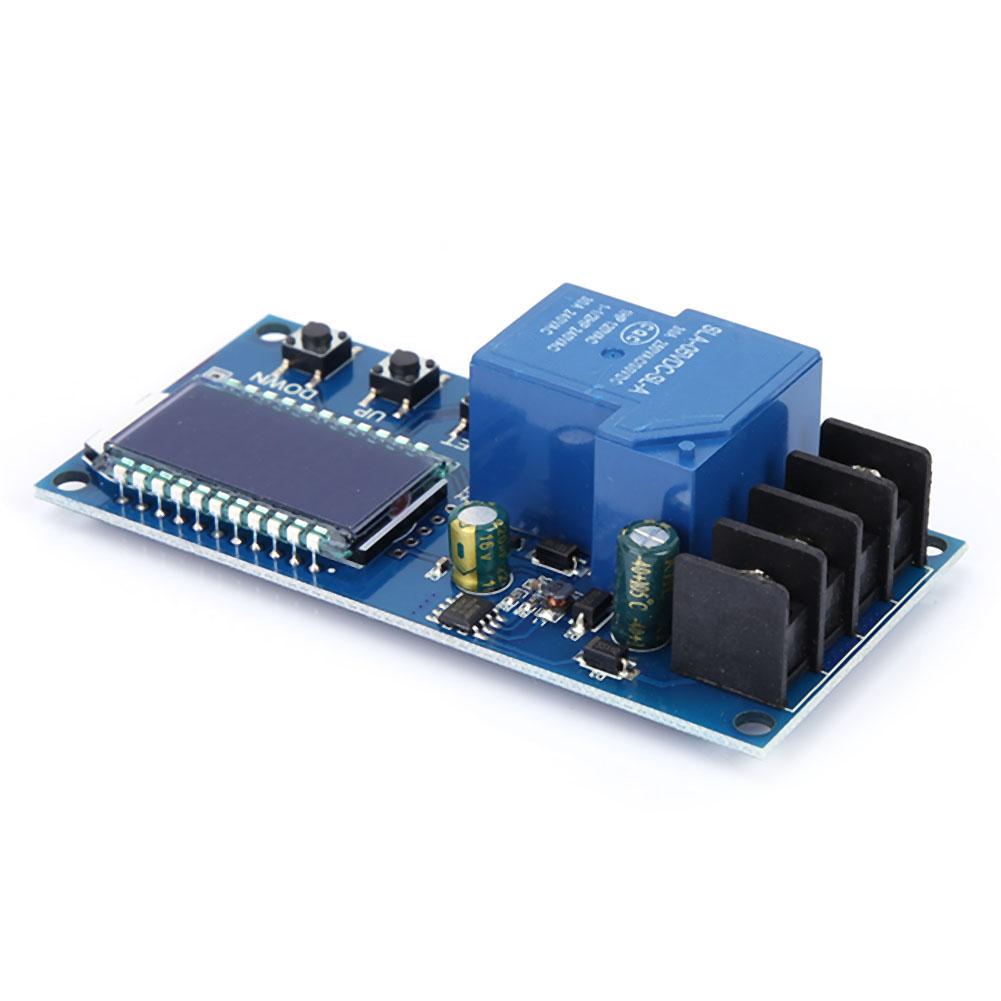
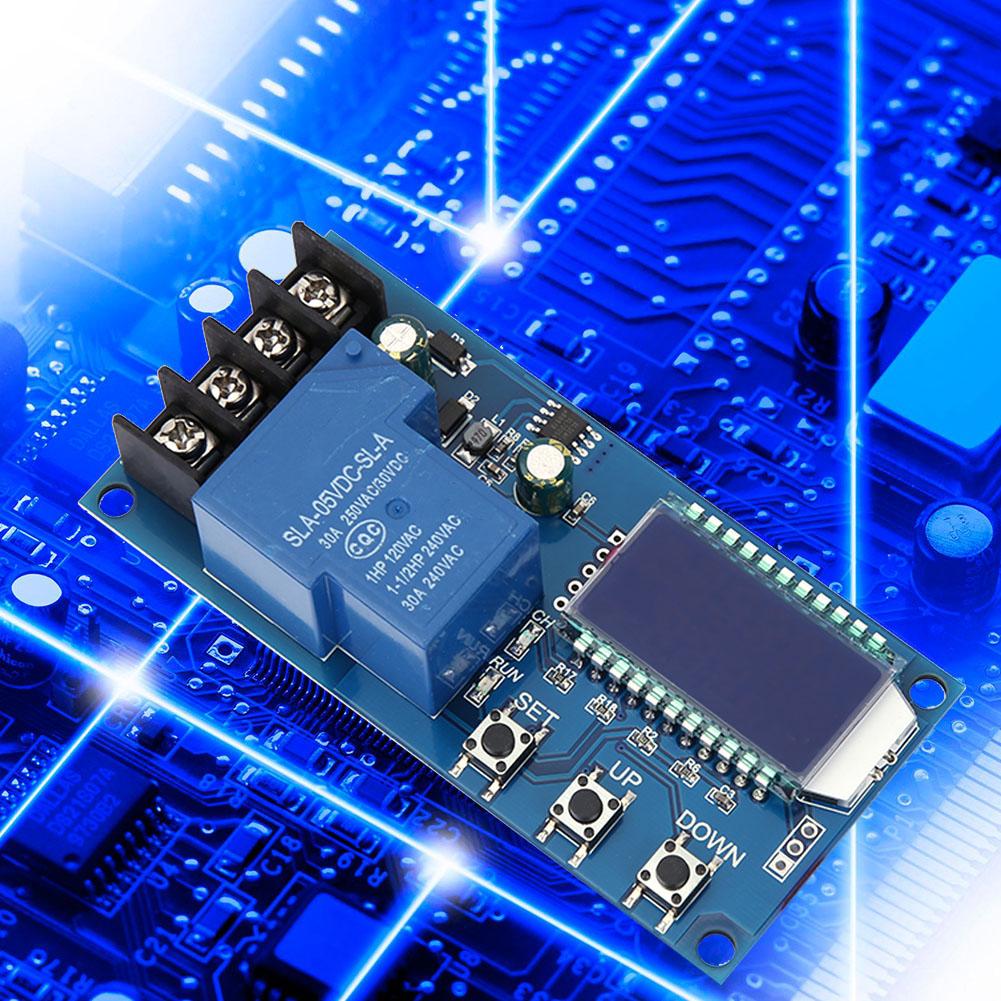
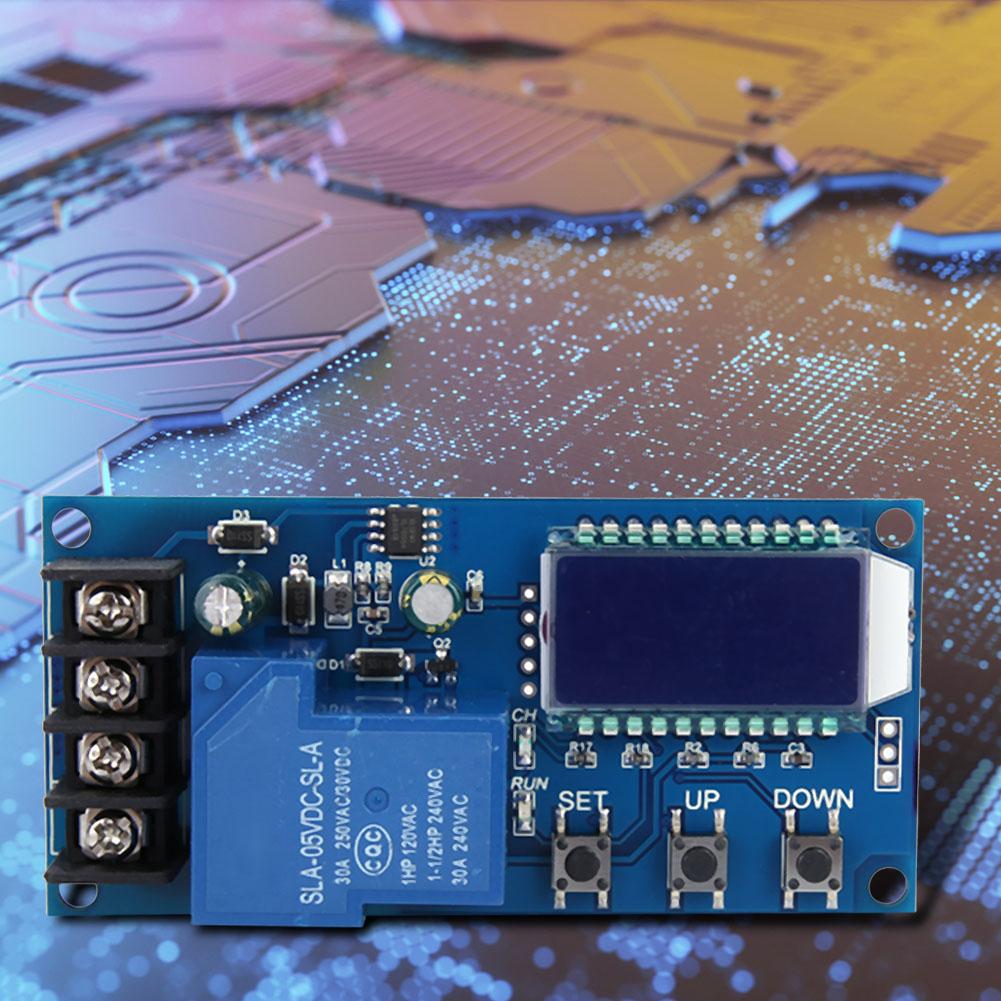
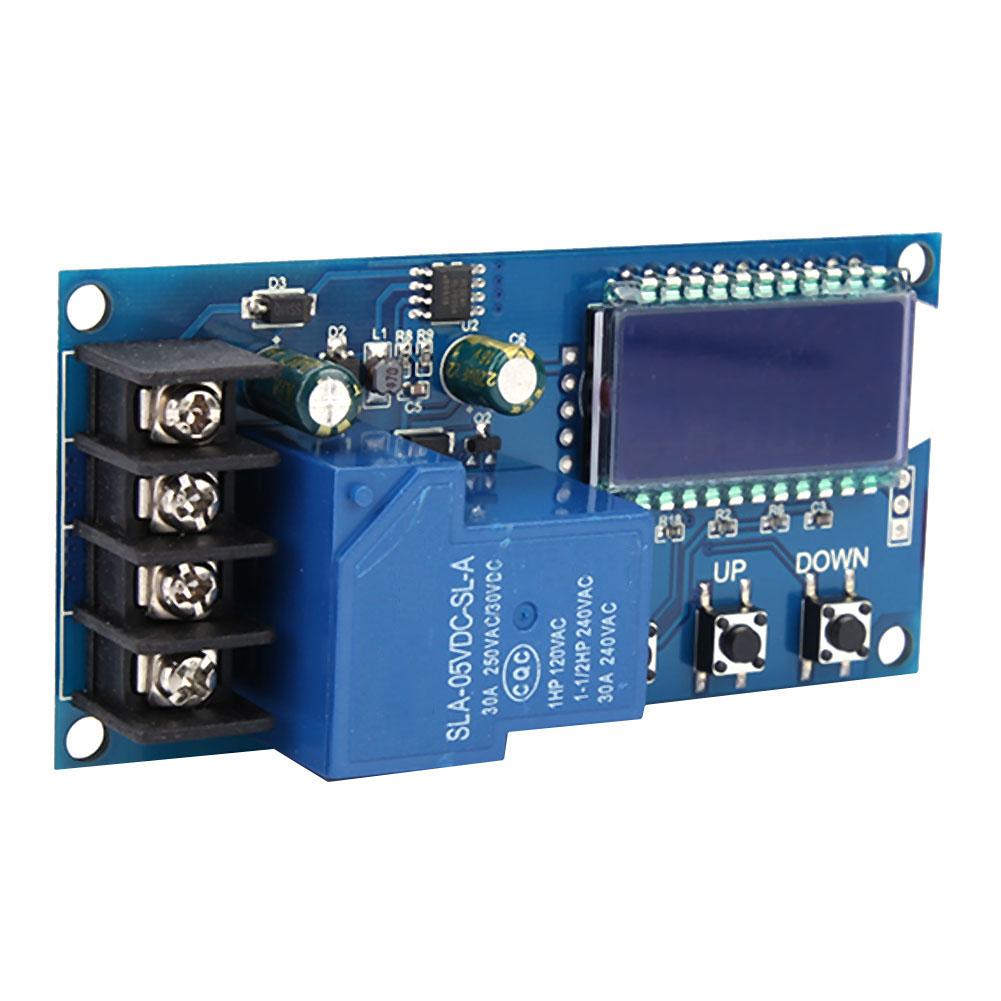
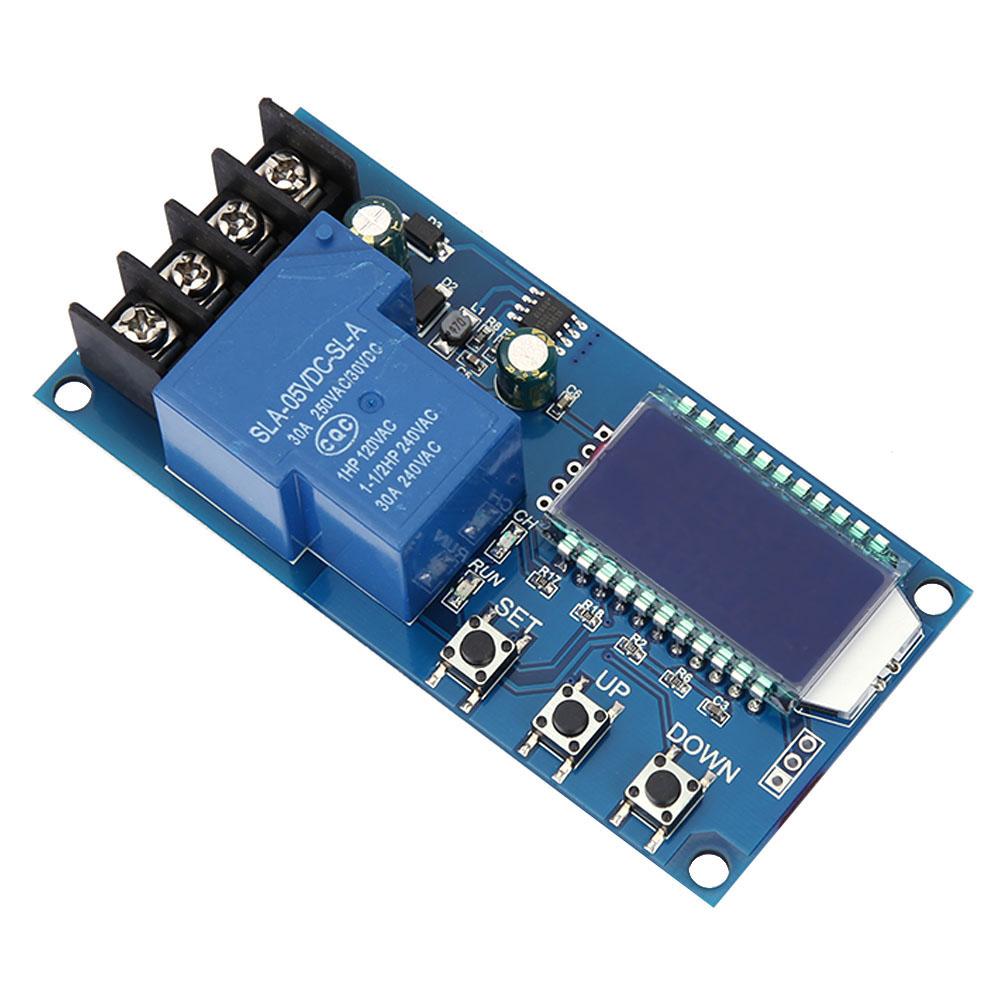
1 * Charge Control Module


 No-delivery refund