Feature:
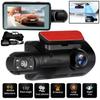
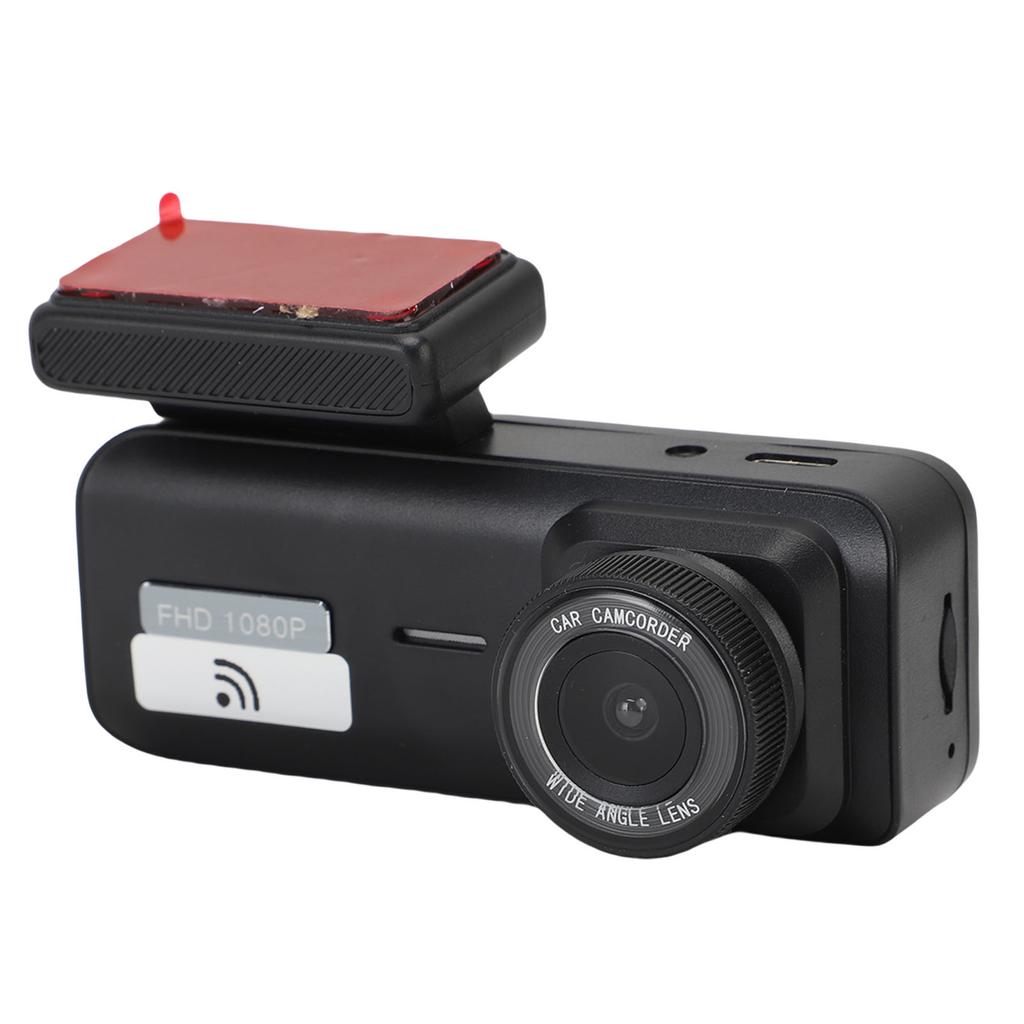
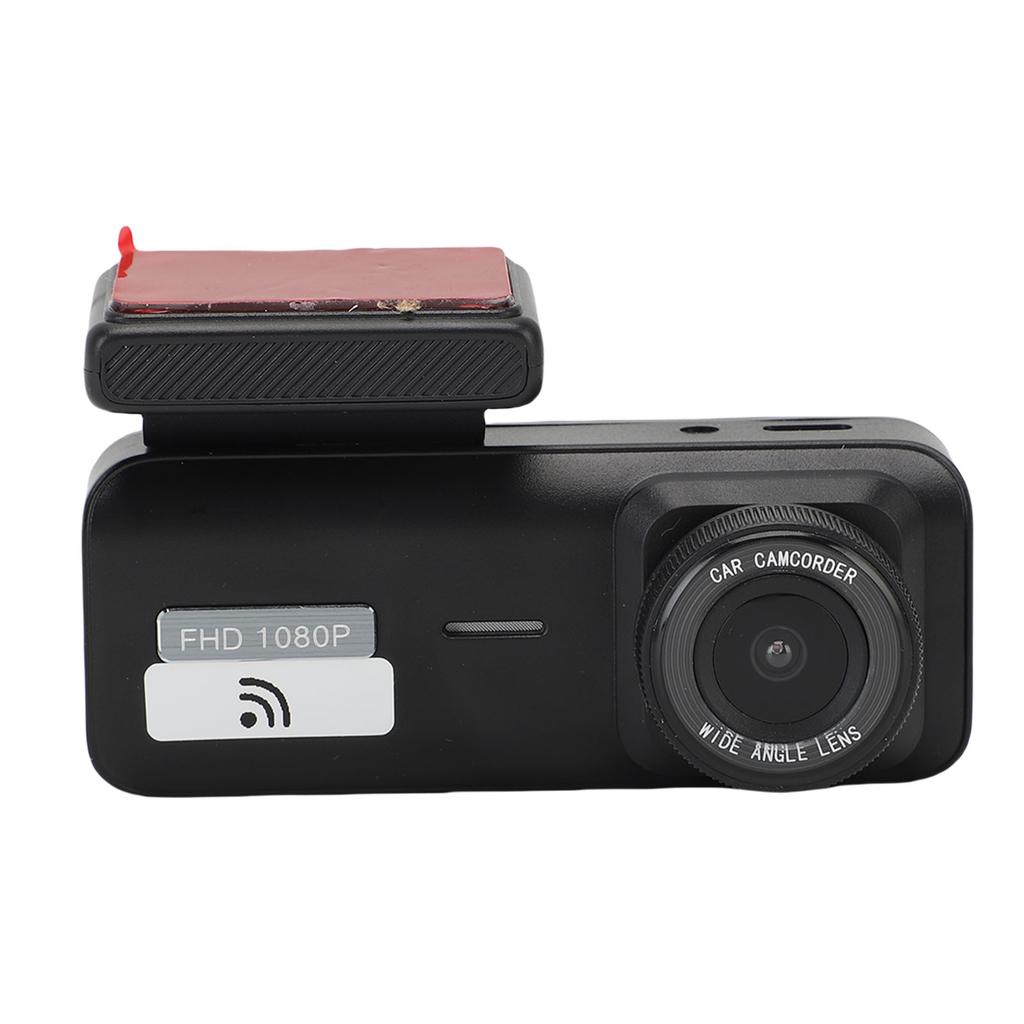
1. HD VIDEO RECORDING: This car dash cam delivers stunning 1080P high definition footage, recording every detail of your drive with its 170 degrees ultra wide lens, ensuring no crucial moment goes unnoticed.
2. NIGHT MODE ENHANCEMENT: Equipped with advanced lighting technology, this dash cam excels in low light conditions, providing clear nighttime recordings and extending the effective recording range for superior performance.
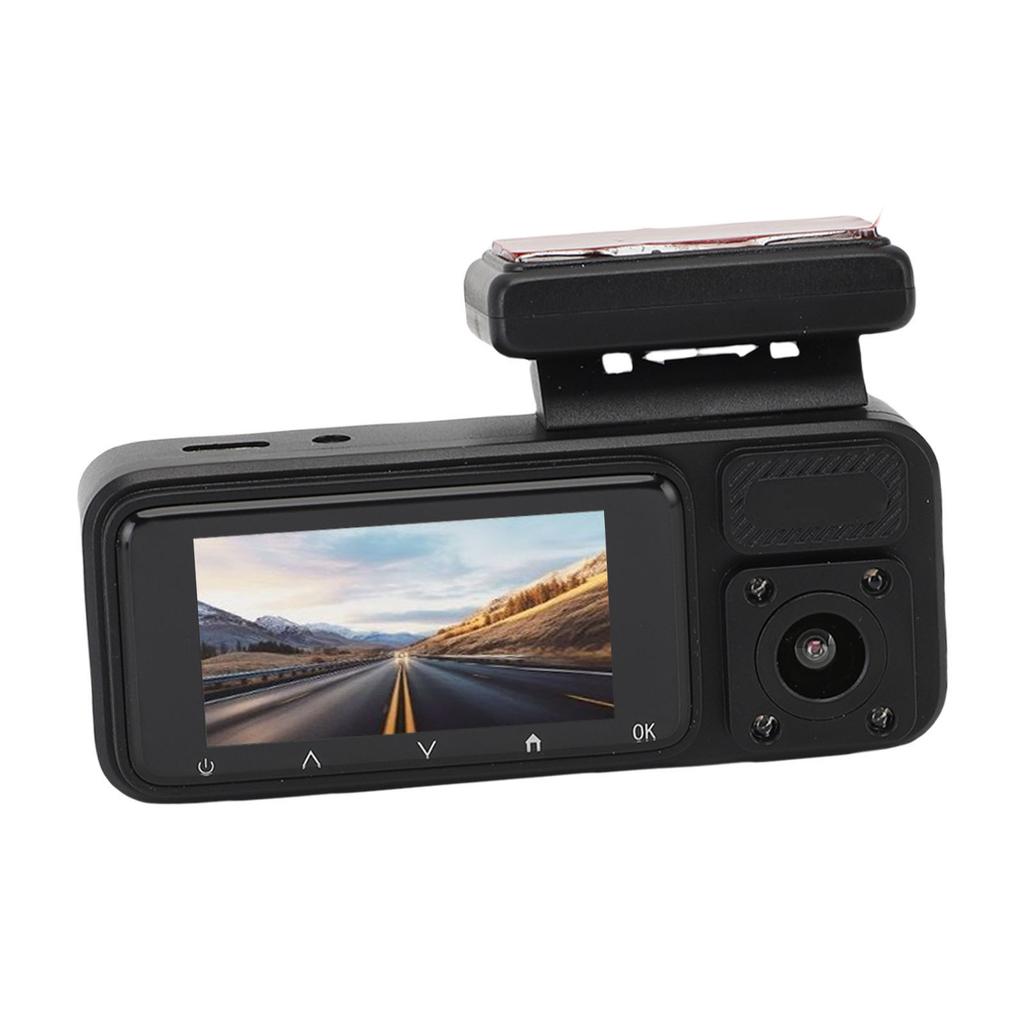
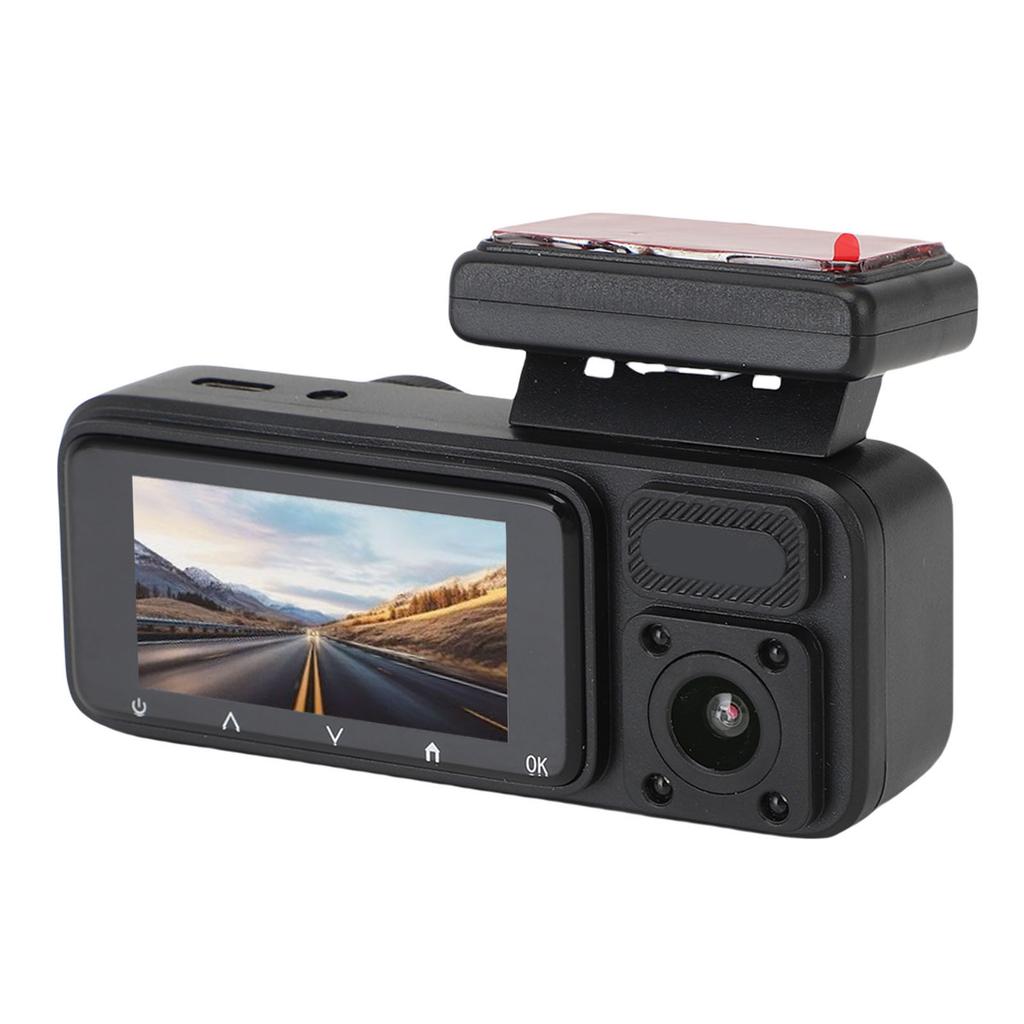
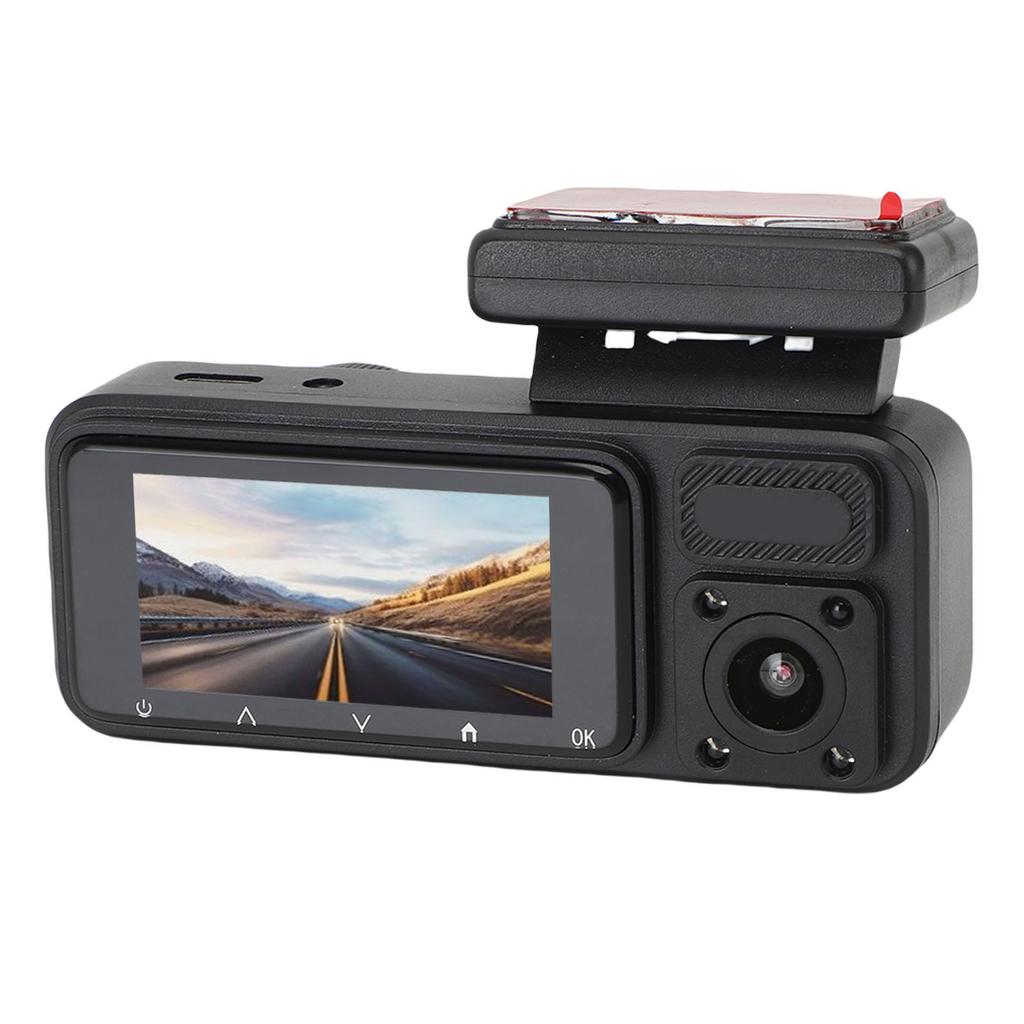
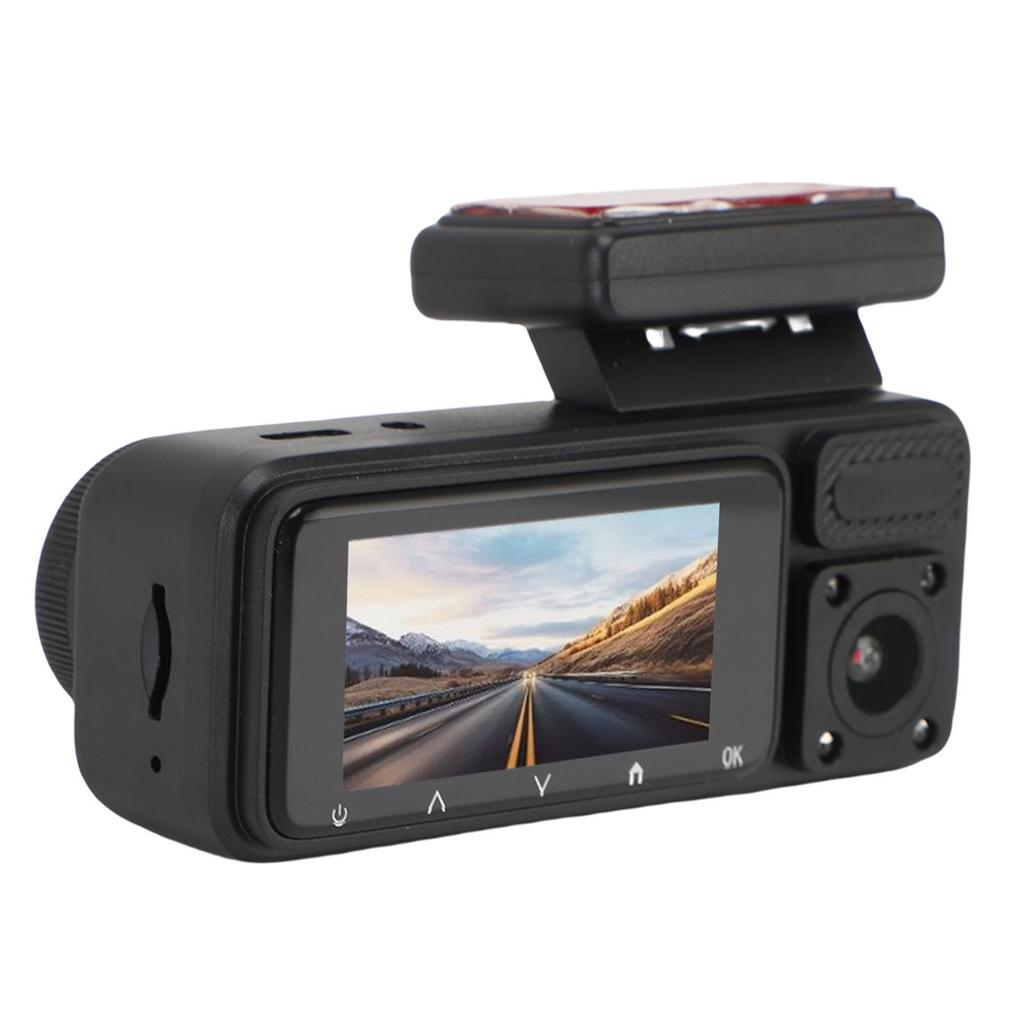
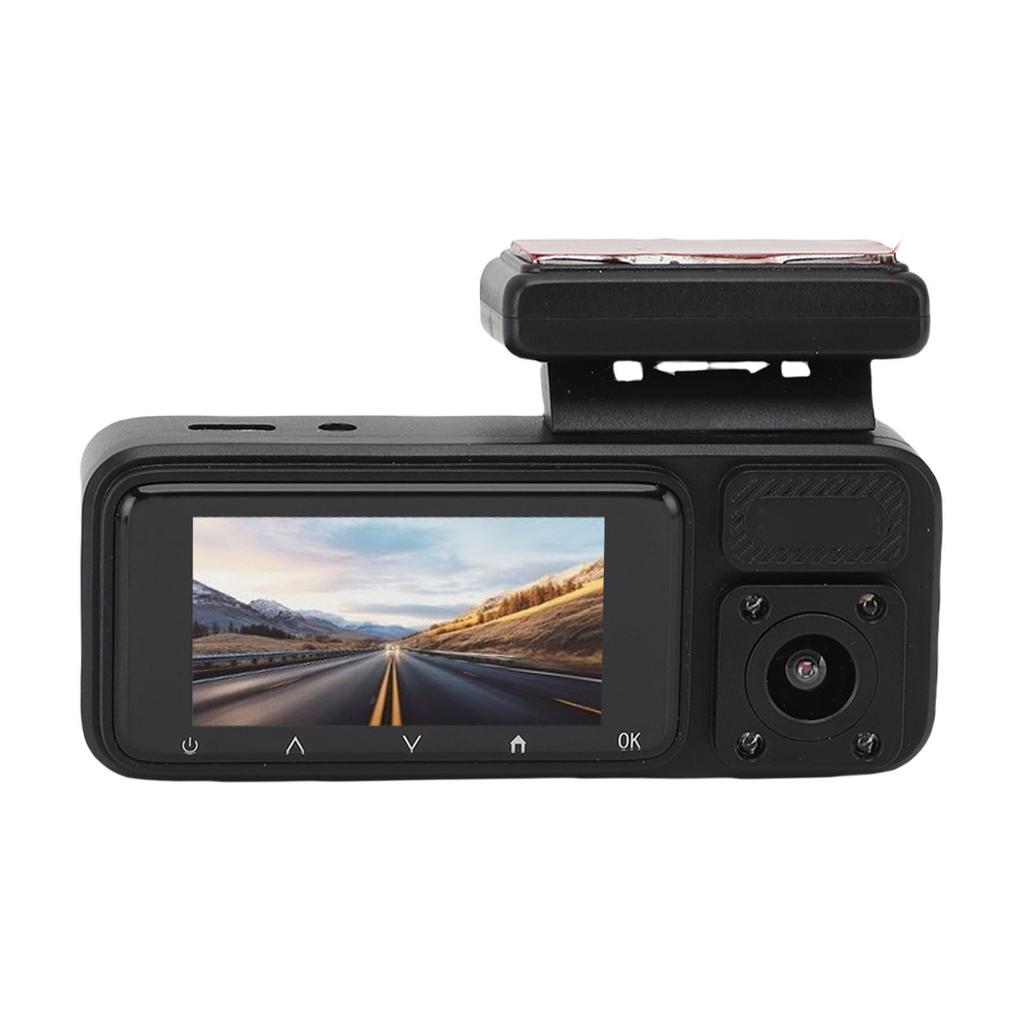
3. CRISP 2.0 INCH DISPLAY: The 2.0 inch ultra clear screen offers real time video viewing, effortless setup, and use, plus it automatically switches to rearview when reversing for enhanced safety and convenience.
4. TRIPLE LENS SURVEILLANCE: With 3 lenses covering the front, rear, and interior, this dash cam provides all around protection, and includes a 6M cable for flexible installation in various vehicle types.
5. EMERGENCY RECORDING: In the event of a collision or sudden brake, the dash cam automatically records and locks footage, which can be easily reviewed on your smartphone via an AP hotspot connection.
Specification:
Item Type: Car Dash Cam
Material: ABS+Aluminum Alloy
Front Camera Angle: 170 degrees Wide Angle
Interior Camera Angle: 120 degrees
Screen Size: 2.0 inch
Charging Interface: Type C
Video Resolution: 1080P 720P
Storage: Supports up to 64GB small memory card (not included)
Battery Type: 150mAh Lithium ion Battery (with built in battery for shipping)
APP Name: for Viidure
Note:
Dashcam Memory Card Shows Full
1. Enable the loop recording function on the device (if disabled, the memory will fill up after recording).
2. Turn off the G sensor feature (if enabled during recording, it will automatically lock videos, which cannot be deleted, causing the memory to appear full).
3. If the memory card remains full after the above steps, format the card or purchase a new one (must be a high speed card with at least C10 rating).
Dashcam Stops Recording or Frequently Powers Off
1. Check if the dashcam is charging (if not, the device may power down).
2. Set the auto power off function to Never (if enabled, the dashcam may shut down when inactive).
Dashcam Fails to Power On
1. Charge the dashcam for a while (ensure the charger is functioning and the car charger indicator light is on).
2. Remove the memory card if inserted (a damaged card may prevent the device from powering on).
3. If the charging light still does not turn on, reset (Reset) the device.
The recorder s recording may stop, resulting in discontinuous images with gaps.
Motion detection needs to be disabled; if this feature is enabled, the device will automatically switch to non recording mode when there is no movement in front of the camera.
When an object moves in front of the camera, it will automatically switch to recording mode..
Package List:
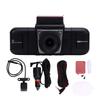
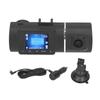
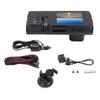
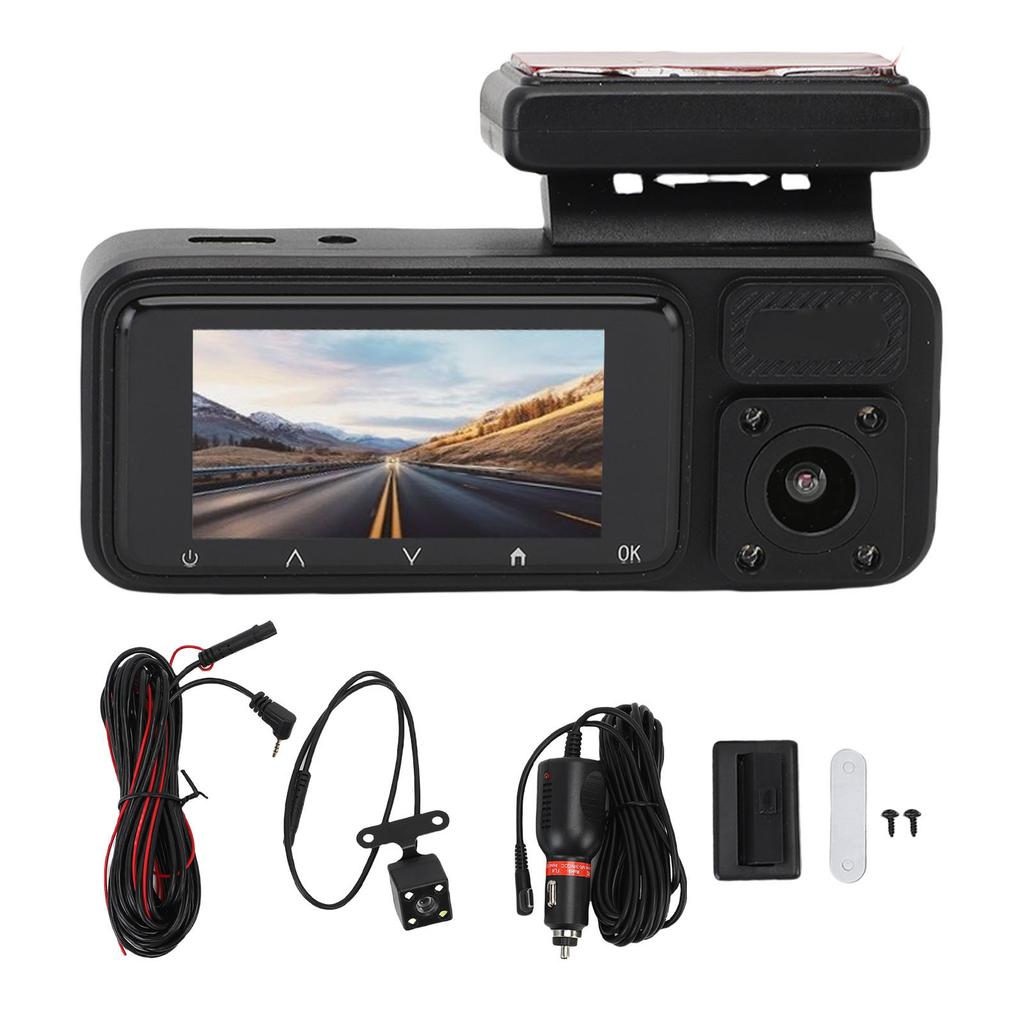
1 x Dash Camera
1 x Dash Camera Power Cable
1 x Rear Camera
1 x Rear Camera Connection Cable
2 x Screws
1 x License Plate Sticker
1 x Adhesive Base
2 x Instruction Manual
Note:


 No-delivery refund