------------------------------------------------------------------------------------------------------------------
【Voltage Compatibility】
When using electrical appliances, please note that they are designed for Japanese voltage specifications (90-110V), so if you use them with a different voltage, it may cause a malfunction.
【Plug Type】
Our products use Japanese plug types (A or B type).
Please use a conversion adapter if necessary.
【Important Note on Transformers and Adapters】
A transformer adjusts voltage to match your device’s requirements.
A conversion adapter only changes the plug shape and does not adjust voltage.
Using only a conversion adapter without a transformer may result in damage to the product.
【Liability】
We are not responsible for malfunctions or damages caused by improper use, such as operating the product without a transformer.
------------------------------------------------------------------------------------------------------------------
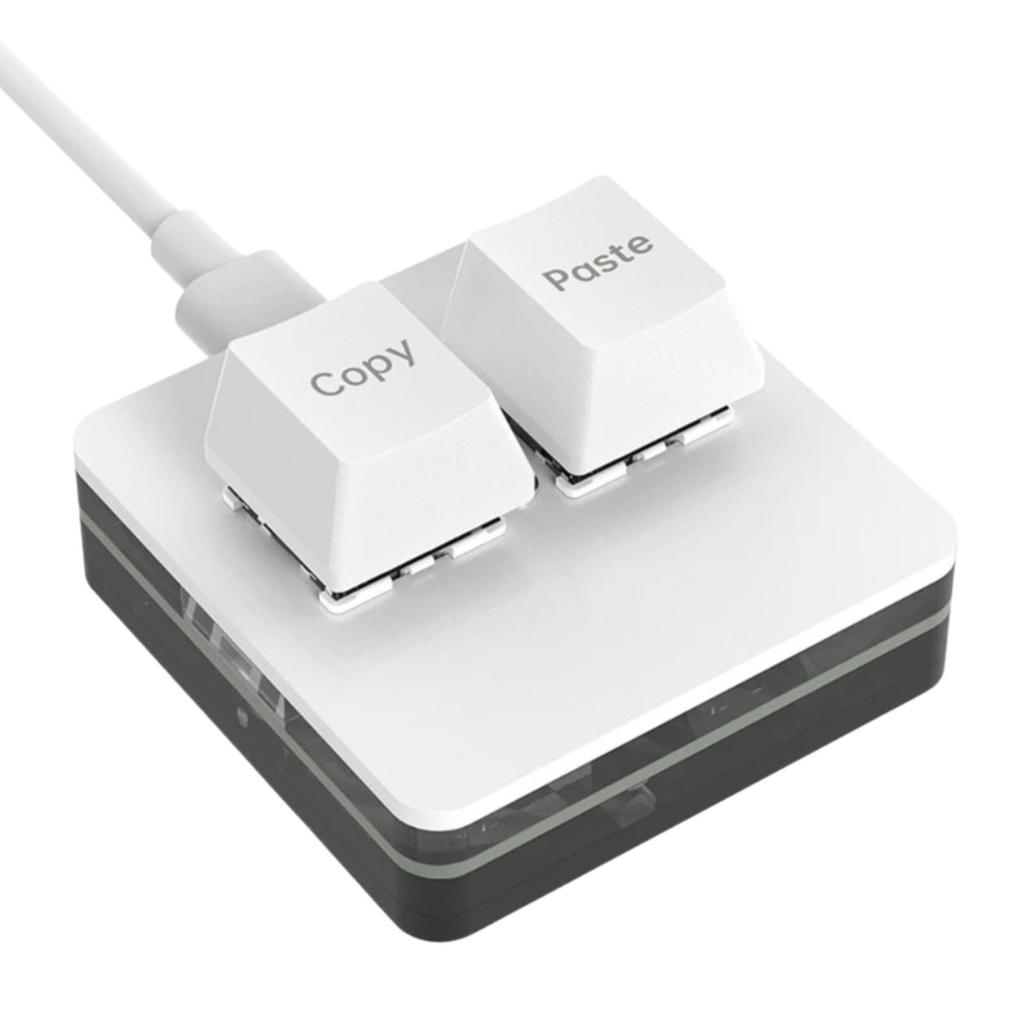
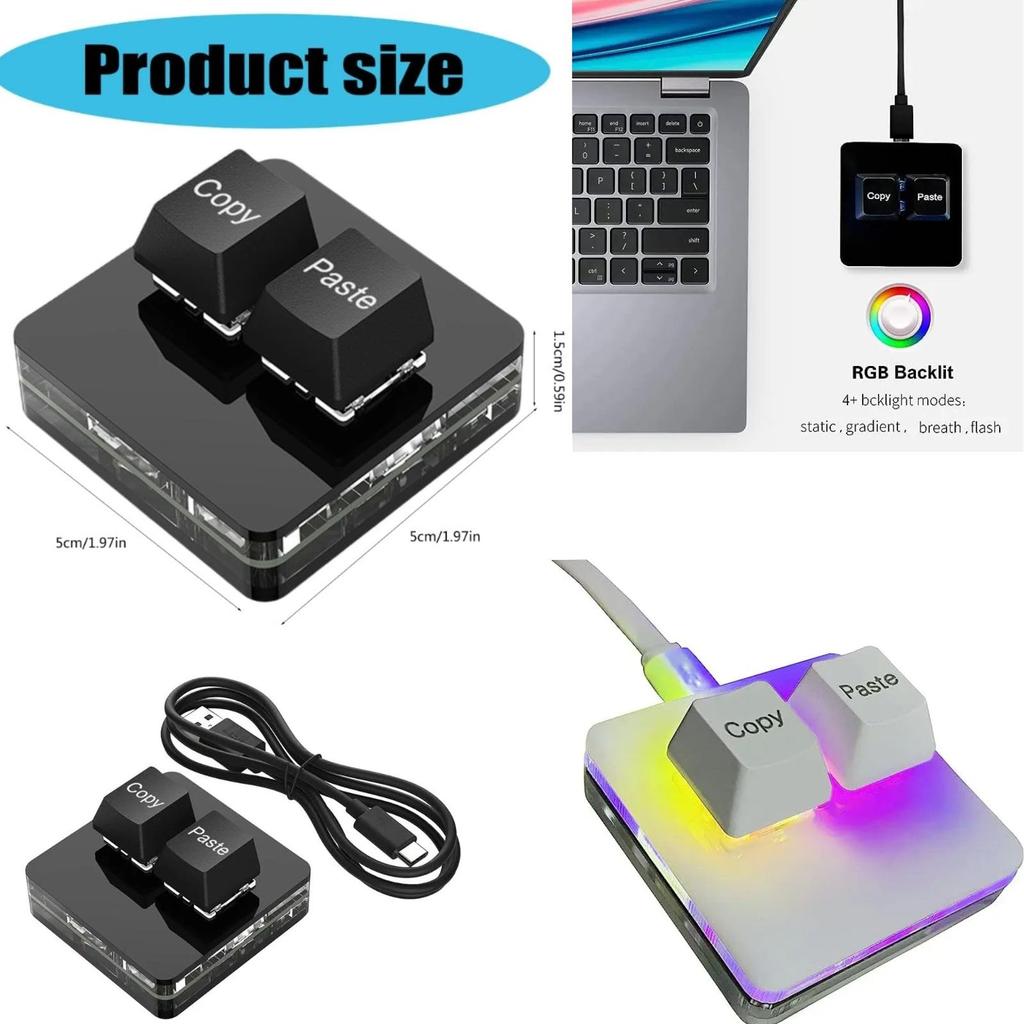
[Custom Keyboard] The custom keyboard has a storage function that allows you to set it up on a Windows system and use it on any system that supports the USB protocol, such as Linux or OSX. This one-handed macro mechanical keyboard allows you to work faster and more efficiently, and makes your gaming experience more comfortable and smooth.
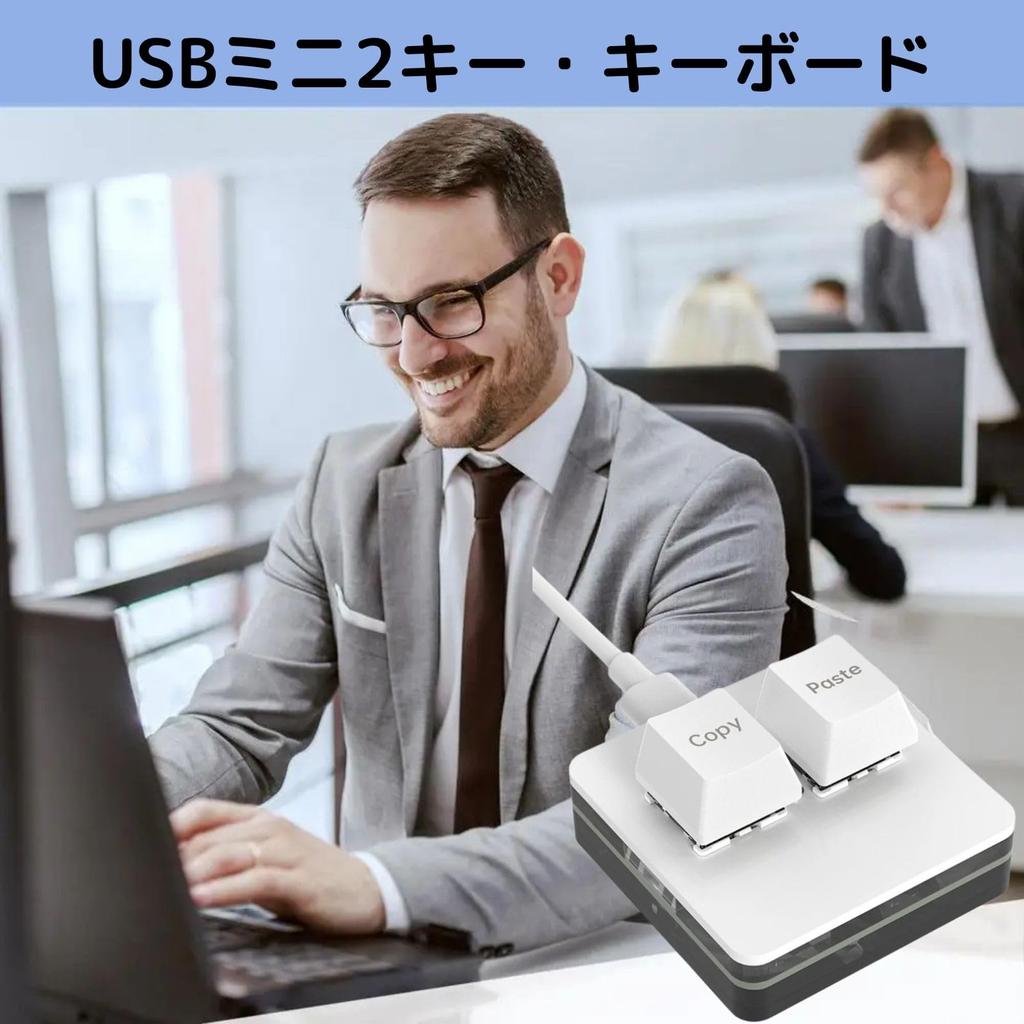
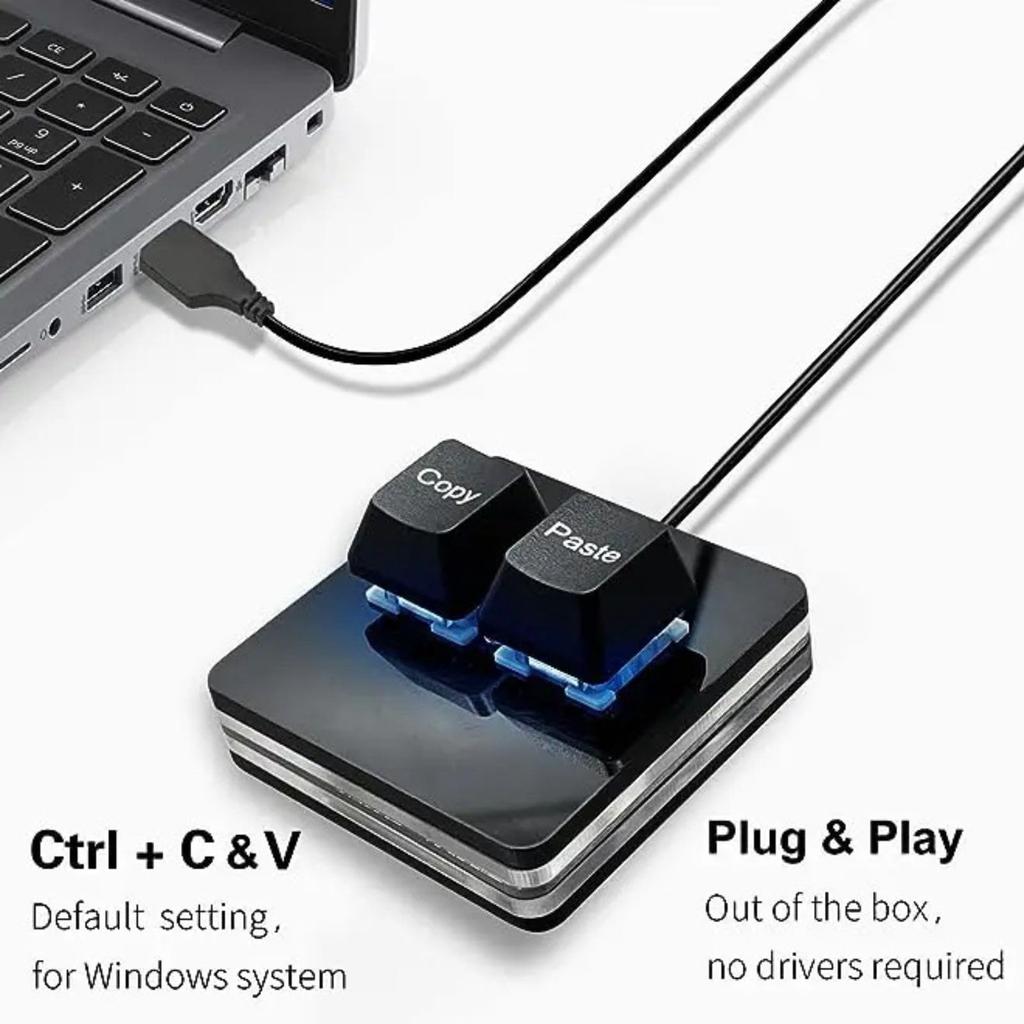
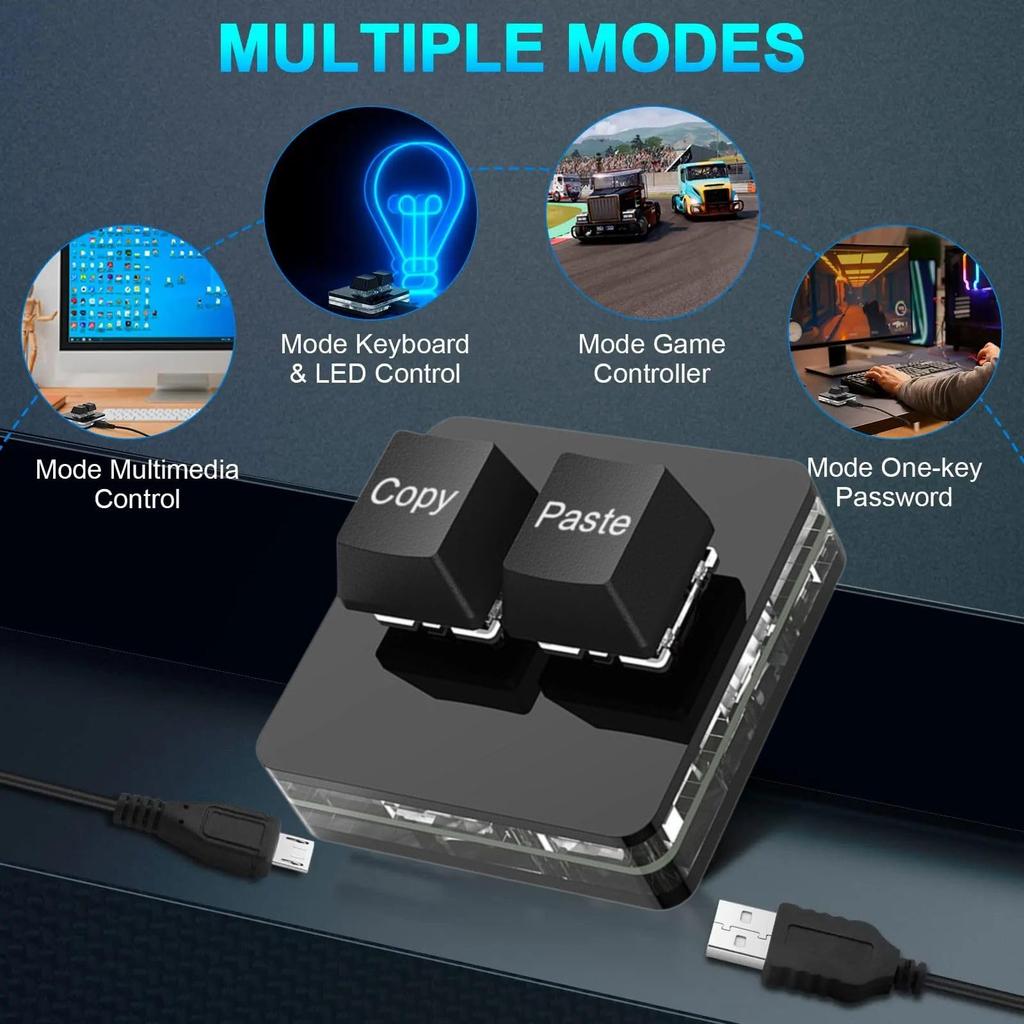
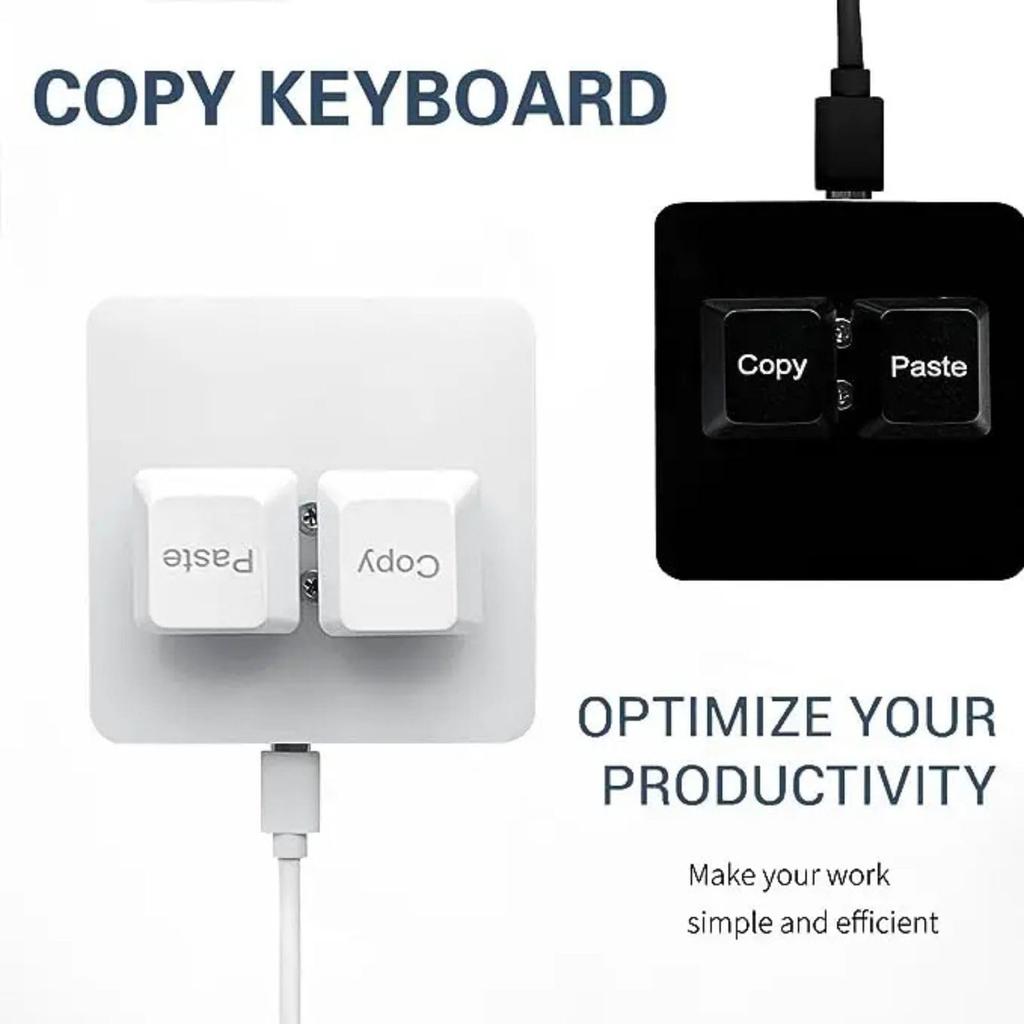
[Custom Settings] The OSU keyboard's default functions are "Copy" and "Paste." You can use the software to set shortcuts, cut, undo, redo, select all, play, pause, volume, song switching, forward, backward, custom scripts, and more. The 2-key mechanical keyboard allows you to save instructions on the device. Once programming is complete, there's no need to reconfigure when changing computers. Made with high-quality materials, the ergonomic design and alloy ABS construction support the OSU key gaming keyboard.
[Save assignments & macros available for Windows only] Programs are saved in the built-in MCU (small CPU). Even if you switch computers, you don't have to reset the keyboard every time. It's perfect for gamers, designers, video creators, and more.
[Note for Mac users] If you need to set up your Mac, please make sure to complete the custom settings in Windows before using it on your Mac. Once you've completed the software setup, you don't need to open it in the background; simply close it (you'll need to connect the USB-C cable to work). To program the software, please log in. Connect the USB-C cable, download the software installer, and open the app to edit your keyboard. Compatible with Windows 7 and above, iOS, and Android.
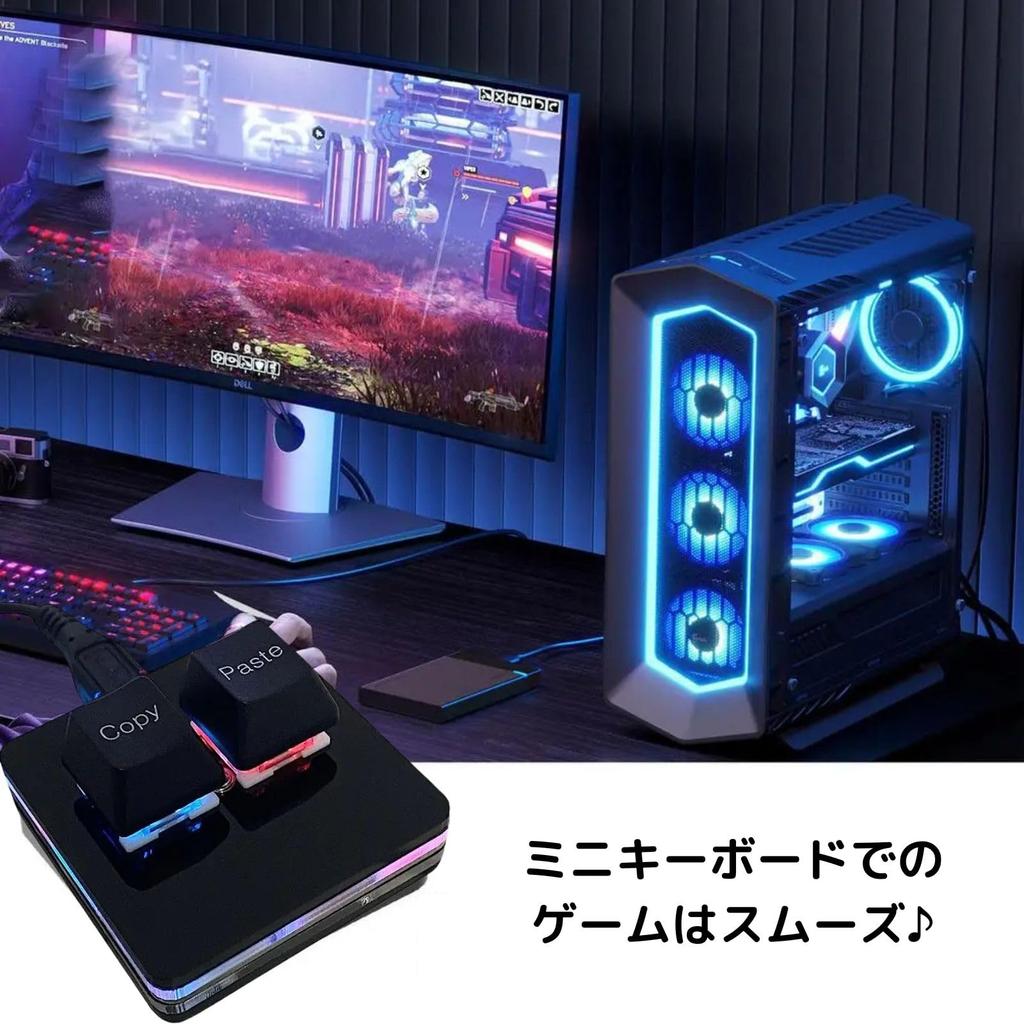
[High-Quality Materials] This gaming keyboard features an ergonomic design, alloy ABS materials, and OSU key support. It features a Type-C port and RGB cool lighting, as well as exquisite workmanship and a smooth appearance. The rounded corners provide a safer and more secure experience. The keyboard is hot-swappable, allowing you to replace keycaps and key shafts as needed. The RGB lighting offers seven colors and two modes: light fade mode or touch-button keypad mode. Enjoy creating your own custom mechanical keyboard.
[Custom Keyboard] The custom keyboard has a storage function that allows you to set it up on a Windows system and use it on any system that supports the USB protocol, such as Linux or OSX. This one-handed macro mechanical keyboard allows you to work faster and more efficiently, and makes your gaming experience more comfortable and smooth.
[Custom Settings] The OSU keyboard's default functions are "Copy" and "Paste." You can use the software to set shortcuts, cut, undo, redo, select all, play, pause, volume, song switching, forward, backward, custom scripts, and more. The 2-key mechanical keyboard allows you to save instructions on the device. Once programming is complete, there's no need to reconfigure when changing computers. Made with high-quality materials, the ergonomic design and alloy ABS construction support the OSU key gaming keyboard.
Saved assignments & macros available for Windows only: Programs are saved in the built-in MCU (small CPU). This eliminates the need to reset the keyboard every time you switch computers. Perfect for gamers, designers, and video creators alike.
[Note for Mac users] If you need to set up your Mac, please make sure to complete the custom settings in Windows before using it on your Mac. Once you've completed the software setup, you don't need to open it in the background; simply close it (you'll need to connect the USB-C cable to work). To program the software, please log in. Connect the USB-C cable, download the software installer, and open the app to edit your keyboard. Compatible with Windows 7 and above, iOS, and Android.
[High-Quality Materials] This gaming keyboard features an ergonomic design, alloy ABS materials, and OSU key support. It features a Type-C port and RGB cool lighting, as well as exquisite workmanship and a smooth appearance. The rounded corners provide a safer and more secure experience. The keyboard is hot-swappable, allowing you to replace keycaps and key shafts as needed. The RGB lighting offers seven colors and two modes: light fade mode or touch-button keypad mode. Enjoy creating your own custom mechanical keyboard.


 No-delivery refund