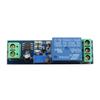
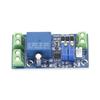
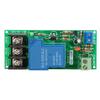
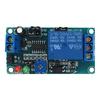
Description:
Operating voltage: DC 5 12V(5V 6V 9V 12V)
Operating current: 5V, forward 4mA, reverse: 36mA;
12V, forward 6mA, reverse: 44mA
Load voltage: DC 1 48V or AC 85 265V
Load current: Max 2A
Forward max time: 5000 seconds, 0.1 seconds step
Reverse max time: 5000 seconds, 0.1 seconds step
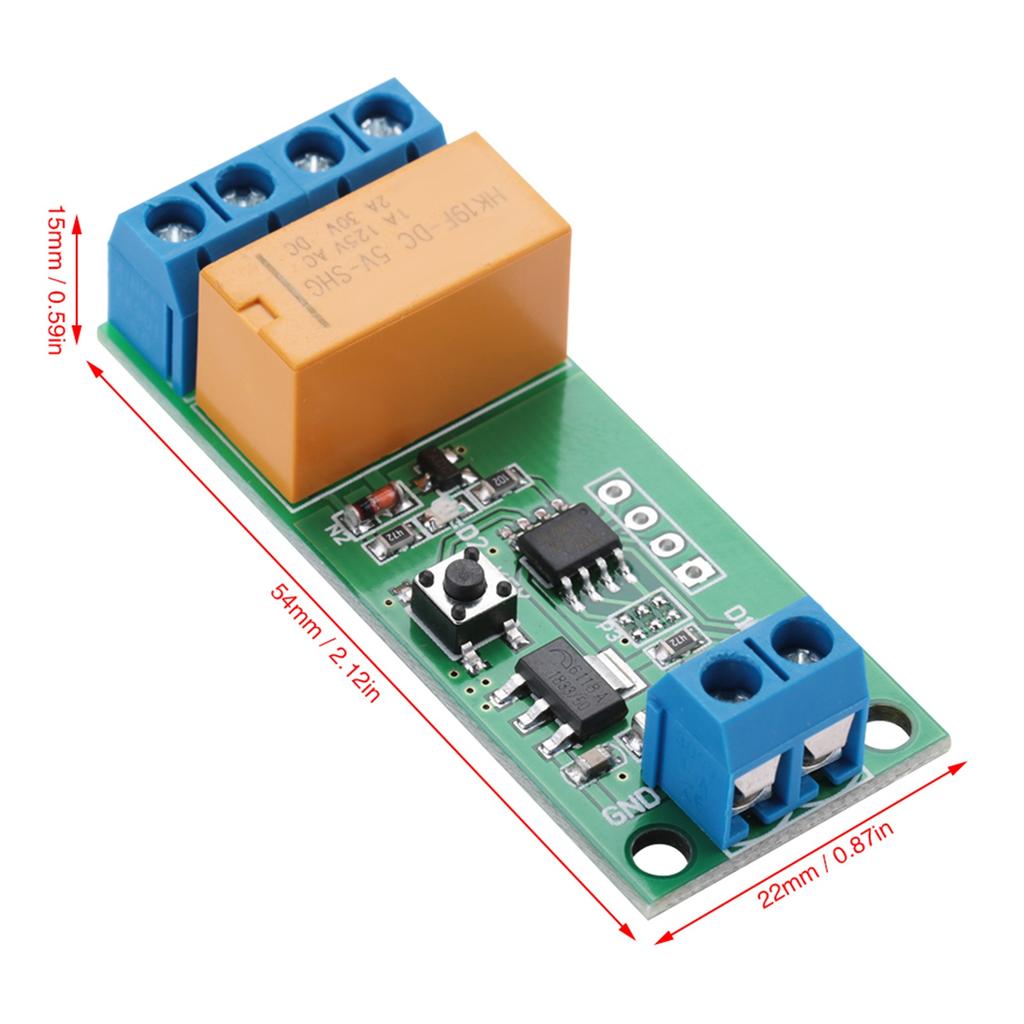
Size: 54*22*15mm 2.12*0.87*0.59in
Weight: Approx. 15g
How to use:
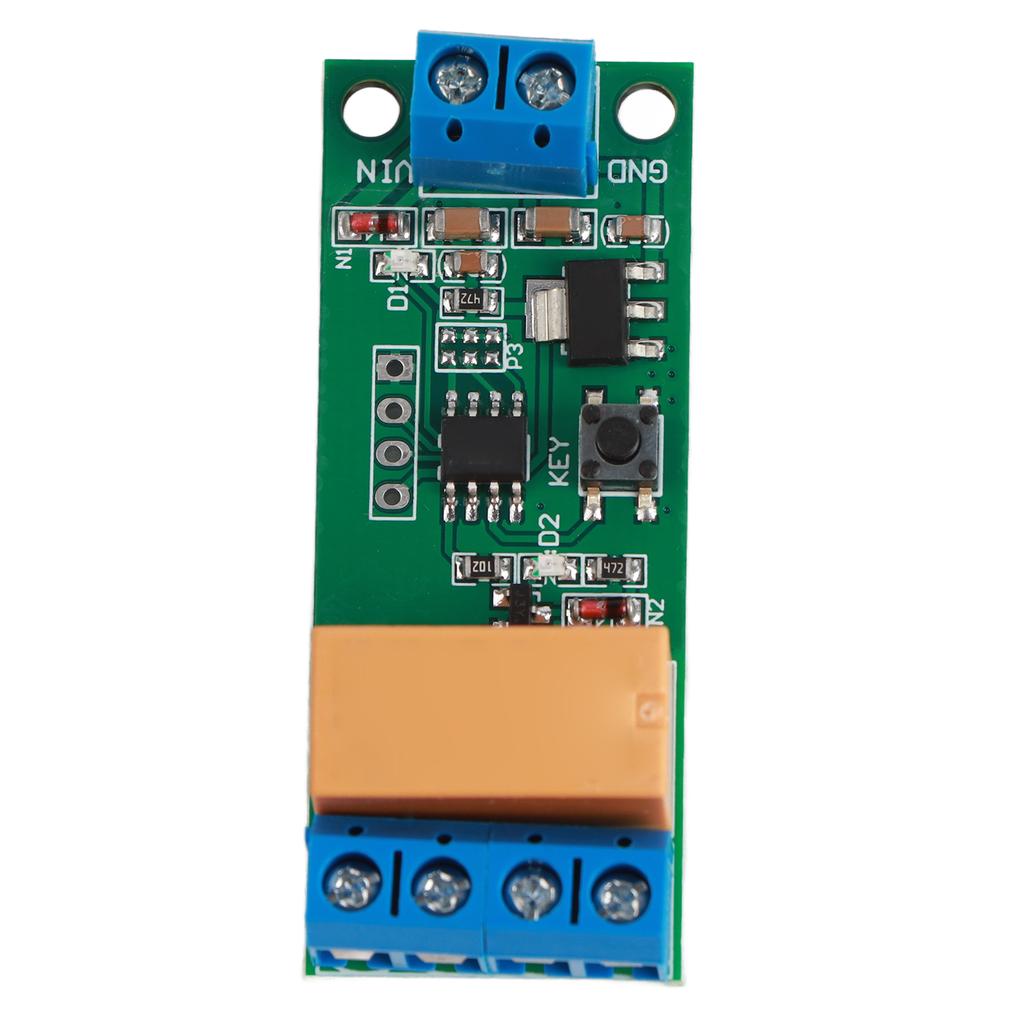
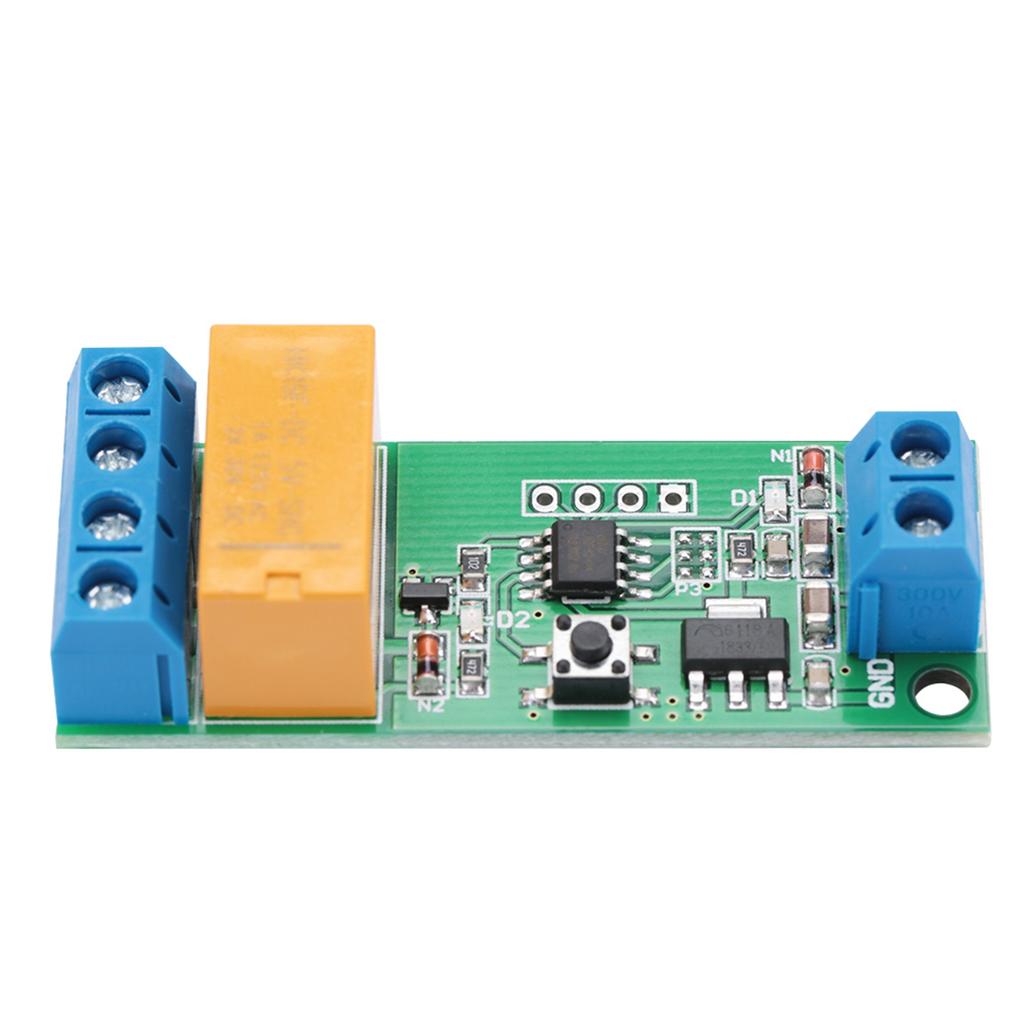
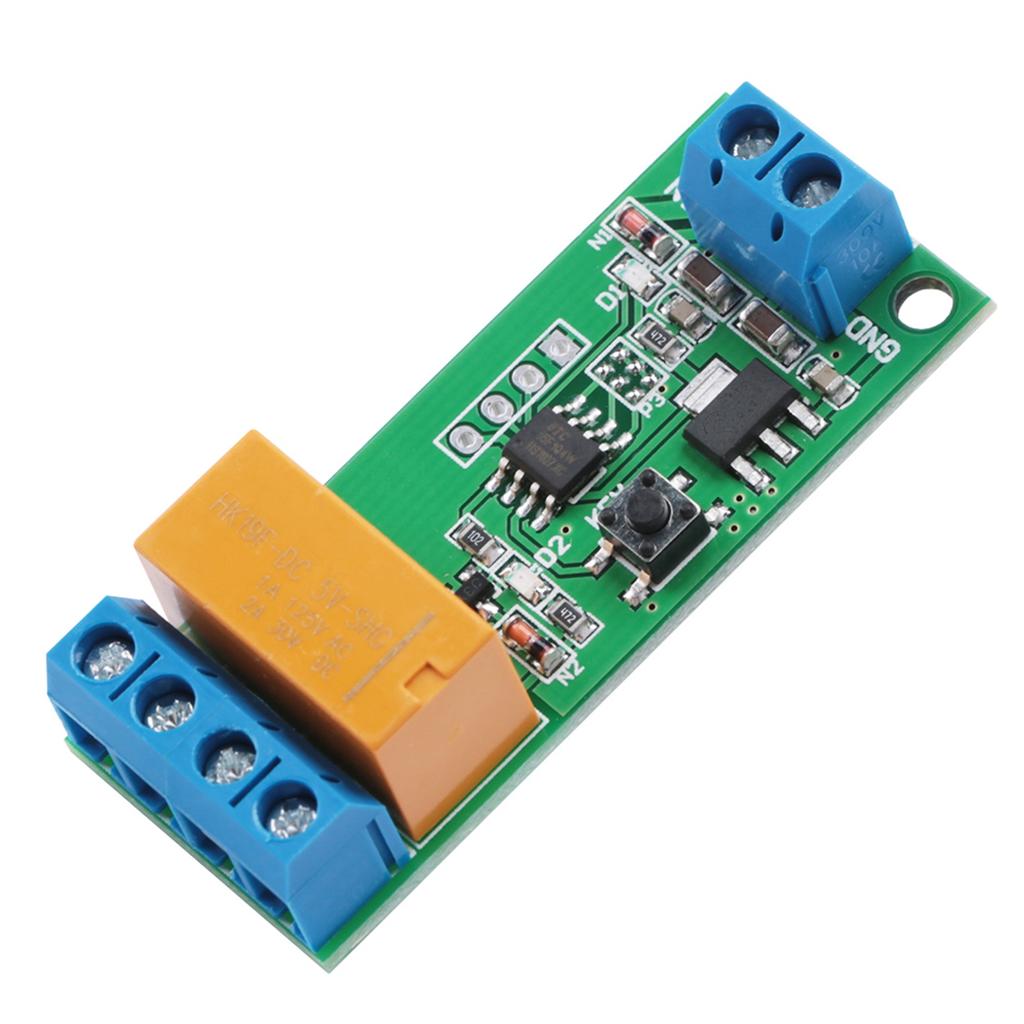
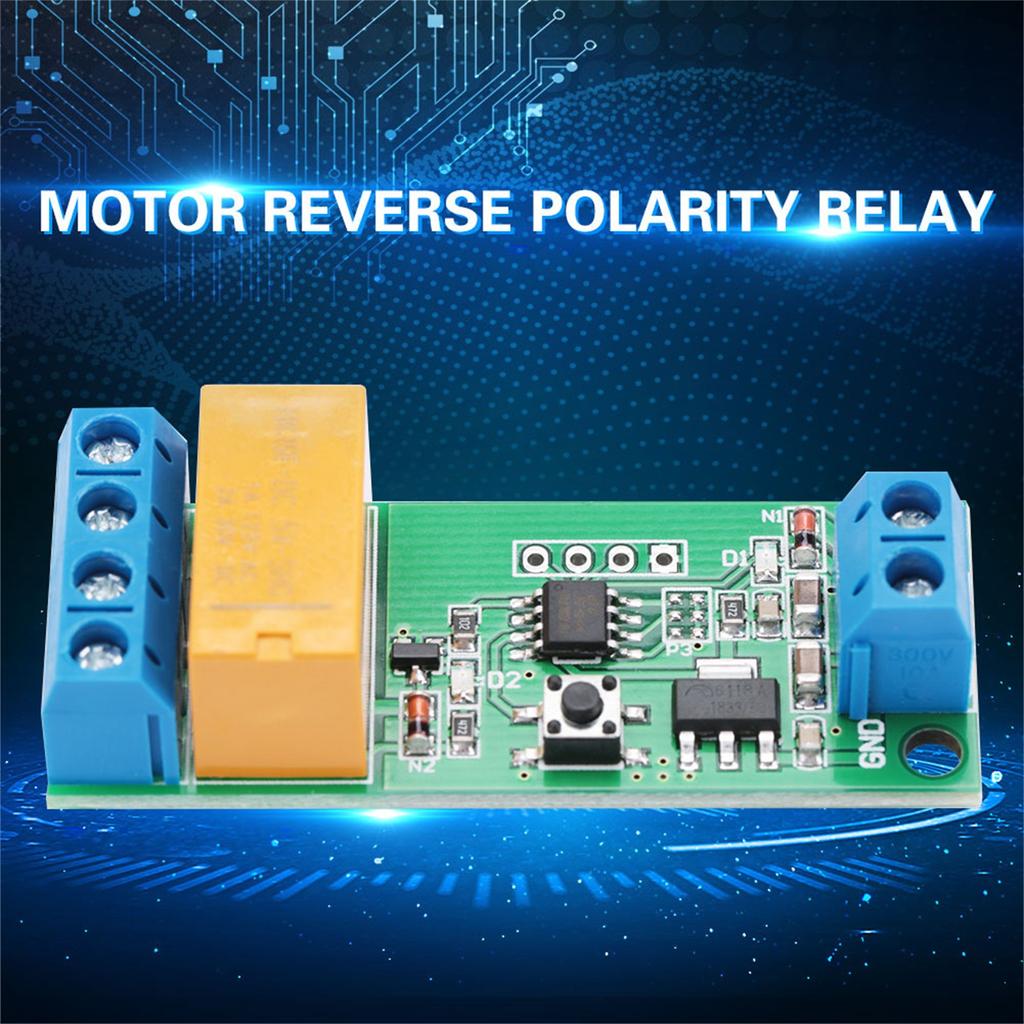
VIN connected to the positive of power supply , GND connected to the negative of power supply;
P+ connected to the positive of motor power supply, P connected to the negative of motor power supply;
M + & M connected to both ends of the motor
After power, D1 flashes for 3 times, D2 off, M+ output positive, M output negative, motor forward; After a time delay T1, D2 on, M+ output negative, M output positive, motor reversal; After a time delay T2, D2 off, M+ output positive, M output negative, motor forward; And so on.
T1: motor forward delay time, default 0.1 5000 seconds adjustable (step 0.1 seconds)
T2: motor reverse delay time, default 0.1 5000 seconds adjustable (step 0.1 seconds)
By Time multiple selection setting, the maximum delay is up to 40,000 seconds
How to Set
U
p:
After power on, D1 3 blinks, enter the work mode
D2 on Reversal, D2 off Forward
Press and hold the key for 2 seconds, D1 on, enter the setup mode
D2 off, It s forward setup mode
In forward setup mode , continuously trigger KEY twice, D1 off, enter Standby timer mode
In the Standby timer mode , trigger KEY to start timing(enter Timing Mode )
D1 flashing means it is timing( Timing Mode )
Trigger KEY again to stop the clock(exit Timing Mode )
D1 flashing time is forward time(T1)
Press and hold the Key for 2 seconds, D2 on, enter the Reverse setup mode
In Reverse setup mode , continuously trigger key twice, D1 off, enter Standby timer mode
In the Standby timer mode , trigger KEY start timing(enter Timing Mode )
D1 flashing means it is timing( Timing Mode )
Trigger KEY again to stop the clock(exit Timing Mode )
D1 flashing time is Reverse time(T2)
So far, forward time(T1) and reverse time(T2) is set up
Re power in work mode
Note:
.


 No-delivery refund