----------------------------------------------------------------------
【Voltage Compatibility】
When using electrical appliances, please note that they are designed for Japanese voltage specifications (90-110V), so if you use them with a different voltage, it may cause a malfunction.
【Plug Type】
Our products use Japanese plug types (A or B type).
Please use a conversion adapter if necessary.
【Important Note on Transformers and Adapters】
A transformer adjusts voltage to match your device’s requirements.
A conversion adapter only changes the plug shape and does not adjust voltage.
Using only a conversion adapter without a transformer may result in damage to the product.
【Liability】
We are not responsible for malfunctions or damages caused by improper use, such as operating the product without a transformer.
----------------------------------------------------------------------
✔Supports Windows 7/8/10/XP, Vista7/8, Linux, compatible with PC, laptop, tablet and computer.
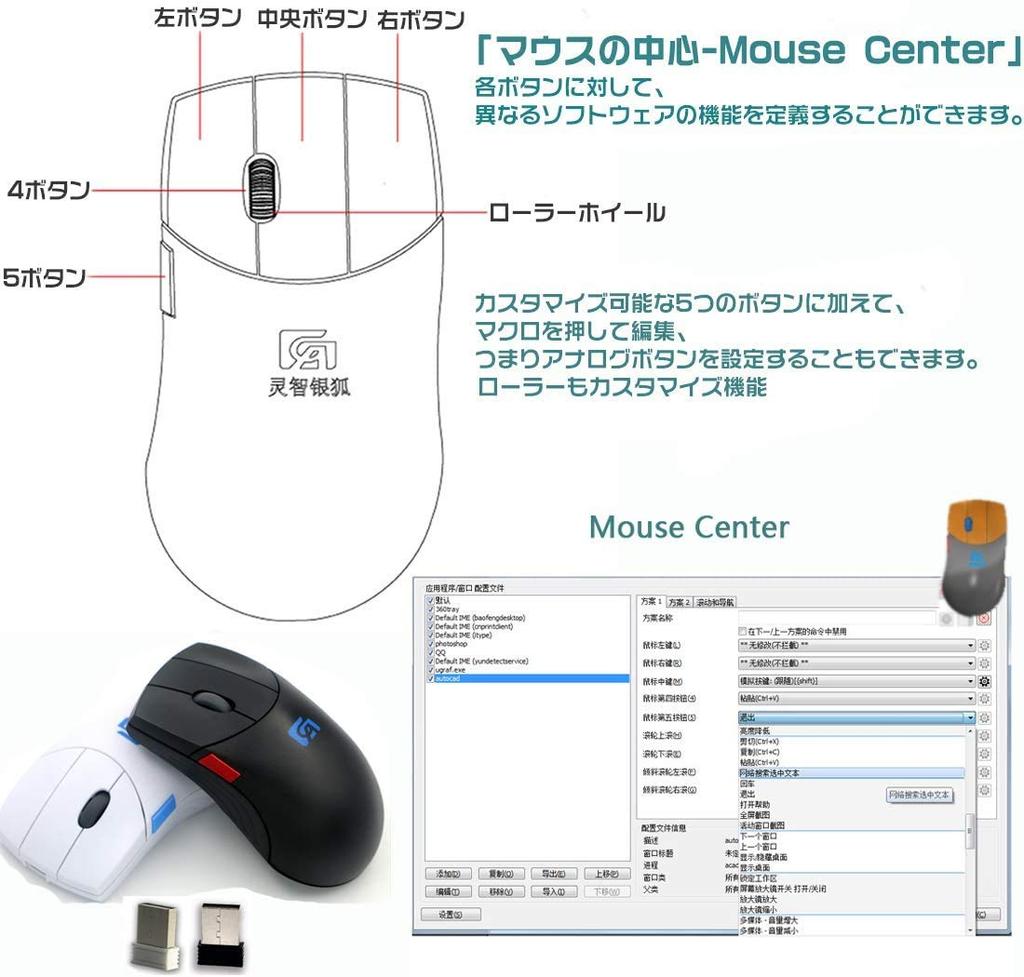
✔ If you need quick and detailed work, such as CAD 3D, graphic design, production, online search, etc., we recommend using a 5-button mouse. Unlike left/right and scroll buttons, buttons for moving forward and backward on the page have been added, greatly improving work efficiency.
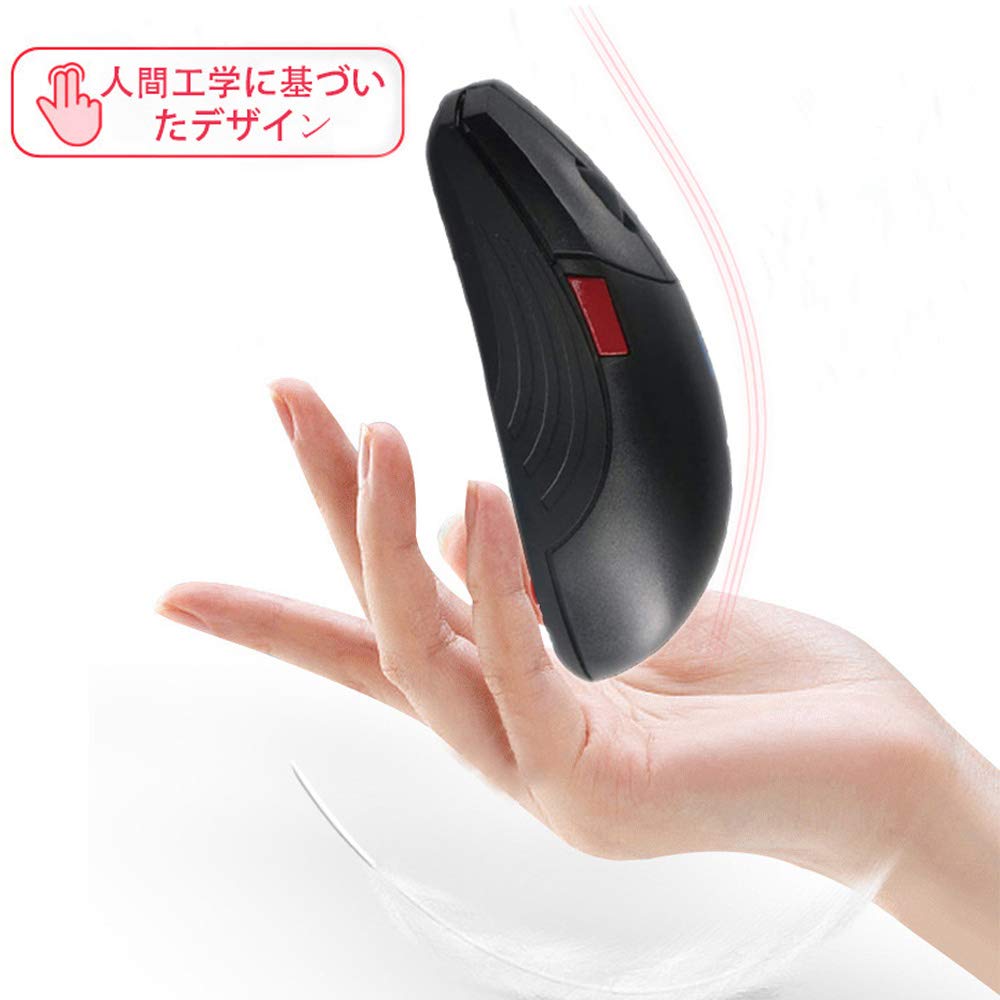
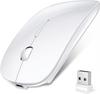
✔The surface of the wireless mouse is made of skin-friendly material, which allows you to hold it comfortably in your palm during long periods of work or gaming.
✔Both sides are designed with a matte texture to relax your fingers, and the ergonomic design brings you a comfortable experience.
✔ "Plug and Play". No additional software or firmware required. 5 Buttons Improve your productivity and efficiency.
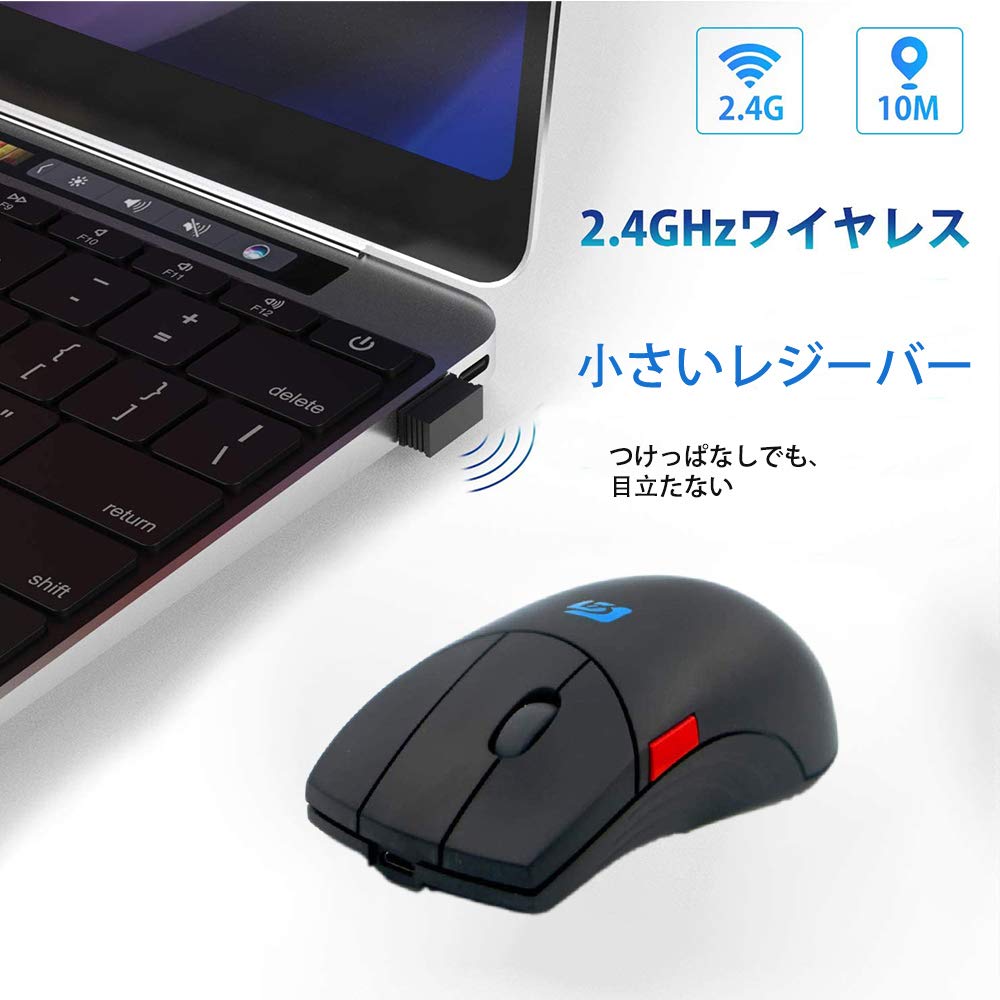
[Instructions]: 1. Insert the receiver into your computer's USB socket and wait 3-5 seconds before pressing the button or side roller to activate the mouse. After the light below flashes, you can use the mouse normally. 2. The maximum connection distance is 15M (may be affected by the environment). The mouse will go into standby mode after 8 minutes of inactivity. There will be no feedback when you move the mouse. Clicking any button or side roller will activate the mouse and turn it into a workstation. 3. If the button is placed too far from the connected computer, the button light will automatically turn off and the mouse will stop working. Once the connection is re-established, the button light will turn on and the mouse will resume functioning. 4. The mouse is made of lithium polymer, which can last 1-6 months under normal use after recharging, and up to 1 year in constant standby mode. It is recommended to charge the mouse every 6 months. 5. If the battery is depleted, the mouse will have no feedback, even when starting to recharge. To re-establish the connection, move the mouse closer to the receiver.
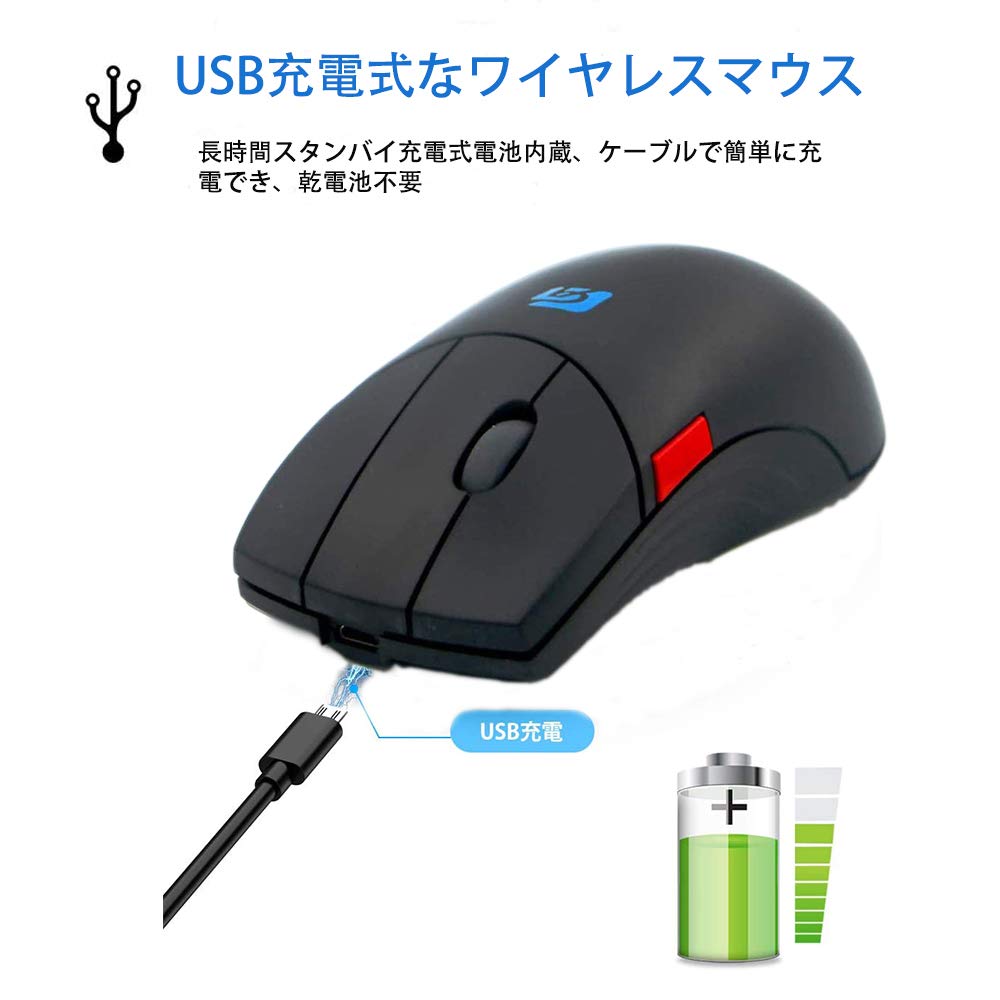
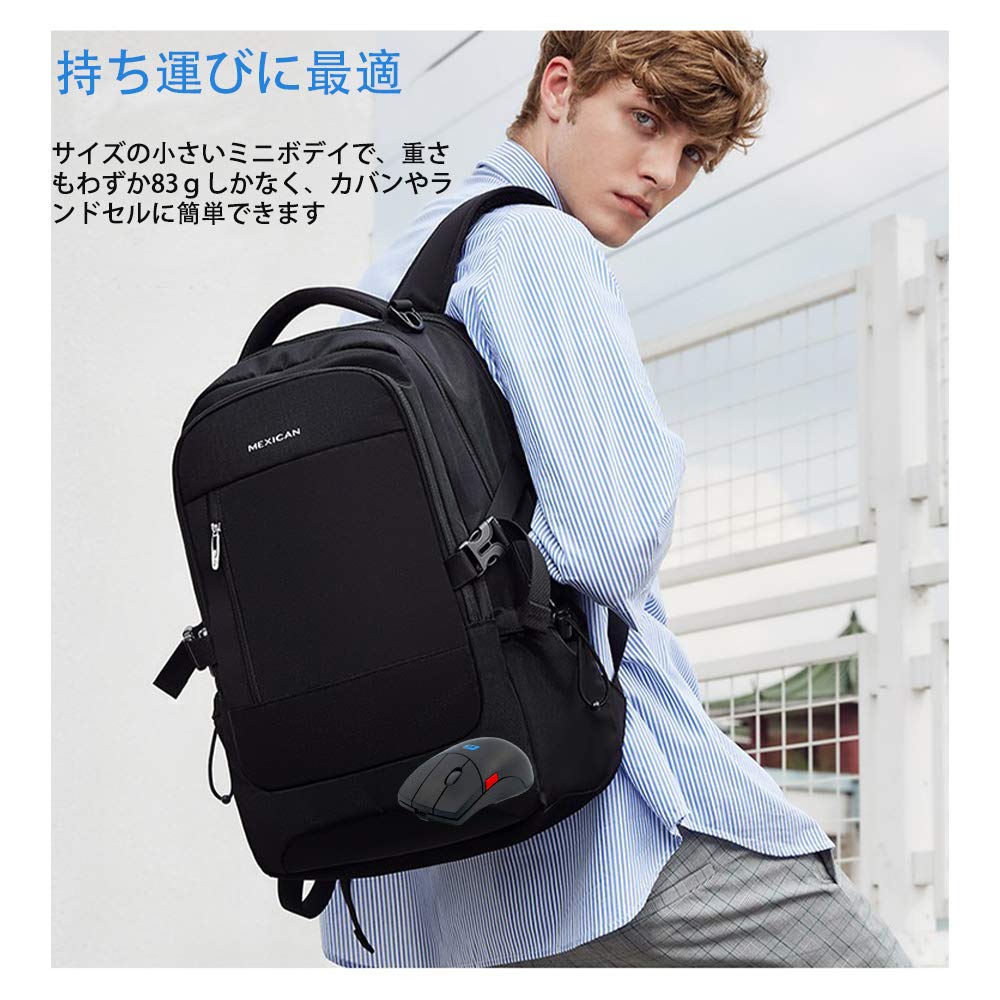
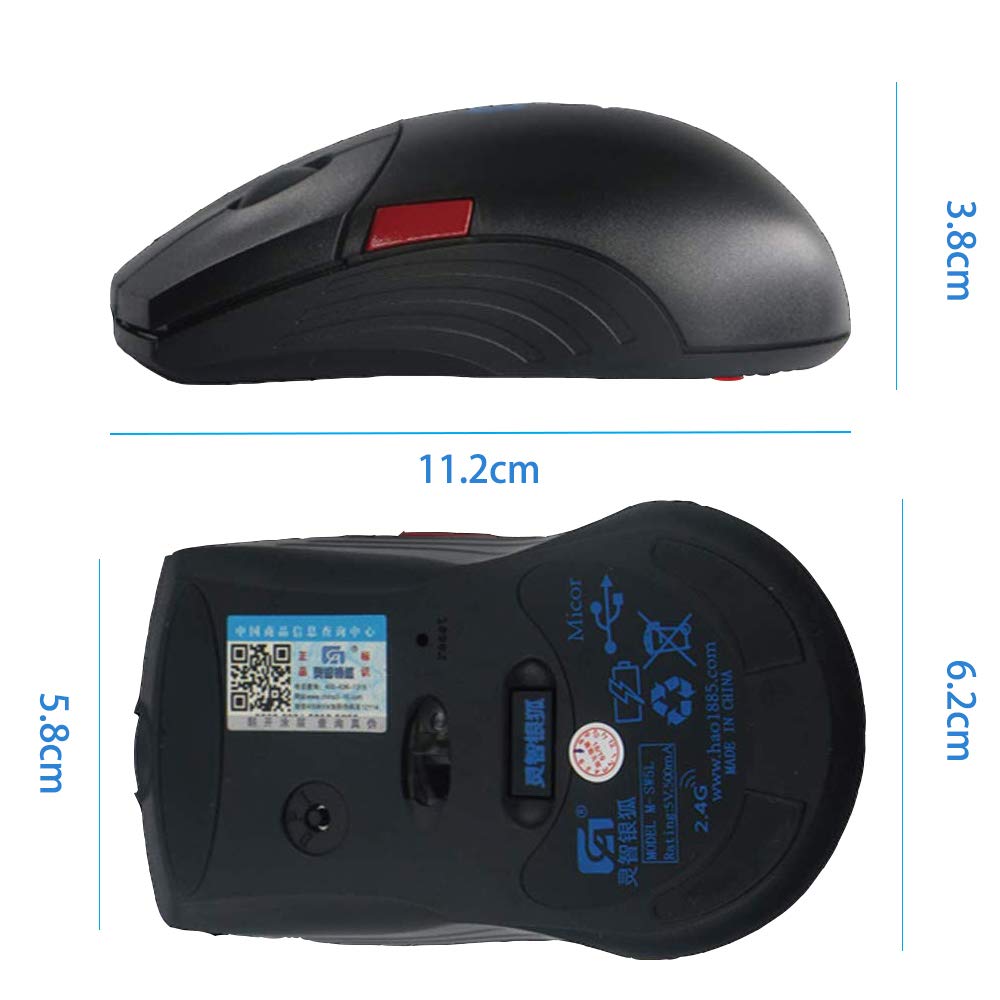
6. The mouse will recharge to approximately 15% of its capacity before use. You can use the mouse while it's charging. The mouse can be charged with a standard smartphone charger up to 5V. It can also be charged with a power bank or a computer USB port (though charging via a computer USB will take longer). 7. Button customization requires the driver's assistance. Log in to the official website to download the driver and instructions. [Increase Work Efficiency] Each button can also be assigned to a keyboard key you frequently use. This 5-button mouse is recommended for those who require fast, detailed work, such as 3D CAD, graphic design, and web searches. In addition to the left/right and scroll buttons, the addition of page forward and page back buttons significantly improves work efficiency. [Specifications]: Number of Keys: 5; Operation Method: Optical; Optical Resolution: 1600; Color: Black; Product Size: 120 x 38 x 66 (61) mm; Charging Jack: Micro Charging Socket; Charging Voltage: 5V; Current: 0.5A; Product Weight: 163 grams [Notes]: 1.
Please allow 1-3mm difference due to manual measurement, thank you. 2. Due to differences in monitors, the picture may not reflect the actual color of the item. 【Package Included】: 1 x 5-button wireless mouse




 No-delivery refund


![Wireless Mouse for Rechargeable High High Quiet DPI Easy To Easy Compatible with and MacBook [New 2025, Ultra-Slim & Type-C] Bluetooth, Precision,](https://img.joomcdn.net/dd91e39f36c4cc275c28c9cdd434179f0c9c6c62_91_100.jpeg)

![Model Wireless Bluetooth Instant High Bluetooth DPI Compatible with TELEC Certified [2025 Ultra-Slim & Type-C Rechargeable] 5.2 Mouse, Quiet,](https://img.joomcdn.net/e3184b144312ae71cfac9a72098302250e15100d_100_96.jpeg)

![Bluetooth Mouse New Lightweight and DPI Compatible with and PC [2025 Slim] Wireless, Quiet, Optical, High-Precision, Type-C, Rechargeable, Small,](https://img.joomcdn.net/5e4710461b5d415279c0fa9acb9bb65c6d610e49_100_85.jpeg)
![Wireless Mouse Rechargeable High High Quiet DPI Easy To Easy Compatible with [7-Color Light, Ultra-Slim & Type-C] Bluetooth, Precision, Sensitivity,](https://img.joomcdn.net/e964b924c3d1a002212418f4cb937a64ec09940a_96_100.jpeg)

