Battery Included : No
High-concerned chemical : None
Is Smart Device : Yes
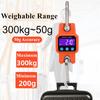
Capacity : 300KG
Accuracy : 50G
Power Supply : Li Battery/USB/AAAx3(NOT include batter)
Model Number : WH-C06B
Rated Load : 300KG
Type : Hanging Scale
Origin : Mainland China
Display Type : LED
Certification : None
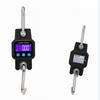
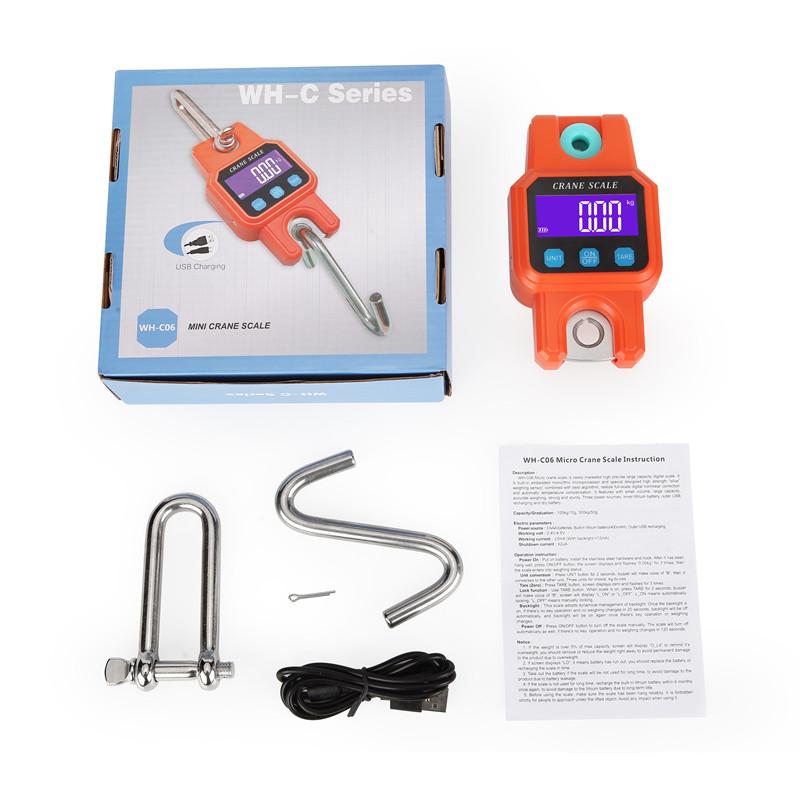
WH-C06B : Bluetooth Crane Scale
300kg/50g Bluetooth Crane Scale Rechargeable Digital Hanging Hook Scales Electronic Weight USB Stainless Steel Heavy Duty WeightFeature:
1.Optional Bluetooth 4.0 function;
2.Not included battery;
T3.hree functions of charging, plug-in, and AAA battery, super loud buzzer prompt;
4.Super long range
5.Full viewing angle LCD;
6.High-grade white LED backlight with purple background;
7.Bold stainless steel hook, waterproof mask, waterproof ring design at the handle connection;
8.High-strength ABS engineering plastic shell, thickened stainless steel environmentally friendly electroplating hardware;
9.Industrial-grade materials and workmanship, durable.
Specification:
Shell material: ABS engineering plastic
Body size: 7.6 x13.8x3.9cm
LCD size: 52 x 23mm
Hardware wire diameter: 10 mm
Color box size: 17.5x16.7x5.2 cm
Unit: kg, lb, viss (Fez)
Version: Normal version, Bluetooth version (optional)
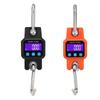
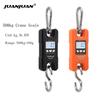
Color: Black, Orange
Range: 300kg/50g (upper can weigh 300kg, division value 50g, lower can weigh 0.2kg, error 0.1-0.3kg)
The functions are: switch, unit/lock, reset and tare, when weighing, the value can be selected manually/automatically, zero tracking, 120 seconds automatic shutdown, unlock function
1.Tum on the bluetooth function of the mobile phone, open the mobile browser, scan the QR code above, download the installation package and install.
2.After the insallation is complete, open the APP, it shows pricing page. Click on the personal
center in the lower right comer, register an account, set an 8-12 digit password (a
combination of English and numbers) to log in to the APP. If you do not log out ater logging in
with your mobile phone, you can log in without password within one month.
3.Click the select equipment button in the more service bar, find the device IF_ B7W256, click
it and it will bind automaically.




 No-delivery refund