Battery Included : No
High-concerned chemical : None
Electronic : No
Is Smart Device : No
Capacity : normal
Size : 4.13 x 5.1 x 0.67 inch
Accuracy : 0.1g
Power Supply : 2*AAA(battery is not included )
Model Number : Electronic Scale
Rated Load : 3kg
Type : Checkweigher
Origin : Mainland China
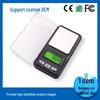
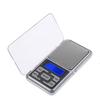
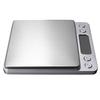
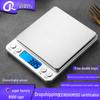
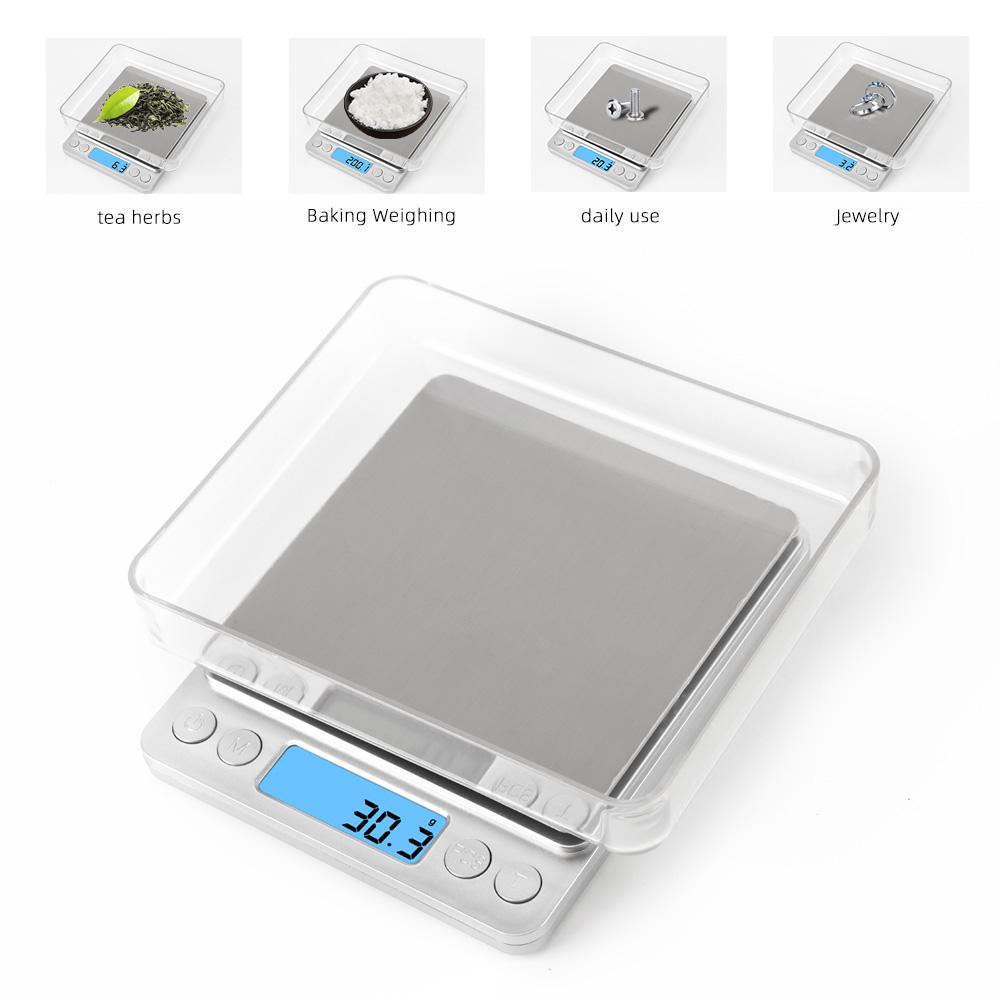
500G/0.01G 3KG/0.1G Digital Scale Electronic Scale Precision Weight Scale Kitchen Diamond Jewelry Weighing scale With 2 Trays
Product Features:
Instant and Accurate Measuring: 105oz/ 3kg capacity, precise to 0.0035oz/ 0.1g, the result doesn't delay nor hesitate, perfect for baking, cooking, postage and jewelry.
User-Friendly: TARE function, multiple units conversion (g, oz, ozt, dwt, gn and ct), pieces counting, blue back-lit display, considerate overload indication and low battery indication.
Elegant Stainless Steel Platform: Sleek stainless steel platform and anti-fingerprint technology for easy cleaning and maintenance.
Petite Design: Mini size 4.13 x 5.1 x 0.67 inch as the length of iPhone 5s, can be very portable and easy to fit your pocket!
YOUR ULTIMATE CHOICE: The scale switch off after 2 minutes of inactivity if you forget to turn them off or your hands are all gooey with food
Product Description:
Super mini digital LCD display scale with tray, portable and practical for jewelry or kitchen use
Large stainless steel platform and ABS casing
Powered by two 1.5V AAA batteries ( not included ) and will automatically power off by no operation
Low battery and overload indication, tare function
6 Unit switch:g/ct/oz/gn/ozt/dwt
Maximum capacity 3kg, and division 0.1g
Package Contents:
1 x Digital Scale
2 x transparent trays
1 x English User Manual
PCS counting function:
1.In weight mode ,put certain quantity of the objects which need counting in the weight tray(with four groups of sample quantity built-in,25,50,75,and 100)
2.Press the key “Pcs” for 2 seconds without release and the system shows to select sample quantity
3.Press the key “M” to shift different sample quantity,Press the key “Pcs”to confirm the sample quantity after selecting one,then it is the counting mode ; Reset following above steps if need to change the sample quantity
4. Press the key “M” in counting mode,then the system will exit counting mode,back to weighing mode and indicate the weight.


 No-delivery refund