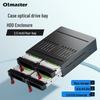
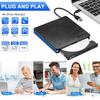
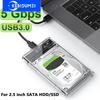
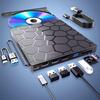
There are 2 items
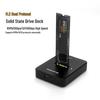
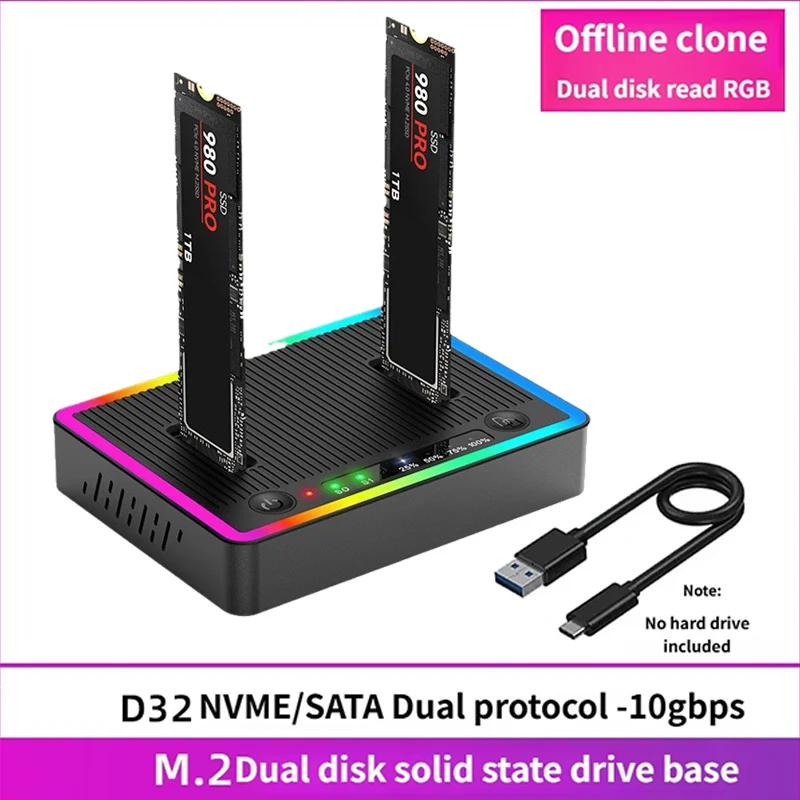
A: fit for M.2 NGFF NVME Dual Protocol SSD
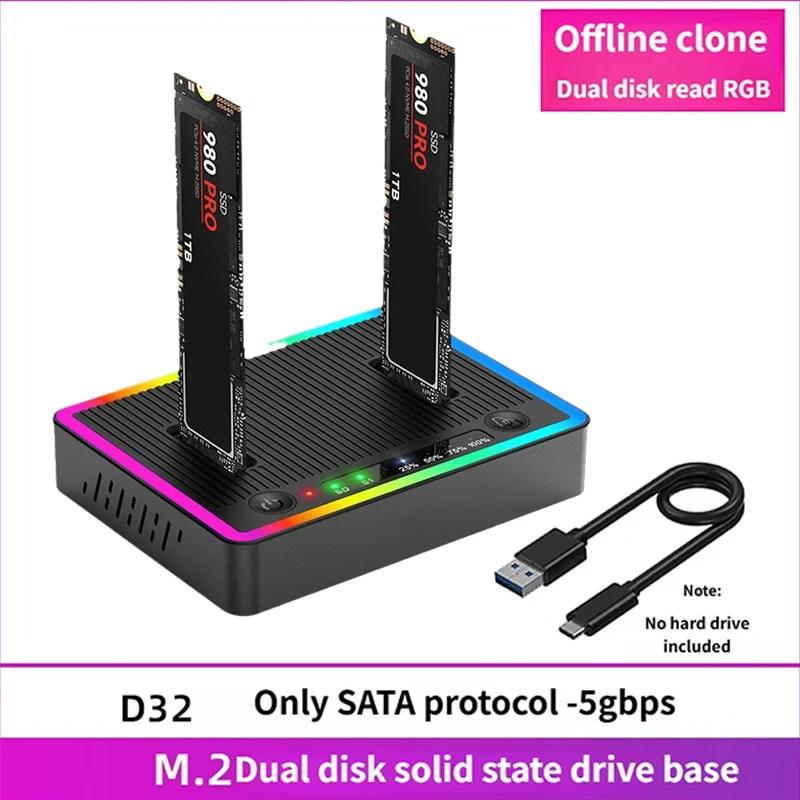
B: fit for M.2 sata NGFF Protocol SSD
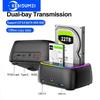
M.2 NVMe/SATA Dual-Bay Hard Drive Docking Station
Specifications:
Name: M.2 RGB dual disk dual hard disk base
Supported protocol: NVME & SATA
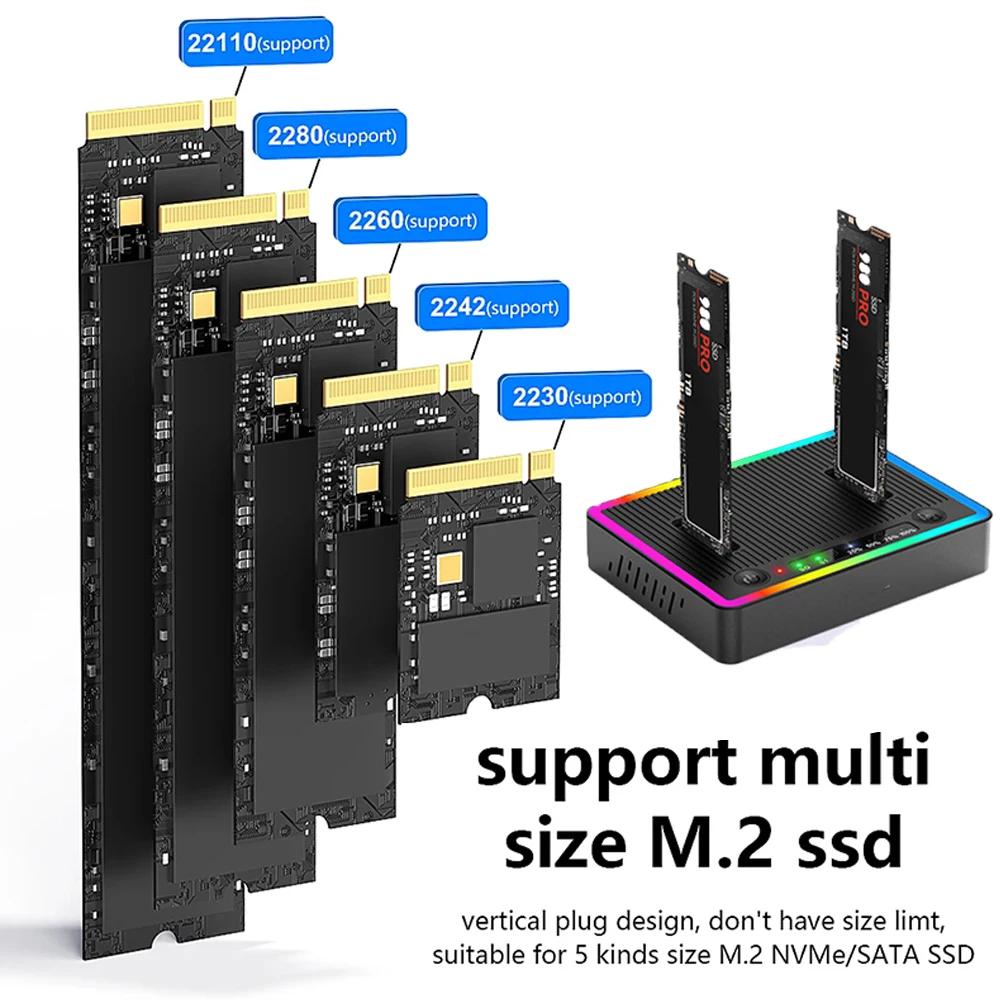
Suitable for hard drives: 2230 2242 2260 2280 22110 Multiple sizes M.2 hard drives
Support port: M-Key/B&M-Key
External port: Type C
Transmission: 10Gbps
Material: plastic
Package Contents:
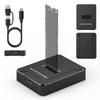
1 x M.2 SSD Clone Docking Station
1 x data cable
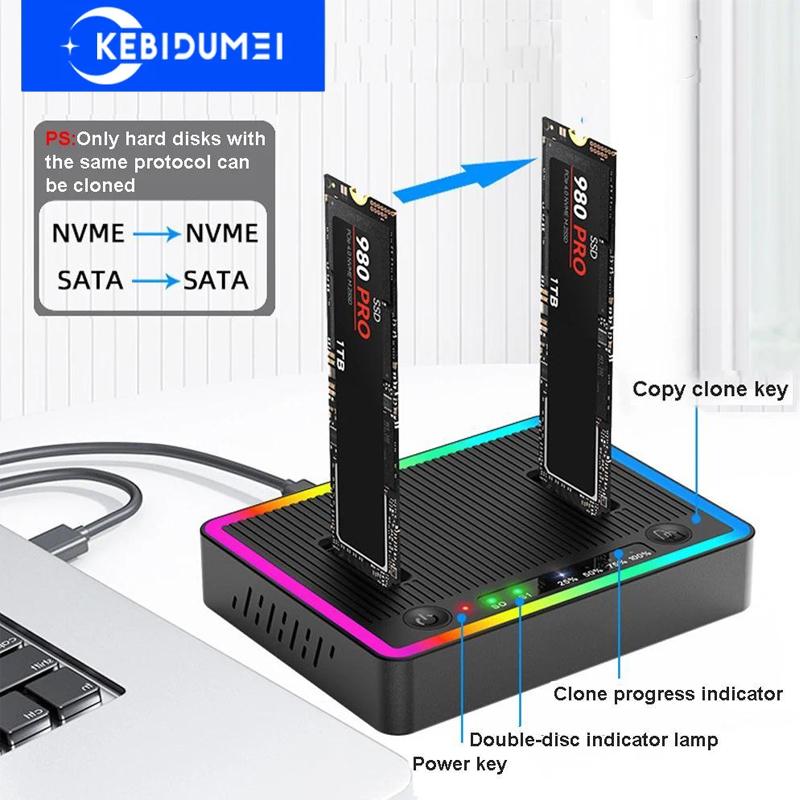
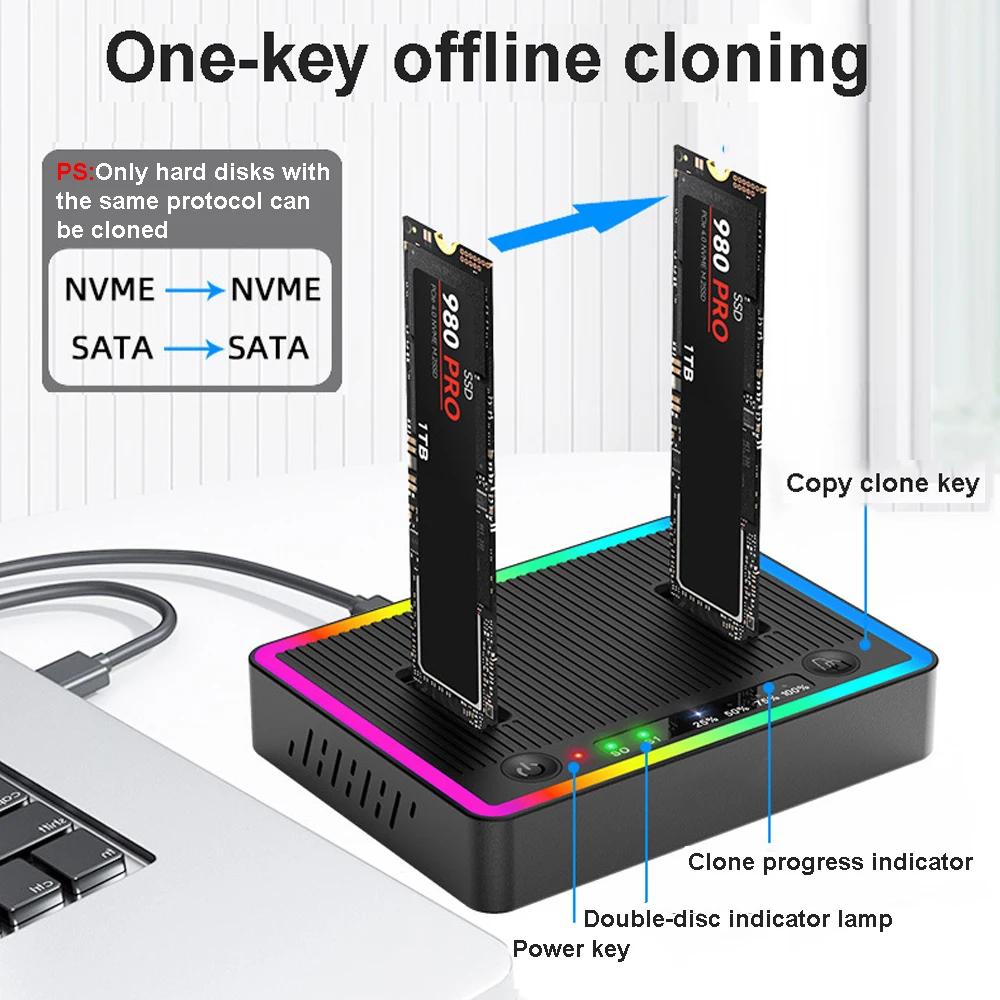
Offline cloning operation method:
(1)No need to connect to a computer for cloning---Offline cloning
1. Connect the data cable to the DC interface and insert it into the dual disk drive
Please pay attention to the direction of copying the source and destination drive positions
2. Press the power button to turn on the device, and turn the switch to
Copy position, long-press the copy button for 3 seconds, 4
Release and press again when the copy progress light flashes
Confirm the key to start cloning. At this moment, dual disks
The indicator lights flash simultaneously, and all four progress lights are flashing
When it lights up, copying is complete
(2)Connecting to a computer and cloning during use--No need to replace the connection port
1. When using dual disks connected to a computer
To clone, simply turn the switch from
Turn IBOD (Read Mode) to COPY
(Copy mode) position, after
You can follow the offline cloning method on the left
Perform replication cloning.
(Note: When cloning, the target disk data will be affected.)
Format, target disk capacity>source disk capacity)
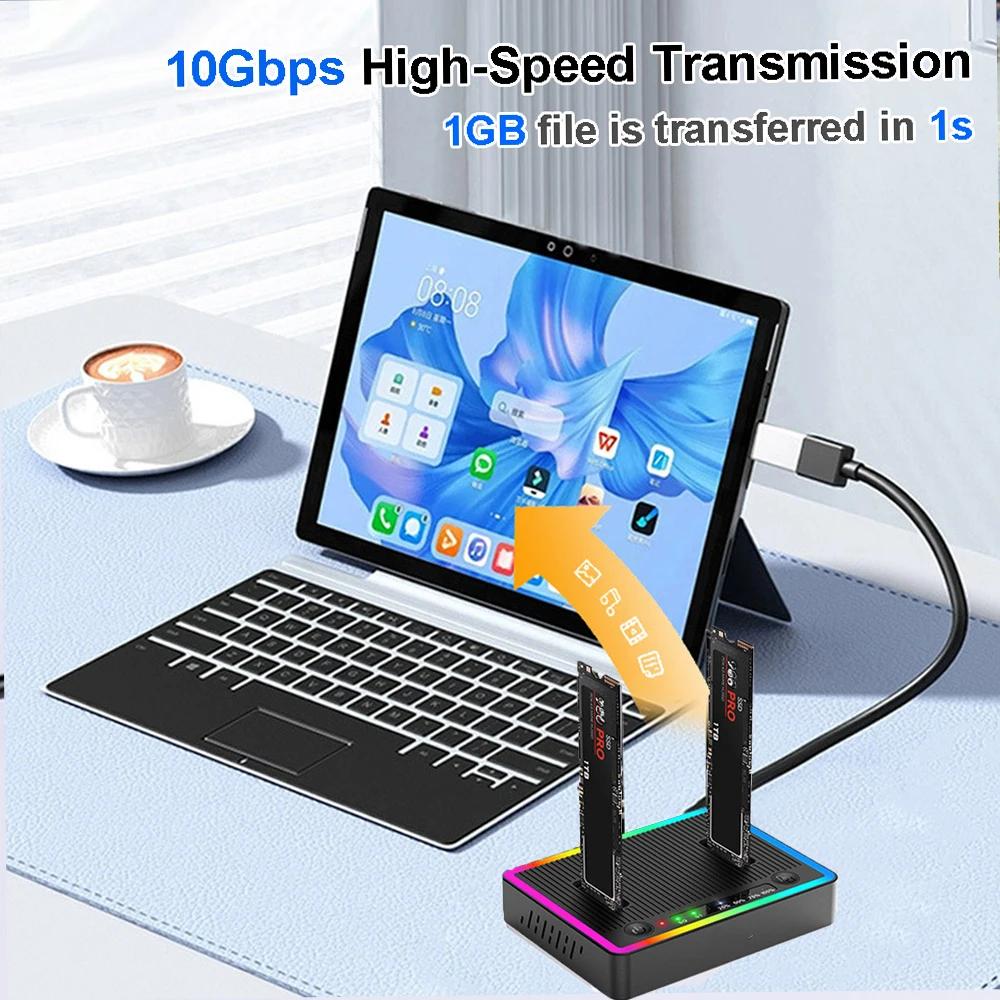
10Gbps high-speed transmissionSupports dual NvMe/NGFF protocol, with a theoretical transfer speed of up to 1000MB/s
Transfer hard disk data at high speed, improve work efficiency, and transfer 1GB files in seconds!
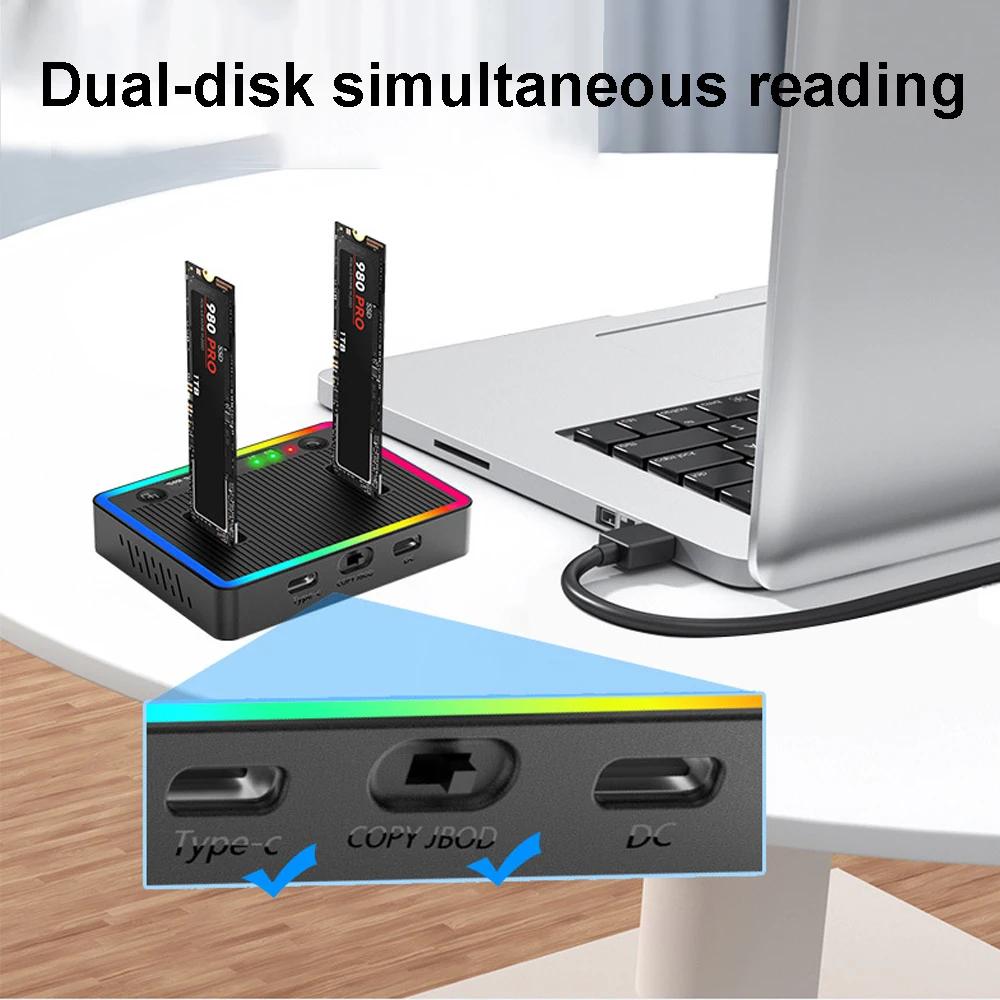
Dual disk simultaneous reading
Operation method:
1. Data connection Type-C interface and computer
Insert M.2 hard drive.
2. Turn on the power button and turn the switch to
The JBOD (Read Disk Mode) position is sufficient for normal operation
Read using dual disks.


 No-delivery refund