Dual-Mode Wireless Mouse: There are two ways to connect to your computer: Bluetooth mode and 2.4G nano wireless receiver mode. Not only can you connect to your laptop via Bluetooth, but you can also connect to your laptop or desktop's USB port via the mouse's 2.4G wireless receiver.
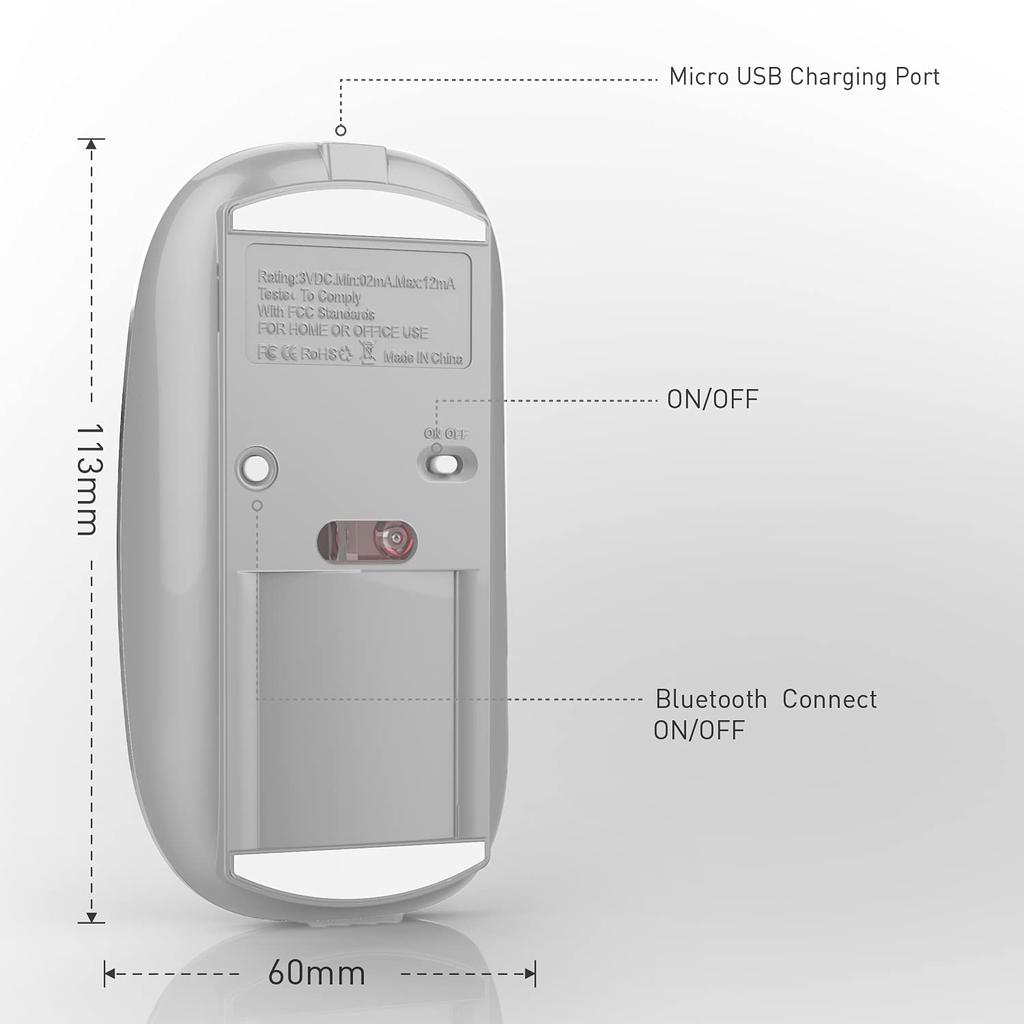
✅To connect to your laptop via Bluetooth mode, first slide the switch on the bottom of the mouse to the "ON" position.
Next, open your computer's system settings, open Bluetooth, and find "BT5.1 Mouse" when your computer's Bluetooth display shows nearby Bluetooth devices. Click Connect and the mouse will be ready to use. (Bluetooth 5.1 does not require a Bluetooth activation button. Simply open the mouse switch directly, find "BT5.1 Mouse" in your computer's Bluetooth, and click Connect to use the mouse.)
✅How to Use the 2.4G Wireless Receiver:
First, slide the switch on the bottom of the mouse to the "OPEN" position. Next, remove the nanometer wireless receiver (hidden at the bottom of the mouse) and plug the 2.4G wireless receiver into your computer/laptop port for plug and play. (Note: For computers/laptops/MacBook Pro/MacBook Air 2016-2020 with a Type-C port, use a Type-C adapter with the 2.4G wireless receiver and connect it to your computer/laptop port C.)
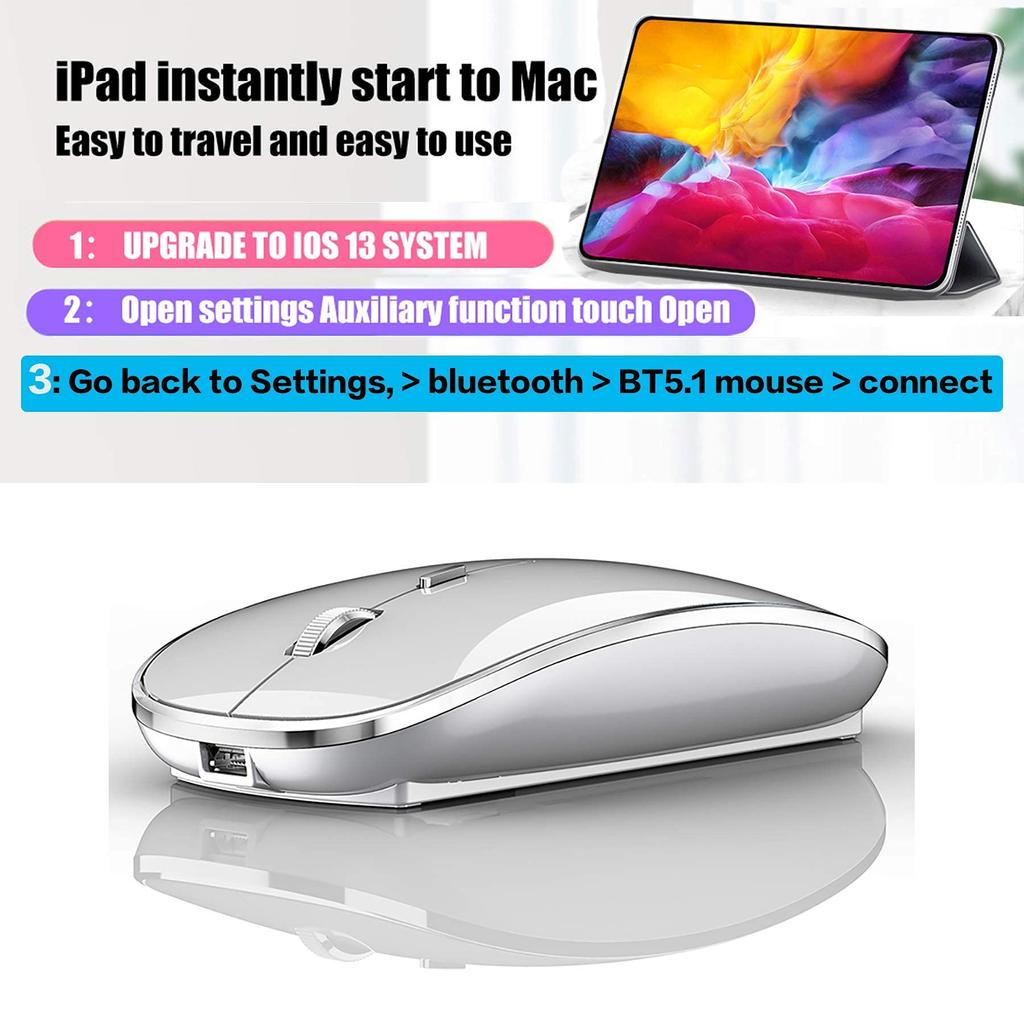
✅To connect to an iOS 13 iPad/iPhone in Bluetooth mode, first slide the switch on the bottom of the mouse to ON.
(1) First, you need to turn on assistive touch (starting steps: open Settings, find Assistive Touch, or find Touch, then turn on Assistive Touch. Assistive Touch will appear on the screen and a small circle will pop up on the iPad screen).
(2) Open the mouse switch, turn on the iPad's Bluetooth function, search for nearby Bluetooth devices, find the BT5.1 mouse, connect, and pair it (if a pairing password is required, enter 0000 or 1234).
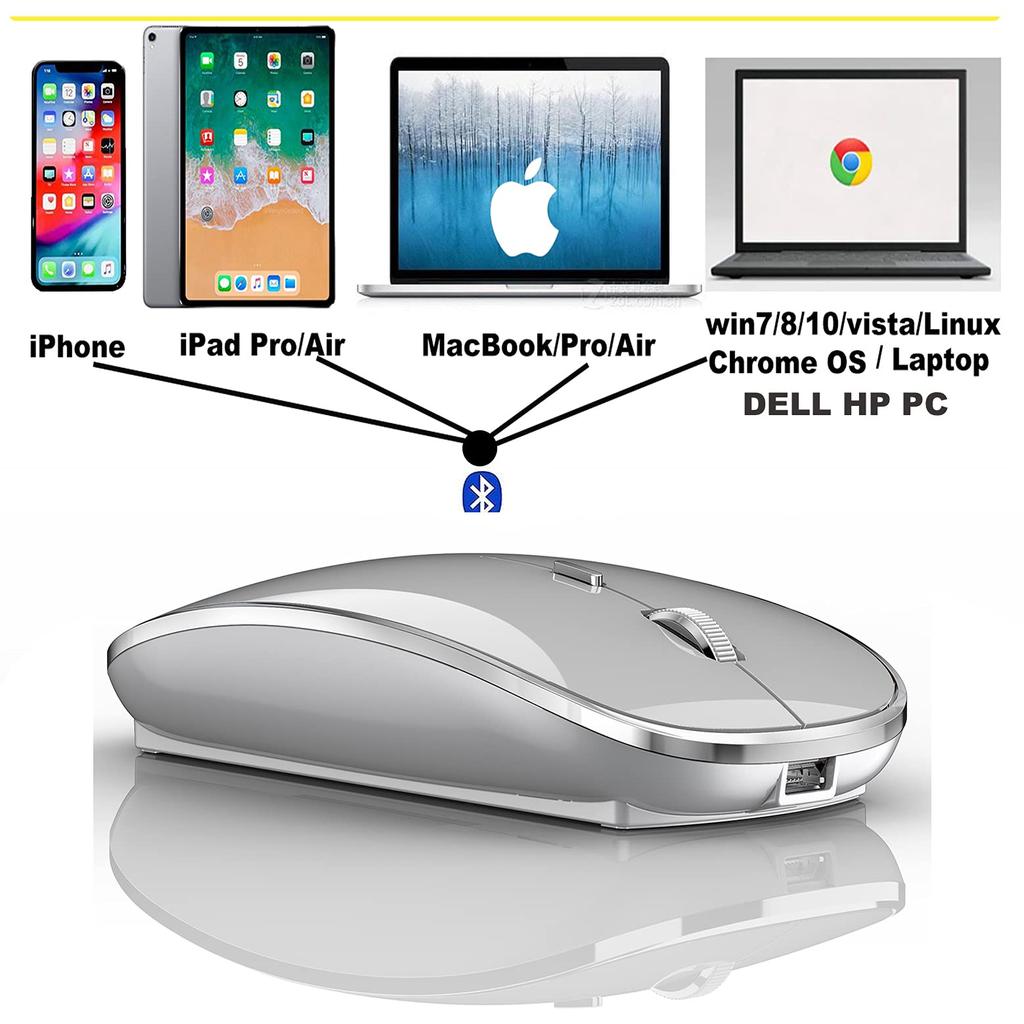
The Bluetooth mouse is compatible with iPad Pro/iPad Air/iPad mini/iPhone/Mac/MacBook/Pro/MacBook Air/Windows/Chromebook/HP/Dell/PC (not compatible with desktop computers).
[Rechargeable Wireless Mouse] The built-in durable 450mAh lithium rechargeable battery lasts up to 500 hours after a full charge, and the auto sleep and wake mode provides an extremely long standby time. It can be easily charged with the included USB cable, eliminating the need for battery replacement.
[Skin-Friendly, Comfortable & Mute Click] The silent click mouse with a classic design and anti-fingerprint finish provides maximum support and comfort for your hand. The sturdy, non-slip rubber scroll wheel prevents your hand from slipping while scrolling. The quiet click sound when you press the button means you won't disturb others, especially at home or in the office. You can focus on your work without worrying when others are resting.
Use the on-screen DPI mouse button: Freely adjust the mouse sensitivity to suit your activity. Three DPI levels (800-1200-1600) are available. The higher the DPI, the faster the cursor moves on the screen.
Power-saving mode: When not in use, the mouse can go to sleep after 10 minutes, allowing for no operation, low power consumption, and long-term use. Click any button to wake it up.
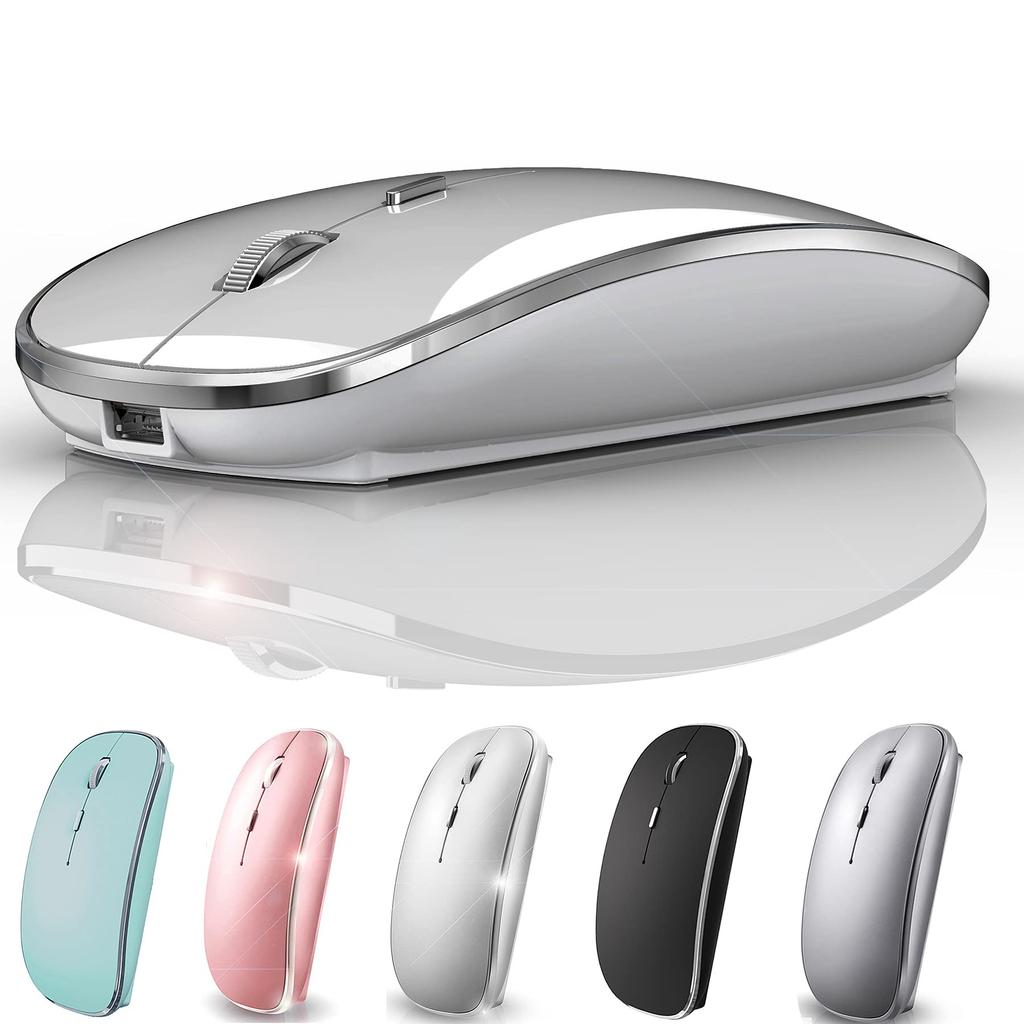



 No-delivery refund
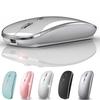
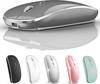
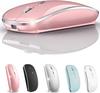


![Wireless Mouse for Rechargeable High High Quiet DPI Easy To Easy Compatible with and MacBook [New 2025, Ultra-Slim & Type-C] Bluetooth, Precision,](https://img.joomcdn.net/dd91e39f36c4cc275c28c9cdd434179f0c9c6c62_91_100.jpeg)
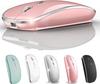
![Wireless Bluetooth Mouse with Port High Bluetooth DPI TELEC Compatible with and Smartphones [2025 Industry-Leading Type-C & USB-A Compatible] Type-C](https://img.joomcdn.net/39cee2e0c3e5e396402c51a24484cacd4bf6b2f7_100_100.jpeg)