----------------------------------------------------------------------
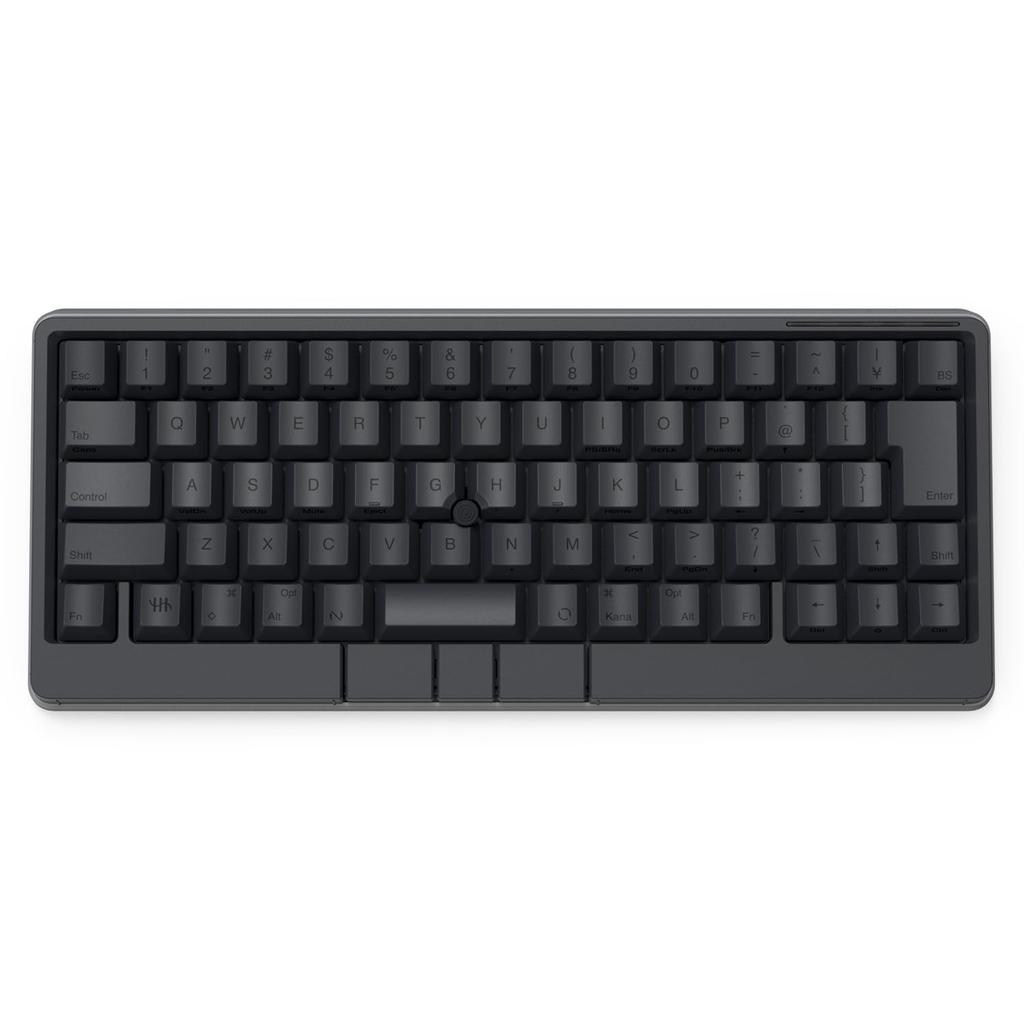
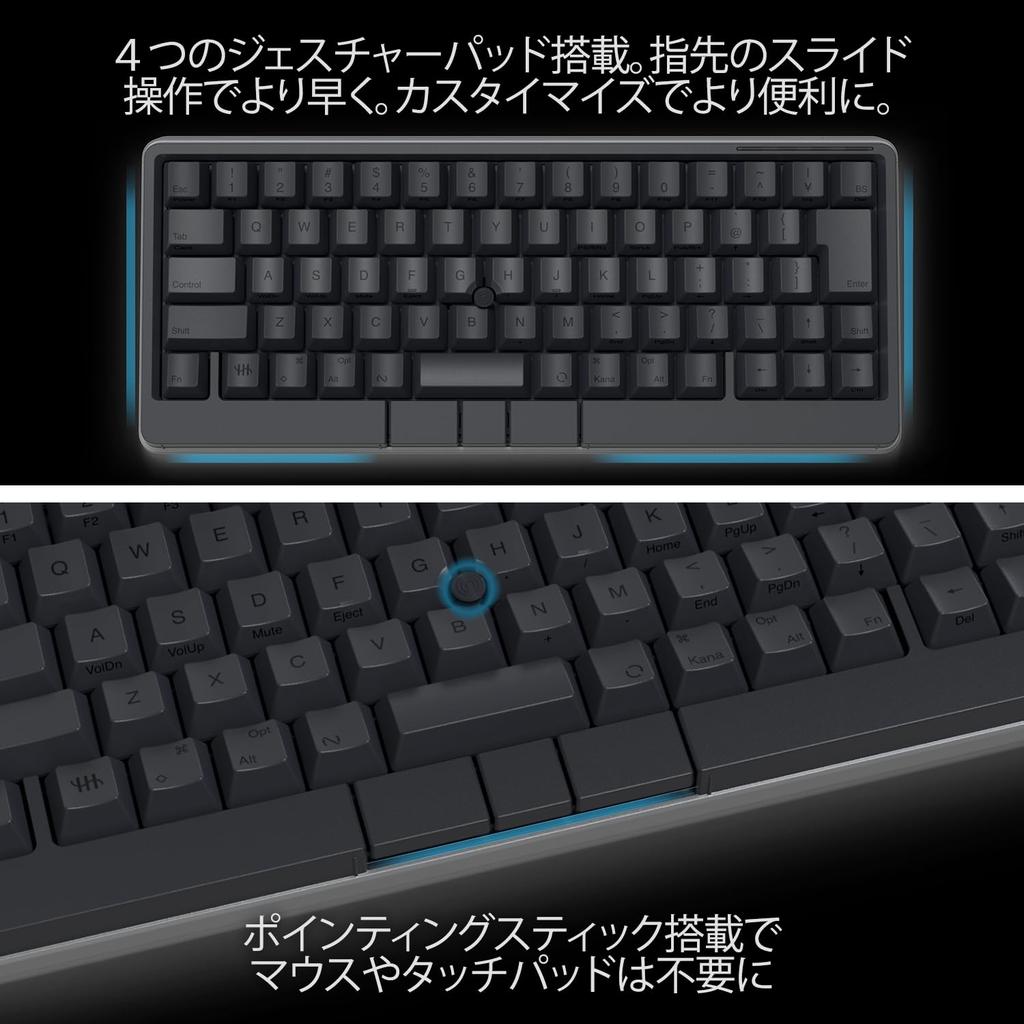
Equipped with four gesture pads, you can adjust analog volume and other functions, or switch windows with a single touch. Functions can be customized, and you can even assign commands for your frequently used apps.
With a central pointing stick and three mouse buttons located below the space bar, the keyboard offers integrated mouse functionality, eliminating the need for a touchpad or mouse. Enjoy immersive, comfortable typing anywhere.
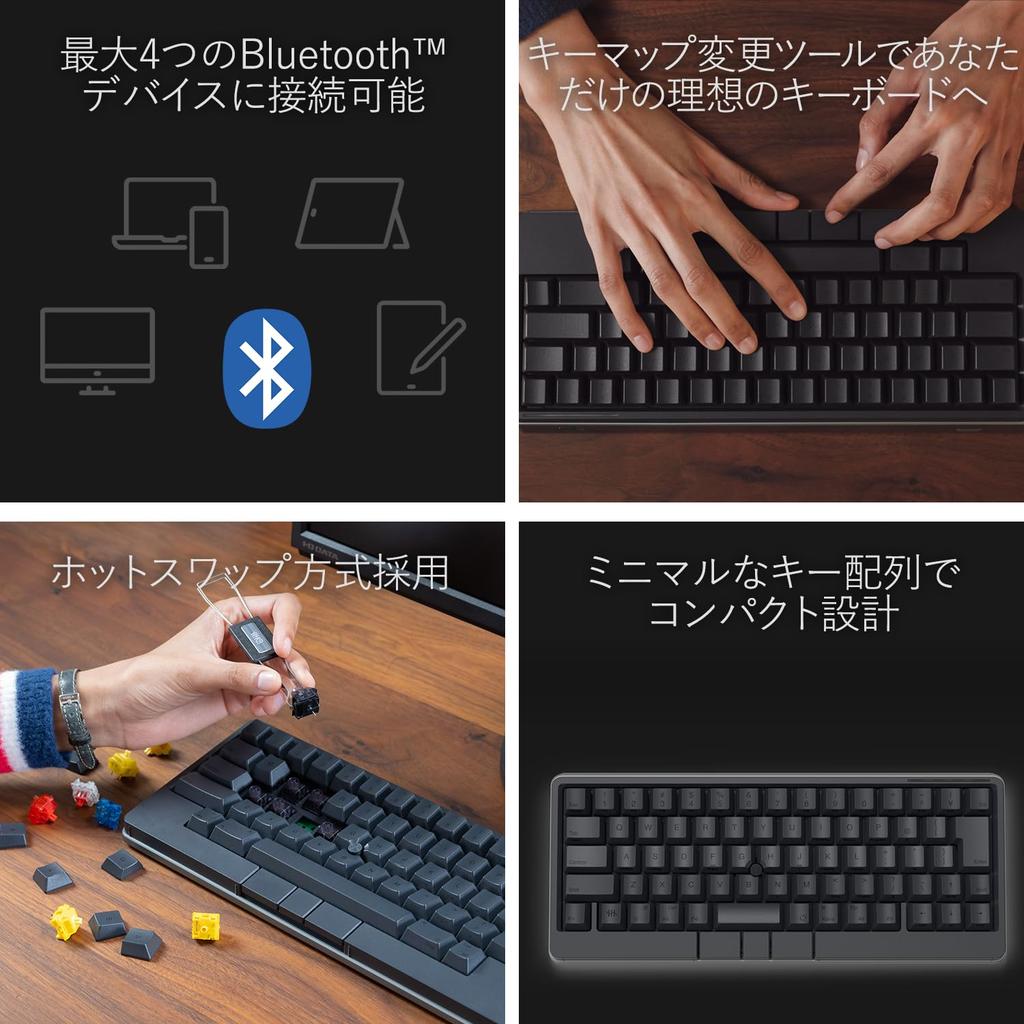
The key and gesture pad keymap settings are saved in the HHKB itself, so you can use your own keymap even when changing connected devices. Up to four keymap profiles can be created. Custom key behavior and power-saving settings can be configured using DIP switches.
In addition to USB (Type-C) connection to PCs, it also supports Bluetooth connection to PCs, tablets, and smartphones (iPad, iPhone, Android). Multi-pairing with up to four devices is possible, so you can quickly switch between connected devices.
The compact 69-key design (Japanese layout) maximizes efficiency with minimal finger movement. The quiet, linear mechanical switches reduce noise for deep concentration. The keyboard itself is hot-swappable, allowing users to customize their key switches.
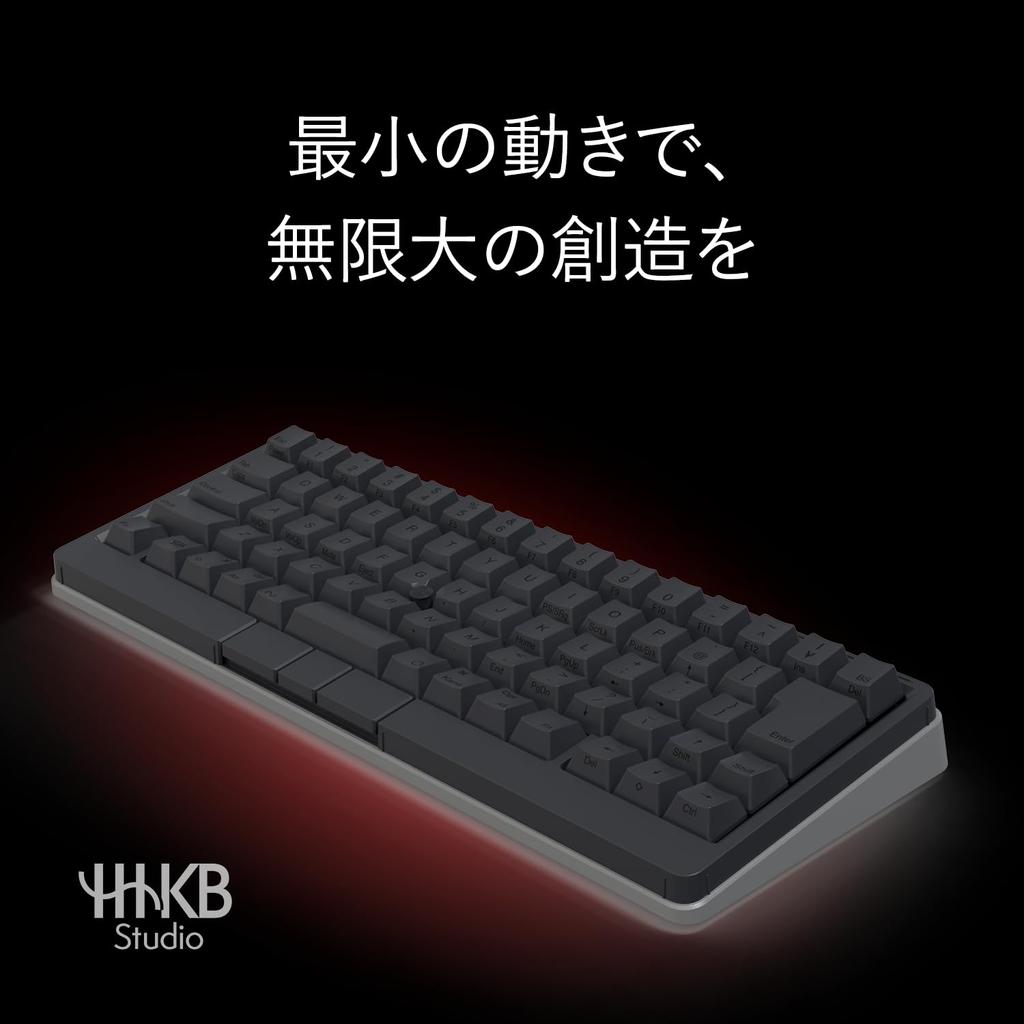
While adhering to the basic concept of HHKB, which is "accurate, high-speed typing with minimal movement," this all-in-one model integrates mouse and gesture functions into a single keyboard, allowing you to complete all input operations without leaving your home position. [Specifications] ■Interface: Bluetooth (Maximum number of connections: 4), USB Type-C ■Customization features: Key map change function (※1) ■Key switch: Input detection method: Mechanical switch, actuation pressure: 45g, key stroke: 3.6mm ■Key switch replacement: Hot swap (※2) ■Number of keys: 72 keys (Main keys: 69, Mouse keys: 3 / Low Profile) ■Pointing: Yes ■Gesture pad: 4 capacitive touch sensors ■Dimensions (mm): W 308 x D 132 x H 41 ■Weight: 840g (excluding batteries) ■Power supply: 4 AA batteries, powered by USB connector ■Operating time: Approx. 3 months when using alkaline batteries ■Compatibility: Windows, macOS, Android, iOS, i
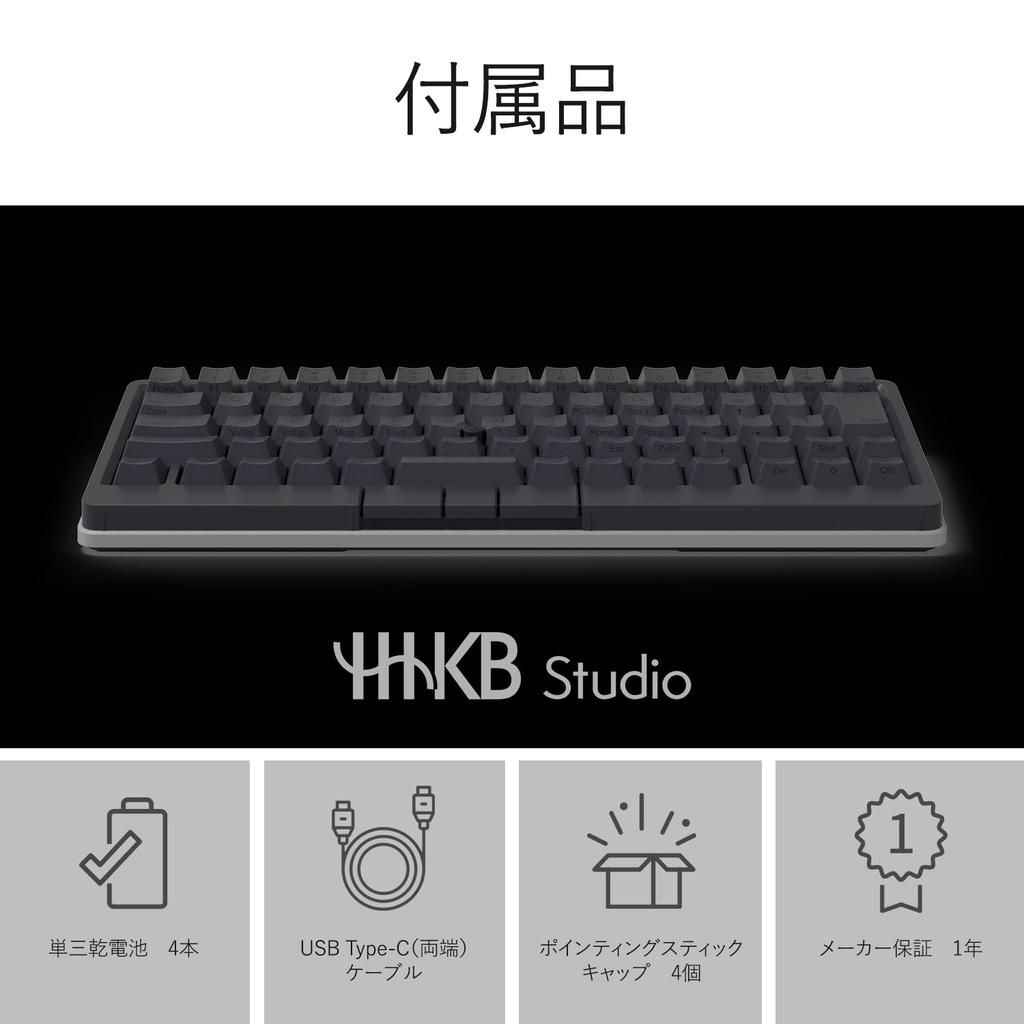
PadOS, visionOS (*3) ■Accessories: 4 AA alkaline batteries, USB Type-C cable (length: 0.9m, terminal: USB Type-C (both ends), shape: straight on both sides), 4 pointing stick caps (*1) Download and use the dedicated software (free, compatible with Windows/Mac). Use via USB connection. (*2) Notes on key switch replacement: Replace the key switches at your own risk. The key switches may be scratched during replacement. Replace with care. They cannot be replaced with key switches from HHKB products (Professional series) other than the HHKB Studio. If replacing with commercially available products, please confirm compatibility with the HHKB Studio beforehand. The key switches are compatible with standard profile MX-style 3-pin and 5-pin mechanical switches (manufactured by Cherry, Gateron, and Kailh). When replacing the key switches around the pointing stick (G/B/H keys) with commercially available products, make sure the protruding part of the switch is pointing at the pointing stick.
Please check the shape of the switch carefully beforehand as it may interfere with the pointing stick. (*3) It has been confirmed that in visionOS 2 (Beta 4), the pointing stick and gesture pad work in addition to key input on the HHKB Studio. We are currently confirming operation with visionOS 2, which was officially released on September 17, 2024. We will make a separate announcement once final confirmation is complete. Please note that commands not supported by visionOS will not work.


 No-delivery refund