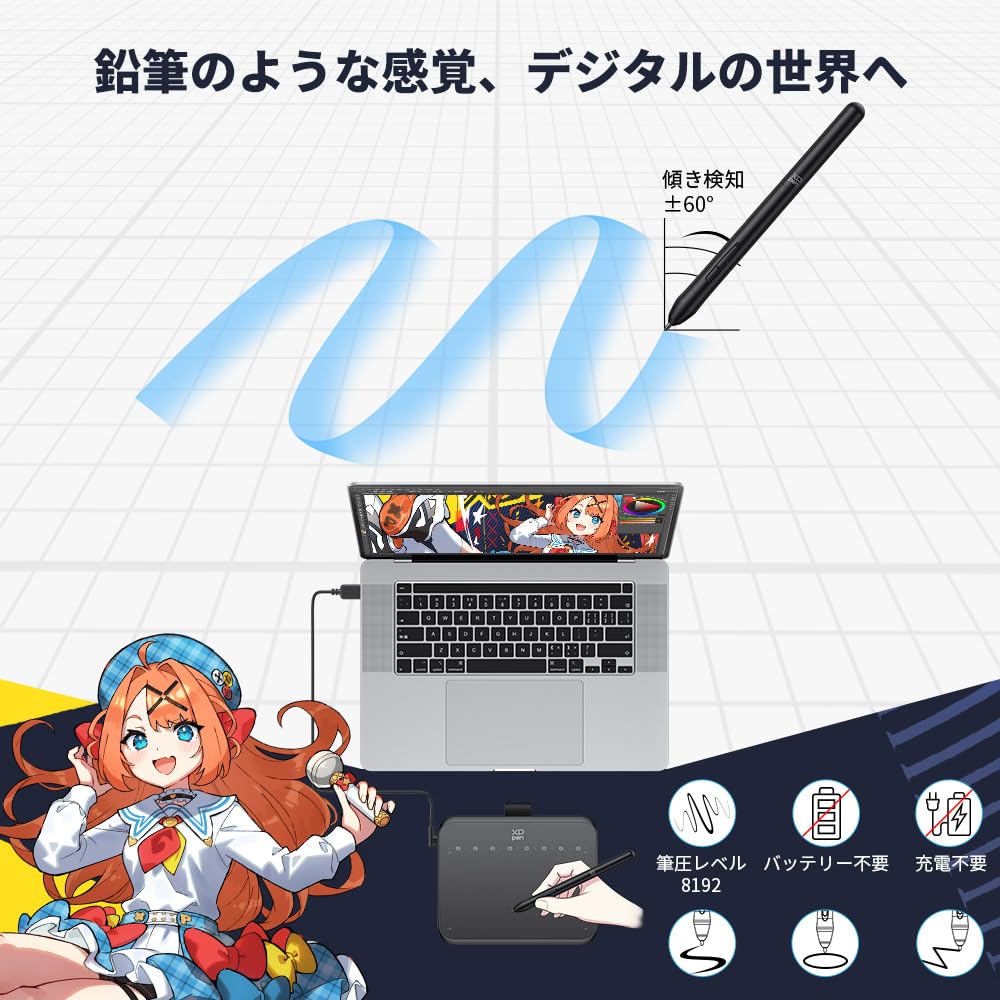
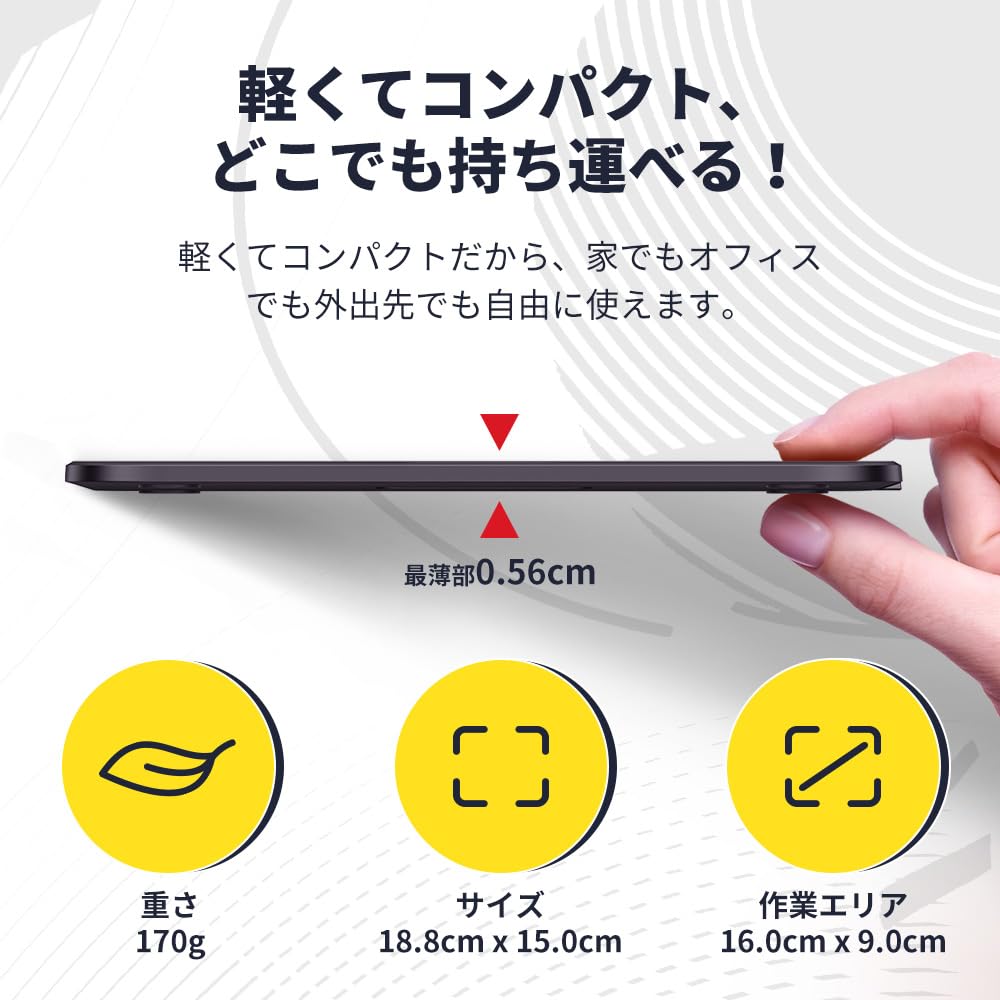
【Affordable Size & Delicate Drawing】The Deco 640 tablet measures 149.96 x 188.34 x 7.7mm. With 8192 levels of pressure sensitivity and 60° tilt detection, it easily allows for the creation of shadow strokes and rich line variations, making it easy to draw freely on the tablet, just like drawing on paper.
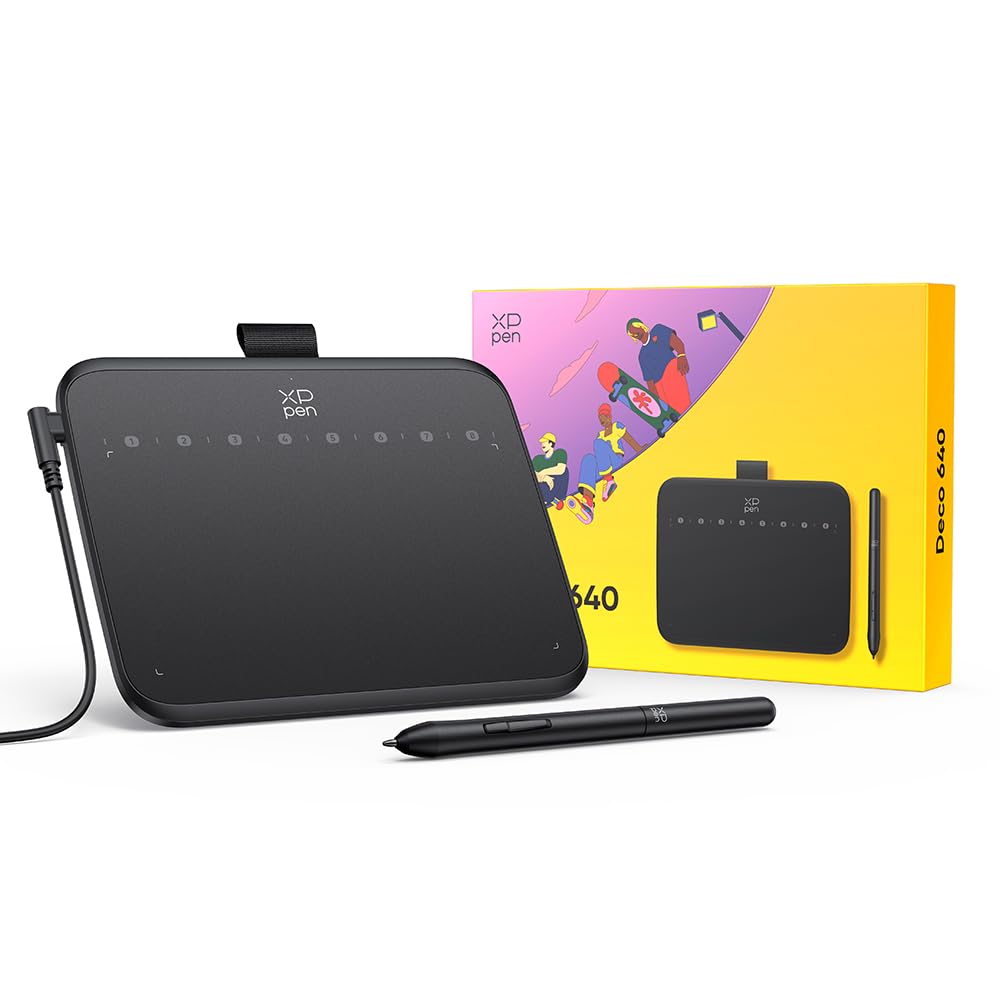
【8 Shortcut Keys】By touching the stylus pen to the 8 virtual shortcut keys, you can efficiently, comfortably, and easily switch between drawing tools, making long creative sessions less burdensome. The ergonomic design also provides a large drawing area, reducing wrist fatigue.
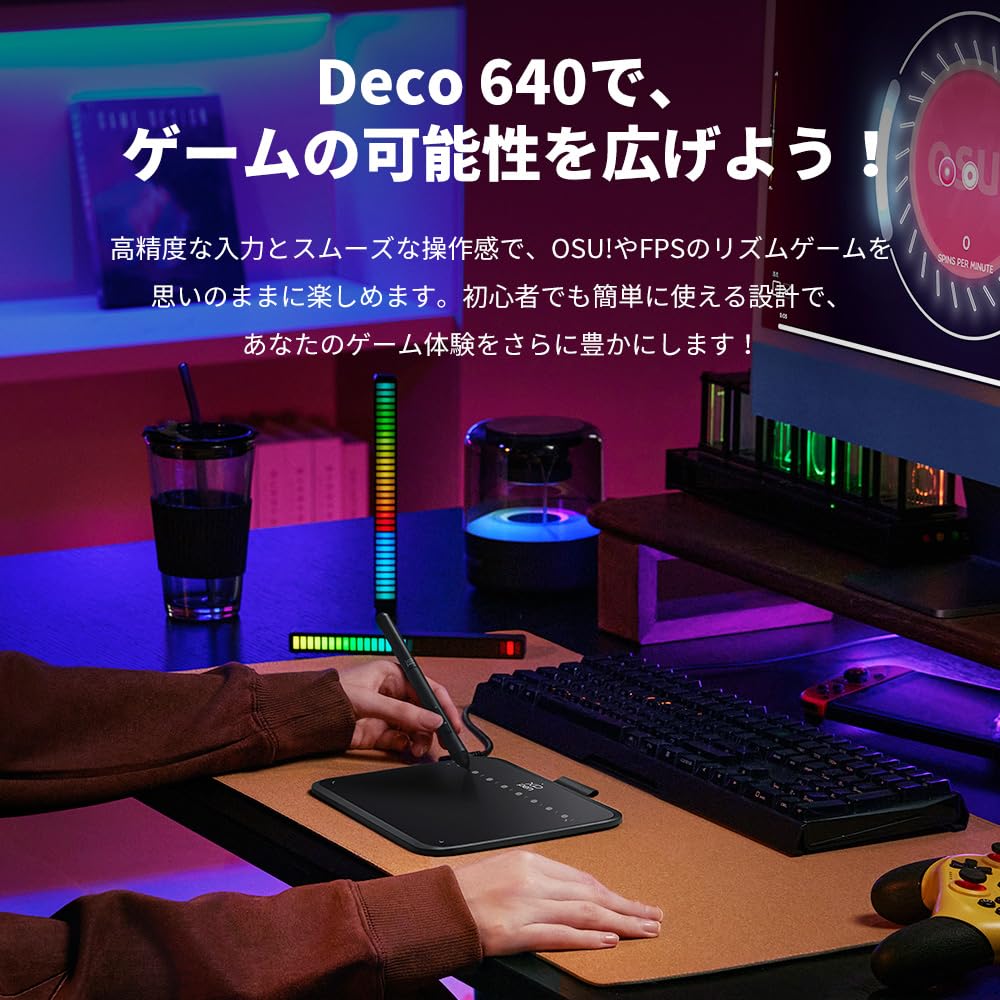
【osu! Compatible】The Deco 640's compact size and high response speed provide an immersive experience in motion-based games like OSU!. No driver installation is required, allowing you to start playing games immediately. It also responds well to other clicker games.
【Extensive Compatibility】It has broad compatibility with systems such as Windows and macOS, and supports various mainstream drawing and design software. Supported OS: Windows 7 or later, macOS 10.13 or later, Android 10.0 or later, Chrome OS 88 or later, Linux. Supported Software: PC: Photoshop, Illustrator, SAI, etc. Android Smartphones/Tablets: MediBang Paint, ibisPaint, OneNote, etc.
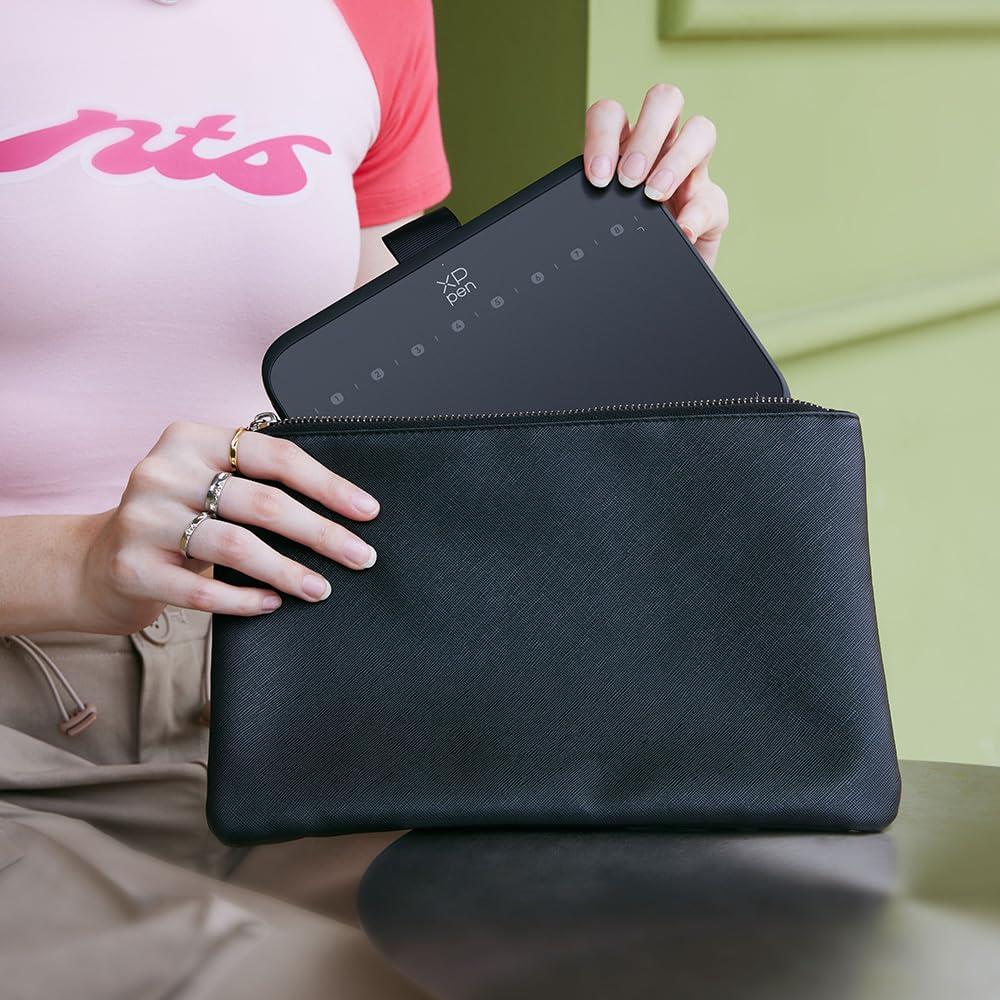
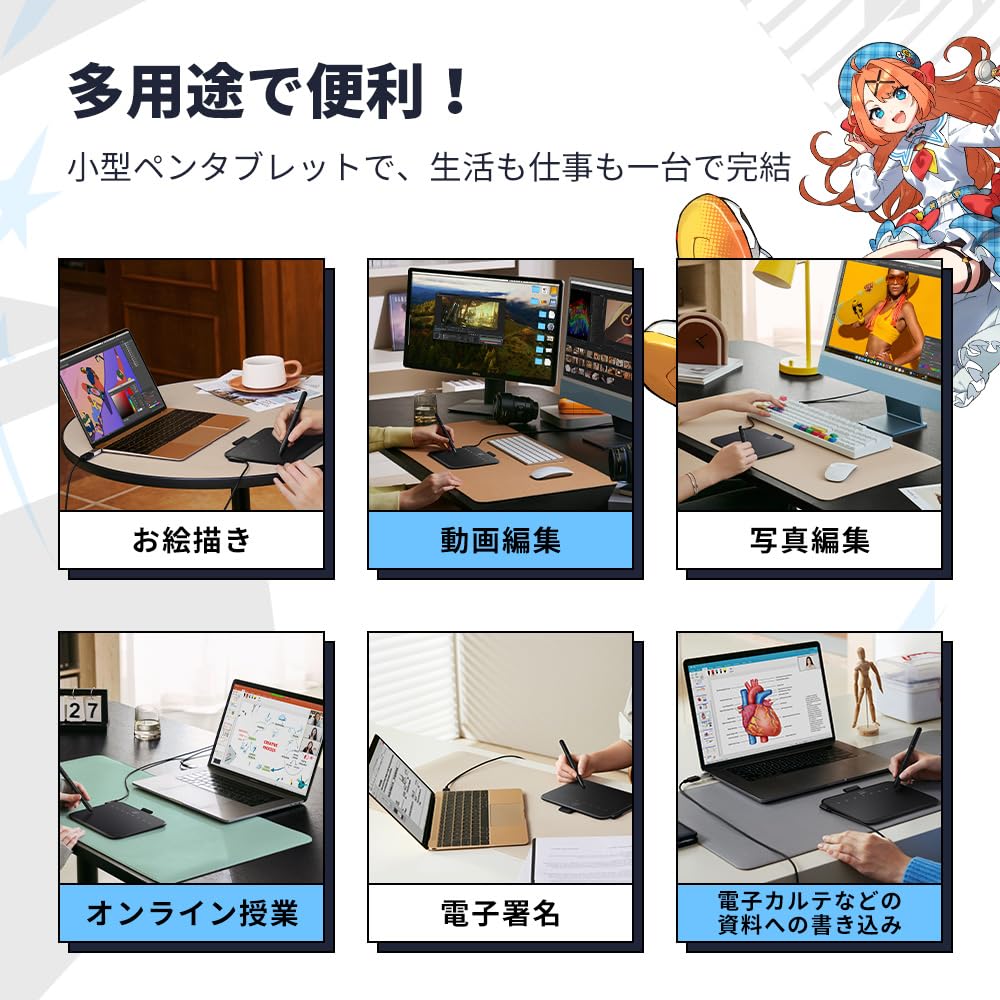
【Compact & Versatile】Not only is it a handwriting tablet, but its thin and lightweight design also makes it usable as a digital notebook. You can freely create in classrooms and offices. This pen tablet can be used in a variety of situations, including animation and video production, photo editing, illustration, design, and online classes.




 No-delivery refund