---------------------------------------------------
【Condition】
Please check the product description and photos for the condition.
Some items may have not been tested or may show signs of use.
【Included Items】
Accessories are limited to those shown or mentioned in the product description.
Items such as manuals, boxes, or cables are not included unless specifically stated.
【Product Specifications and Firmware】
Some Japanese domestic models may have limited functionality overseas.
Please check compatibility before purchase.
【Voltage Compatibility】
Our products are selected to support international voltage ranges (e.g. 100–240V).
However, please make sure your local voltage is compatible before use, as incorrect voltage may still cause malfunction.
【Plug Type】
Our products use Japanese plug types (A or B type).
Please use a conversion adapter if necessary.
【Important Note on Transformers and Adapters】
A transformer adjusts voltage to match your device’s requirements.
A conversion adapter only changes the plug shape and does not adjust voltage.
Using only a conversion adapter without a transformer may result in damage to the product.
【Liability】
We are not responsible for malfunctions or damages caused by improper use, such as operating the product without appropriate voltage or equipment.
---------------------------------------------------
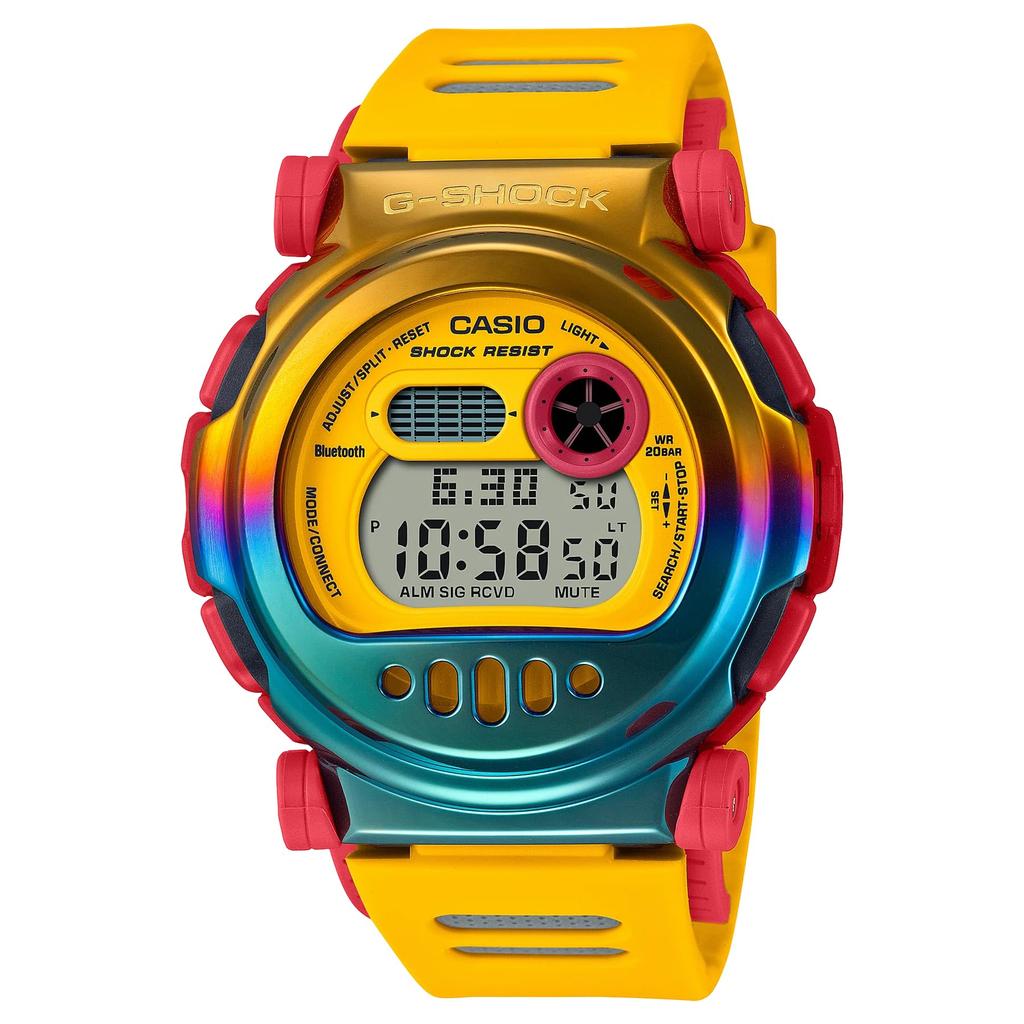
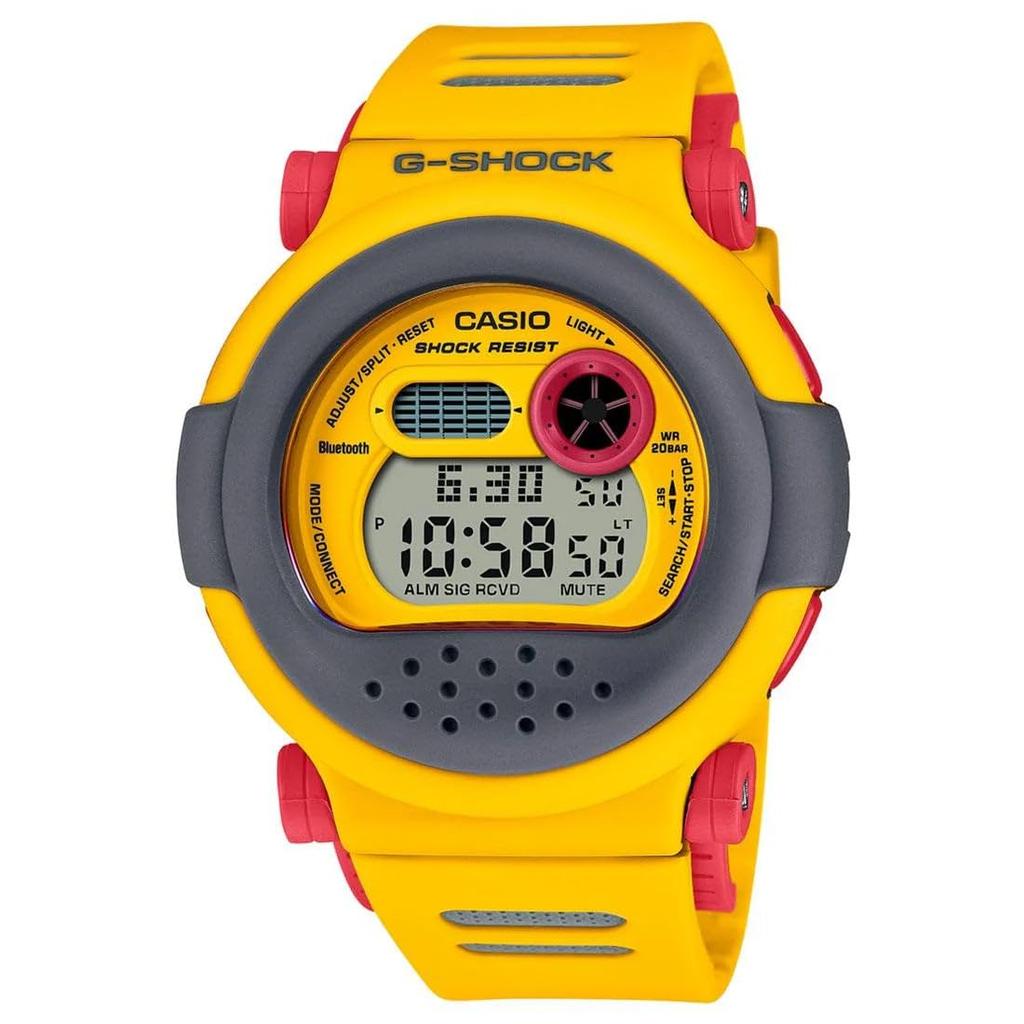
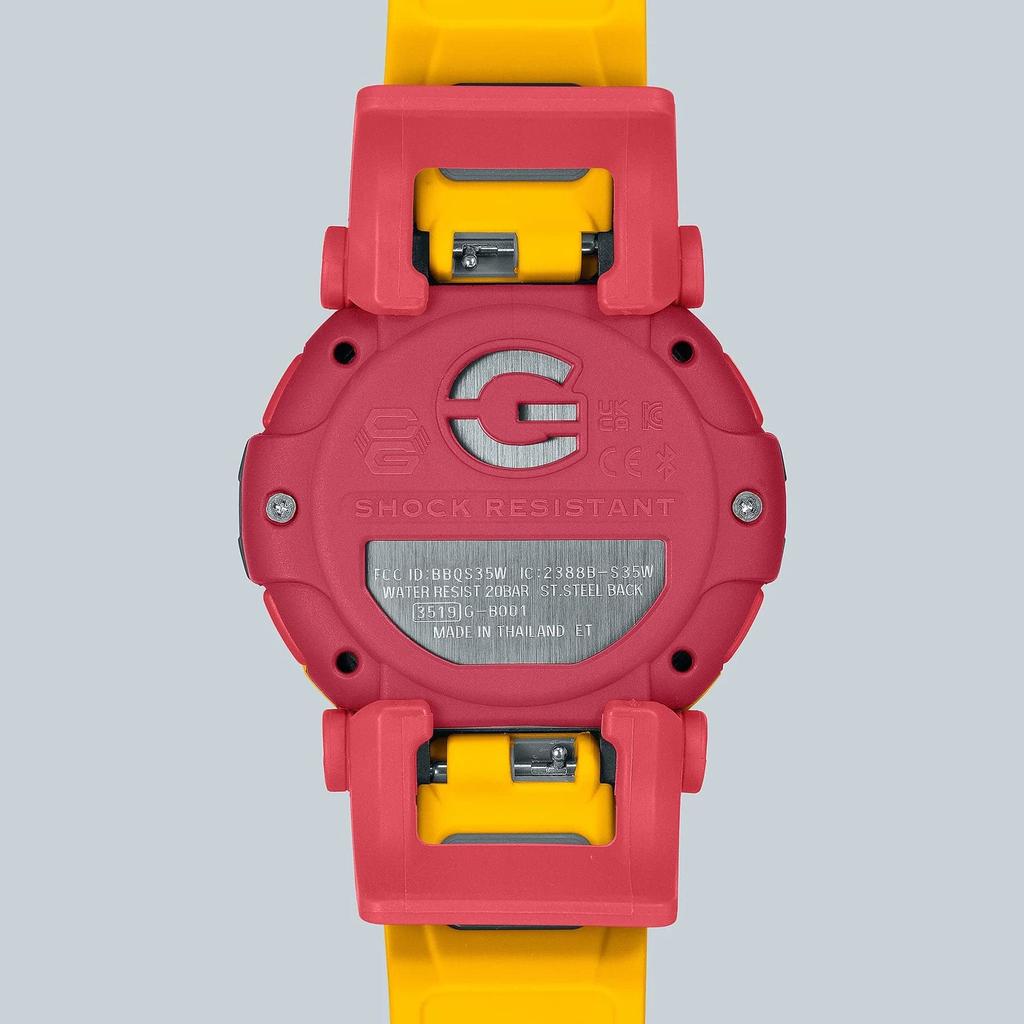
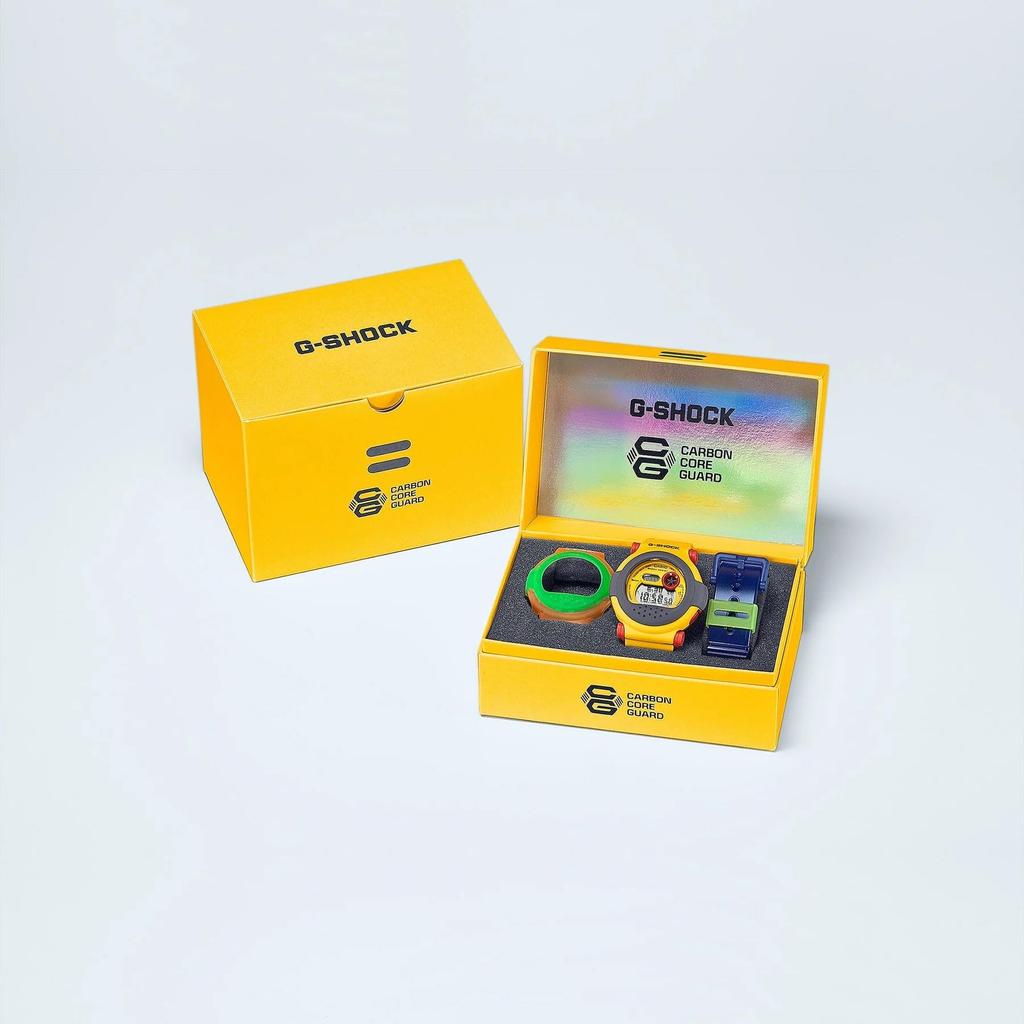
[Convenient functions linked with smartphones] ・Mobile link function (function linkage via Bluetooth communication with compatible mobile phones) Compatible with the "CASIO WATCHES" app OS compatibility: Android 8.0 or later (Bluetooth-equipped models) and iOS 13 or later ・Automatic time correction: Links with the smartphone's radio-controlled clock and automatically corrects to the correct time ・Easy clock setting: Alarms, time swapping, and more can be easily controlled from your smartphone ・World time for approximately 300 cities: Dual time can be easily set from the app for approximately 300 cities around the world ・Time & Place: Links with the smartphone's GPS function, allowing you to stamp the time and location on the app's map ・Phone finder: Press the buttons on the watch to make your smartphone sound and let you know your location ・App information
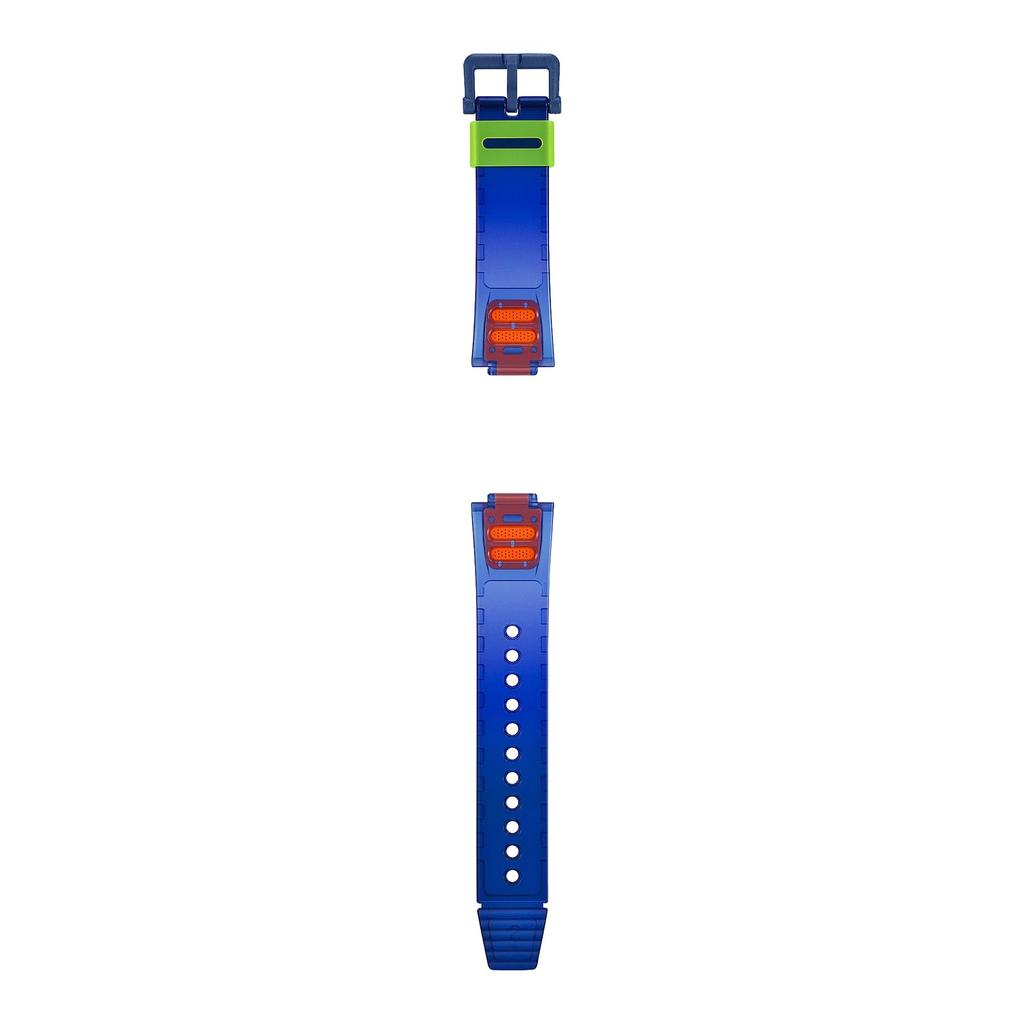
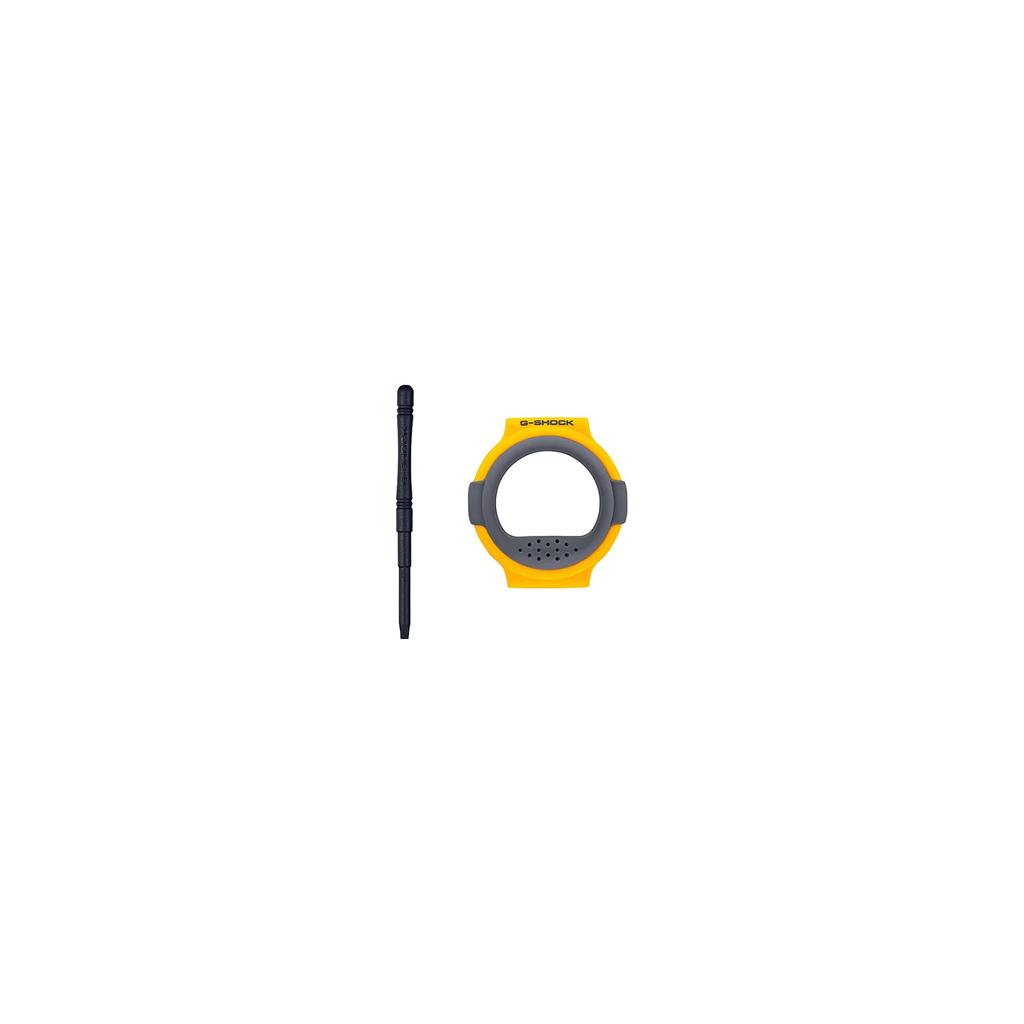
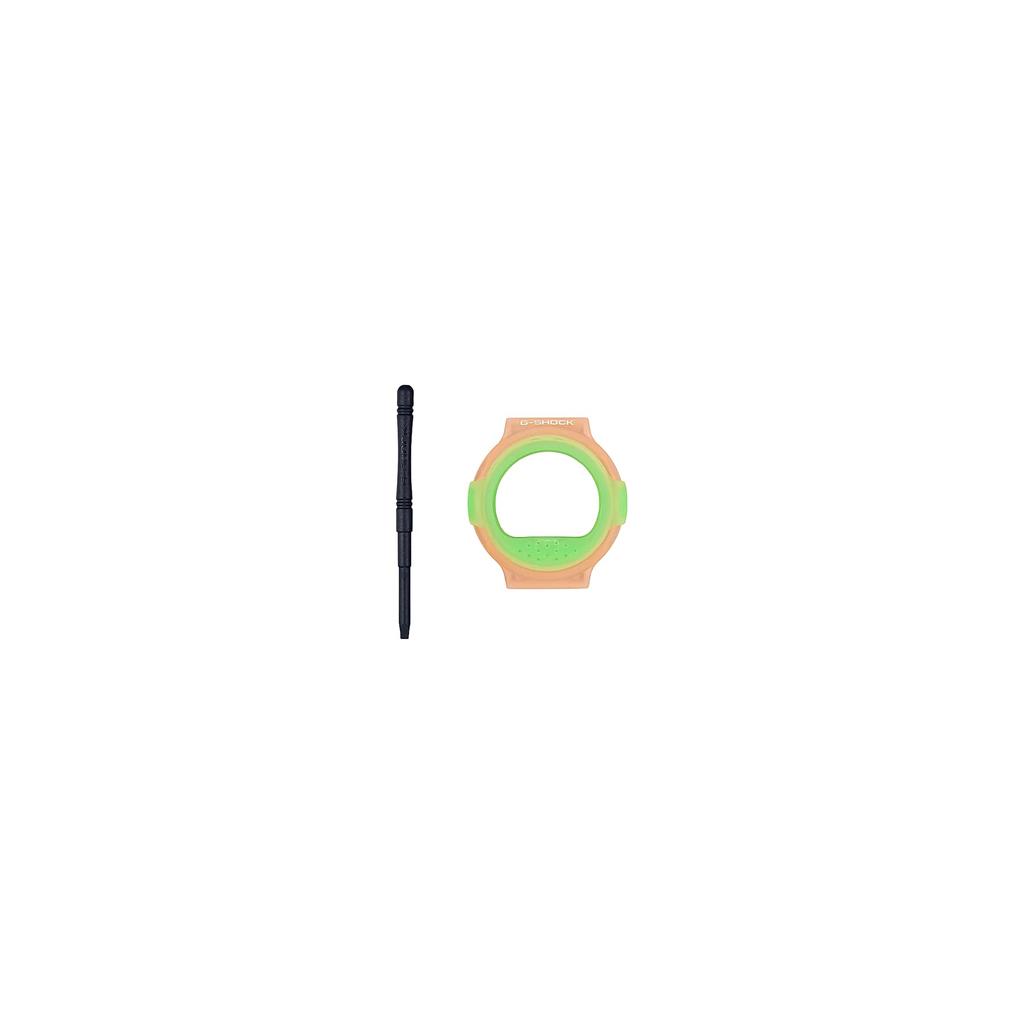
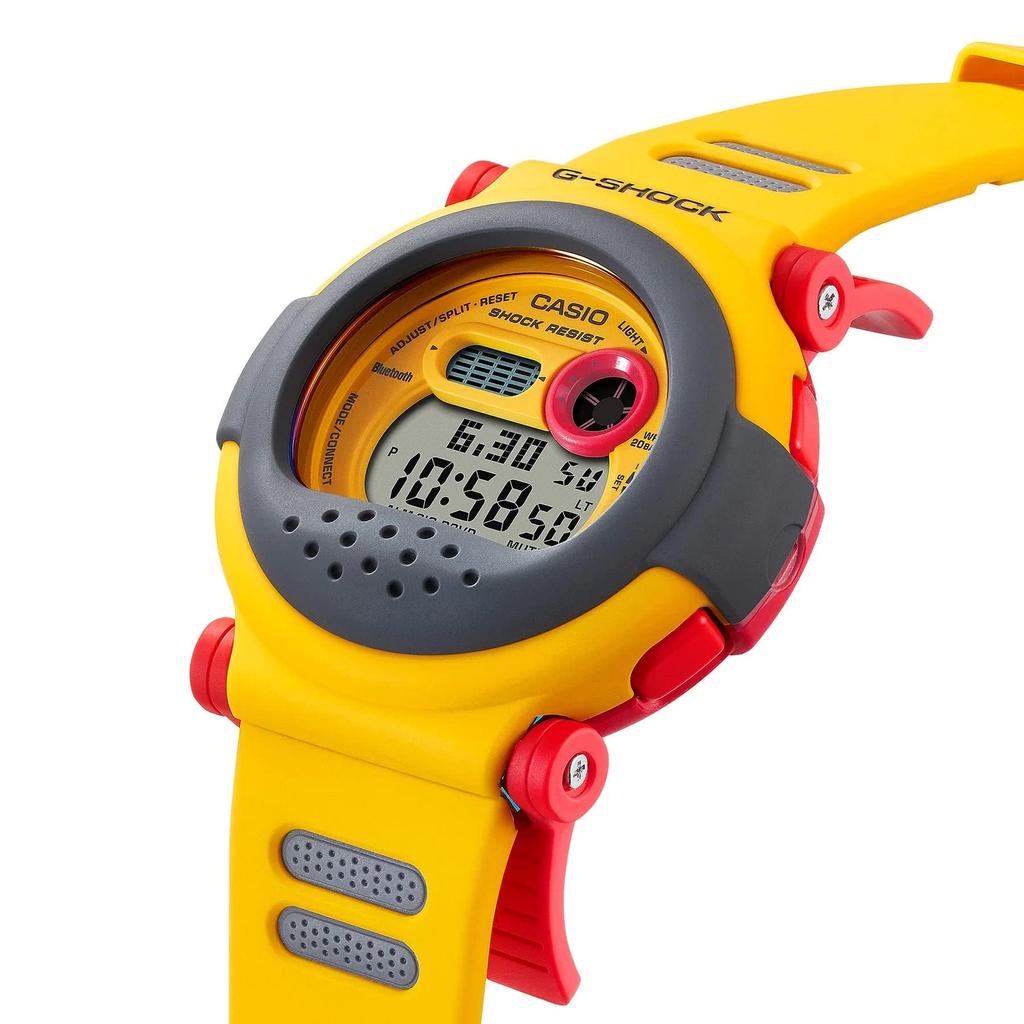


 No-delivery refund


![CASIO Yellow Watch Bluetooth Bezel Band Replacement Carbon G-B001MVE-9 [Item]](https://img.joomcdn.net/ac4e6126c41eaa19b037ab669f9f89d7890d042e_100_100.jpeg)
![CASIO Watch Boys Size Overseas Model GMD-S6900Y-9 [item]](https://img.joomcdn.net/88f5dc1470175040f067d3eb156f184b6a07bfd1_100_100.jpeg)