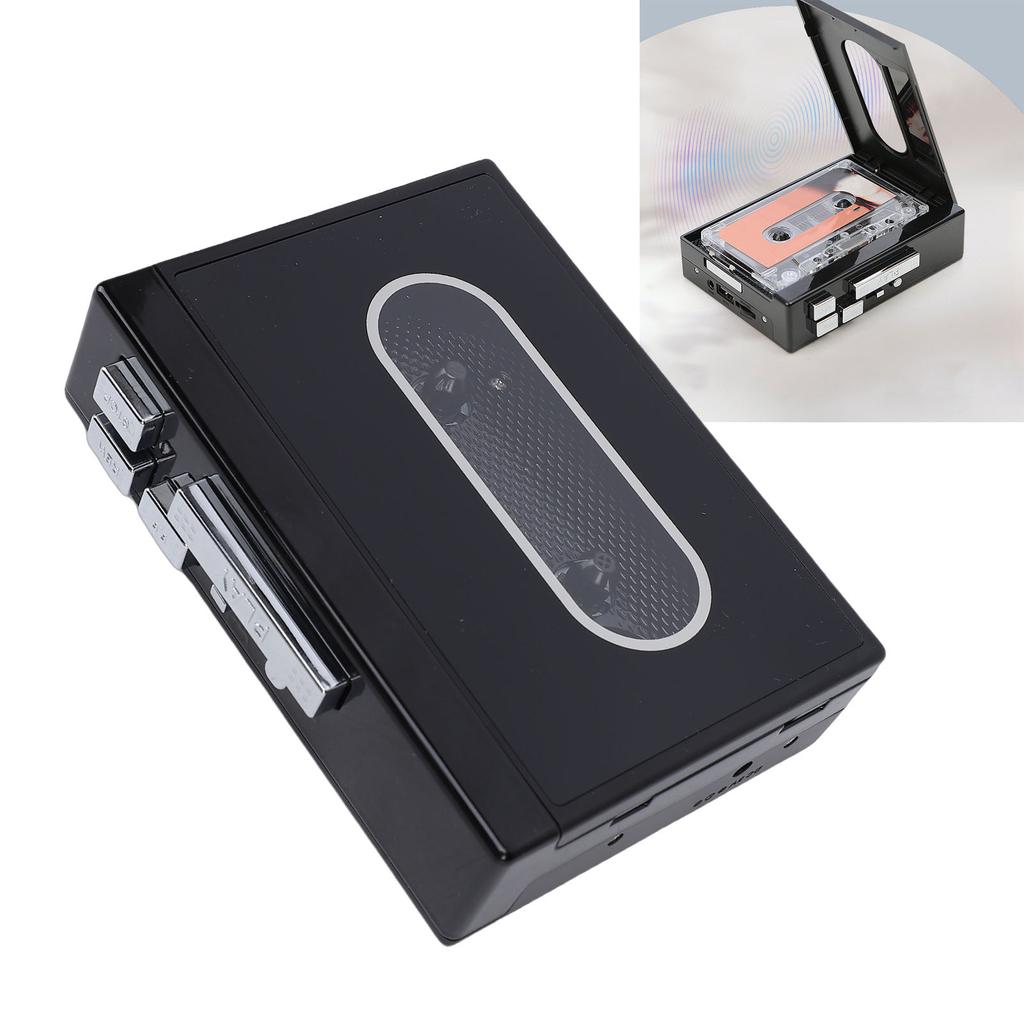
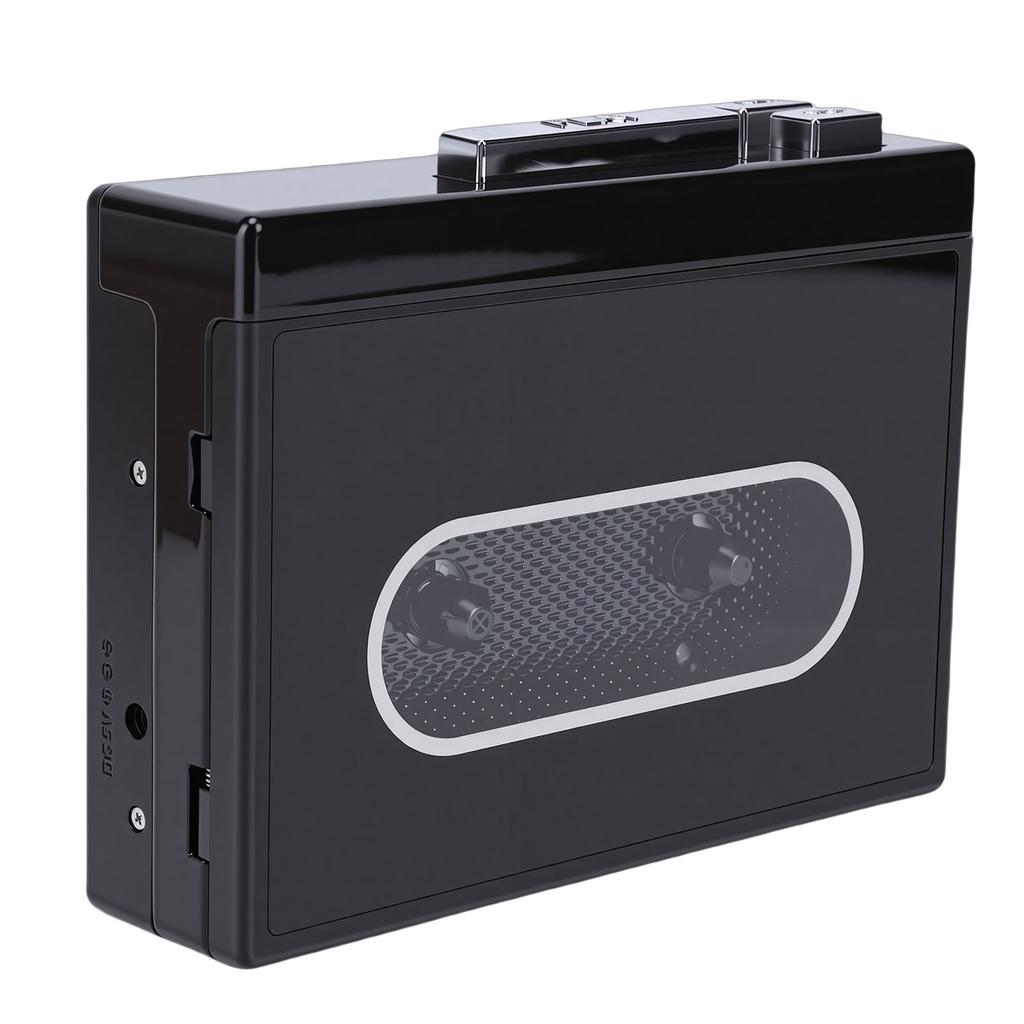
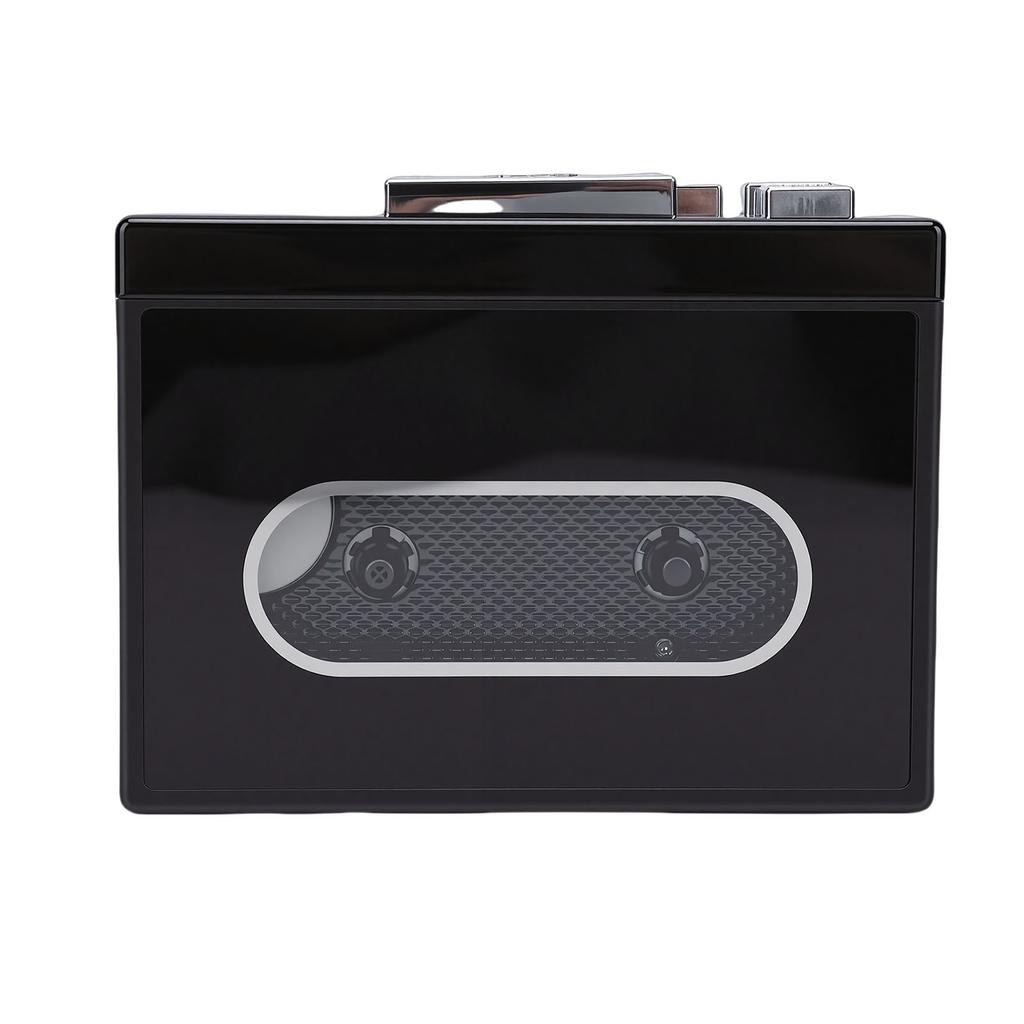
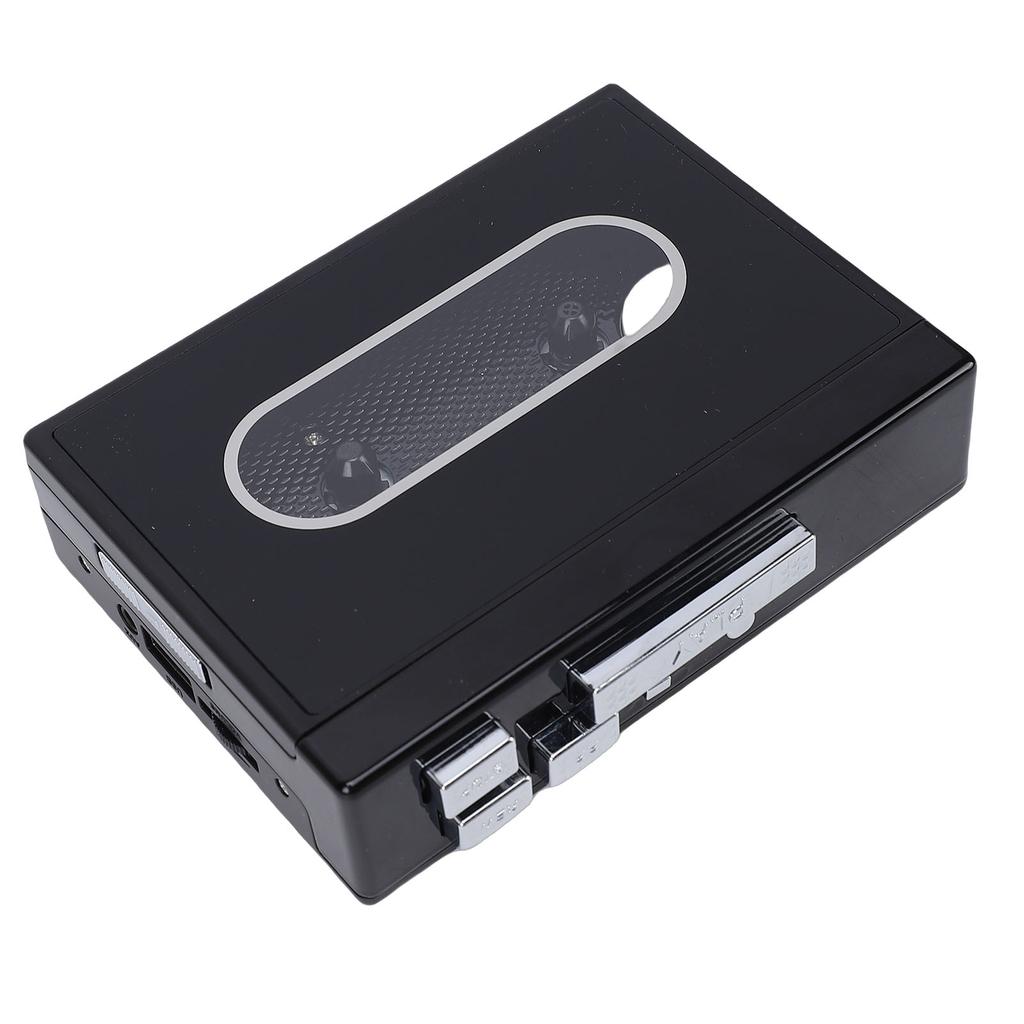
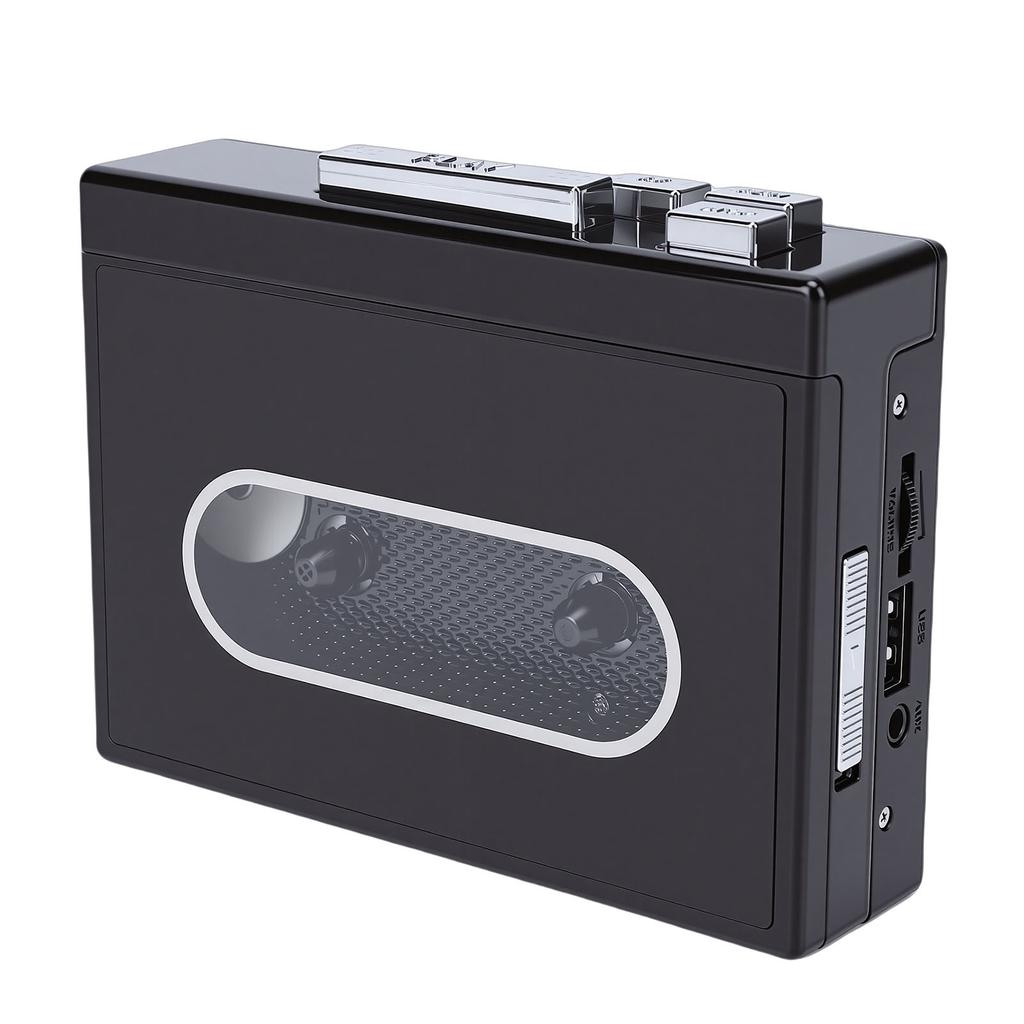
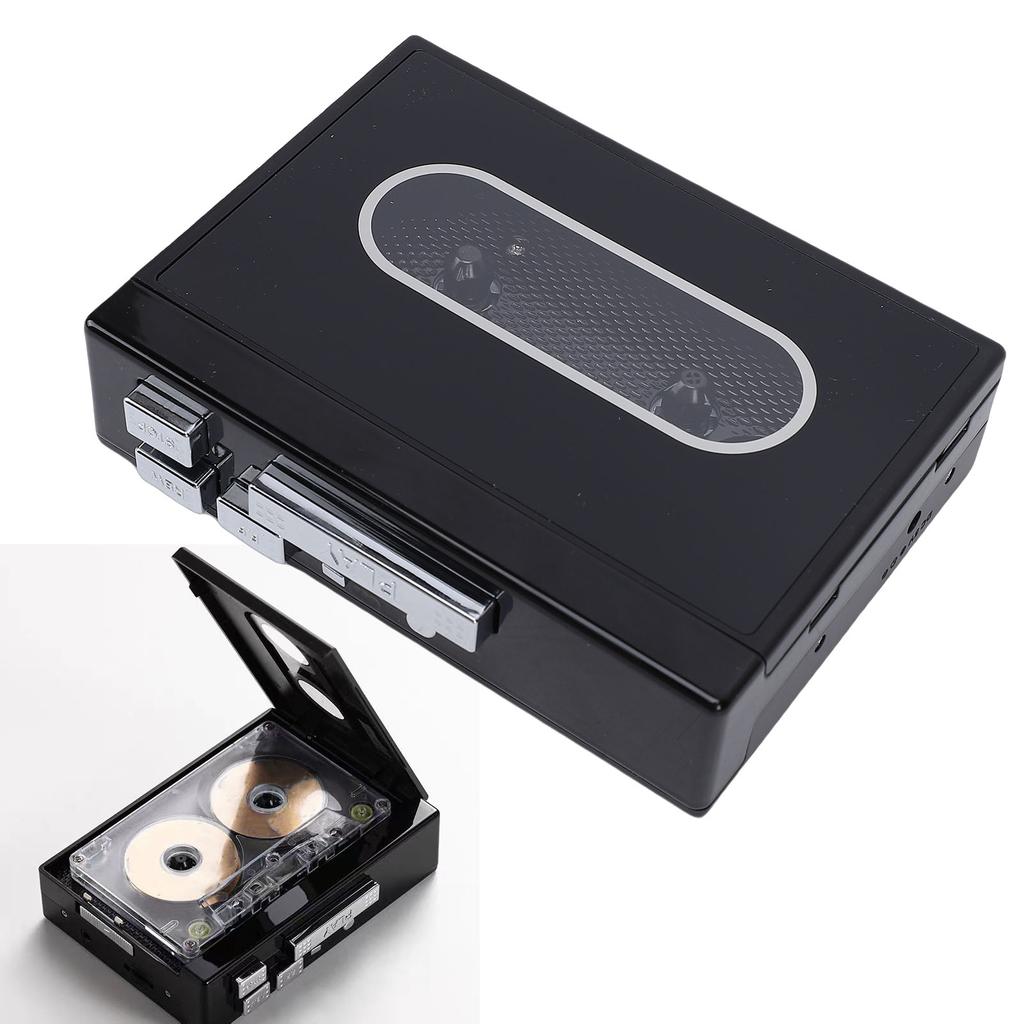
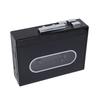
VINTAGE AND VERSATILE: This cassette tape player features a retro design that supports both tape playback and USB drive functionality. You can also connect to earplugs, headphone, speakers, or car sound systems through a 3.5mm to listen to old cassette tapes.
TWO WAY CASSETTE TO DIGITAL CONVERTER: This cassette player allows you to easily convert cassette music into MP3 format. Preserve your cherished sound tapes as modern digital files by saving them onto a USB drive (not included).
PORTABLE DESIGN: Lightweight and compact, this portable cassette player fits easily into any bag. Whether indoors or outdoors, you can choose the most convenient way to enjoy your tapes. It features a 3.5mm , allowing you to plug in your headphone and listen right away (no ternal speaker included).
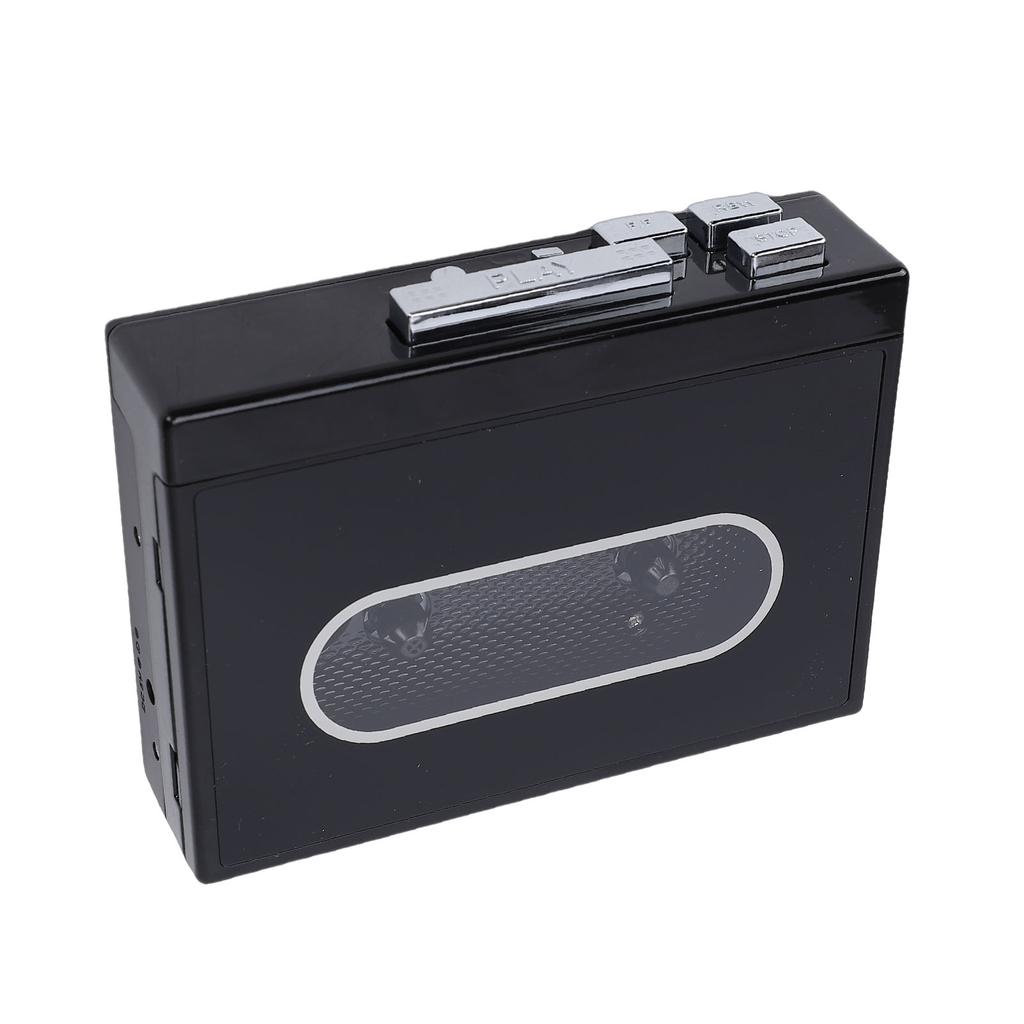
Item Type: Cassette Tape Player
Color: Black
Material: ABS
Size: Approx. 120x90x31mm Celsius 4.72x3.54x1.22inBattery: 2xAA battery (not included)
Output Current: 400mA (Maximum)
Output Power: 2W (Maximum)
Sound Track: Stereo Sound
Tape Speed: Standard 4.76+Celsius-5%
Recording Rate: 128KPS
Data Protocol: USB2.0
LED Indicator: White Light, Blue Light, Green Light
Playback Mode: Tape playback, USB drive reading, random playback, playback
U Disk Format: Support for 32, support for (Not support for NTFS)
Sound Transcription: Support
Tape Speed Control: Support
How to Record Tape to MP3 Format?
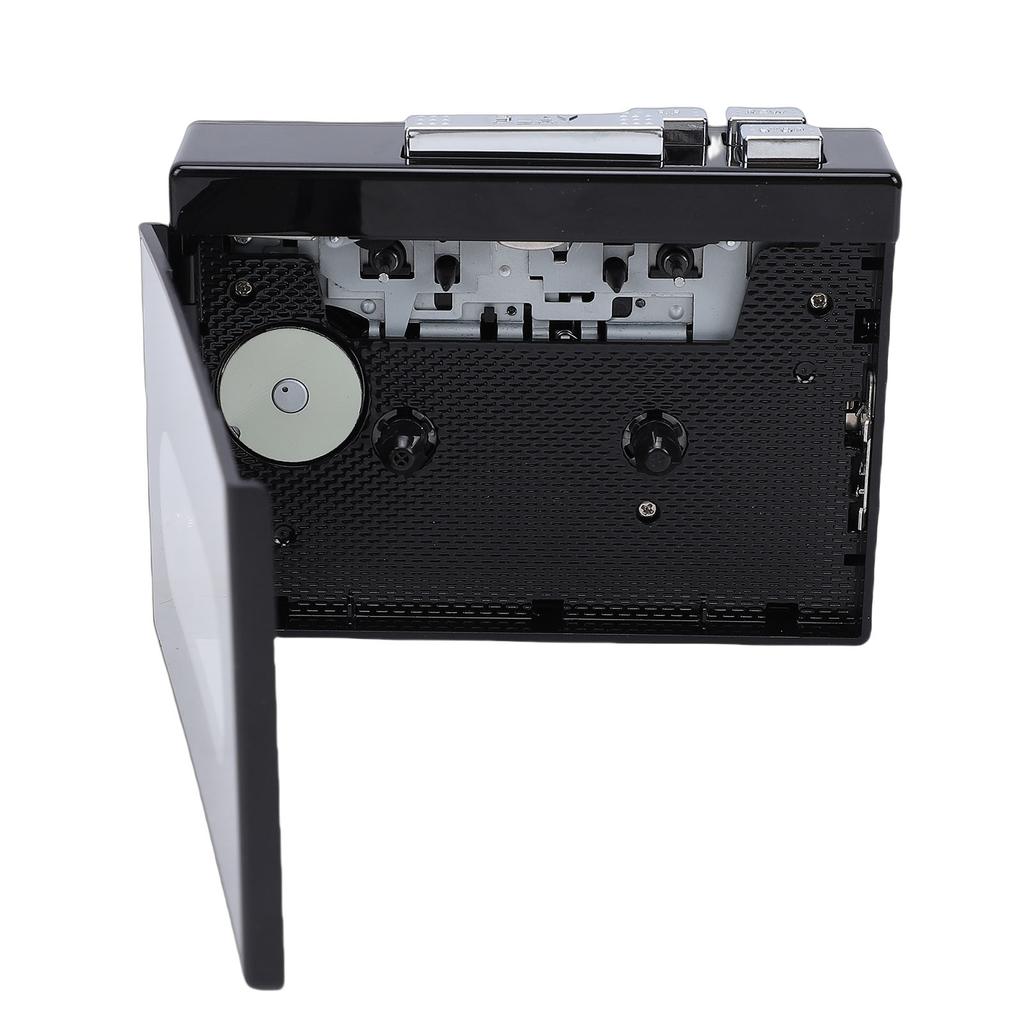
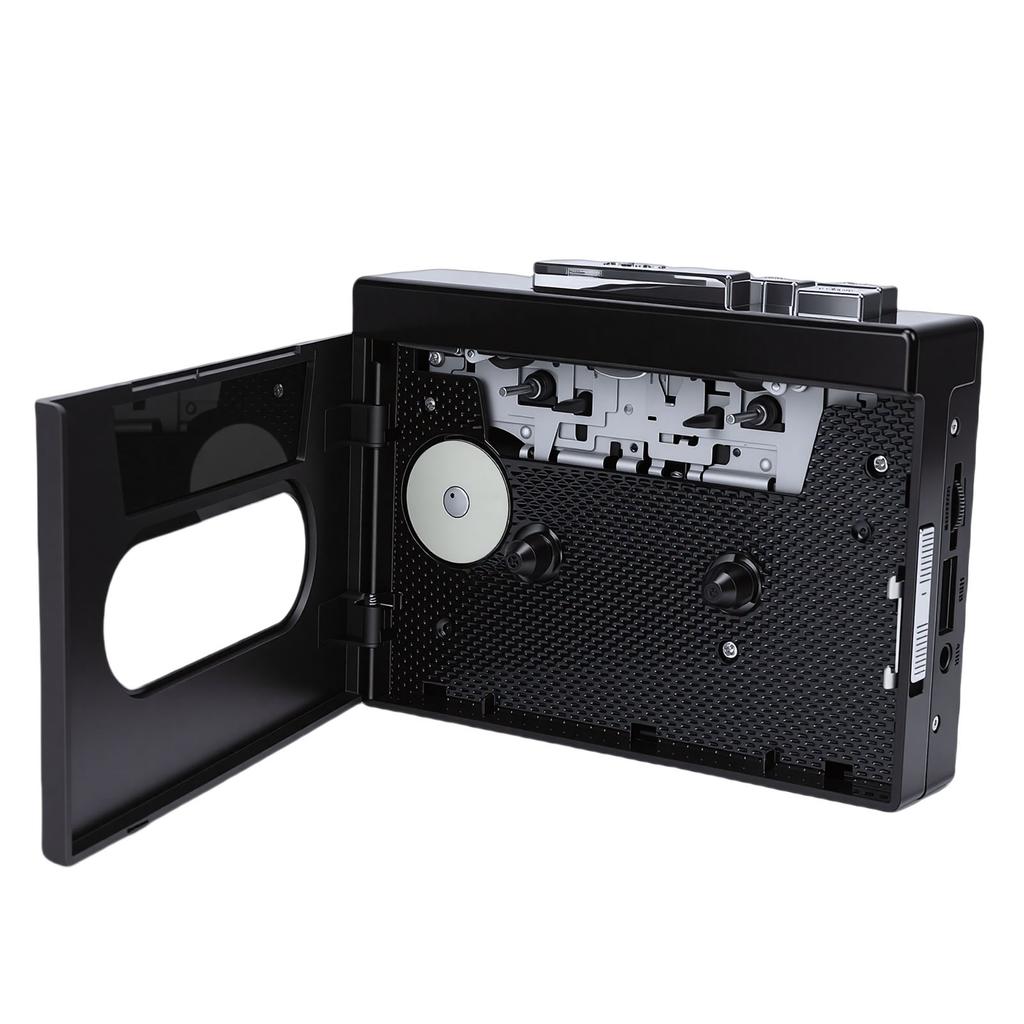
1. Insert the tape to the player
2. Insert the USB flash drive into the USB port, the white indicator light will turn on and then turn on normally. Press the key briefly, and the white indicator light will flash slowly to start recording. At the same time, press the tape playback key, press the key briefly again during recording to pause the recording, and the white indicator light will turn on normally
3. When the recorded file needs to be played back, press the key twice, the white indicator light turns to blue and the indicator light turns on, automatically playing the recorded MP3 file. The blue indicator light flashes slowly. Press the key again briefly to pause the playback, and the blue indicator light stays on
4. During playback, pause the tape playback first to avoid crosstalk, and press the key to adjust the volume of the MP3 file in a .
5. When ing back to recording mode during playback, press the key twice and the blue indicator light will appear
How to Play Tape?
1. Insert earphones into the for music enjoyment
2. Use volume knob to adjust volume
3. Press DIR key for auto tape reverse
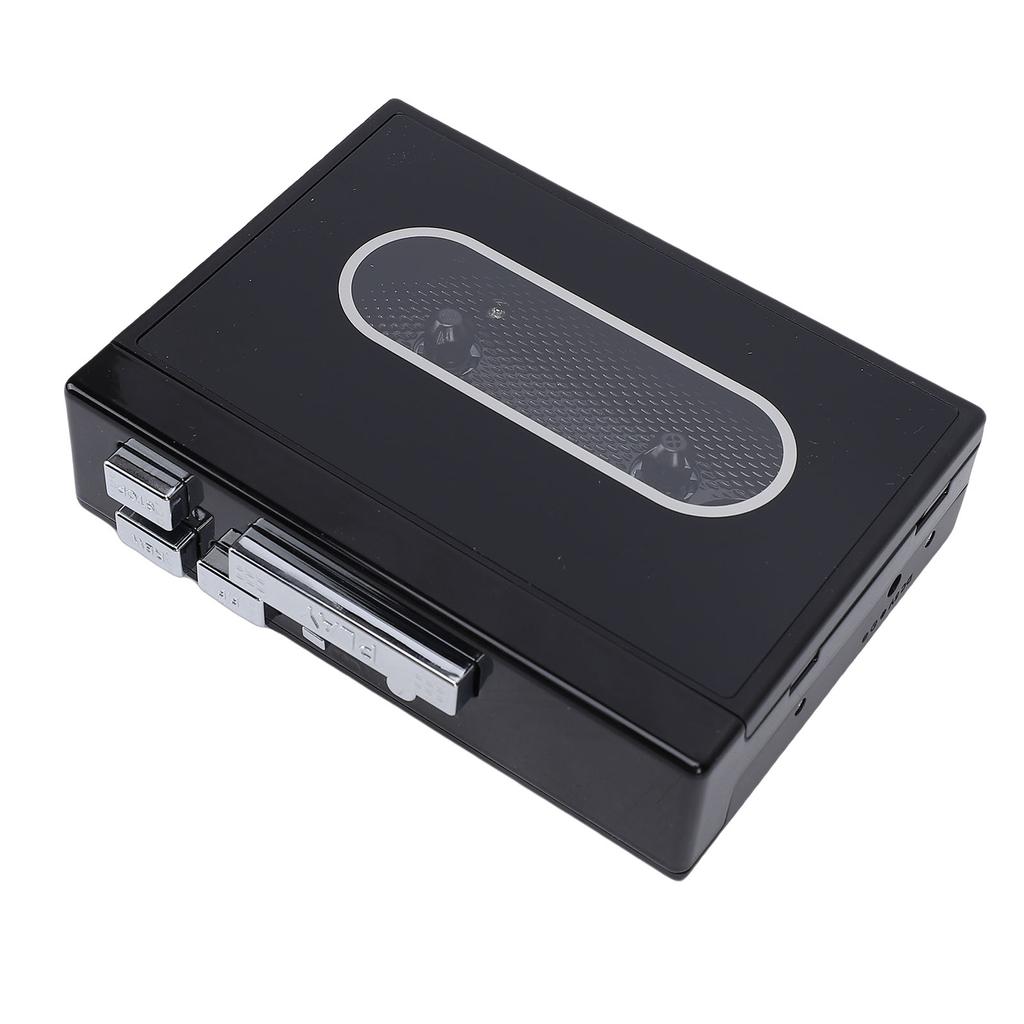
4. Press PLAY key to play tape
5. Playback Mode: Select the when the tape reaches the end point. When set to the pattern position, the tape will automatically direction and start playing the opposite side after one side is played. When set to a single arrowhead pattern, the tape will simply stop playing after one side is played
6. Press F.F for fast forward
7. Press REW for rewind
8. Press STOP to stop playback


 No-delivery refund