Explanation by manufacturer
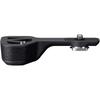
REMOTE GRIP MC-N10
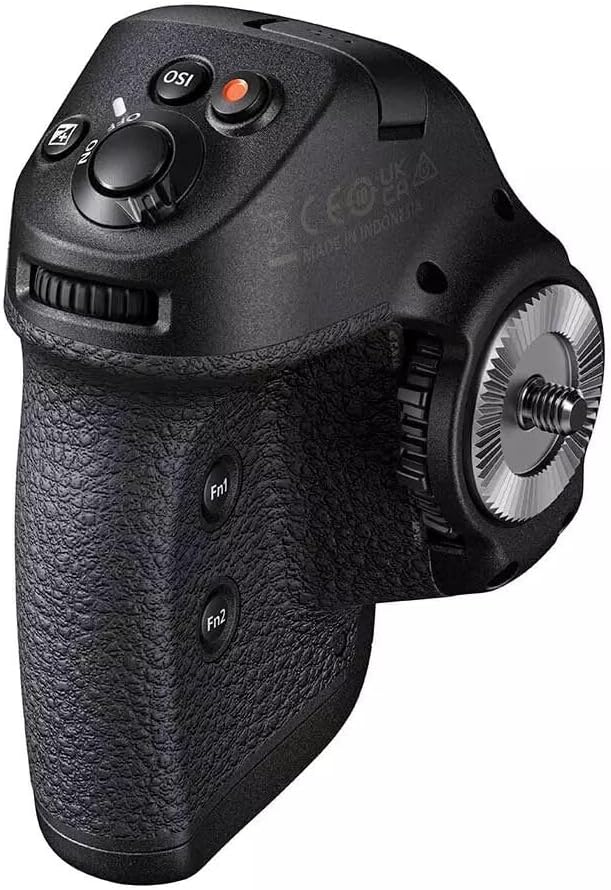
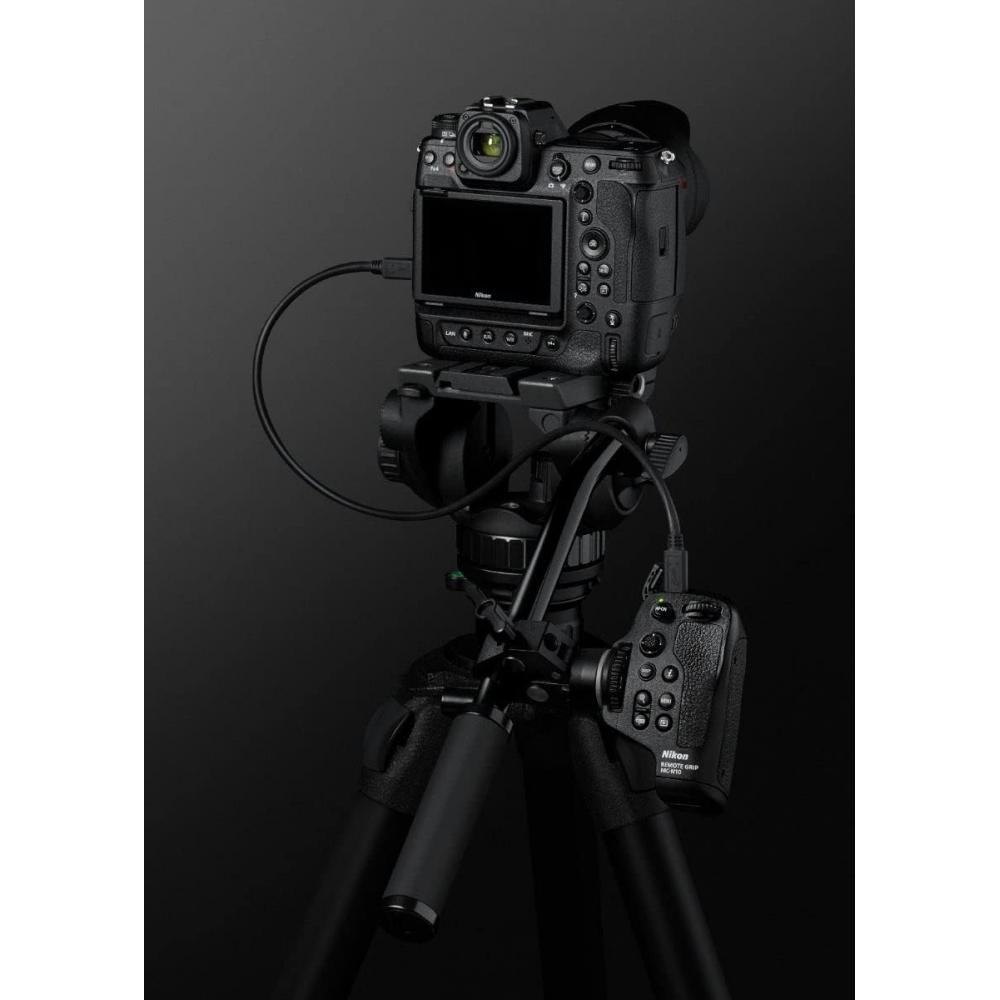
The camera can be operated remotely by connecting to the Z series camera※ via a wired connection. By attaching an adapter to an ARRI standards-compliant rosette, it is possible to operate and control various camera functions by attaching it to a tripod bread stick or shoulder rig handle, etc., so the efficiency of shooting videos with a small number of people is particularly improved. It creates a style where people can concentrate more on creating works, and makes it possible to express expressions that were not possible until now. It is also compatible with still image shooting.
Compatible Products
Z CINEMA
ZR
mirrorless camera
Z9
Z8
Z7II
Z7
Z6III
Z6II
Z6
Z5II
Z5
Zf
Z50II
Z30
Zfc
Product image
{'isProductSummaryAvailable': false, 'device': 'desktop'}
The camera can be operated remotely by connecting to the Z series camera※ via a wired connection. By attaching an adapter to an ARRI standards-compliant rosette, it is possible to operate and control various camera functions by attaching it to a tripod bread stick or shoulder rig handle, etc., so the efficiency of shooting videos with a small number of people is particularly improved. It creates a style where people can concentrate more on creating works, and makes it possible to express expressions that were not possible until now. It is also compatible with still image shooting. ※ Compatible cameras: Z 9, Z 7II, Z 6II (as of 2022/11/2). In order to use the MC-N10 Remote Grip, update the camera firmware to the latest one.
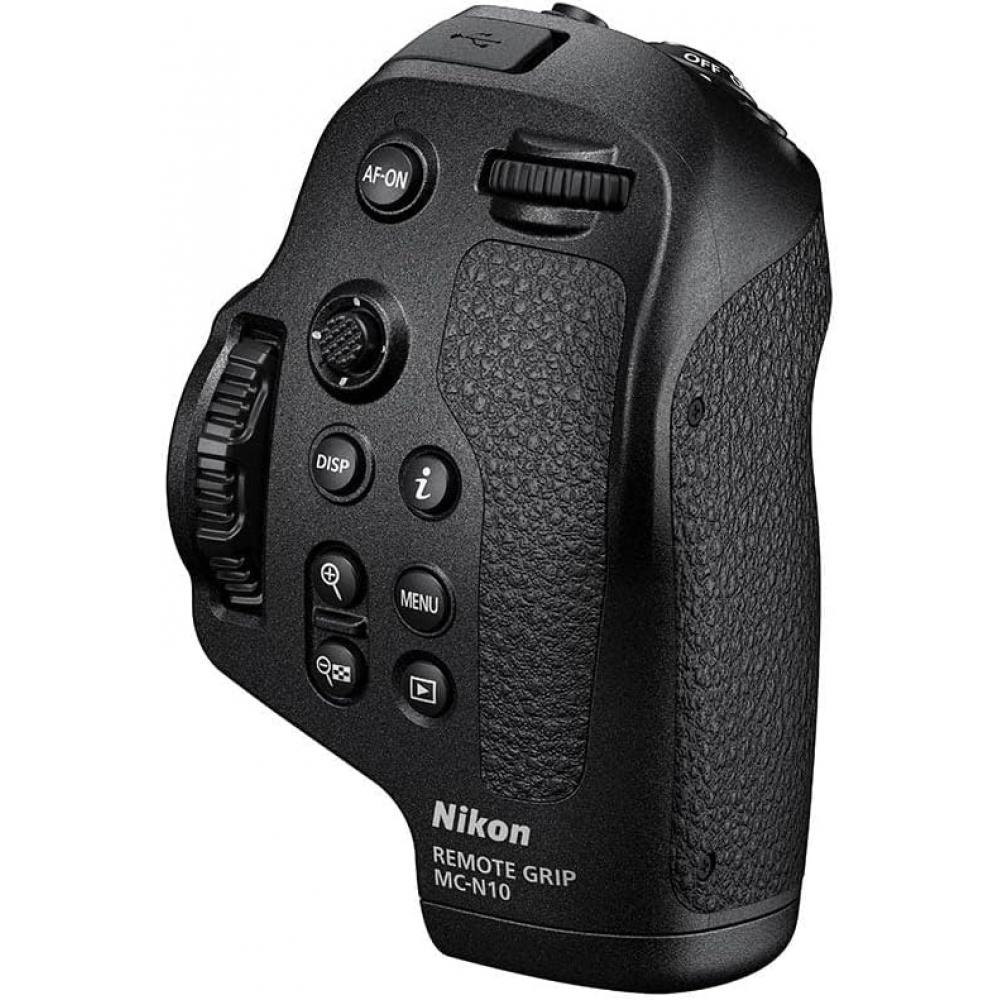
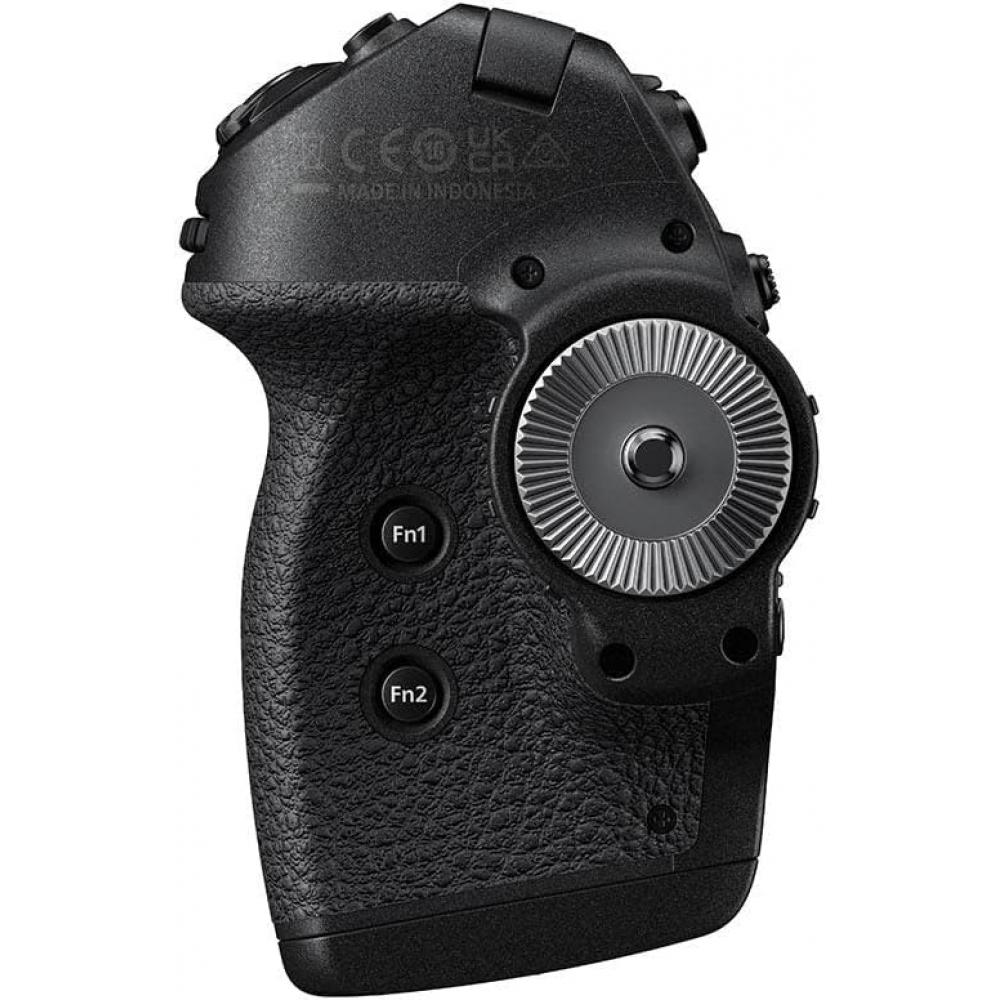
[Various camera functions can be operated and controlled by attaching it to a bread stick on a tripod or shoulder rig handle, etc.] By attaching an adapter to an ARRI standard-compliant rosette, it can be fixed to various video accessories (all commercially available). The fixed position can be flexibly changed according to the video accessory to be attached. Also, almost all settings necessary for shooting still images and movies, including assigning custom button functions, can be made from the MC-N10. Since camera settings can be changed from the MC-N10 buttons and dials even in situations where you cannot touch the camera during video shooting, the number of things that can be done with one-man operation has increased, and a style where you can concentrate more on creating works has been realized, and the range of video expression can be expanded. Furthermore, since shooting is not interrupted when changing settings, such as removing video accessories, it is ideal for shooting sites where there is no time, such as documentaries.
[Compact, lightweight body that does not impair mobility] Approximately 65.5 x 115.5 x 73.5 mm (excluding protrusions) and approximately 205 g (main unit only), so it is small and light enough not to be a burden even when added to handheld shooting equipment. With a grip shape that is easy to grip and a button layout similar to Z series cameras, it can be operated intuitively without any sense of incongruity with a familiar feeling of operation even when switching from the camera, and the risk of operation mistakes can be reduced. Also, the dial can be operated smoothly without clicks, and since there is no clicking sound, there is no need to worry about unnecessary operation sounds entering during voice recording. Furthermore, it is easy to operate by turning the command dial while holding down the button.
[Easy and secure wired connection via USB (Type-C)] The connection to the camera* is easy and quick compared to a wireless connection, so you can use it without worrying about radio interference or interference. When connected, if a message about connecting to the remote grip is displayed on the camera's shooting screen, press the camera's OK button or touch the camera's image monitor. This operation is required every time the camera or MC-N10 is turned back on.
To request a return or exchange, please note that it is mandatory to provide a video of the unpacking of the package.



 No-delivery refund





![Japanese Godox Nikon Compatible Flash Trigger Approval Japanese Instruction and Cloth [Authorized Dealer] XProII-N Transmitter, XProII, [Technical](https://img.joomcdn.net/787e5ffffc9f0f33888e28f823a45e841706bb2c_85_100.jpeg)