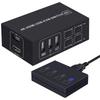
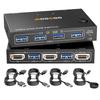
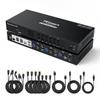
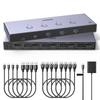
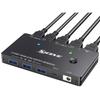
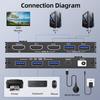
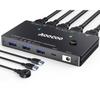
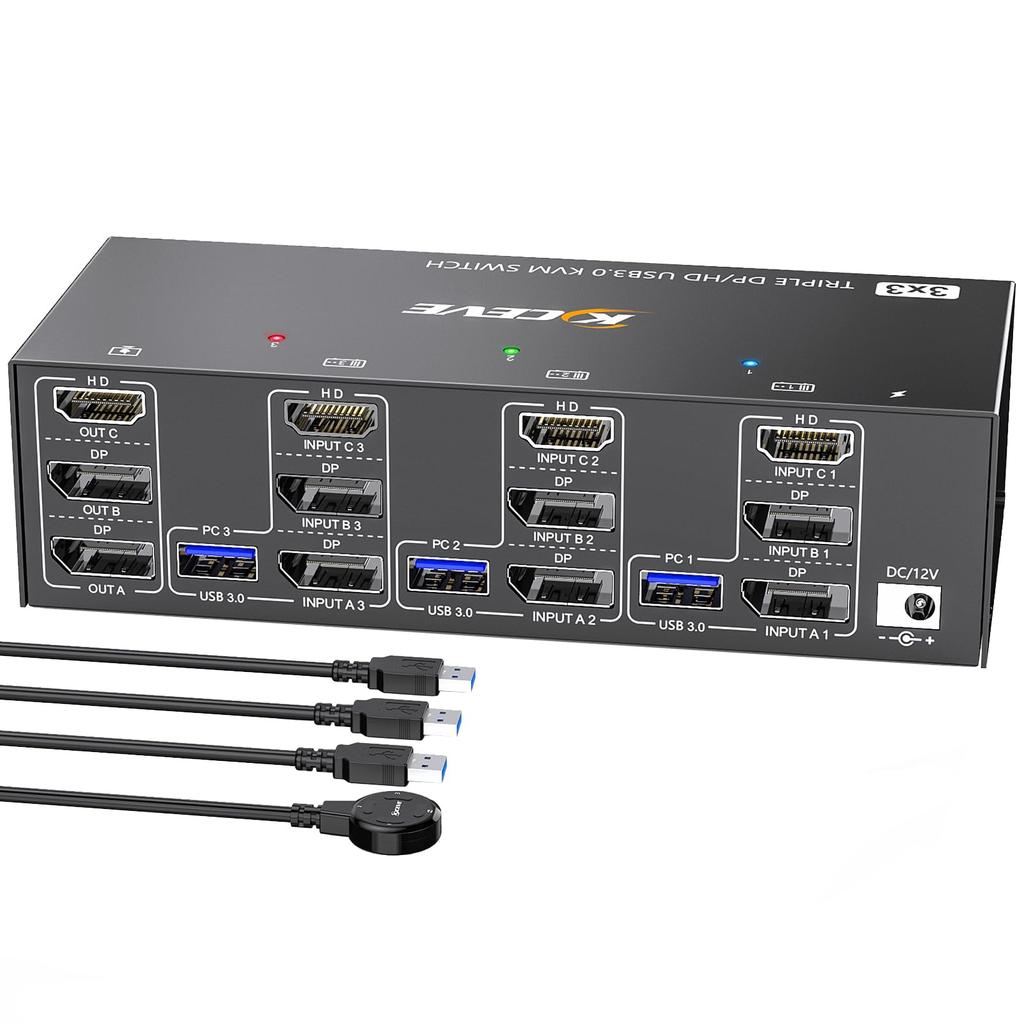
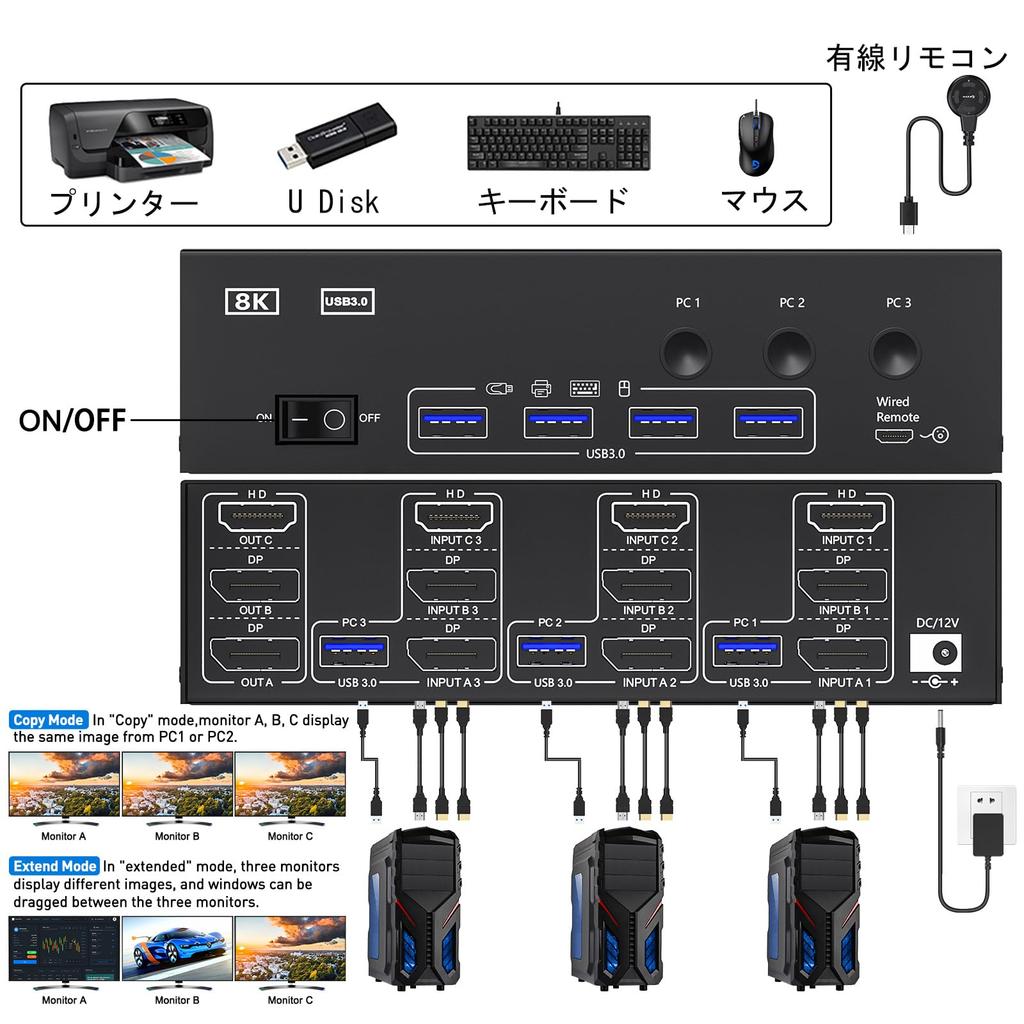
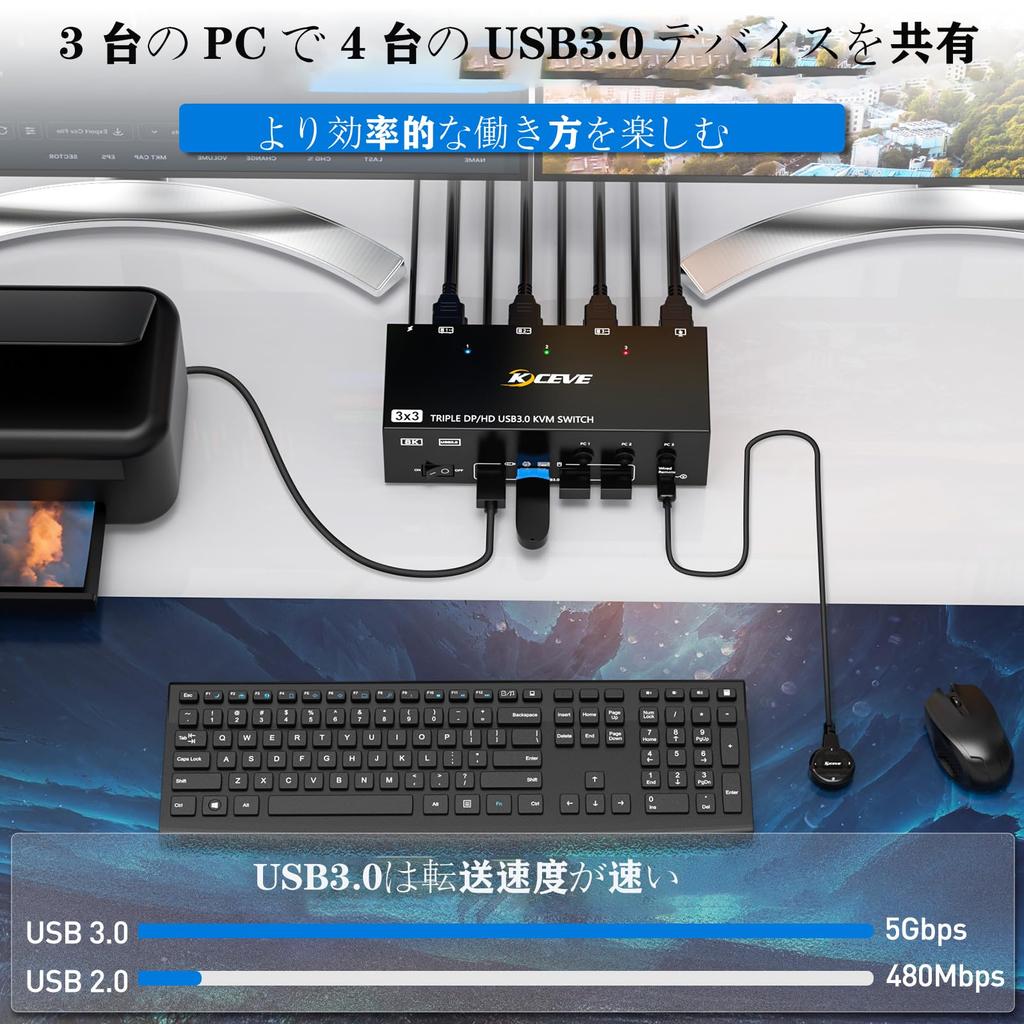
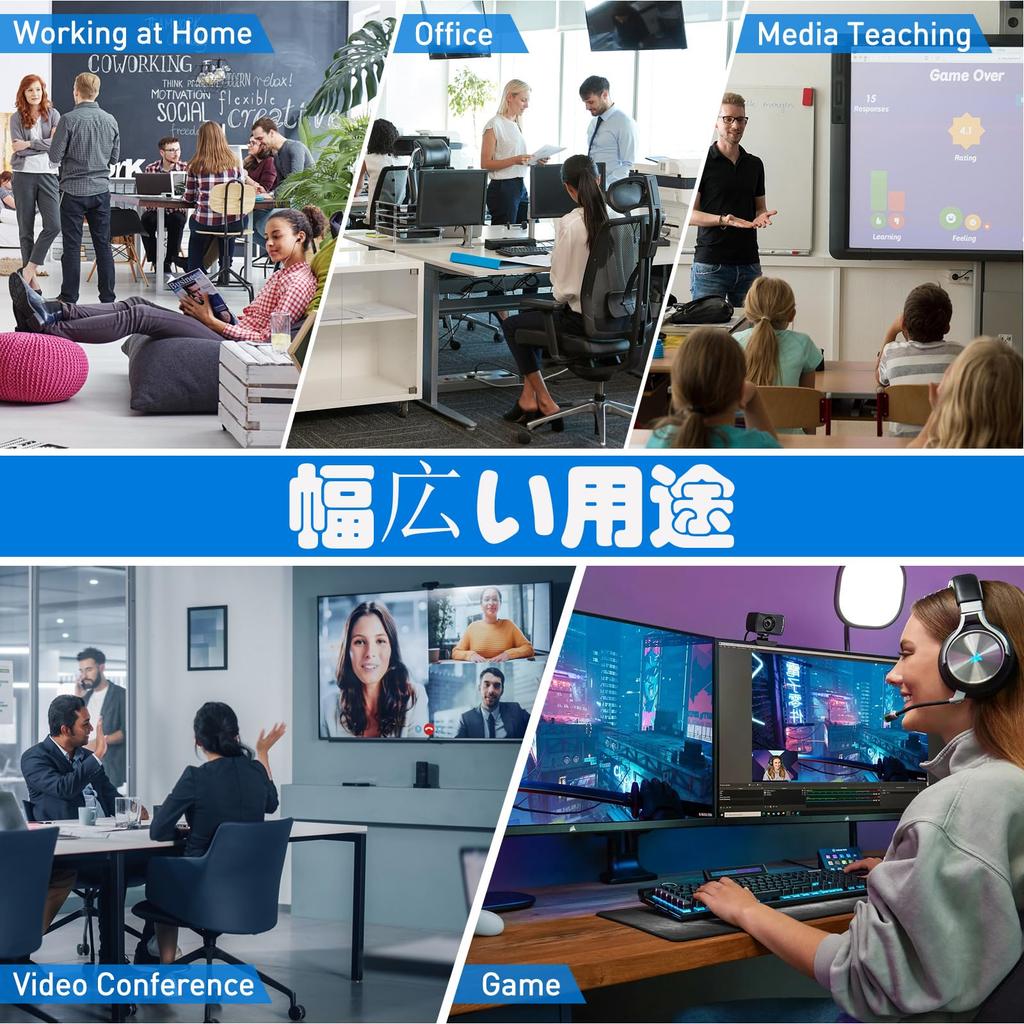
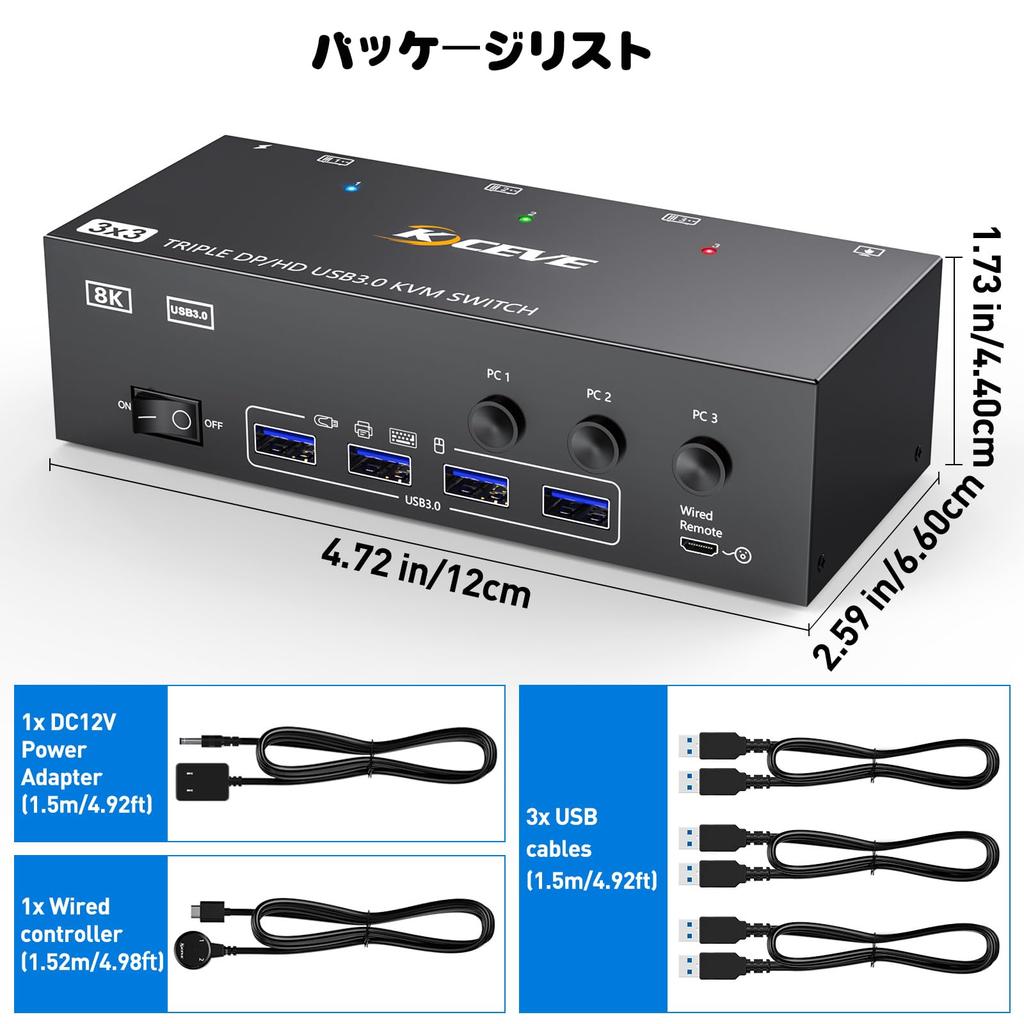
【Triple Monitor KVM Switch】This KVM switch with two DisplayPort 1.4 + HDMI 2.1 and USB 3.0 ports allows you to share three monitors and four USB 3.0 ports (keyboard, mouse, and other USB devices) across three desktops/laptops. It helps organize and streamline your workspace, making it an ideal choice for working from home. ▲▲▲Note: You can only share three monitors across three PCs using this KVM if your computer supports three displays or multi-display setups.
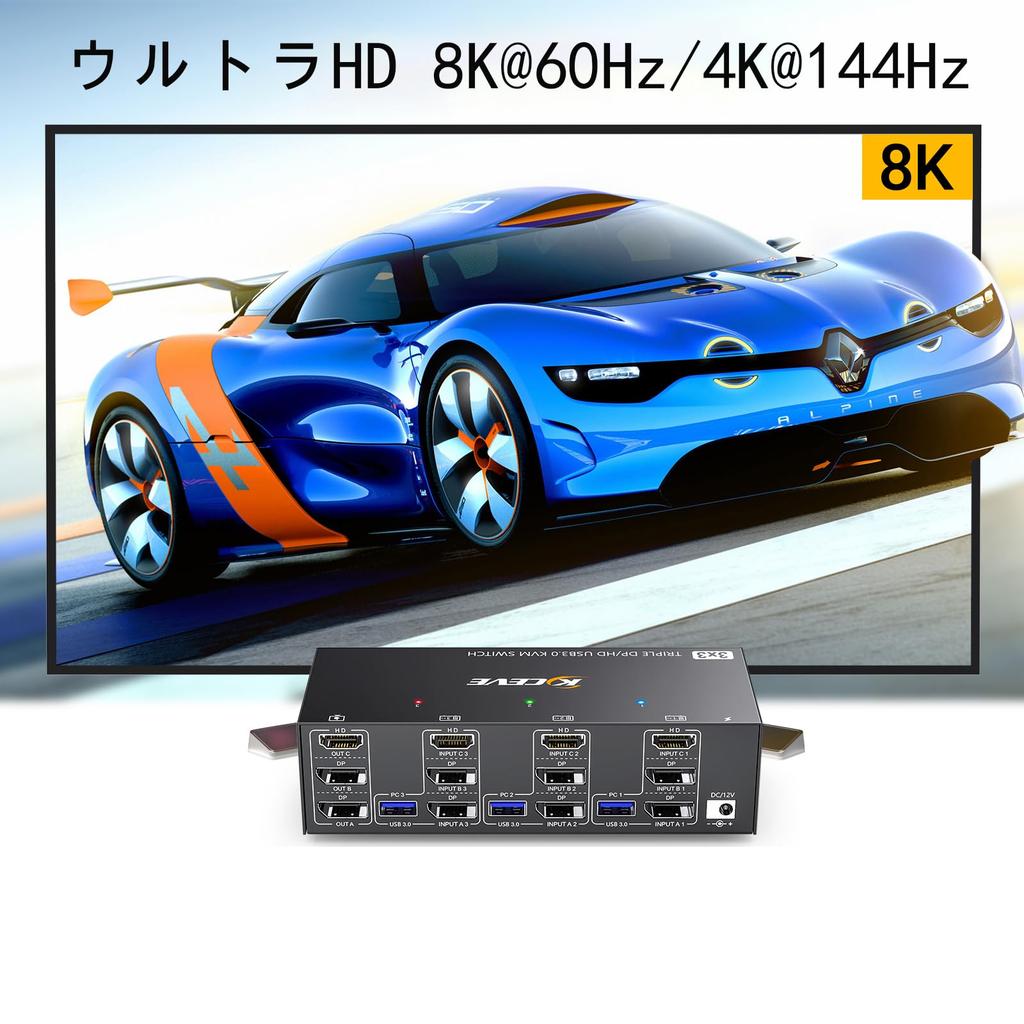
【UHD 8K@60Hz/4K@144Hz】The triple monitor KVM switch supports resolutions and refresh rates up to 8K@60Hz/4K@144Hz. However, please note the following: 1. The HDMI port supports 8K@60Hz, 4K@120Hz, and 4K@60Hz, and is backward compatible. 2. The DisplayPort port supports 8K@30Hz and 4K@144Hz, and is backward compatible. ✔✔✔Note: Please use HDMI 2.1 or DP 1.4 cables. The shorter the cable, the more effective it is, as long as the setup distance allows.
[3-Monitor KVM Switch with 4 USB 3.0 Ports] This triple-monitor HDMI + 2 DisplayPort KVM switch features four USB 3.0 ports that can recognize USB devices such as keyboards, mice, printers, and scanners. USB 3.0 offers data transfer speeds of up to 5Gbps, while USB 2.0 only offers 480Mbps.
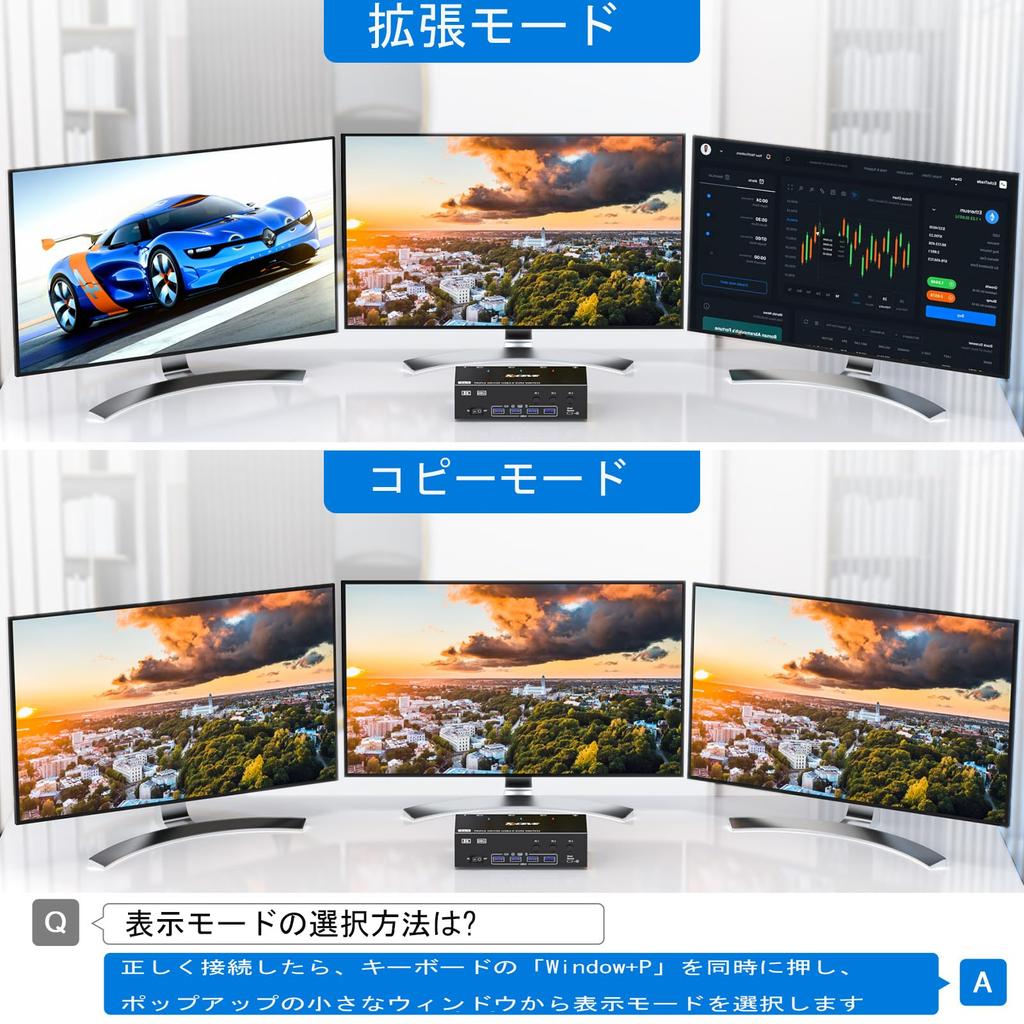
[Extended Mode and Copy Mode] The triple-display KVM switch requires two DP+HDMI connections per computer. Also, for computers with dedicated or integrated graphics cards, both DP+HDMI ports must be present on the dedicated graphics card. However, most computers, especially laptops, do not have dual DP+HDMI ports, so a reliable adapter or docking station is required. ★★★Note: ✔1MAC M1/M2 only supports one external display and does not support multi-screen output. ✔2MST multi-screen docking station requires a computer CPU that supports 11th generation or later.
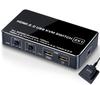
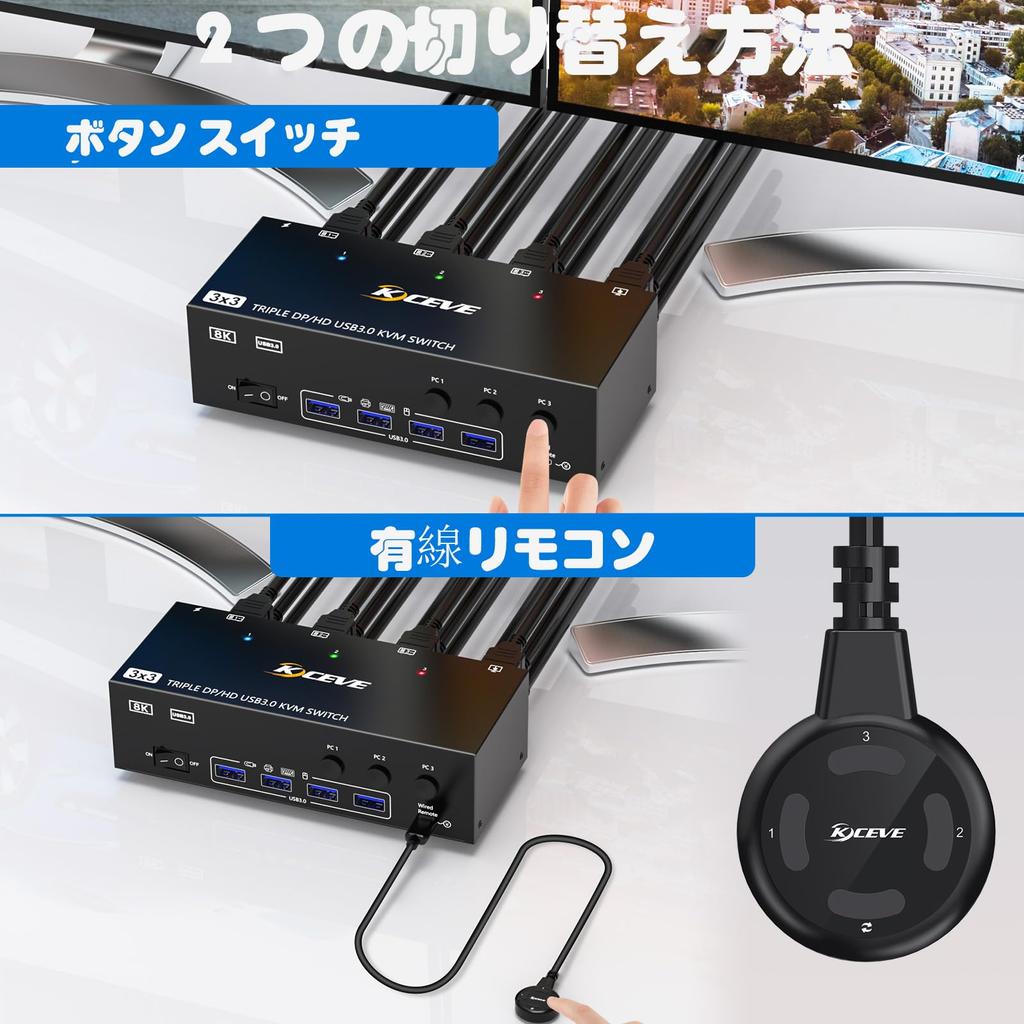
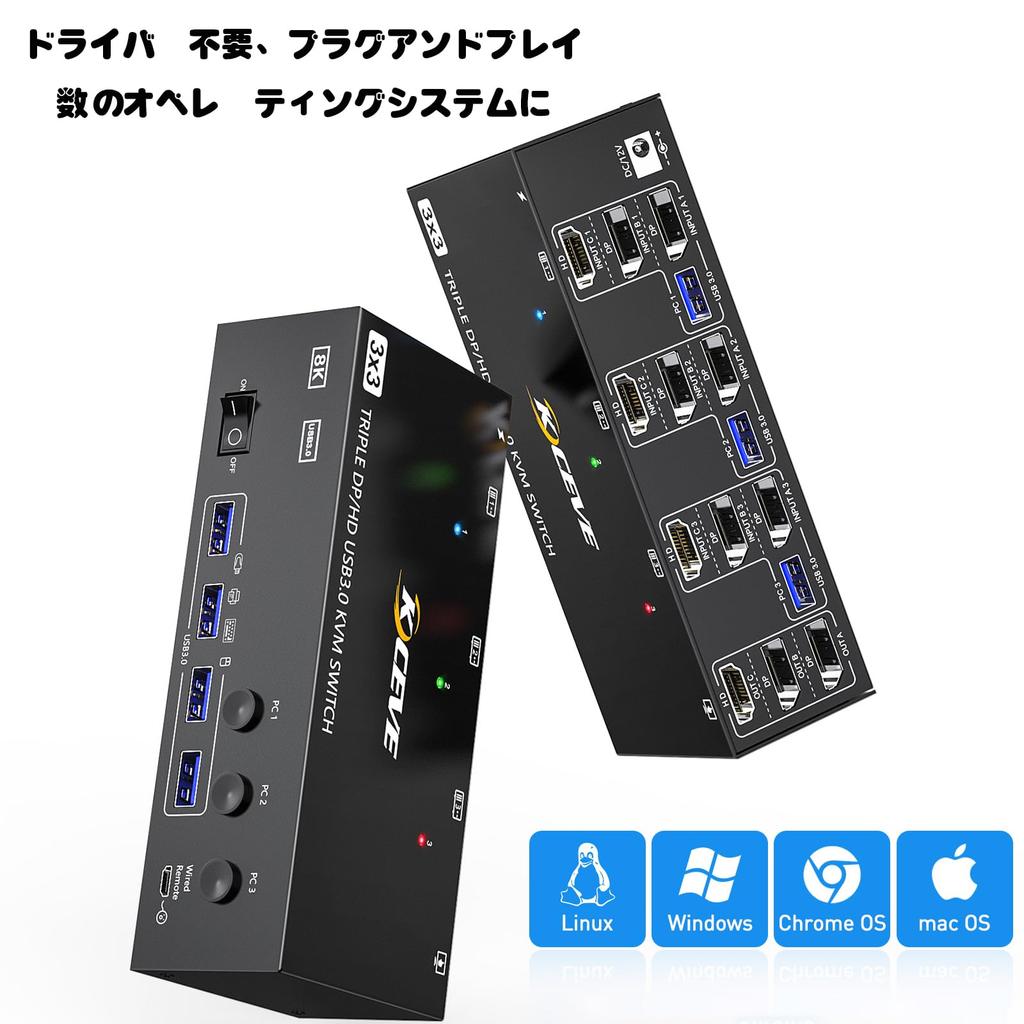
【Compatibility and Two Switching Methods】The AOOCOO Triple Monitor KVM Switch is plug-and-play and requires no drivers. You can switch between computers by pressing the buttons on the panel or using the wired remote control (included in the package). Three colored lights indicate the active computer.


 No-delivery refund