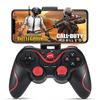
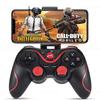
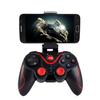
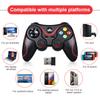
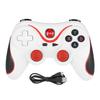
Battery Included : Yes
High-concerned chemical : None
Trigger Button Type : Non-Linear
Package : No
Interface Type : Bluetooth
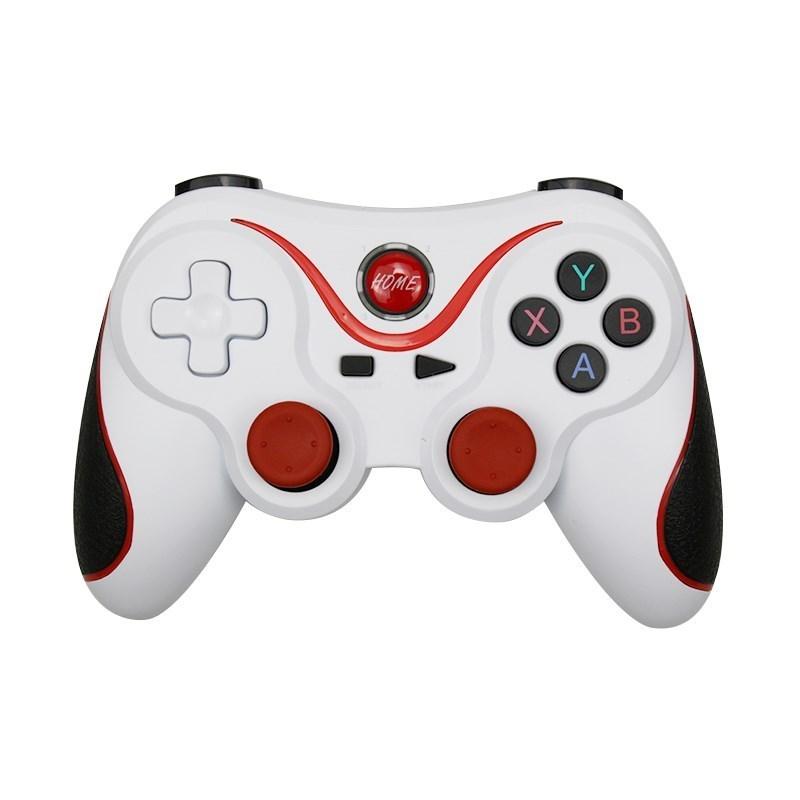
Model Number : For Terios t3+
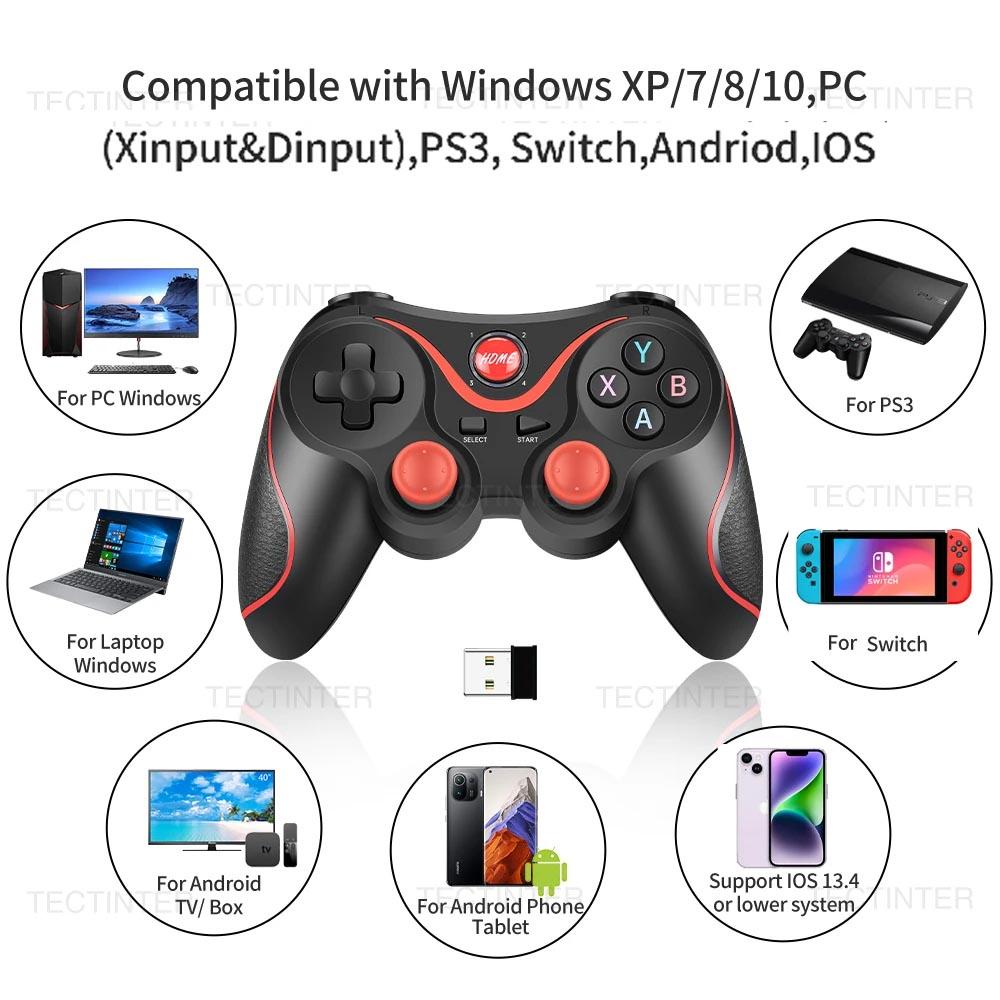
Compatible Nintendo Model : Nintendo Switch
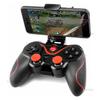
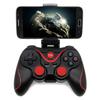
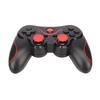
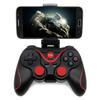
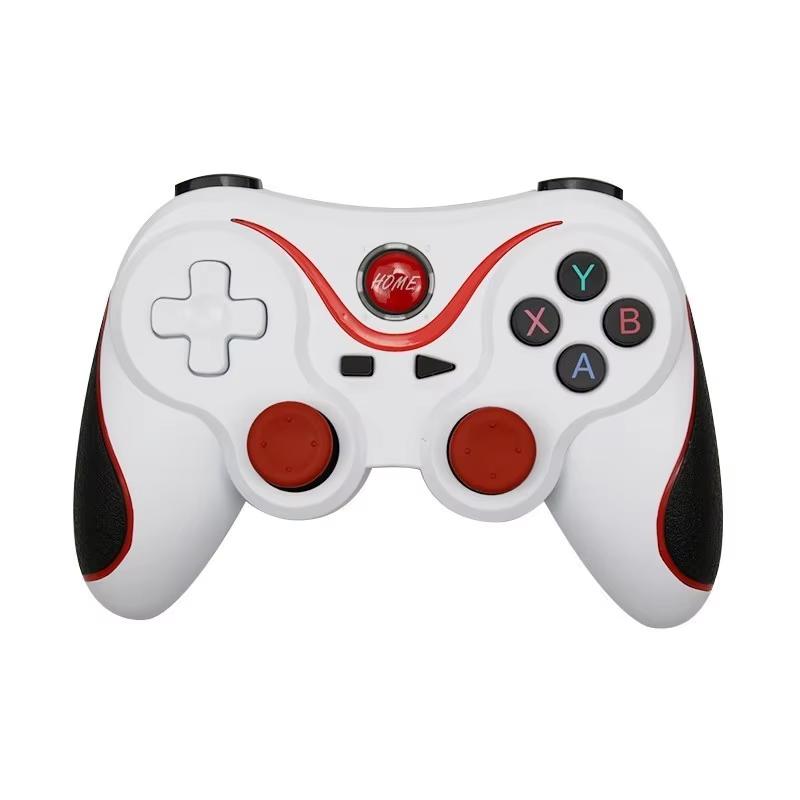
Type : Gamepads
Q:How to use the controller to play games on the phone?
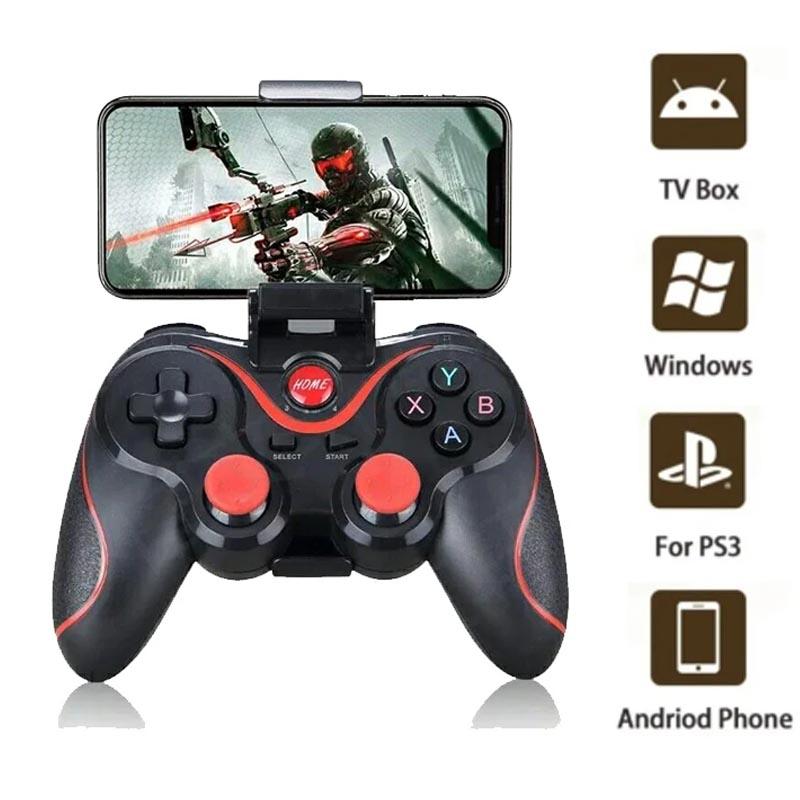
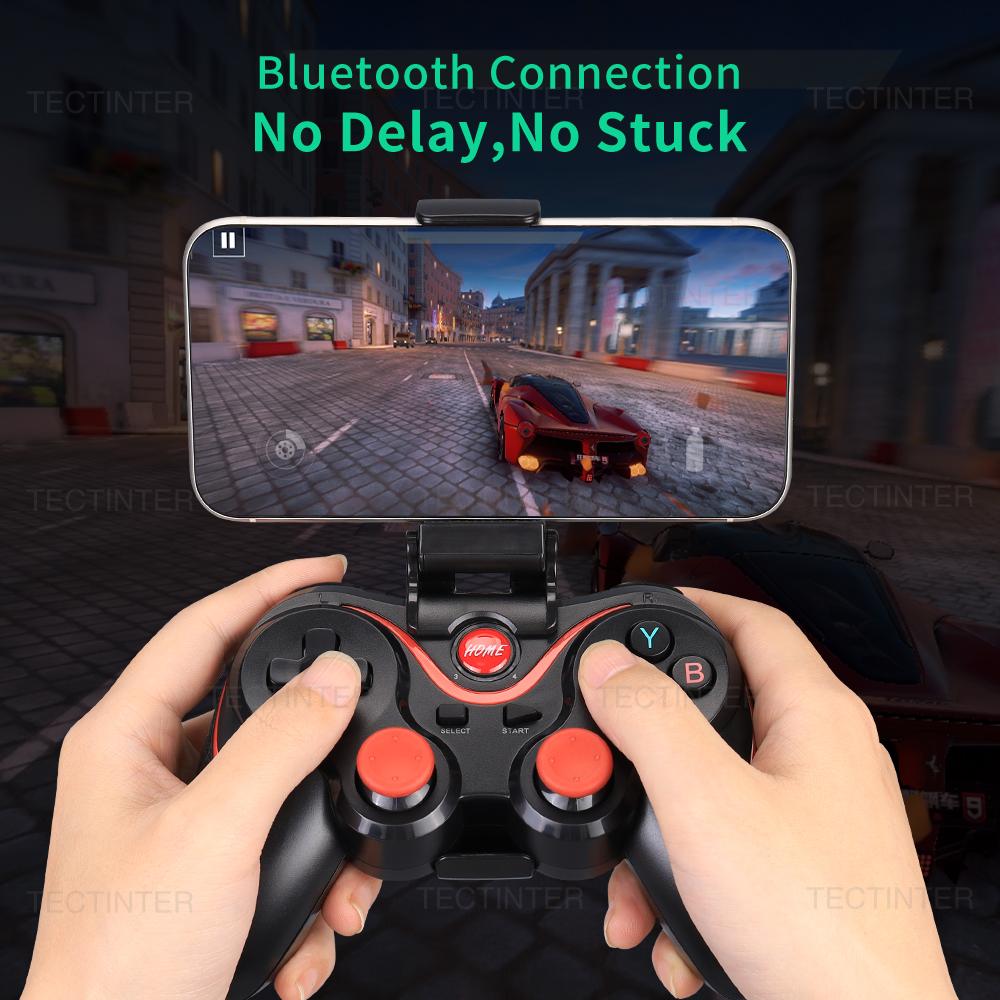
A:First, you need to search for ShootingPlus V3 in the app market or Google Play Store for download,then,open the V3 app, add the game you want to play into V3, finally open the game to set up the key mapping, Save the settings.
Q:Why the controller can't play XXX games?
A:These games themselves do not support our game devices. You need to download a third-party handle button mapping tool, or download the corresponding game through the handle game platform APP in order to play with the handle. Each country has its own more suitable handle game platform APP, please Google it yourself.
Q:Why the controller can't charge?
Q:How to test whether the handle works normally?
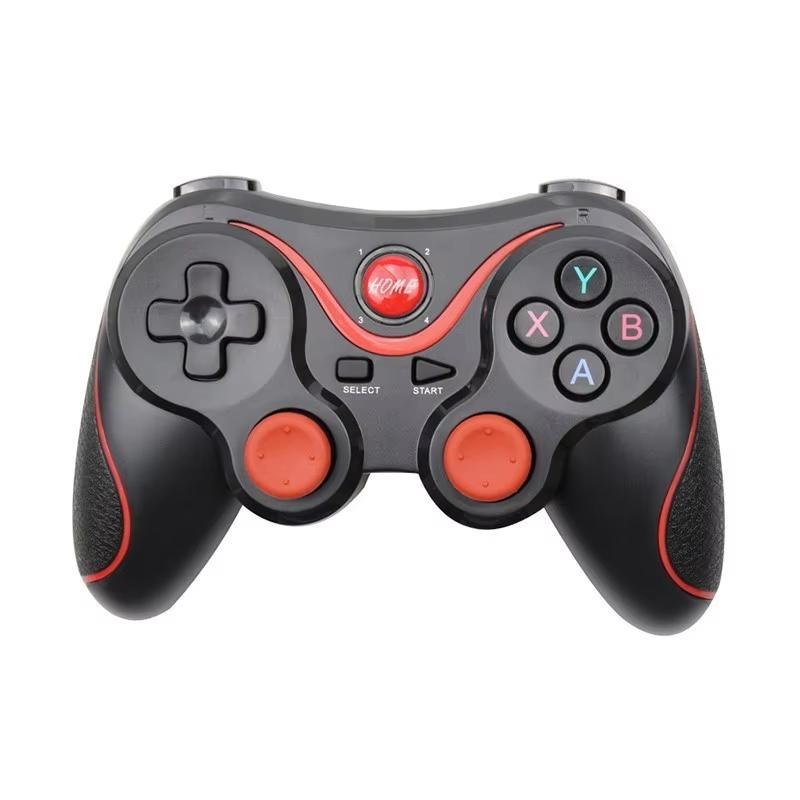
A:You need to connect to a computer for detection. After connecting to the computer, open [Device and Print], find the icon of the game controller in the [Device] column, right-click, select [Game Controller Settings] in the menu, and then click the [Properties] button , Under the [Test] tab, we can test whether the buttons of the handle work normally.
Q:Can this controller be used for PUBG, Fortnite,Free Fire and so on?
A:You need to download a third-party handle button mapping tool program to control, such as (http://www.happychick.hk/). Each country has its own more suitable program, please Google it yourself.
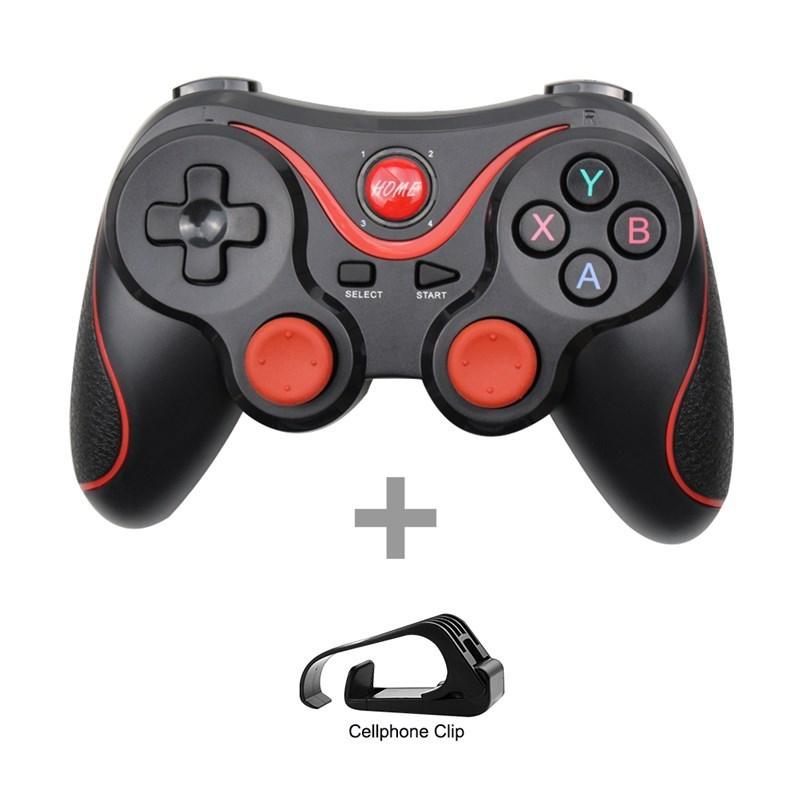
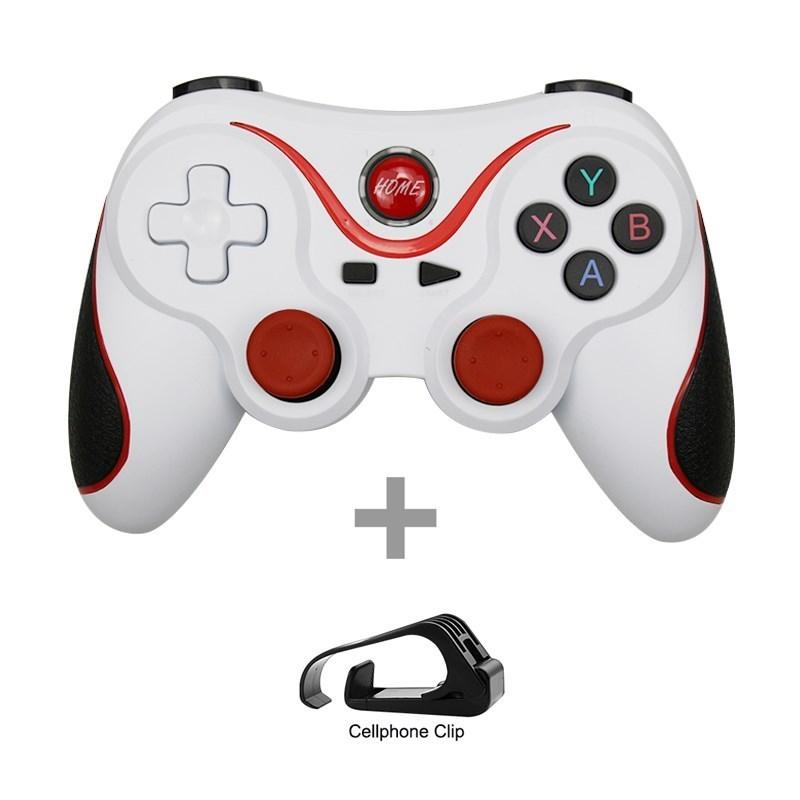
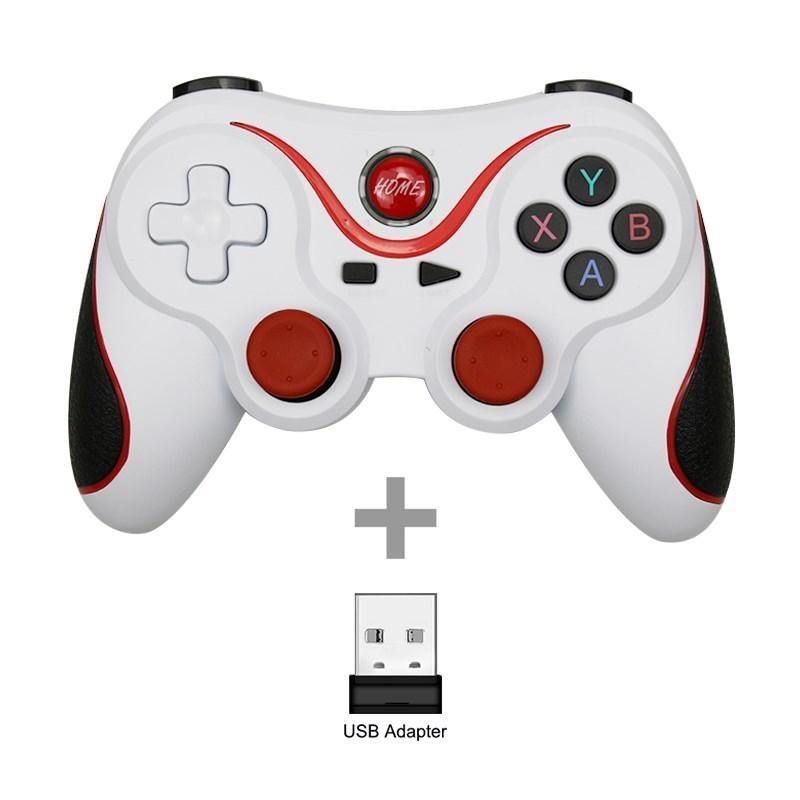
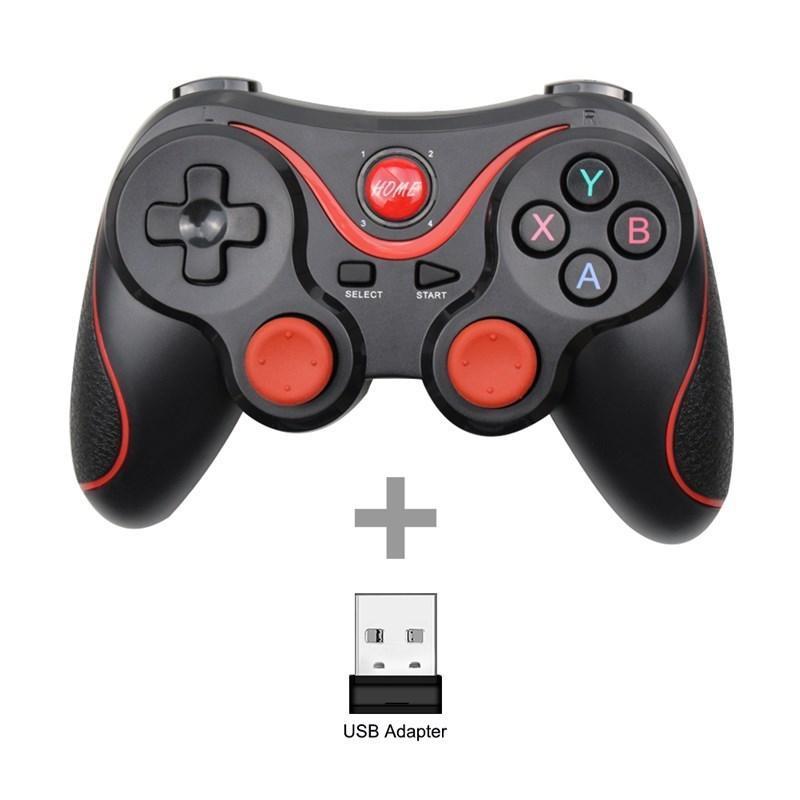
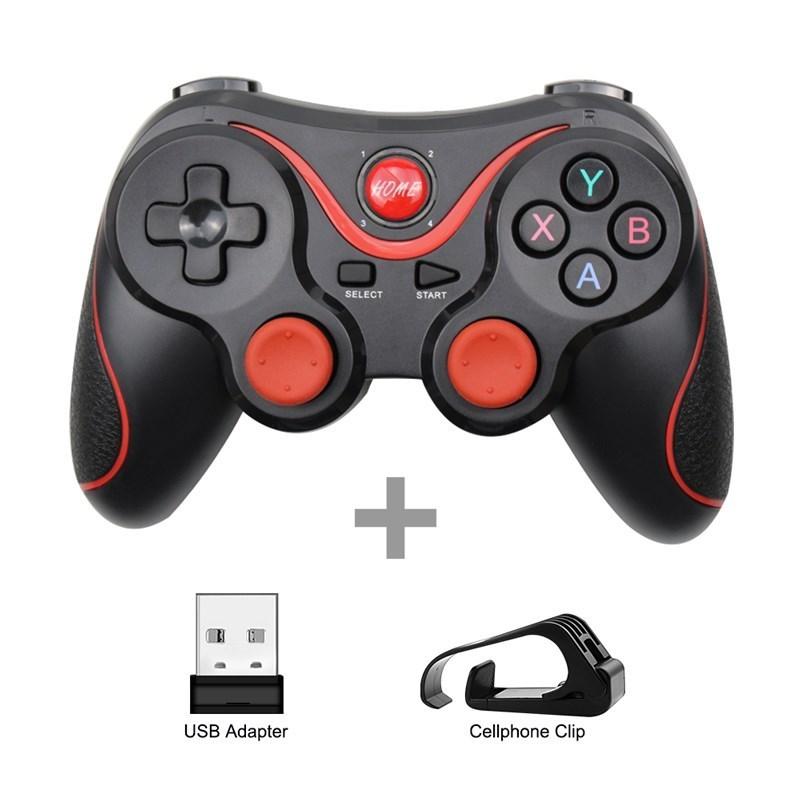
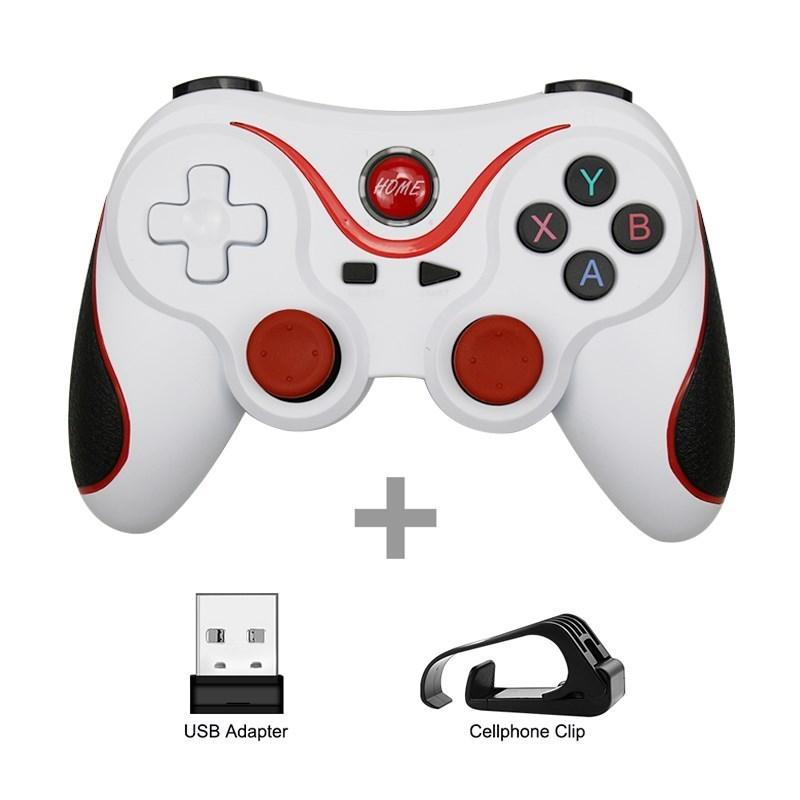
Q:Why i only receive a controller,no adapter or holder?
Notice:
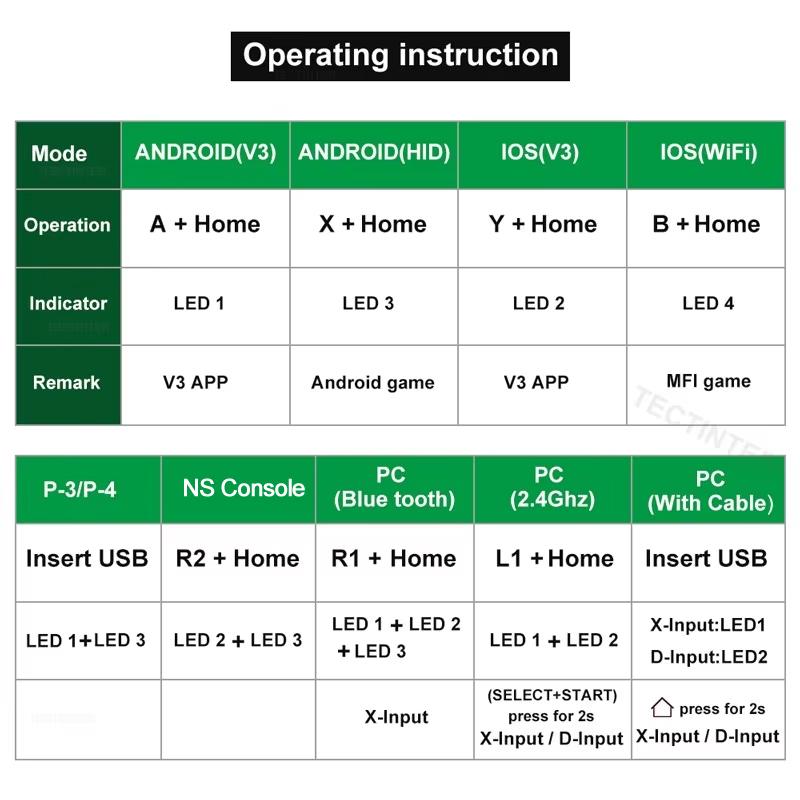
PC or TV box: Insert receiver in to USB port, In the condition of controller off,hold on pressing Select + Home key for 5 seconds,it will be automatically connect. cable connection,hold on START button can directly connect to computer via usb cable.
Label:Yes


 No-delivery refund