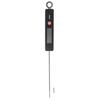
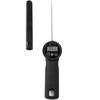
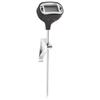
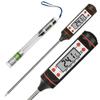
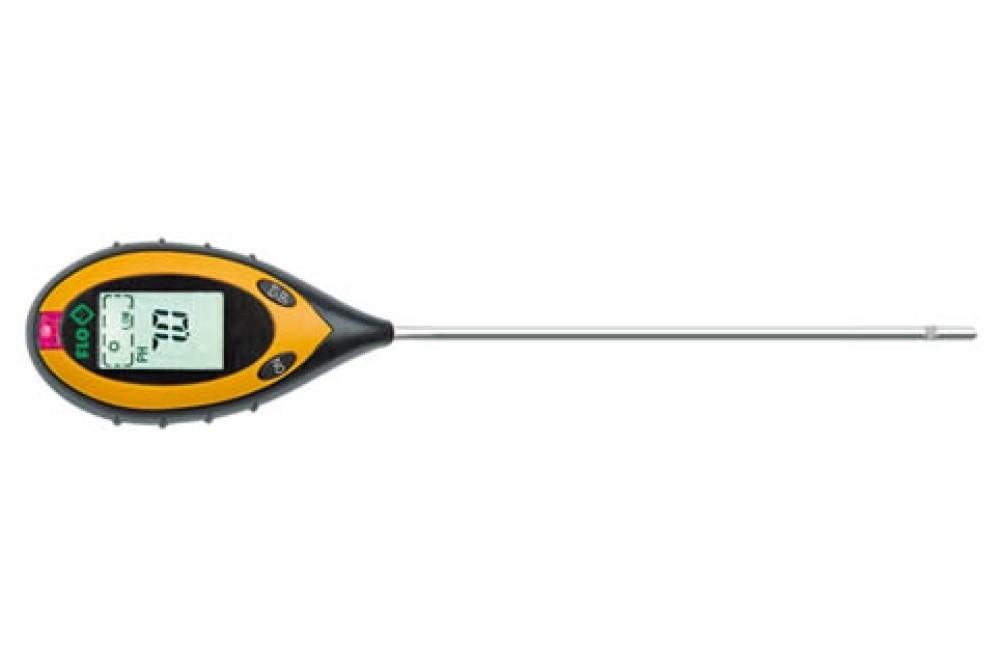
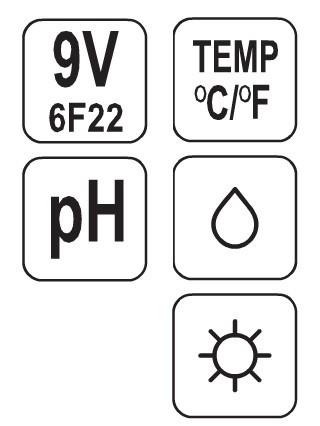
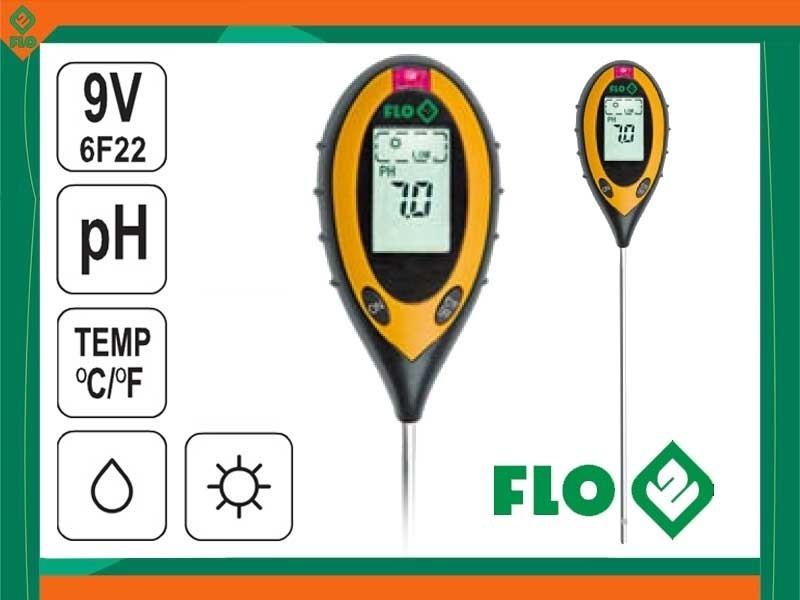
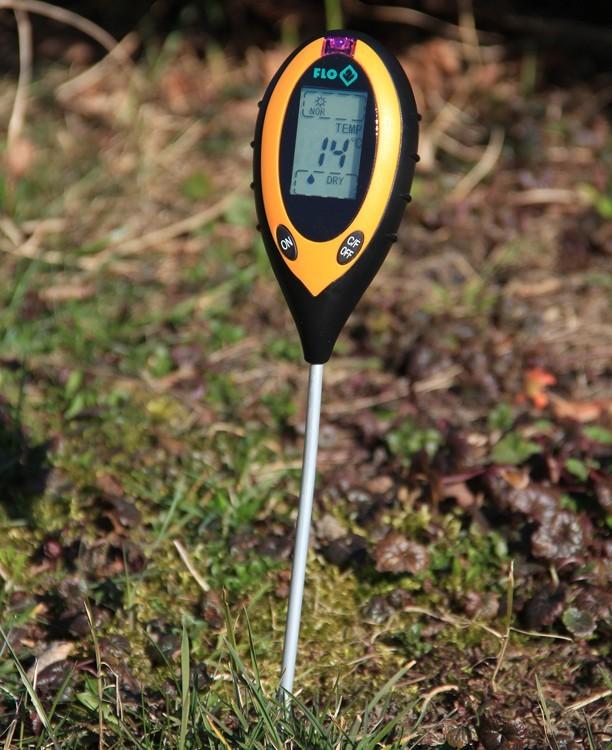
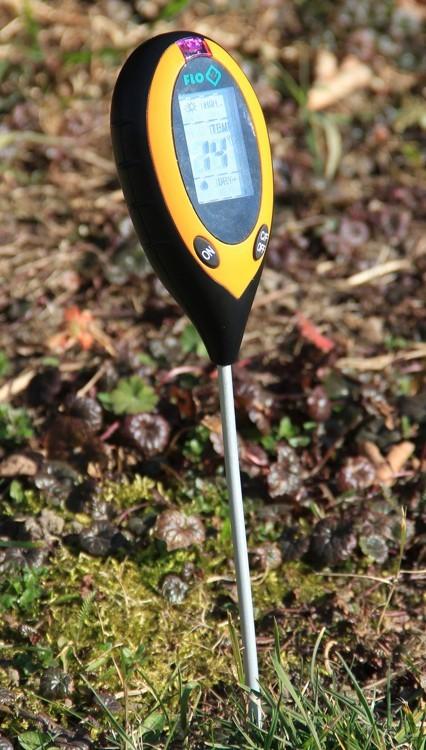
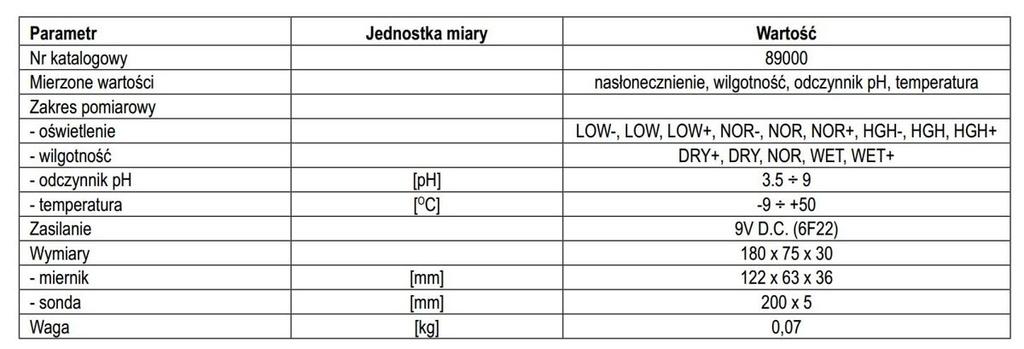
The garden meter measures four values:- soil moisture,- soil pH,- soil temperature- light intensity.
The meter is equipped with a 20 cm probe and a clear LCD display for easy measurement and reading. If the probe is not inserted into the ground, the ambient temperature will be displayed. The device has an automatic shut-off function, which affects battery life.How to useMeasuring IlluminanceTurn on the meter and point the light meter window towards the light source. The display will show the illuminance level.
LOW- indicates the lowest value, HGH+ indicates the highest value.
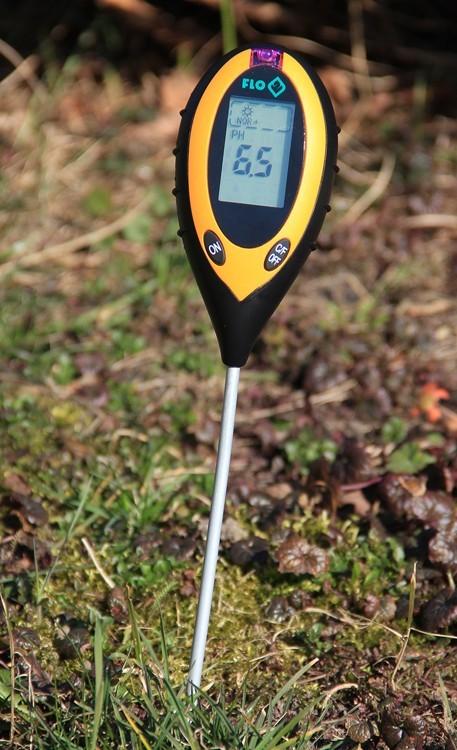
Measuring Soil pHSet the switch on the back of the housing to the pH position. Insert the probe gently and vertically into the soil. Turn on the device. The pHwill be shown on the display. Take several measurements to obtain a more accurate result.
A pH reading of 7 indicates neutral soil. A reading below pH 7 indicates acidic soil, whilea reading above pH 7 indicates alkaline soil. The display "Lo" or "HH" indicates that the soil is outside themeasuring range.
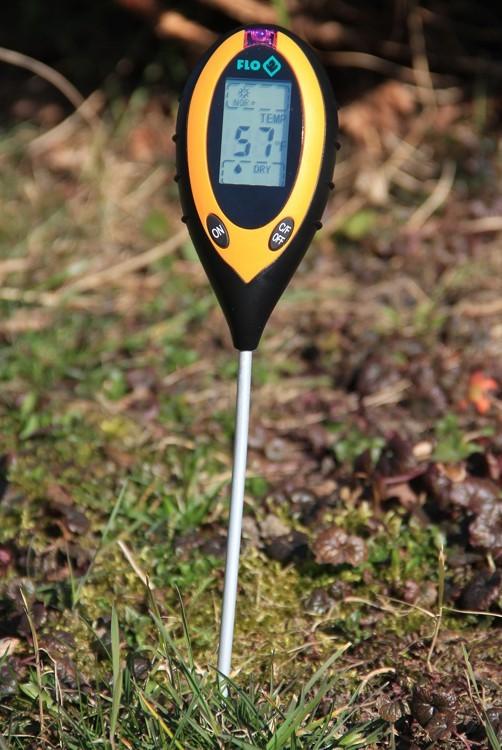
Soil Moisture MeasurementSet the switch on the back of the housing to the OC position. Gently insert the probe vertically into the soil. Turn on the device. The measurement result will beshown on the display. Take several readings to obtain a more accurate reading. DRY+ indicates very dry soil, WET+ indicates very wet soil.
Temperature MeasurementThe temperature measurement will be displayed along with the moisture measurement. If the probe is not inserted into the ground, the ambient temperature will beshown. The display "Lo" or "HH" indicates that the measurement is outside the measurement range.


 No-delivery refund