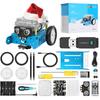
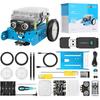
【Kids Electric Robot Toy】Designed to make learning electronics, robotics, and programming fun, the mBot robot kit is an excellent educational robot toy. A beginner-friendly STEM project for children aged 8 to 12, it helps kids learn programming step-by-step through interactive software and learning resources.
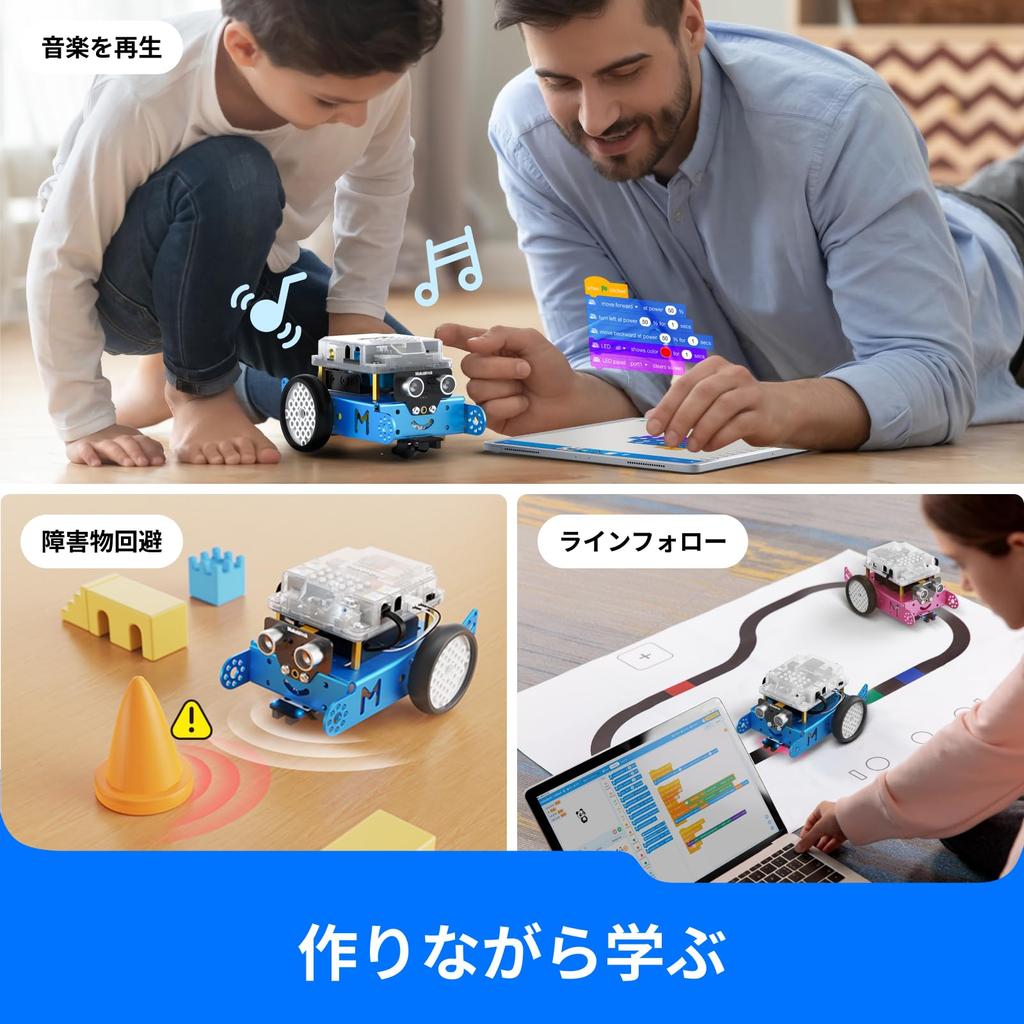
[Easy-to-assemble robot] The mBot Kids Electric Robot Kit can be easily assembled in under 15 minutes using only screws. Children will learn more about electronics, mechanics, and robot parts by building this robot kit. It can also be played as a remote-controlled car with multiple functions such as line following and obstacle avoidance, making it a great STEM project for children aged 8 to 12. Please note that the remote control requires a CR2025 battery (sold separately), and the robot requires four AA batteries (sold separately).
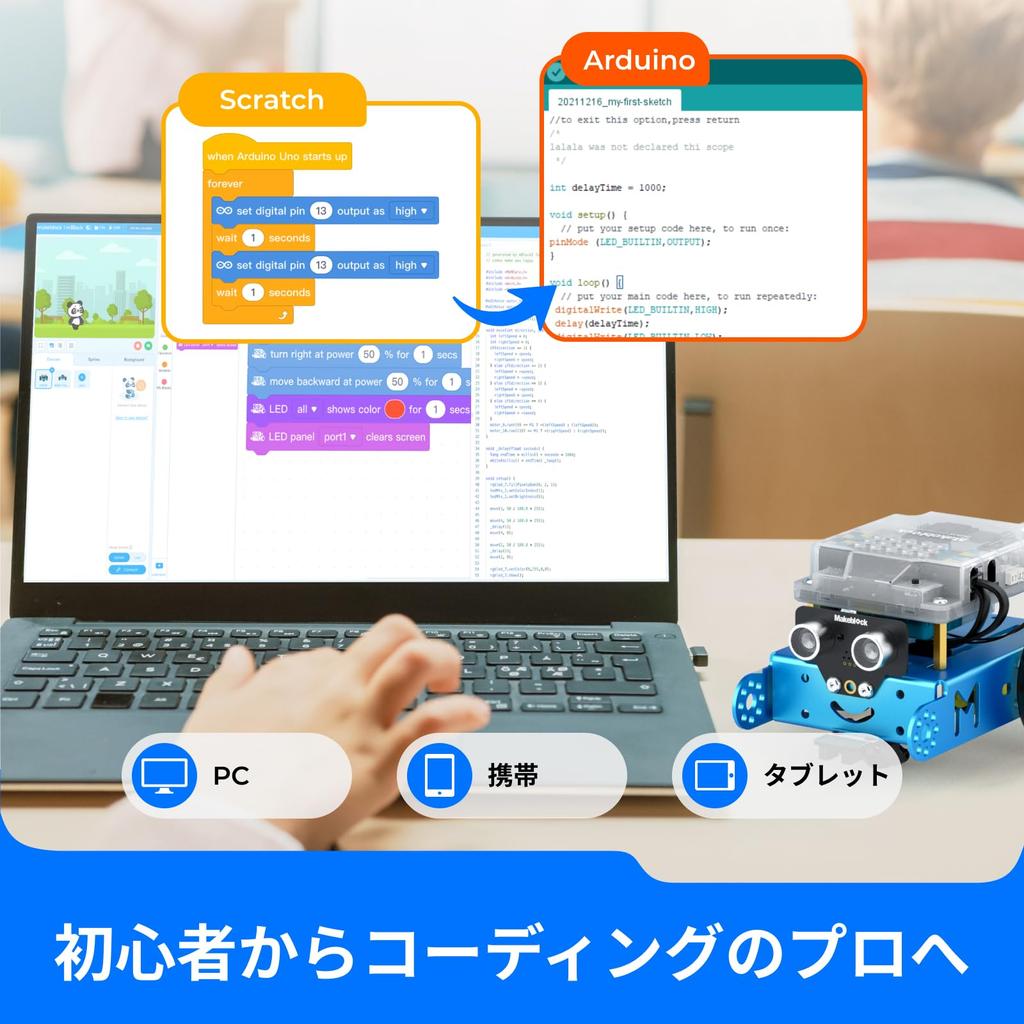
【Abundant Programming Tutorials】 Makeblock offers a wealth of tutorials available through both its online community and coding cards. Combined with three free Makeblock apps and mBlock software, kids can enjoy remote control, programming games, and programming with the mBot robot kit. It's easy for your child to start coding with mBot. The app is available in Japanese.
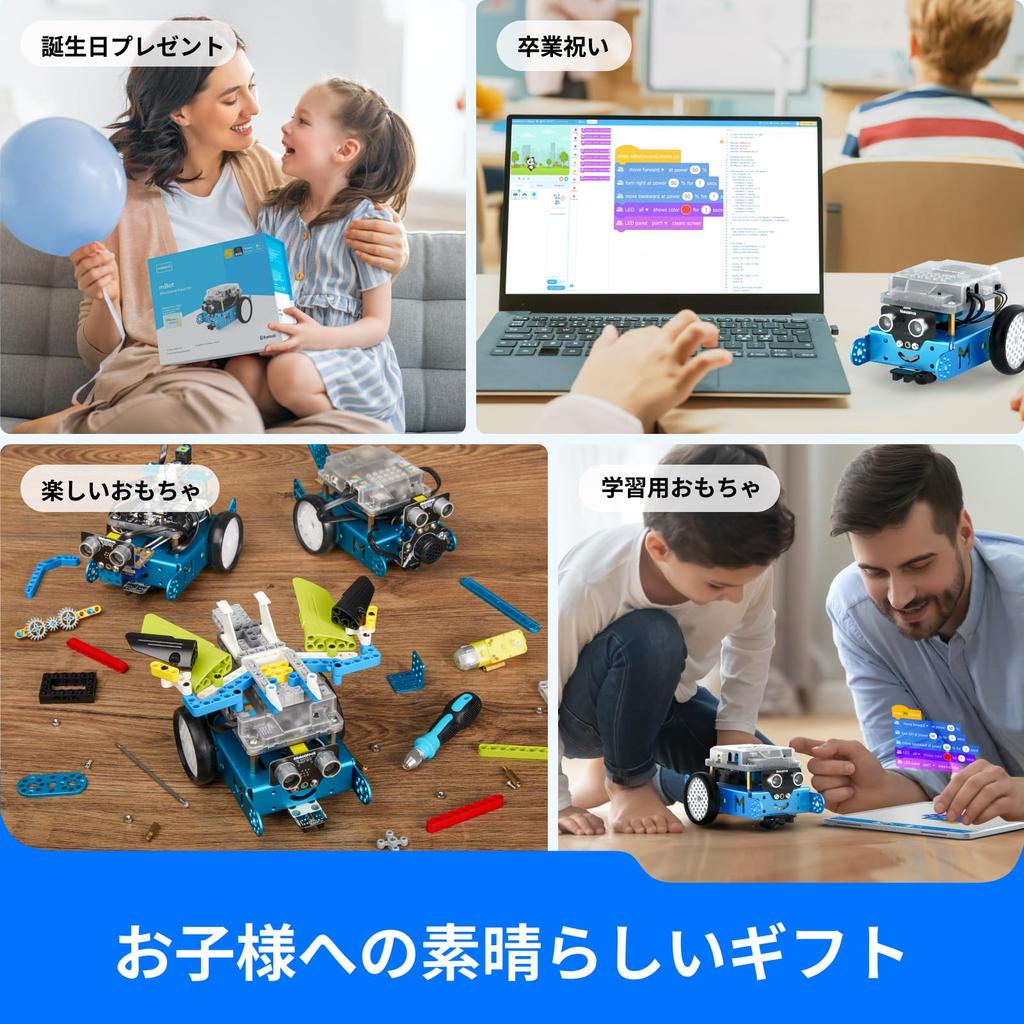
[A Great Gift for Kids] Amaze your little ones with this super cool robot kit and let them discover the secrets of programming and electronics. This well-packaged robot kit is a great learning and educational toy gift for boys and girls' birthdays. Perfect for Children's Day, Christmas, holidays, summer camp activities, back to school, or just having fun at home.
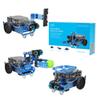
[Creative Robot with Add-on Packs] Built on an open-source system, this programmable robot supports a wide range of add-on packs. The Makeblock mBot STEM toy can connect to over 100 electronic modules and over 500 parts on the Makeblock platform. Customize your mBot! Note: The included instructions and assembly manual are in English. If you would like Japanese electronic files, please download them from the product page or contact customer service.
Makeblock mBot is an easy-to-use robot for children.
Children can assemble the kit and then carry out all kinds of projects and activities.
exterior
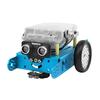
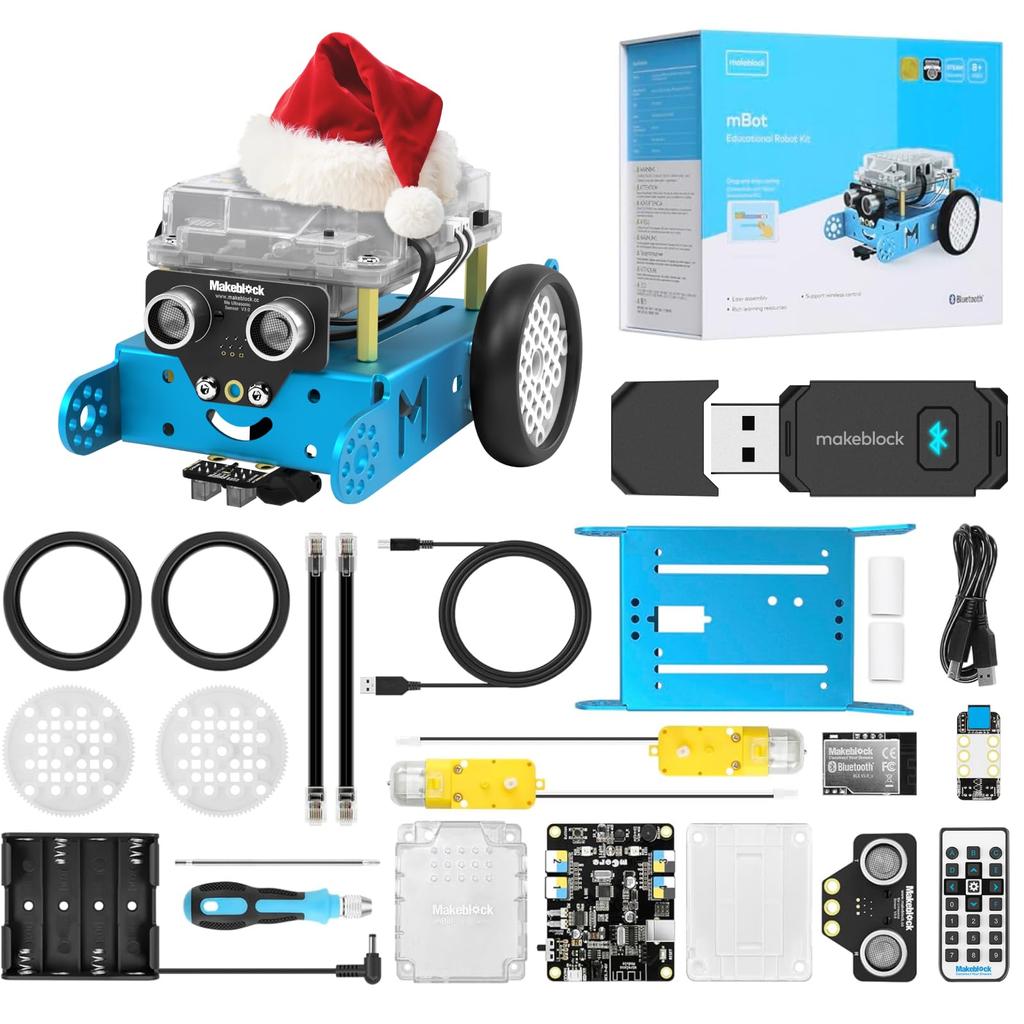
With its front-mounted ultrasonic scanner "eyes" and a small smiley face etched onto the front of its robot chassis, mBot has a friendly appearance that makes it easy for children to spot. It's not intimidating, but rather charming and cute.
Function Description
mBot is a robot toy for children.
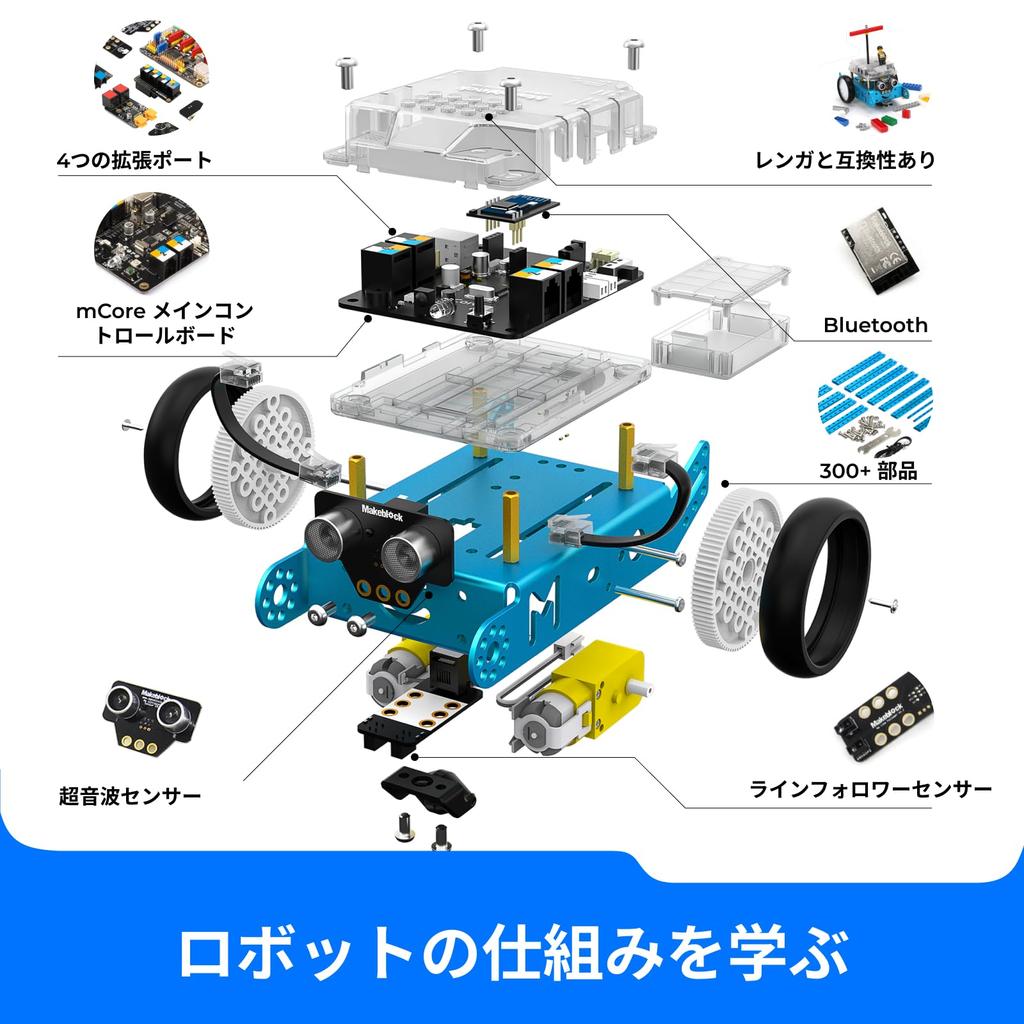
It centers around the popular open-source electronics platform, the Arduino circuit board, and is almost a blank slate for kids to work with. Several sensor modules are built in, including a light sensor, IR receiver, ultrasonic sensor, and line-following sensor.
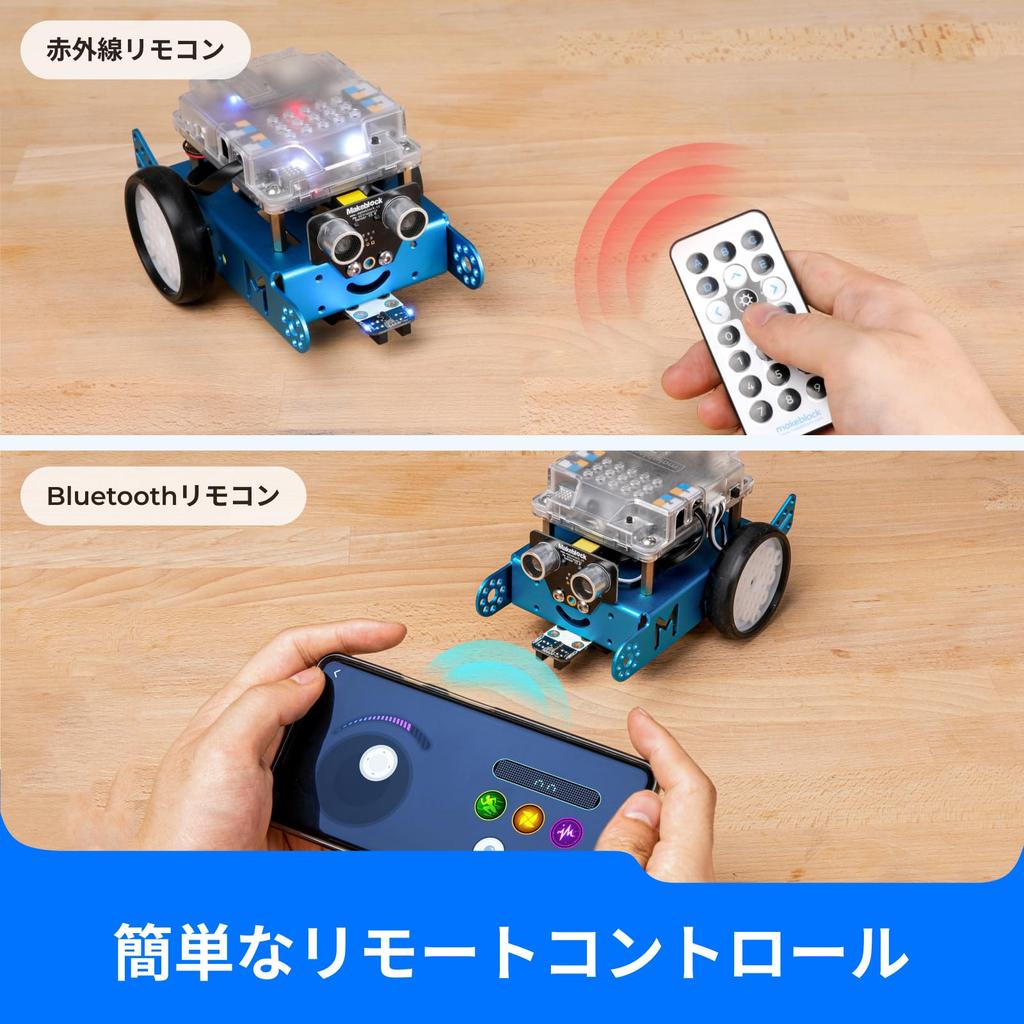
In other words, right from the start, your child can create numerous programs related to collision detection, object avoidance, and line following, and play using the included infrared remote control.
Another advantage is that the robot's parts are compatible with LEGO. This means you can integrate LEGO parts into your projects or even put a little LEGO boy inside.
battery
The mBot uses four AA batteries (sold separately).
Age-appropriate
According to Makeblock, mBot is suitable for children aged 8 and up.
While it largely depends on your child's technical abilities and their comfort with electronic devices and machinery, we believe there shouldn't be any major problems for children aged 10 and older.
Building an mBot
Overall, assembling the mBot took 15 minutes and wasn't difficult.
The kit includes its own driver, so no soldering or complex electronic work is required.
That being said, assembling the mBot requires screwing things together, attaching parts, and all sorts of fiddling. There are modules that can be accidentally damaged and screws that can be lost, so parental supervision is recommended.
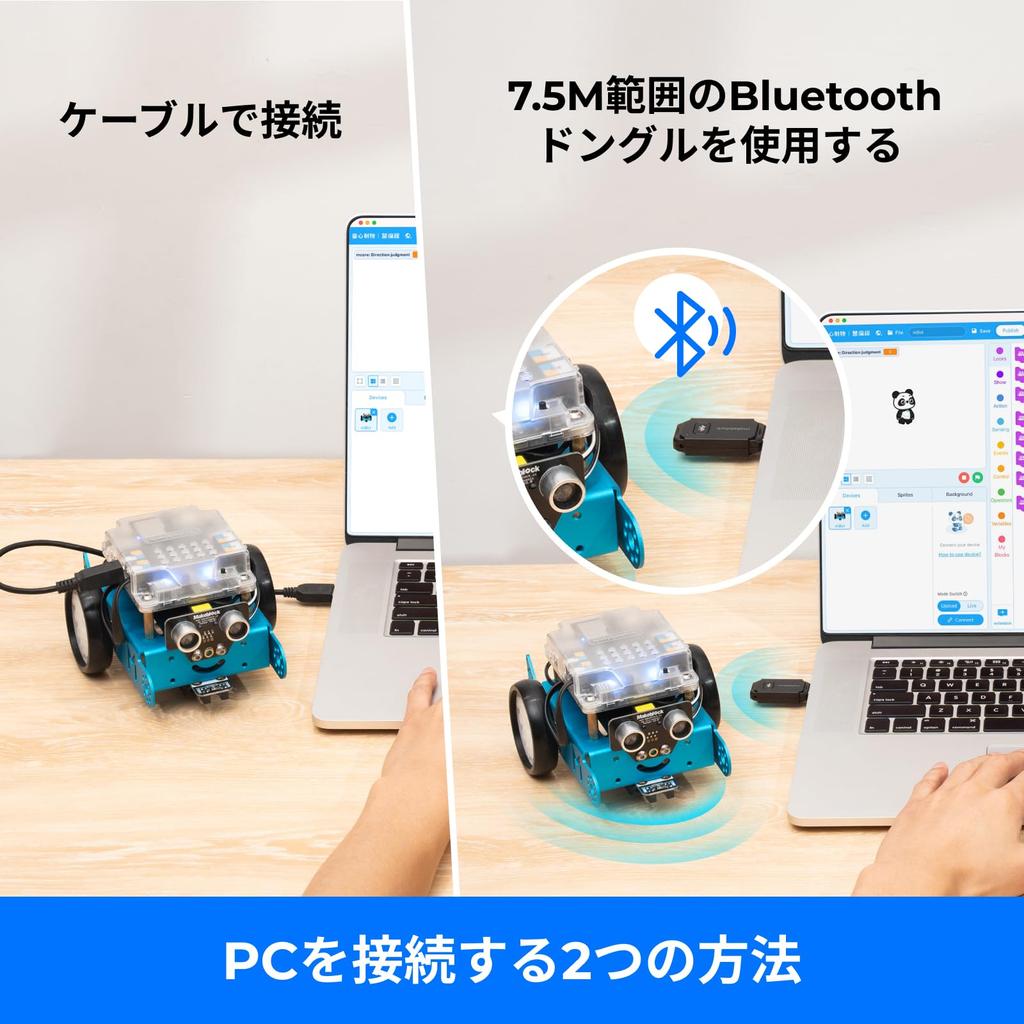
If you want to use a tablet or smartphone, you can use the Makeblock app. It turns your mobile device into a touchscreen controller that communicates with the robot (the new mBot robot) via Bluetooth, allowing you to physically draw the path the mBot will take.
If you have any problems, please do not hesitate to contact us.
Please note: The instruction manual and assembly instructions included with the product are in English. If you require Japanese documentation, please download it from the product page or contact customer service.




 No-delivery refund