Voltage Compatibility】
When using electrical appliances, please note that they are designed for Japanese voltage specifications (90-110V), so if you use them with a different voltage, it may cause a malfunction.
【Plug Type】
Our products use Japanese plug types (A or B type).
Please use a conversion adapter if necessary.
【Important Note on Transformers and Adapters】
A transformer adjusts voltage to match your device’s requirements.
A conversion adapter only changes the plug shape and does not adjust voltage.
Using only a conversion adapter without a transformer may result in damage to the product.
【Liability】
We are not responsible for malfunctions or damages caused by improper use, such as operating the product without a transformer.
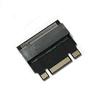
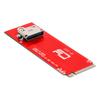
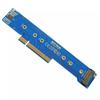
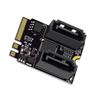
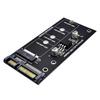
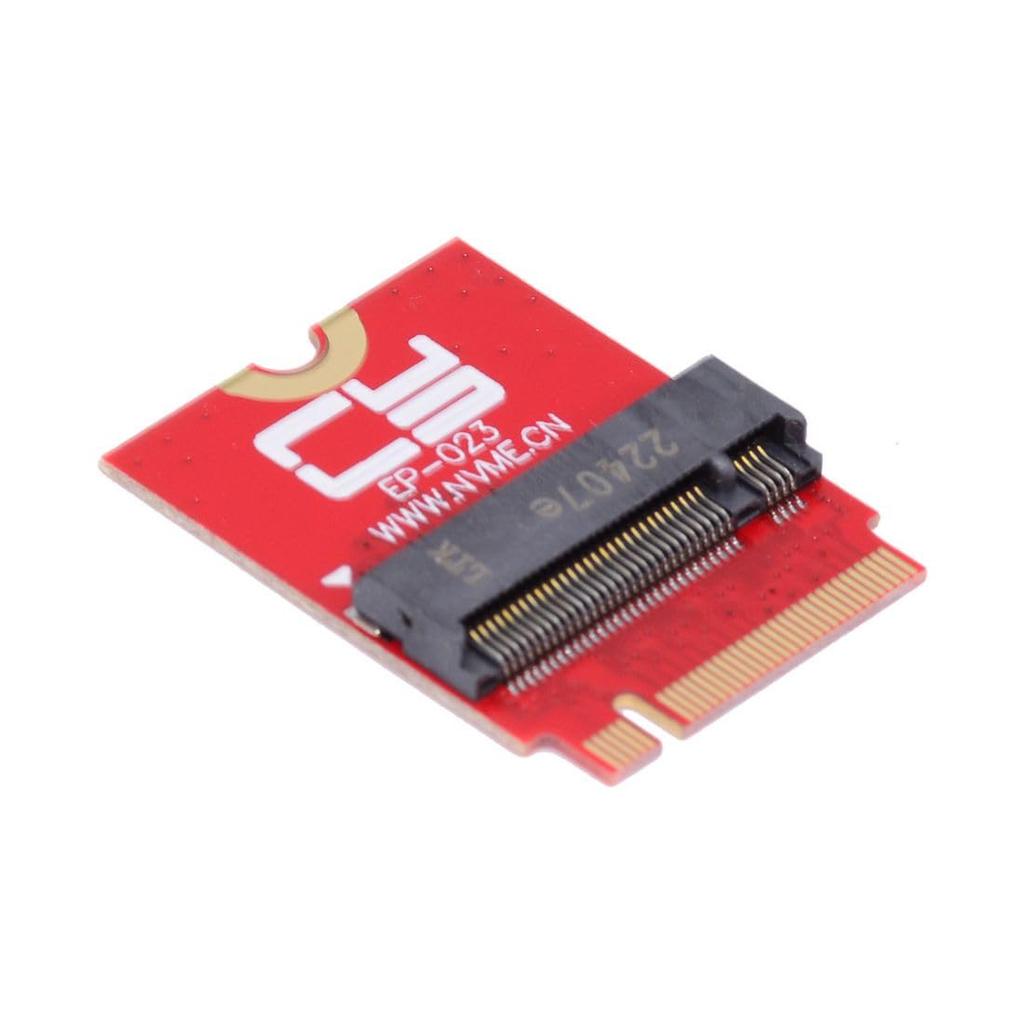
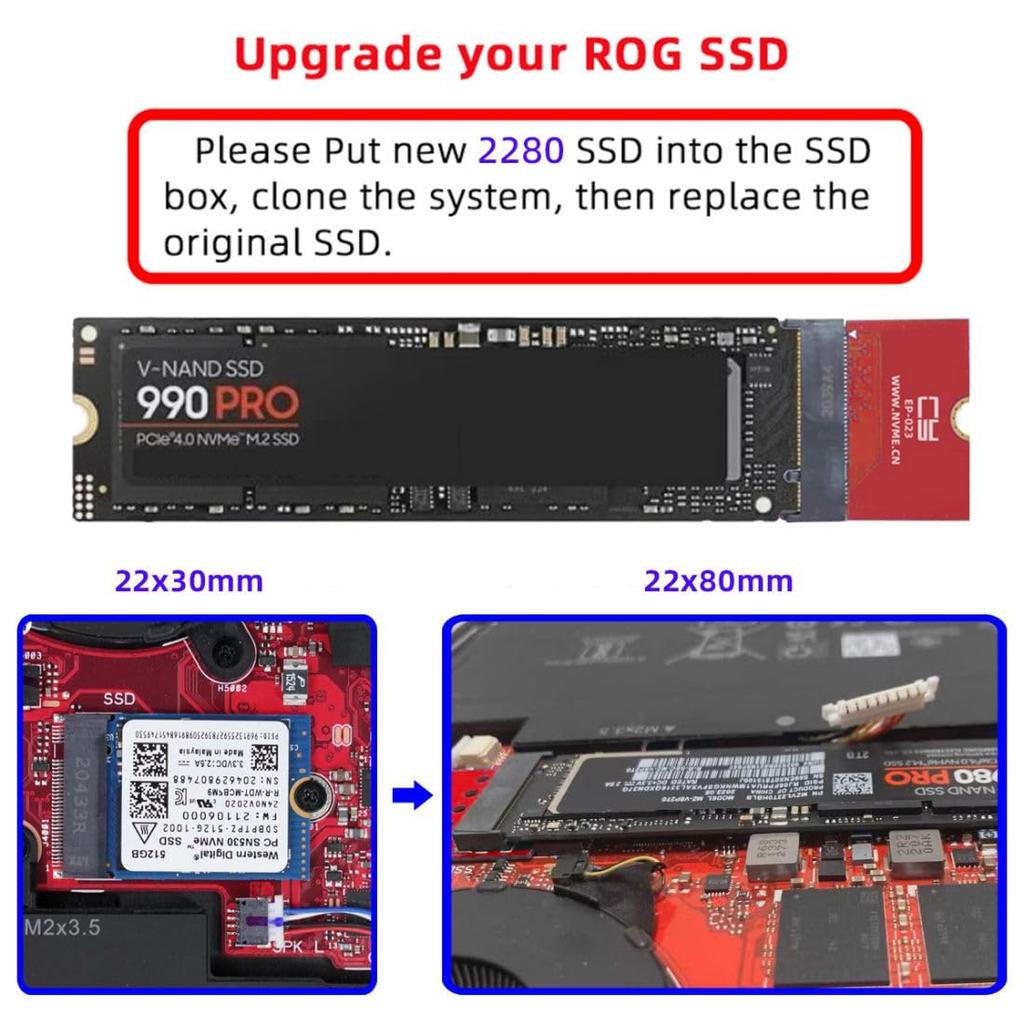
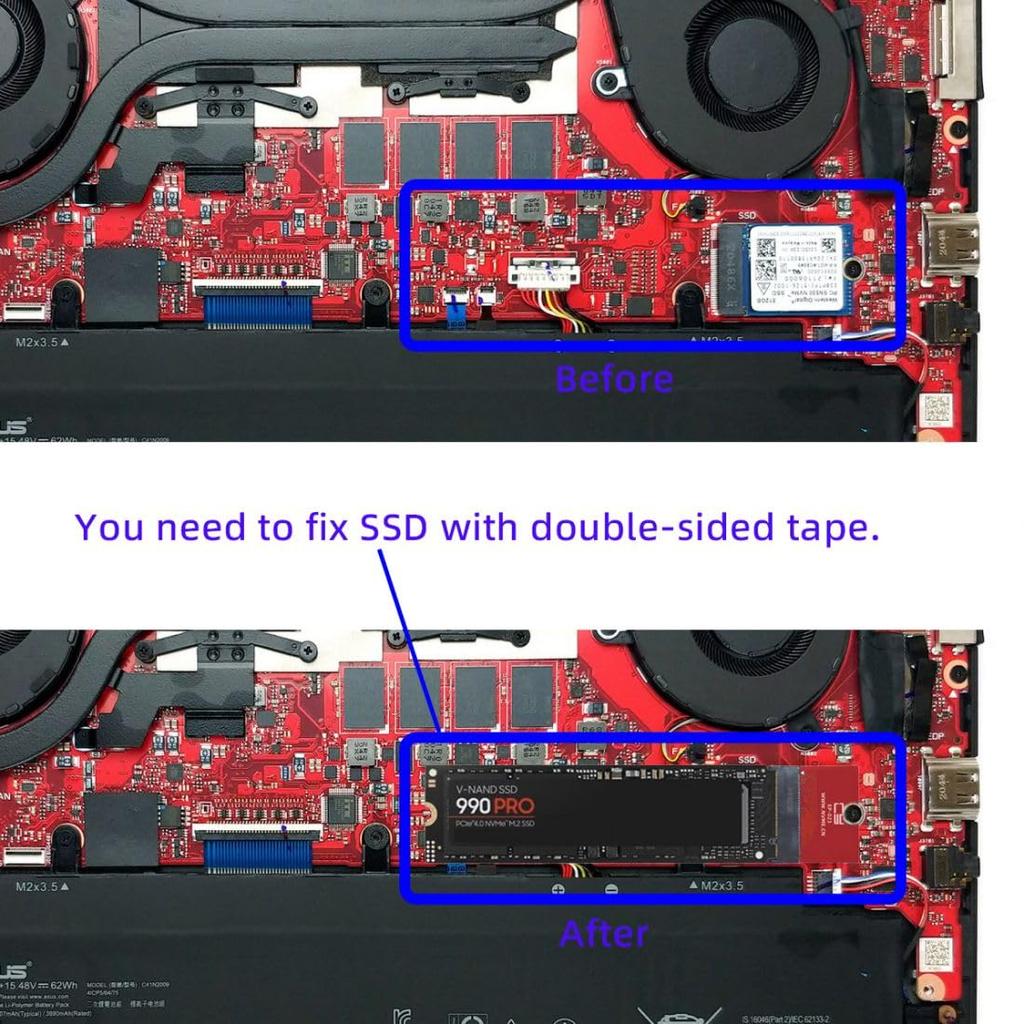
The ROG 2021-2023 Flow X13 Gaming supports 2230 NVMe to 2280 NVMe expansion. It cannot convert NVMe to SATA, nor can it convert SATA to NVMe.
If you've just started collecting handheld game consoles for your laptop and want to expand your storage, or if you're running out of space for your game library.
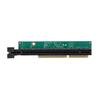
We were able to compress a full-fat 2280 M.2 SSD inside the ROG Ally using our PCI-Express 4.0 x4 adapter.
It's a very simple process, takes only about 20 minutes, and once completed, you can enjoy up to 8TB of space.
Insert the new 2280 SSD into the SSD box, clone the system, and replace the original 2230 SSD.
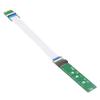
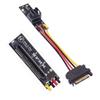
NVME M-Key 22x30mm to 22x80mm NGFF Expansion SSD Upgrade Adapter Compatible with ROG Flow X13 Gaming Laptops If you've just started collecting handheld gaming consoles for your laptop and want to expand your storage, or if you've noticed you're running out of space for your game library, this PCI-Express4.0 x4 adapter allows you to fit a full-fat 2280 M.2 SSD inside your ROG Ally. It's a very simple process and only takes about 20 minutes. Once completed, you can enjoy up to 8TB of space. Compatible with ROG 2021-2023 Flow X13 Gaming 2230 NVME to 2280 NVME extension. It cannot convert NVME to SATA, nor can it convert SATA to NVME. Simply place the new 2280 SSD into the SSD box, clone your system, and replace the original 2230 SSD. The replacement SSD cannot be secured by screw; double-sided tape is required.



 No-delivery refund