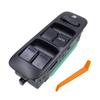
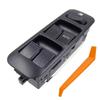
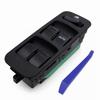
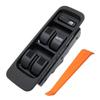
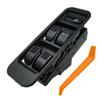
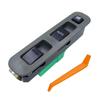
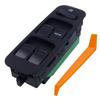
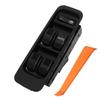
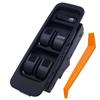
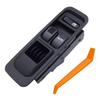
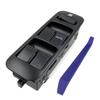
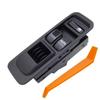
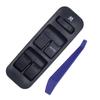
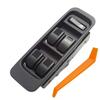
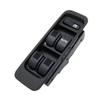
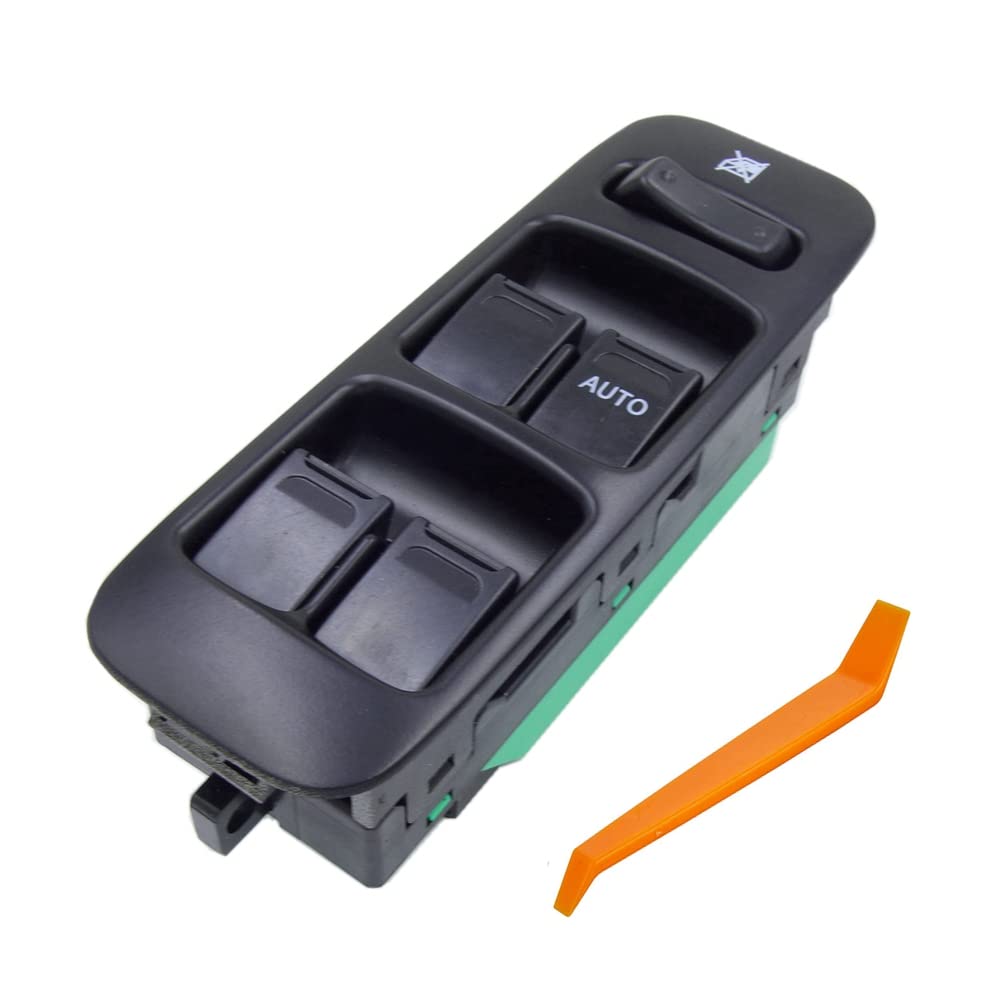
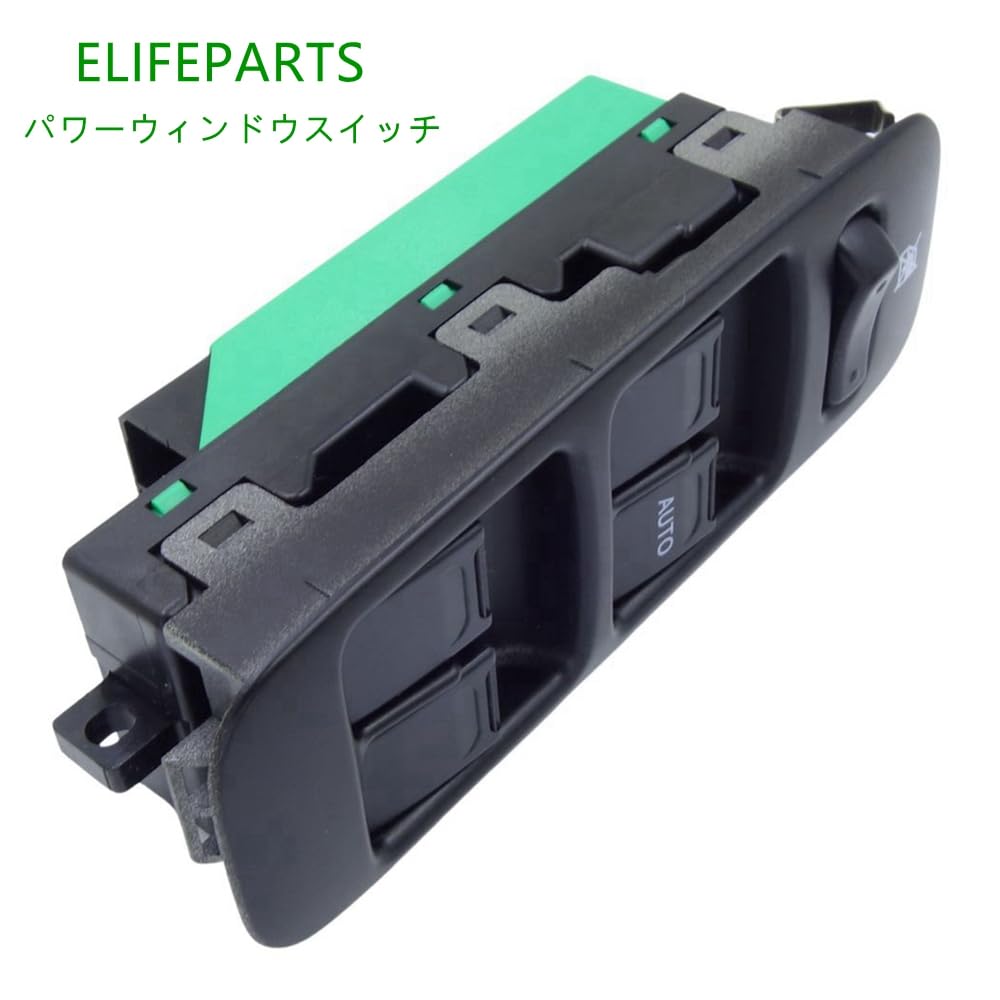
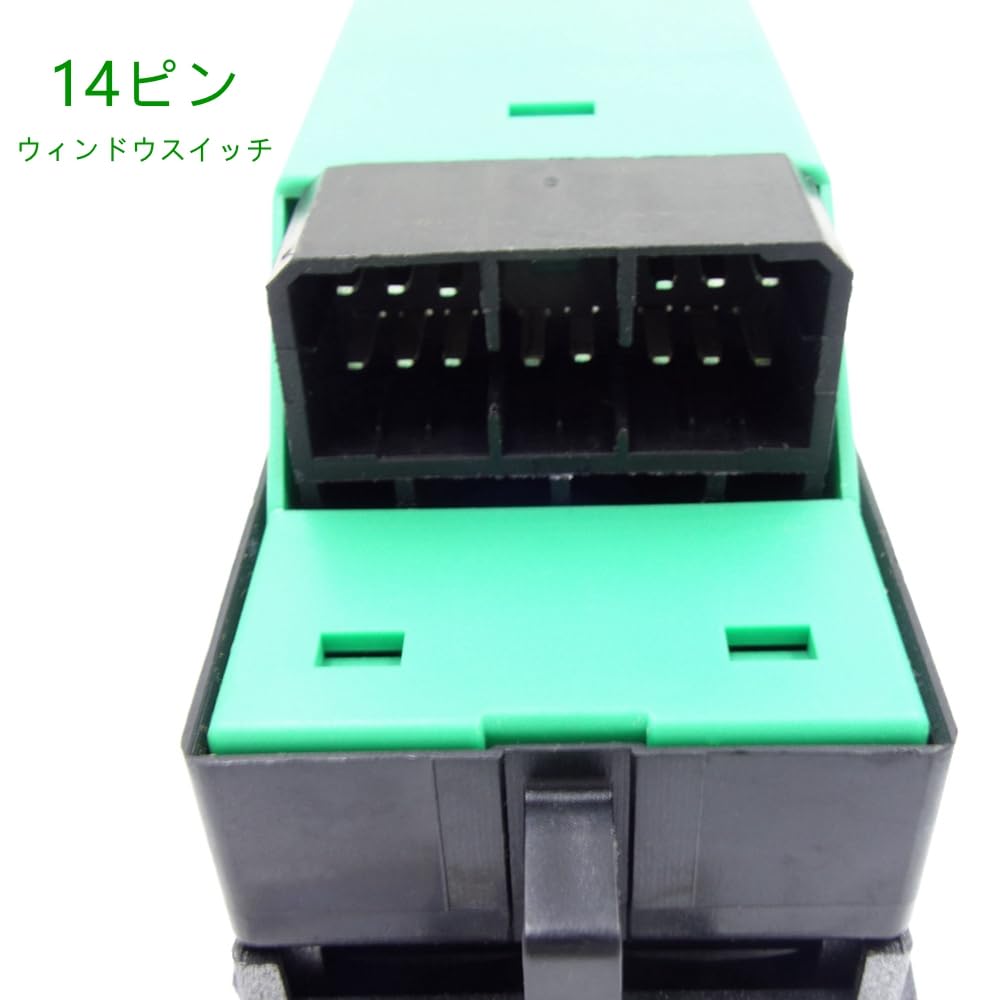
• Location: Driver's side, 14-pin type power window switch.
• The product is an aftermarket product and is intended as a replacement.
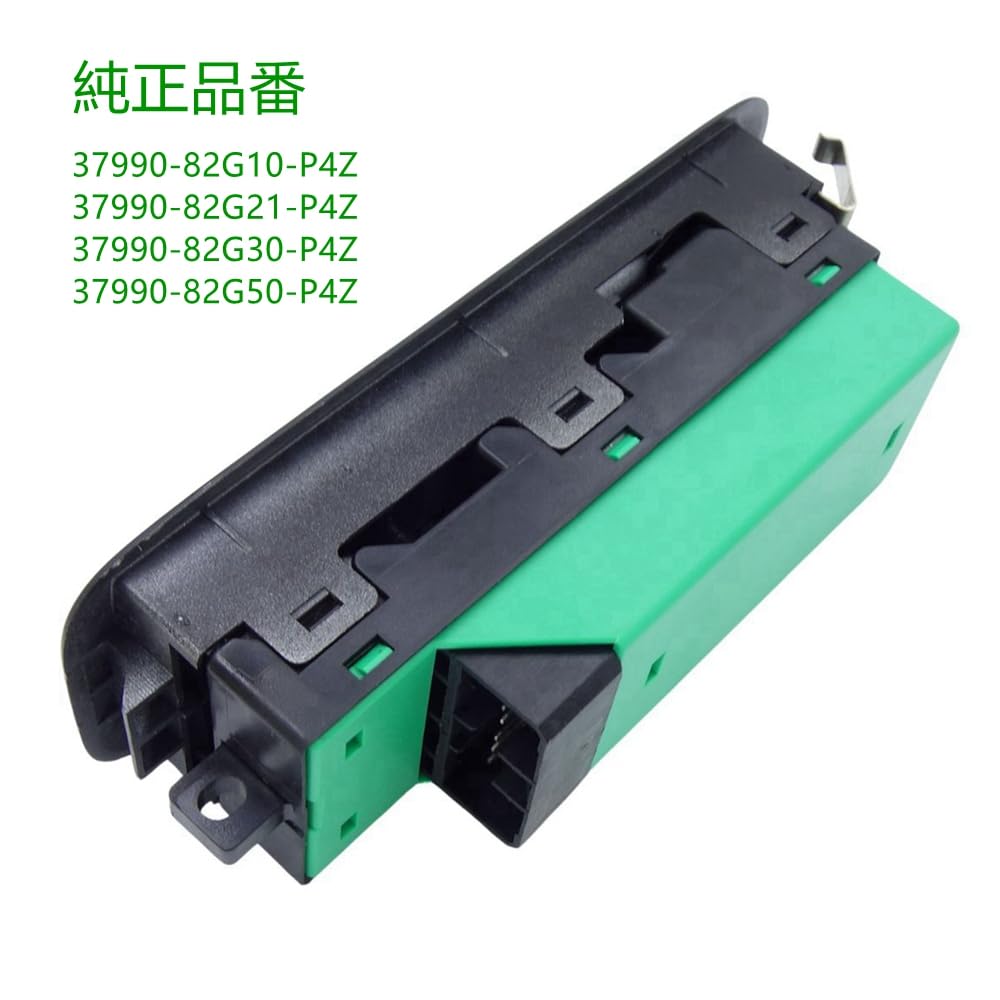
• OE number: 37990-82G00-P4Z/37990-82G10-P4Z/37990-82G21-P4Z 37990-82G30-P4Z/37990-82G50-P4Z
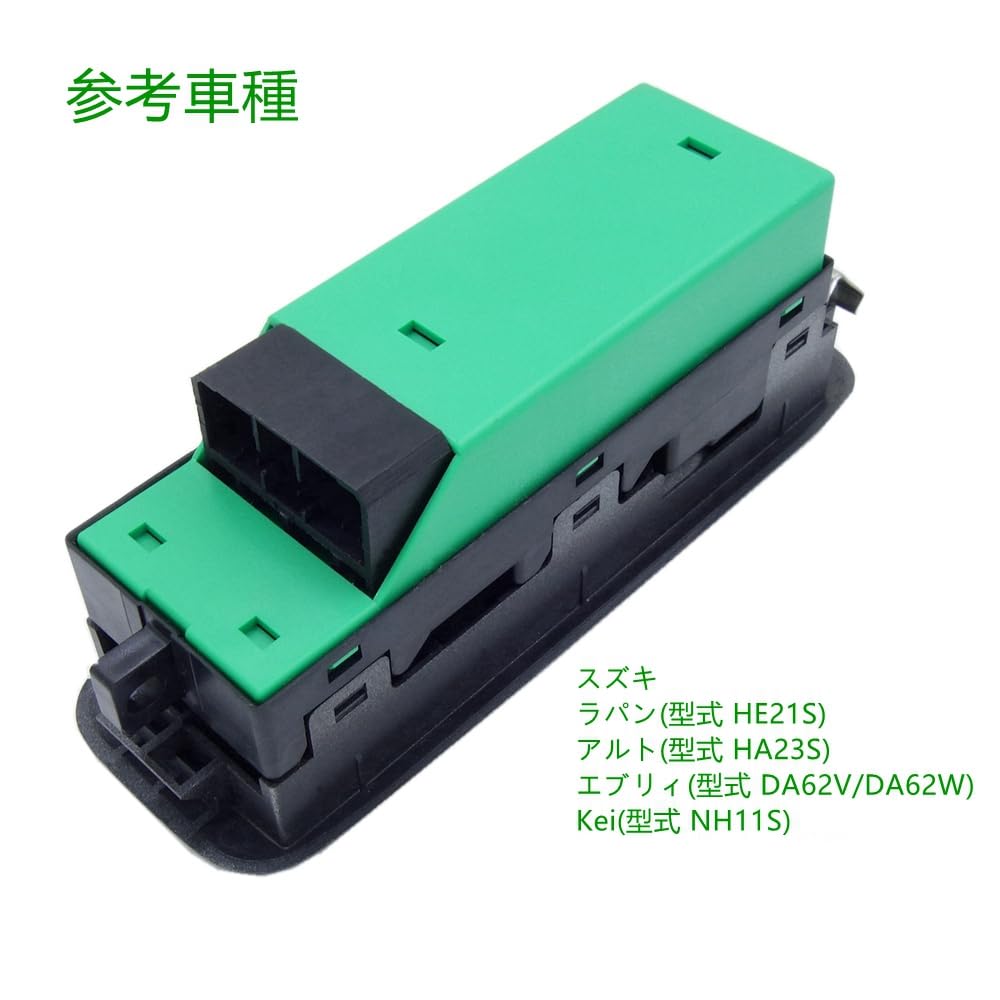
• Compatibility: Lapin (model HE21S), Alto (model HA23S), Every (model DA62V/DA62W), Kei (model NH11S)
• We provide after-sales service as required by Amazon, so if you have any problems, please contact us at any time.
ELIFEPARTS
ELIFEPARTS is a professional auto parts supplier operating on Amazon for over 5 years.
Reference car model
Lapin (model HE21S)
Alto (model HA23S)
Every (model DA62V/DA62W)
Kei (Model NH11S)
OE number
37990-82G00-P4Z
37990-82G10-P4Z
37990-82G21-P4Z
37990-82G30-P4Z
37990-82G50-P4Z
I am having an issue where the window buttons are not working.
If the button on a newly installed switch does not respond, it is possible that the vehicle is still recognizing the old switch. In this case, you must perform the following steps:
Power window initialization learning method
1.Press and hold the front right switch in the downward direction (2nd AUTO) to lower the window completely. After the window is completely lowered, keep pressing for another 5-8 seconds and don't release your hand in the middle. This will enter anti-pinch learning mode.
2.Press and hold the upper switch (2nd AUTO) to fully raise the window. Even after the window is fully raised, keep pressing for 5-8 seconds and don't let go midway. This completes the pinch prevention learning.
If you raise the window automatically after it is completely lowered, and if the window automatically lowers as a reaction after being raised to the top, learning has not been successful, so repeat the above steps.
If there is a problem, please contact ELIFEPARTS.
Once confirmed, we will respond promptly.
Your advice is very important to us, so if you have any suggestions for improvements to your power windows, please contact us at ELIFEPARTS.


 No-delivery refund