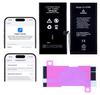
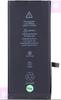
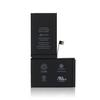
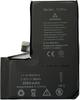
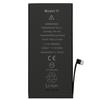
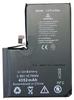
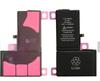
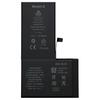
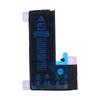
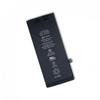
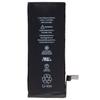
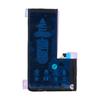
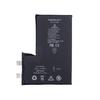
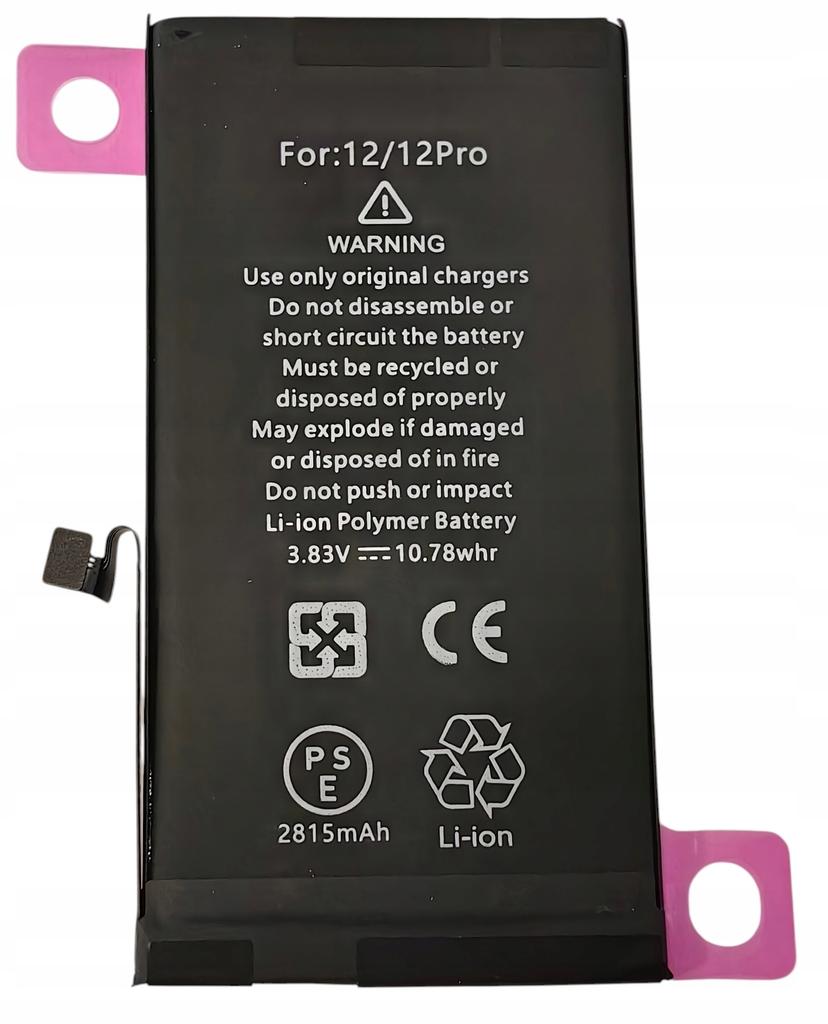
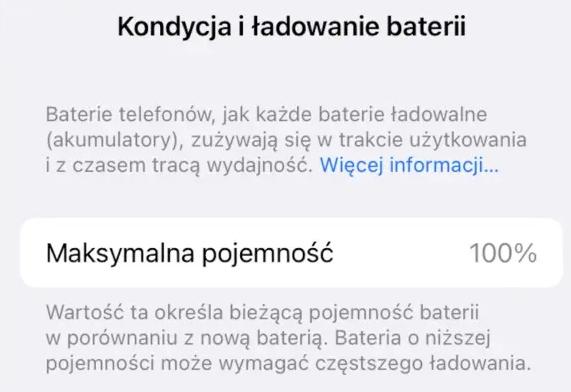
NEW BATTERY WITH ORI BMS FOR IPHONE 12 / 12 PRO NO MESSAGE, CONDITION 100%
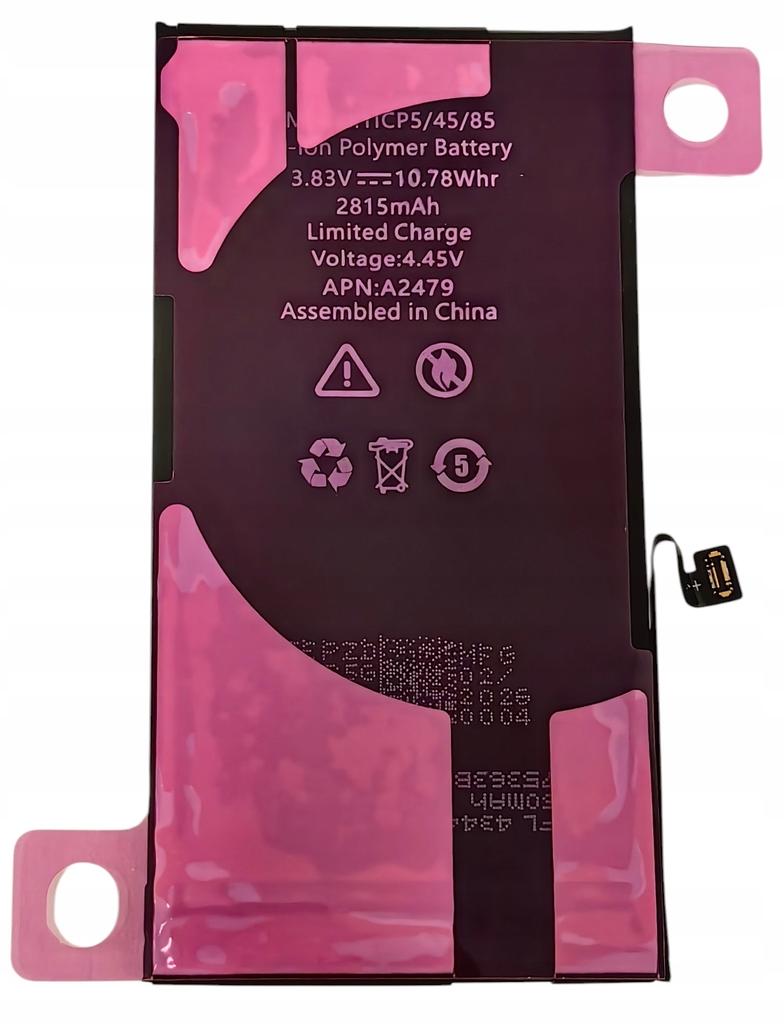
THE BATTERY FITS EVERYONE:Apple iPhone 12 A2406Apple iPhone 12 A2408Apple iPhone 12 A2410Apple iPhone 12 A2407Apple iPhone 12 Pro A2341Apple iPhone 12 Pro A2172Apple iPhone 12 Pro A2402Apple iPhone 12 Pro A2404Apple iPhone 12 Pro A2406Apple iPhone 12 Pro A2403PARAMETERS:Destiny: iPhone 12 / 12 PRO Capacity: 2815mAhCell type: Lithium-ionOriginal BMSState:0 charging cyclesMounting tape / sticker applied to the battery.
Original BMS system:Our battery is equipped with a factory-installed BMS control system – the same one found in the original manufacturer's batteries. Thanks to this, the phone easily recognizes it as an authentic component, which guarantees full compatibility, no messages, stable operation, and safety of use.
The original BMS system is connected to a brand-new cell with zero charging cycles.
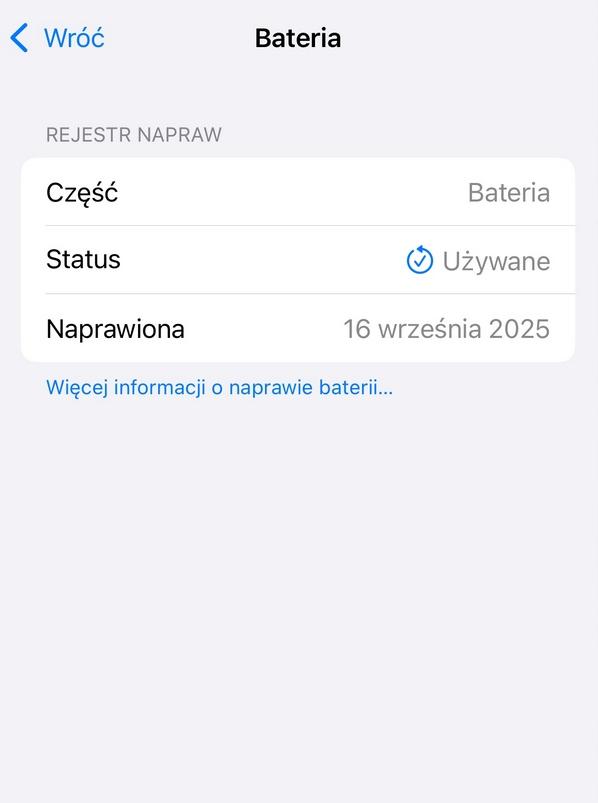
No messages and 100% condition:Thanks to the use of the original BMS system and its professional reprogramming after assembly, the phone does not display messages about a non-original part.. The full battery health is visible in the device settings – 100%. Importantly, the battery is fully prepared for installation, does not require any additional reprogramming, and has an applied adhesive layer.
Battery features:Compatibility with Apple tools – works with Apple Service Toolkit and the native Apple diagnostic system.No “Unknown Part” message – battery health remains visible in iPhone settings.No BMS transplant – the battery is ready to use without transferring data from the original BMS module.Preservation of the serial number (SN) – the iOS system recognizes it as an original/compatible battery. Visible battery status – battery health information remains available and works like in the original battery.
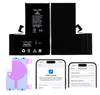
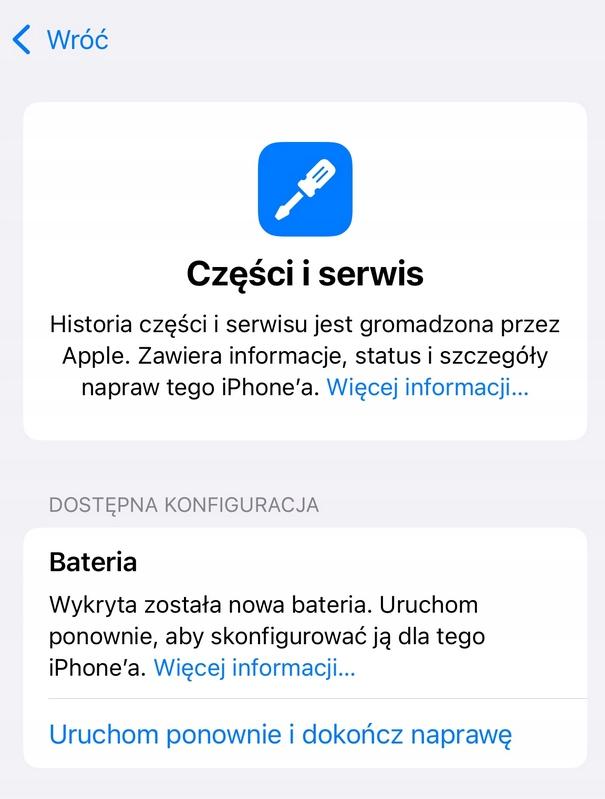
After assembly, a short part assignment procedure is required in the phone settings:In the settings, you will see the message "A new battery has been detected" then you should select "Restart and finish repair" - if not, proceed to the next stepsEnsure you have an internet connection and the latest version of iOSGo to:Settings → General → This Device. In the Parts and Service History section, click the configuration message with the battery icon. Follow the on-screen instructions to complete the process.


 No-delivery refund