Features:
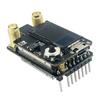
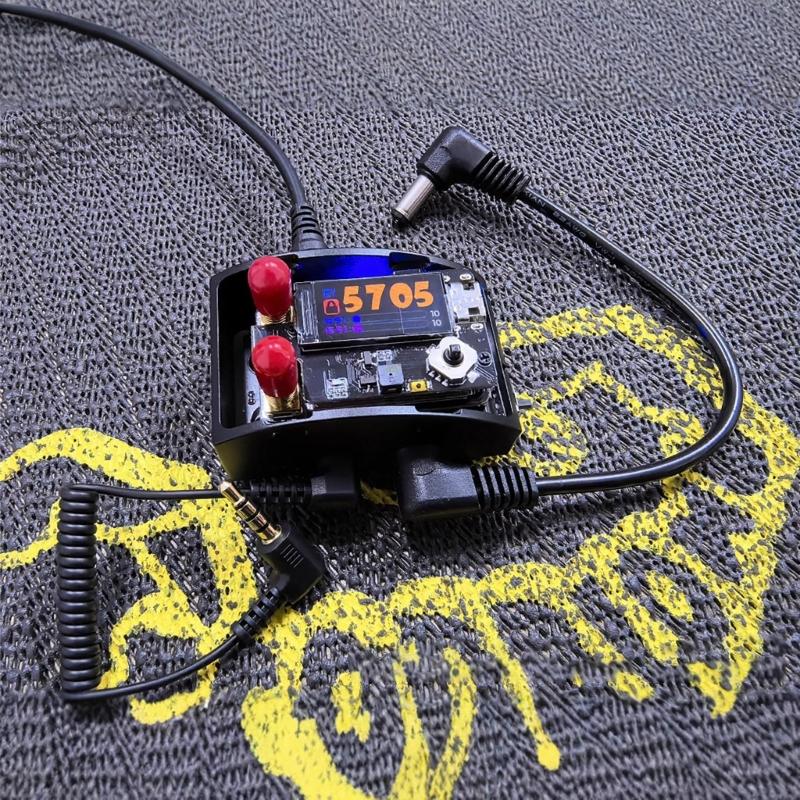
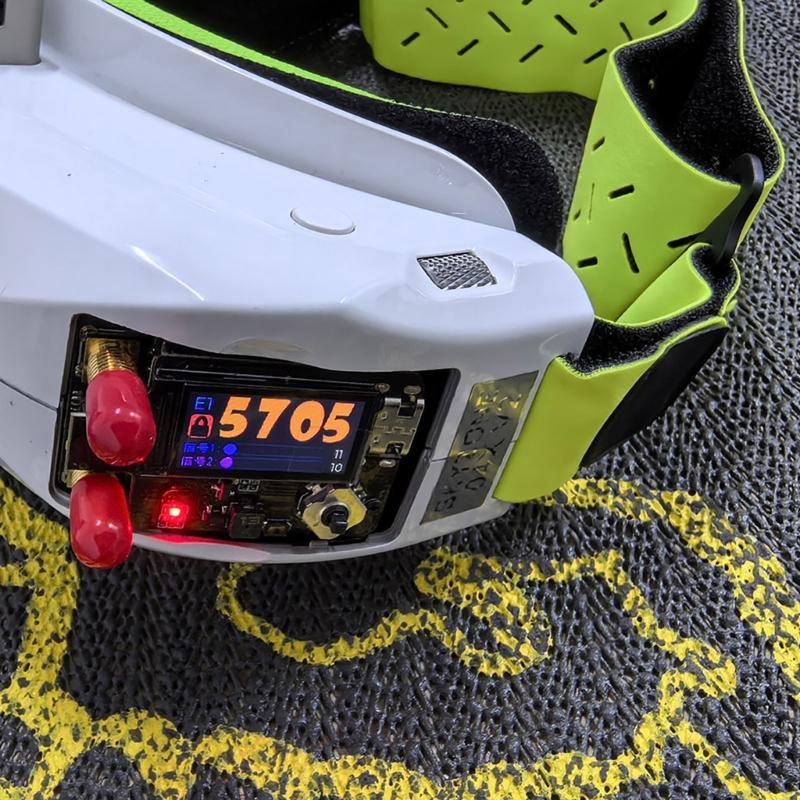
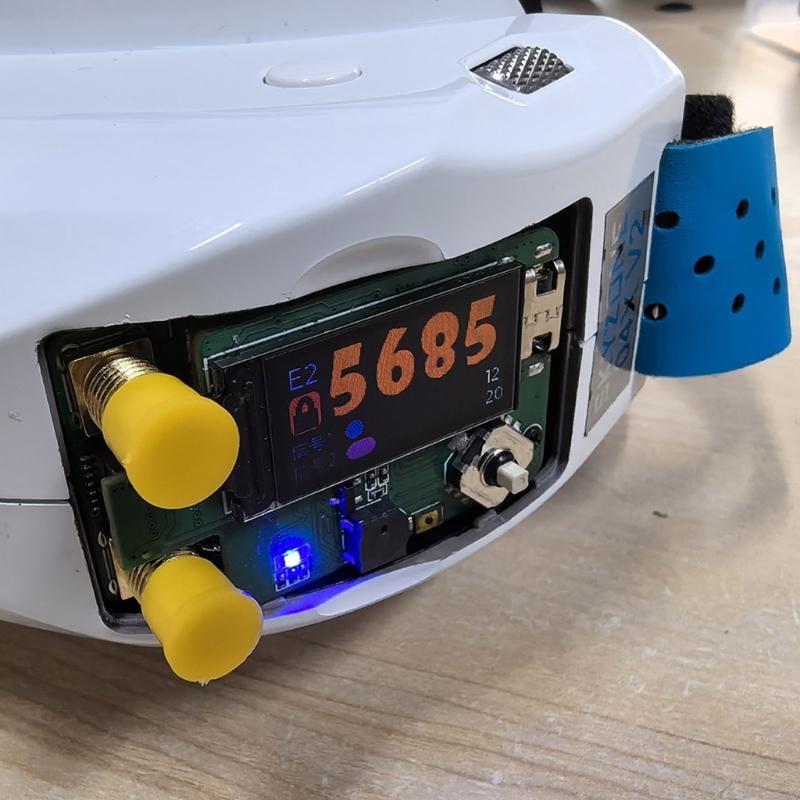
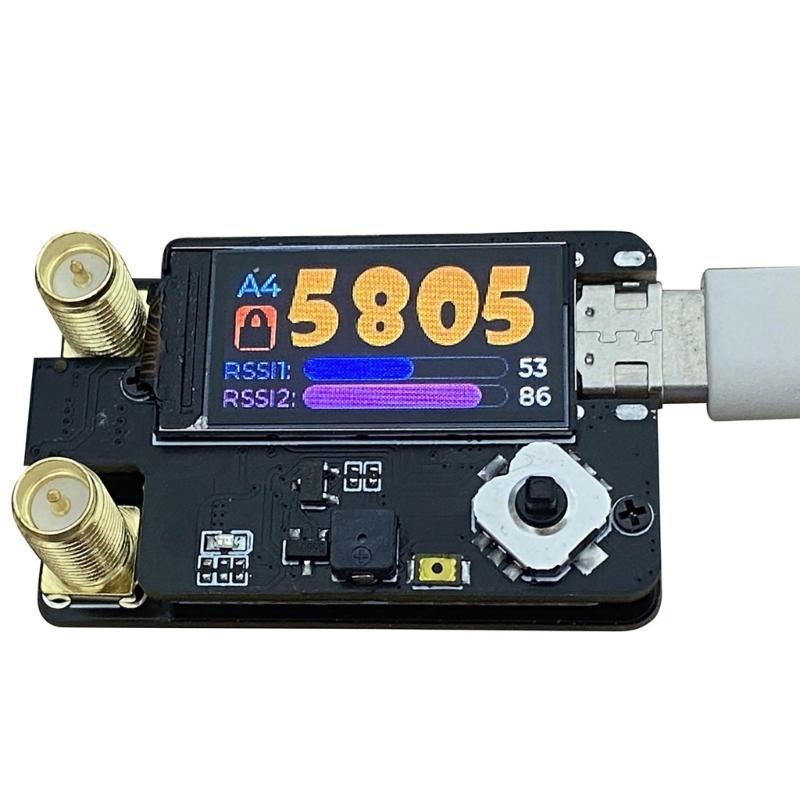
On main interfaces, long press the OK button to lock/unlocking the manual channel, and short press to enter the menu; when unlocking, press up, down, left, and right to adjust the frequency
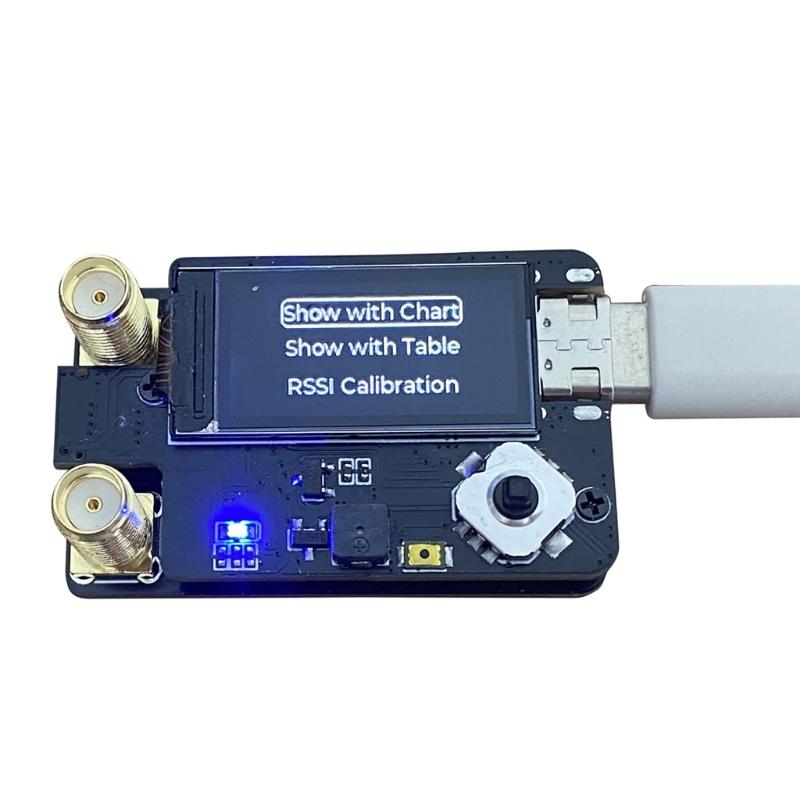
The menu interfaces is divided into three parts: receiver, setting, and about.
Use the up and down key to switching menu option, the OK key to enter the submenu, and the left key to return to main interfaces
The receiver menu have three sub-content.
The spectrum scan displays signal strength of the frequency 5.3G-5.9G or 4.9G-6.1G.
The spectrum scan display will display the channel signal strength in different color charts.
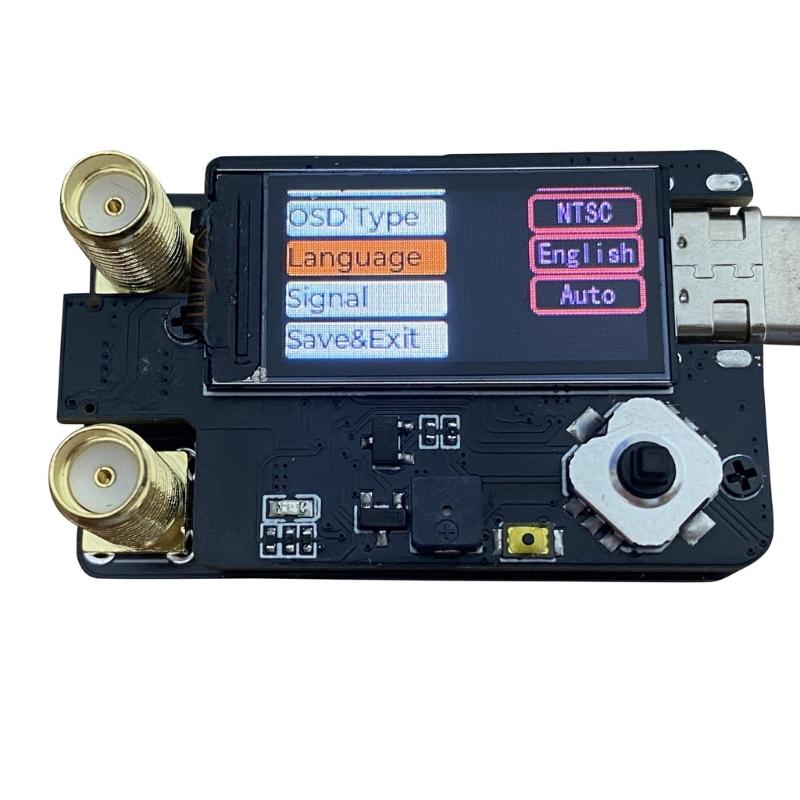
Channel scanning is used for automatic frequency search. After the scan is completed, the frequency switches to the channel with the best current signal strength and is displayed in the upper right corner.Signal calibration is used to calibrates RSSI. Failure to turn on the picture transmission will cause the calibration to fail, and the result will be saved if successful.The setting interfaces can set the display backlights intensity, fan speed, startup animations, whether the buzzers is turned on, OSD format, system language, and output signal source.Firmware can be upgraded through TYPE C USB interfaces
Specifications:
Component:Metal
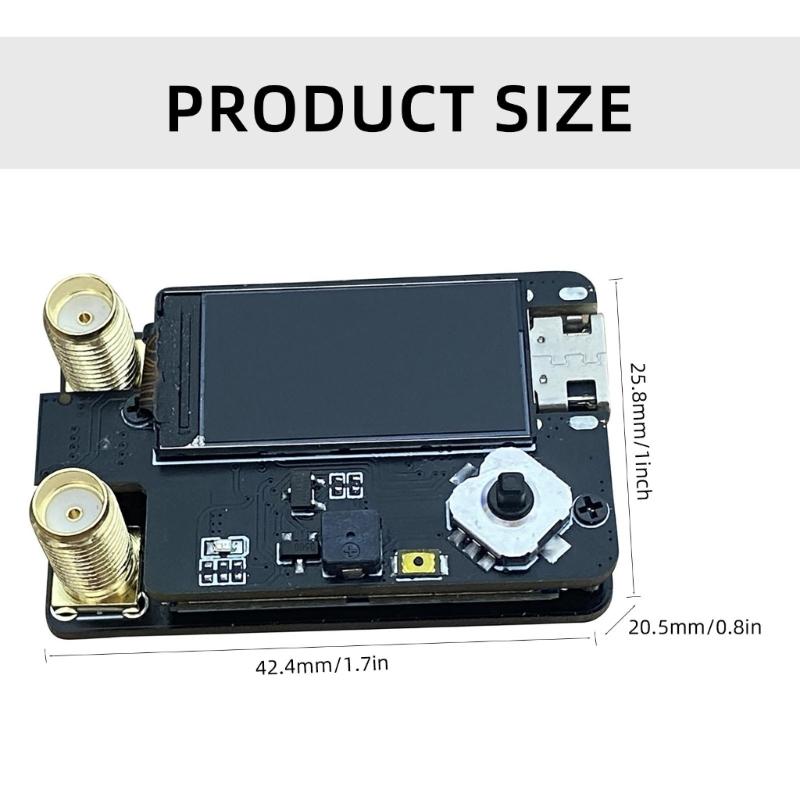
Size:Approx.42.4x25.8x20.5mm/1.67x1.02x0.81inch;
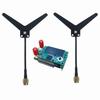
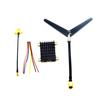
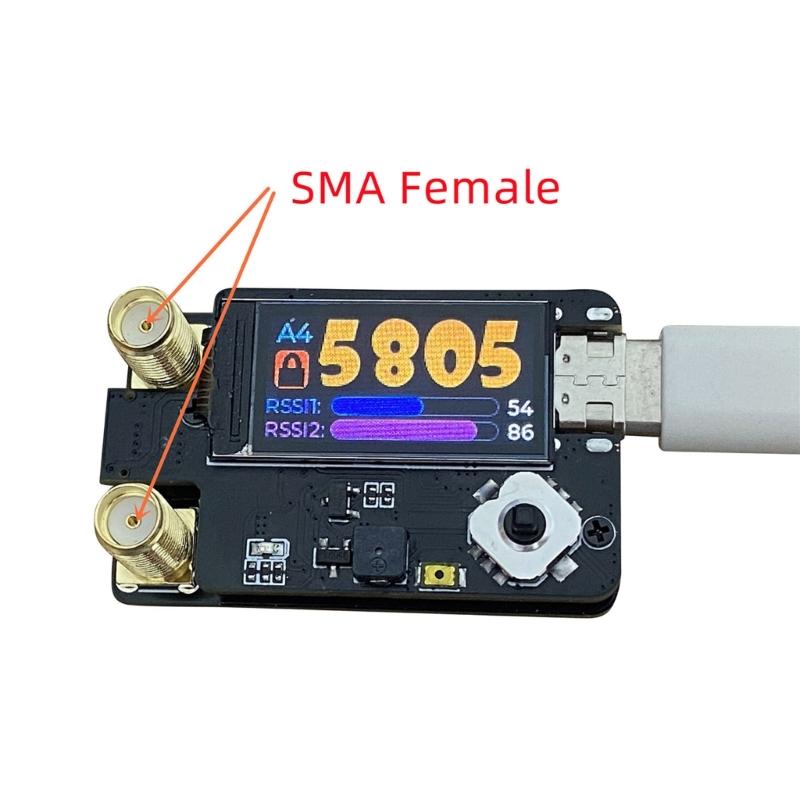
Option Type;1pc rx5808 5.8g Plus Double Antennas Receiver Module(rp Sma Female Connectors );1pc Rx5808 5.8g Plus Double Antennas Receiver Module(sma Female Connectors)
Package Includes:
Package A
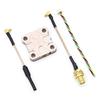
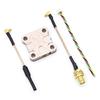
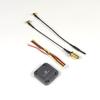
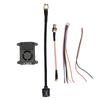
1pc rx5808 5.8g Plus Double Antennas Receiver Module(rp Sma Female Connecting )
Package B
1pc Rx5808 5.8g Plus Double Antennas Receiver Module(sma Female Connecting )
note:
Please allow 1mm errors due to manual measurement.
Due to the differences between different monitors, the picture may not reflect the actual item color.








 No-delivery refund